Texto original em inglês. Visite o GitHub para a versão atual.
Card Selector
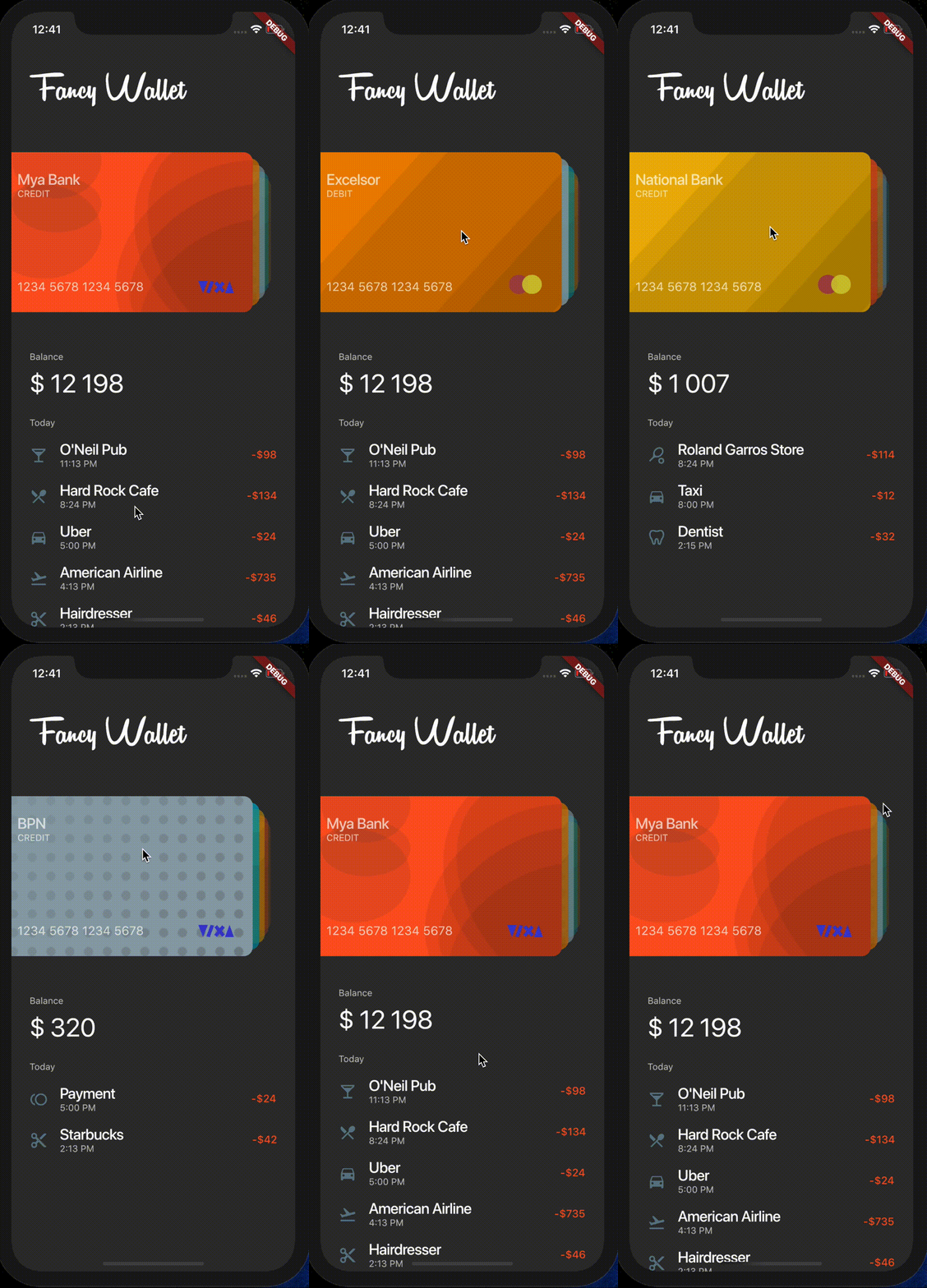
Widget selector for Flutter using stack. An example is available on this repo .
Getting Started
Installation
dependencies:
  card_selector: ^0.1.0
Import the library
import 'package:flutter_card_selector/flutter_card_selector.dart' ;
Add the widget
const list = ["1" , "2" , "3" , "4" , "5" ];
const colors = [Colors .blue, Colors .grey, Colors .red, Colors .cyan, Colors .amber];
class Home extends StatelessWidget @override
Widget build (BuildContext context) {
List <Widget > widgets = [];
for (int i = 0 ; i < 5 ; i++) {
widgets.add (Container (
color: colors[i],
child: Center (
child: Text (
list[i],
style: Theme .of (context).textTheme.title,
)),
));
}
return Padding (
padding: EdgeInsets .only (top: 80.0 ),
child: CardSelector (
cards: widgets,
mainCardWidth: 240 ,
mainCardHeight: 150 ,
mainCardPadding: -32 ,
cardAnimationDurationMs: 200 ,
cardsGap: 24.0 ,
dropTargetWidth: 8.0 ,
),
);
}
}
Example