 v11.6.0
flutter_quill
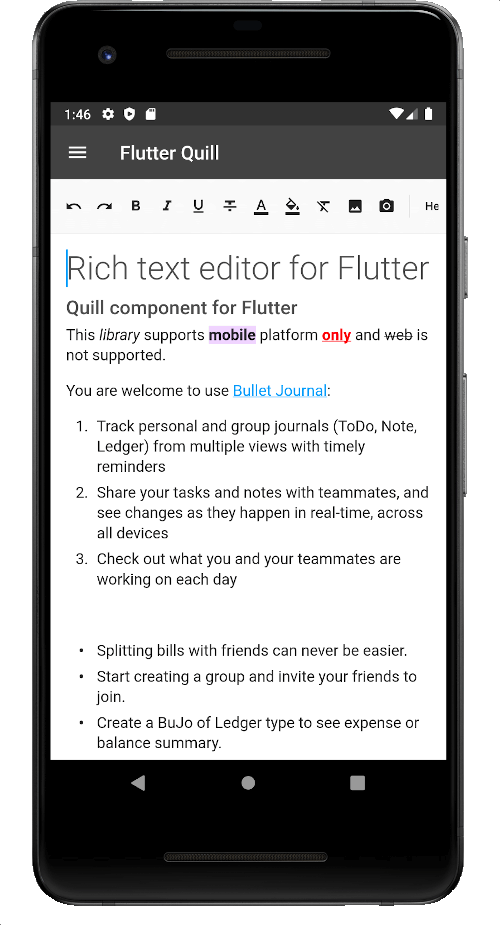
Um editor de texto rico construído para plataformas Android, iOS, Web e desktop. É um editor WYSIWYG e um componente Quill para Flutter.
2,2 milCurtidas 320 milDownloads em 30 dias150Pontos Pub
AndroidiOSmacOSWindowsLinux
O Virlow Flutter Recorder é um aplicativo de código aberto em Flutter que pode transcrever áudio gravado, além de incluir resumos (TL;DR) e anotações rápidas para sua transcrição. Ele também possui um editor de texto rico que permite editar a transcrição e adicionar quaisquer notas adicionais que você precisar.

Texto original em inglês. Visite o GitHub para a versão atual.
Version 2.2.0-beta
The Virlow Flutter Recorder is an open-source Flutter application that can transcribe recorded audio, plus it includes TL;DR and Short Hand Notes for your transcription. It also consists of a rich text editor that allows you to edit the transcription plus add any additional notes you require.
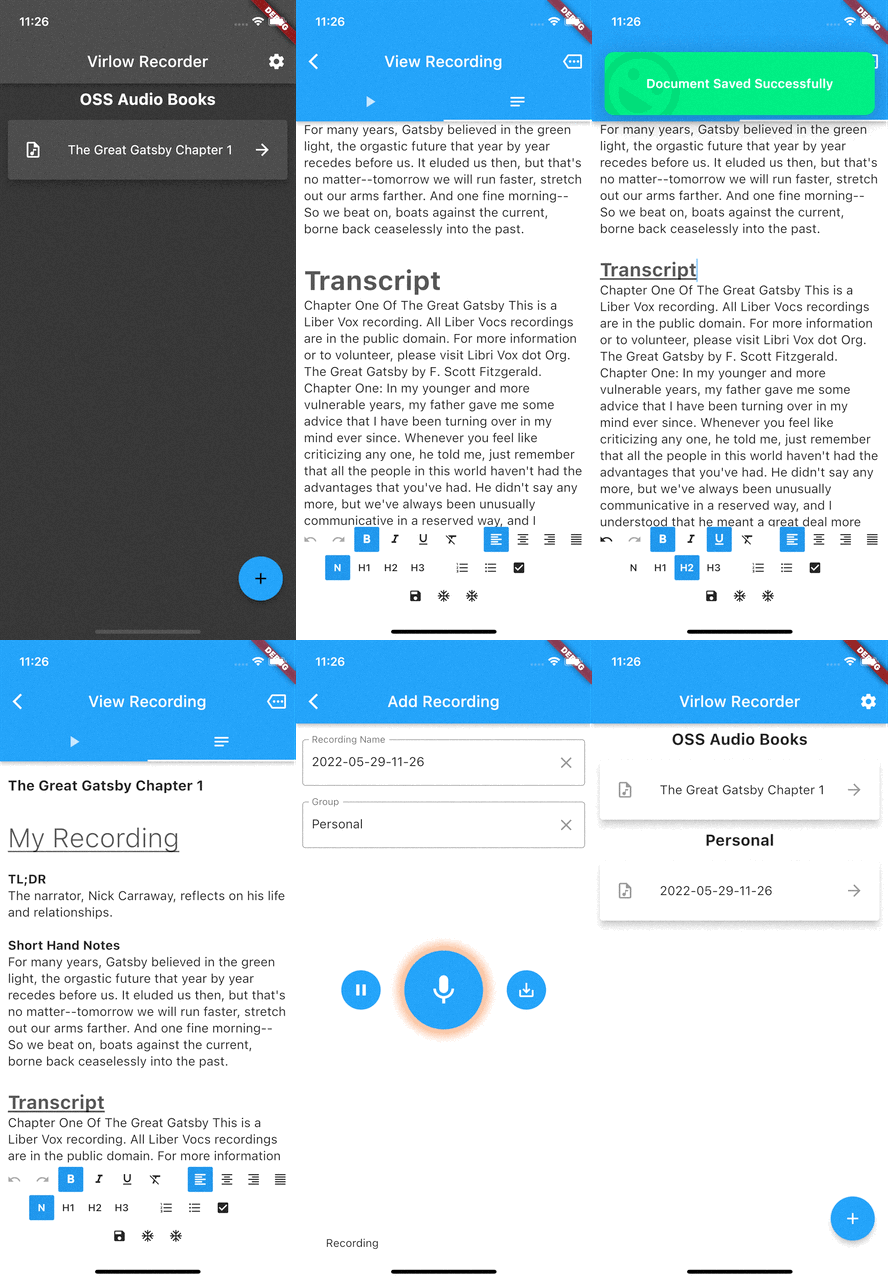
The Virlow Flutter Recorder leverages the Virlow Speech-to-Text API for transcription as well as TL;DR and Short Hand Notes. The Virlow API can automatically convert audio/video files and live audio streams to text with Virlow’s Speech-to-Text APIs. Powered by cutting edge AI models.
Find instructions for setting up your development machine with the Flutter framework on Flutter’s Get started page. The specific steps vary by platform
This project uses the Virlow Speech-to-Text API. You will need to register and generate an API key to use this within your own project.
To run your project, you’ll need to use one of the following options:
Clone this repository.
Update the assets/cfg/app_settings.json with your Virlow API key.
Run flutter pub get.
In VS Code select a platform — for example, the Pixel mobile emulator — and wait while the emulator launches.
Once the emulator is ready, build and run by pressing F5, by selecting Debug ▸ Start Debugging from the menu or by clicking the triangular Play icon in the top right.
Um editor de texto rico construído para plataformas Android, iOS, Web e desktop. É um editor WYSIWYG e um componente Quill para Flutter.
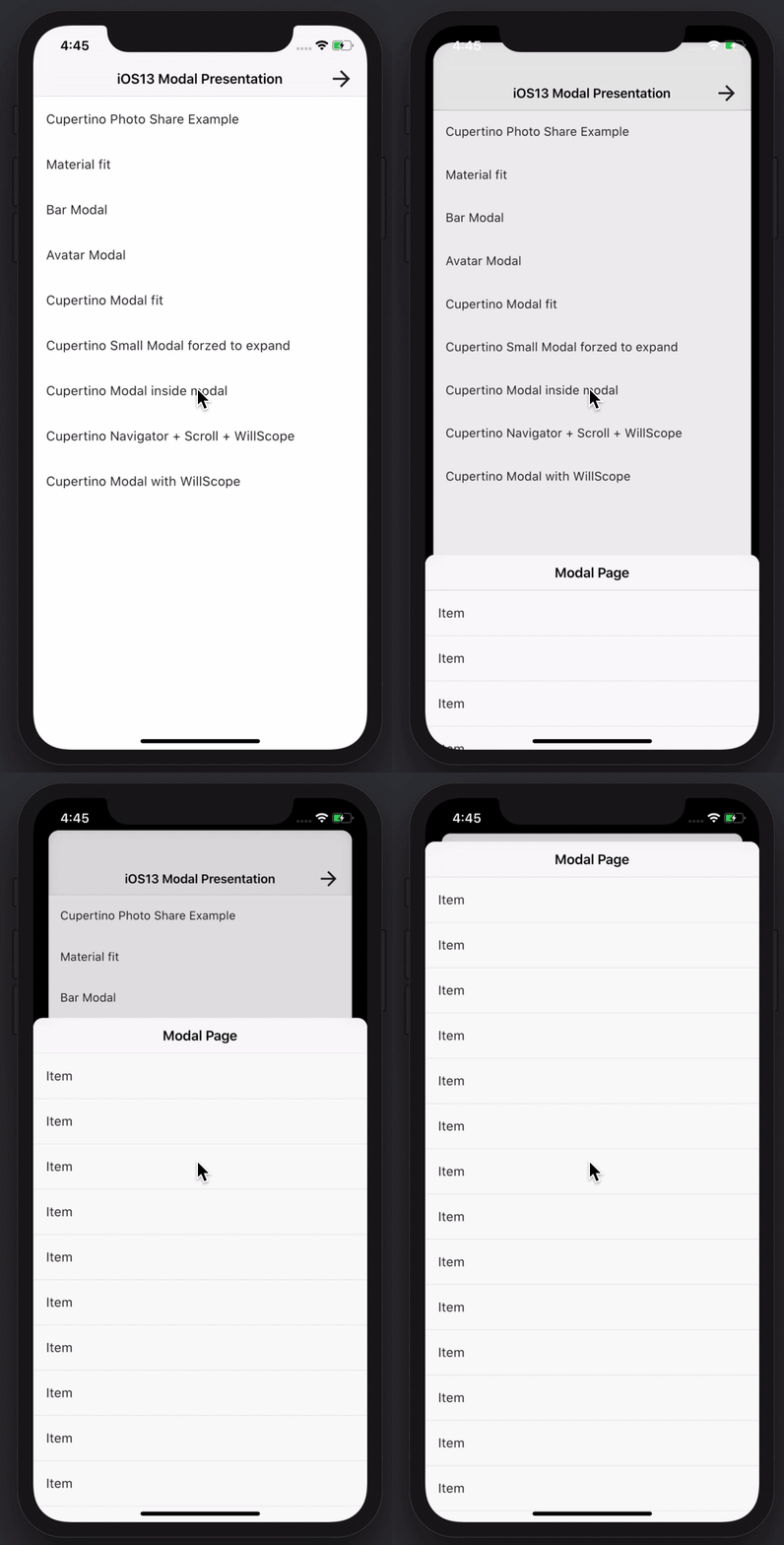
Crie folhetos inferiores modais incríveis e poderosos. Material, Cupertino iOS 13 ou crie seu próprio estilo
O plug-in da categoria de API do Amplify Flutter, com suporte a operações GraphQL e REST.
O plug-in de categoria Auth do Amplify Flutter usando o provedor AWS Cognito.
Uma experiência pré-construída de login e cadastro para a categoria Amplify Auth
O pacote Flutter de nível superior para as bibliotecas AWS Amplify.
Uma API completa para reprodução e gravação de áudio. Membro da família Tau. Player de áudio, gravador de áudio. Ore pela Ucrânia.
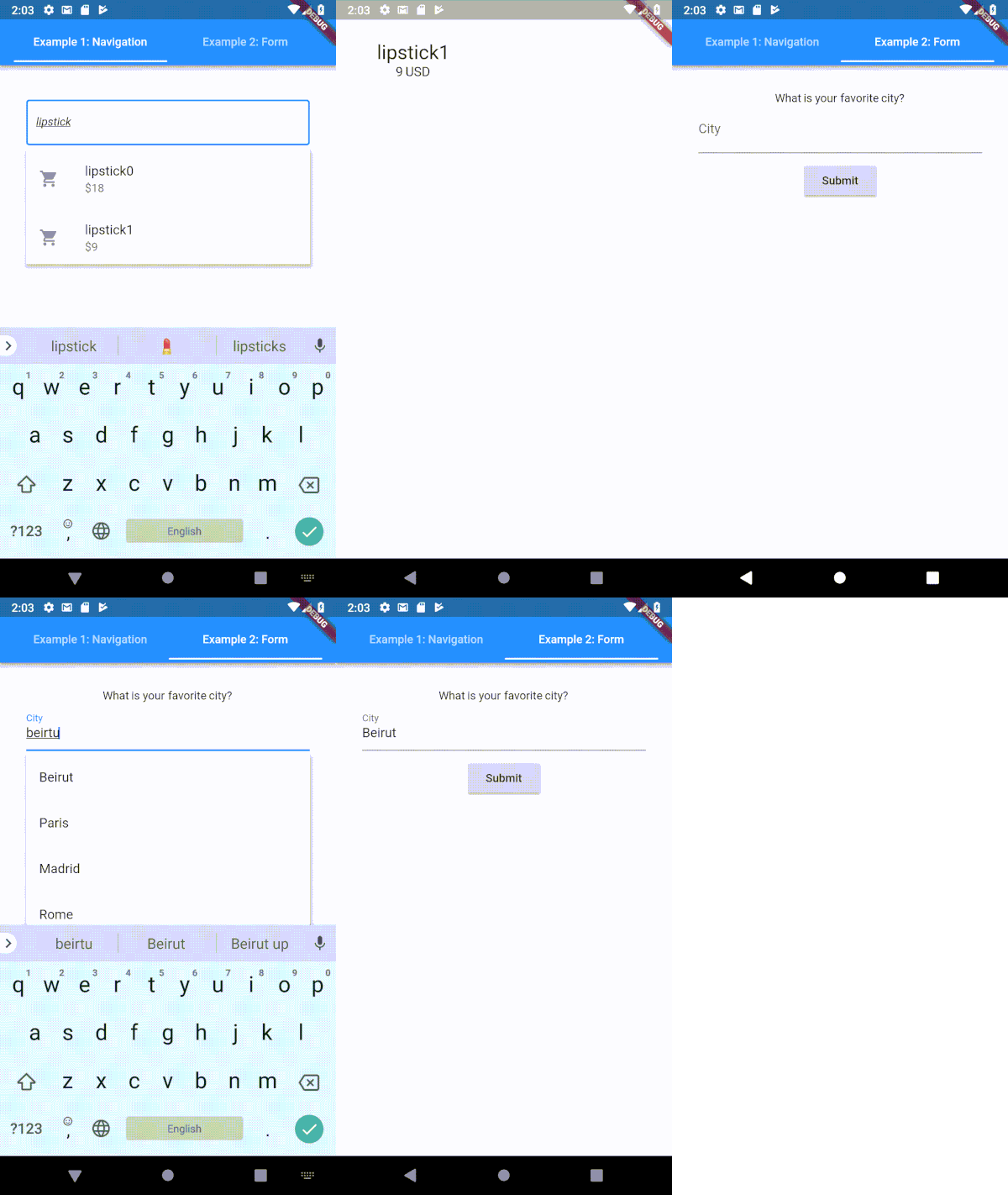
Um campo de entrada de texto tipoahead (autocompletar) altamente personalizável para Flutter
Porta do socket.io-client para Dartlang para web, flutter, dartvm
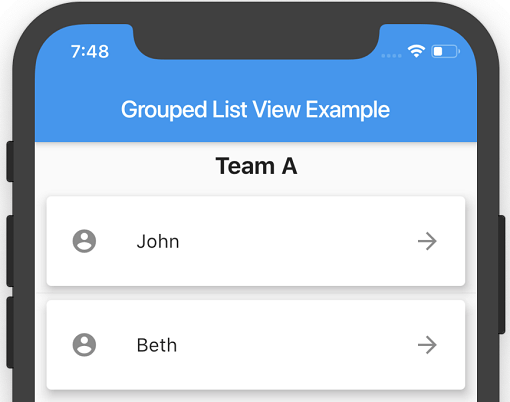
Uma ListView do Flutter onde os itens da lista podem ser agrupados em seções.
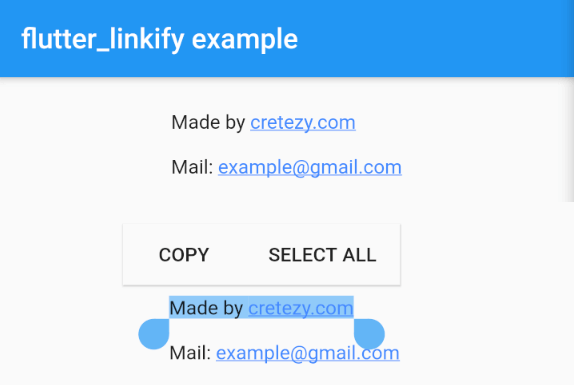
Transforma URLs e emails em links clicáveis inline no texto para o Flutter.
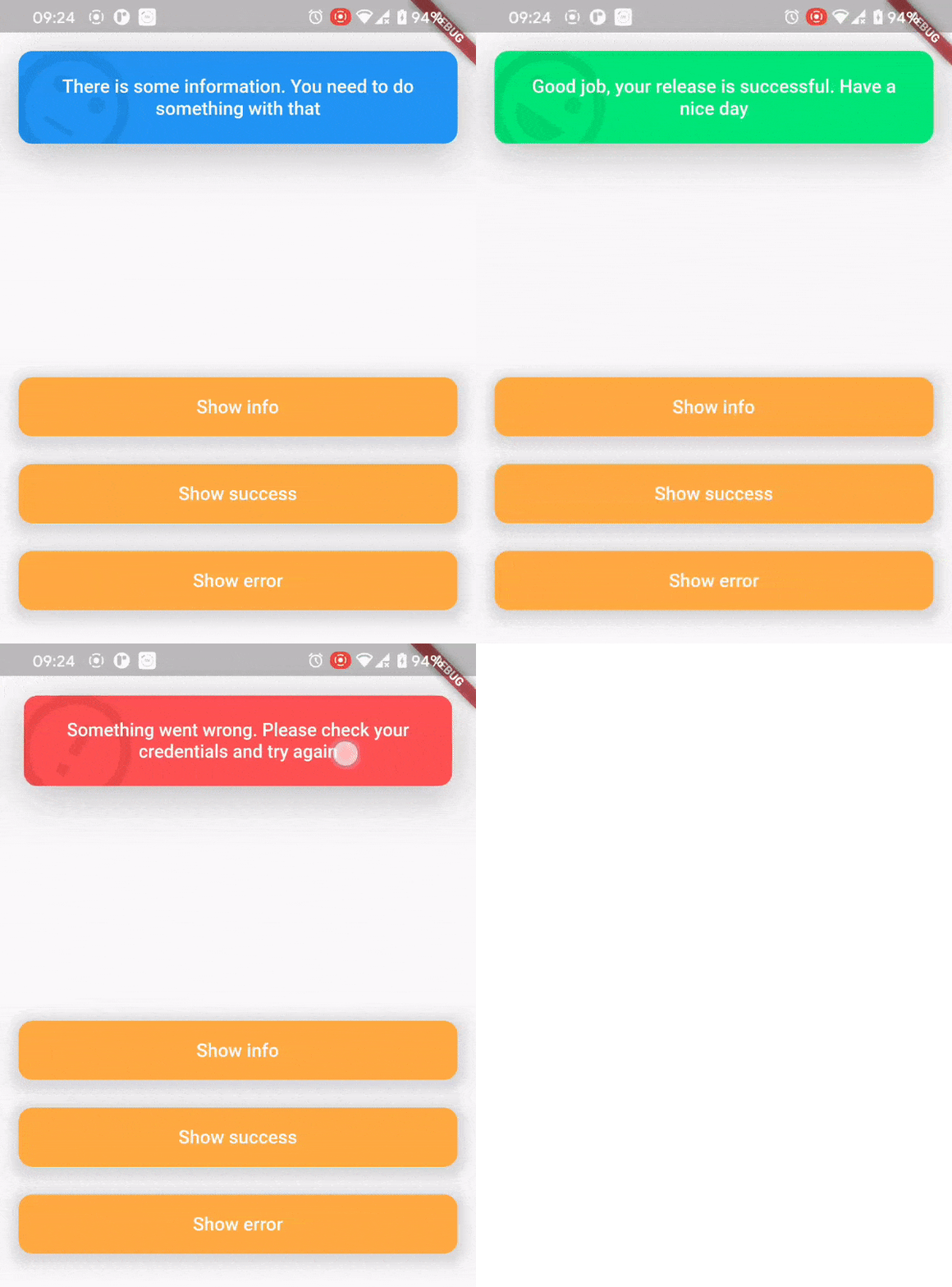
O pacote de snack bar superior foi criado para uma maneira agradável e conveniente de informar os usuários sobre o que aconteceu.
Lista de dependências 30 itens
^0.1.6+1{"sdk":"flutter"}^1.0.4^5.0.2^2.0.0^5.0.3^2.0.0^9.2.13^4.0.0^5.1.1^2.2.1^1.1.0^0.13.4^0.17.0^0.9.21^2.0.1^9.2.0^2.0.0-beta.4-nullsafety.0^1.1.1^6.1.2^3.0.6^0.27.3{"git":{"url":"https://github.com/virlow-voice/flutter-sound-stream"}}^0.6.0^0.6.0^0.2.0^0.6.0^2.1.0{"sdk":"flutter"}^2.0.1Filtre pelo caso de uso, compare a atividade e confira o projeto original antes de adotá-lo.
“A repository is the most basic element of GitHub.”
GitHub Docs — About repositories ↗