
 v4.0.0
image_picker_web
Flutter Web 插件,用於選擇圖片(作為 Widget、File 或 Uint8List)和影片(作為 File 或 Uint8List)
160喜歡 2.5萬近 30 天下載140Pub 分數
Web
一個選擇器,可讓您從您的 Flutter Web 應用中選擇圖片和影片
以下為英文專案原文快照,最新內容請造訪 GitHub。



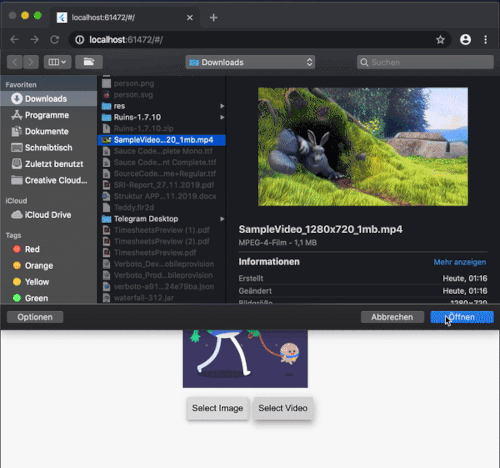
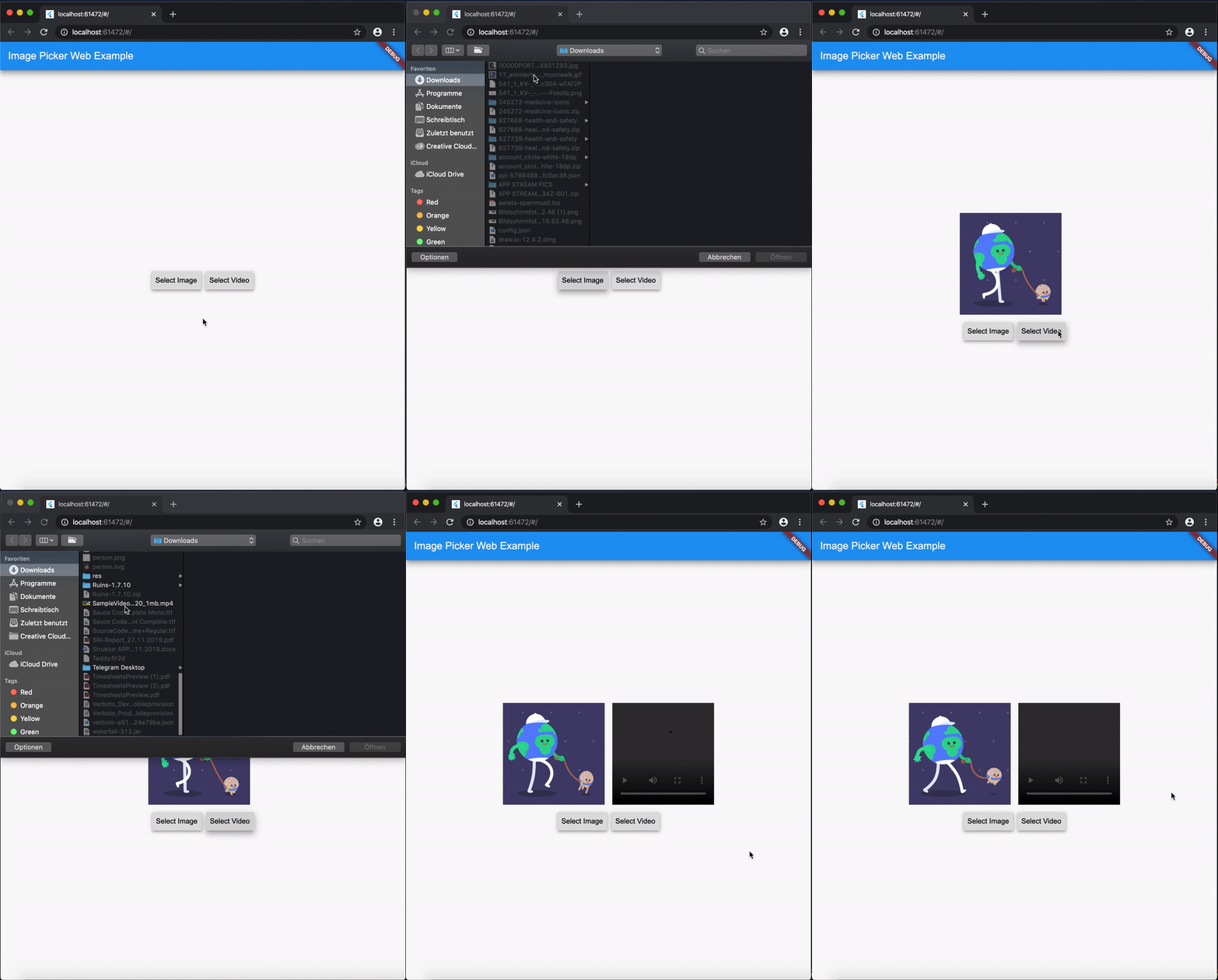
This Web-Plugin allows Flutter Web to pick images (as File, Widget or Uint8List) and videos (as File or Uint8List). Many thanks goes to AlvaroVasconcelos for the implementation of picking images in his plugin: flutter_web_image_picker
Add image_picker_web to your pubspec.yaml:
image_picker_web: any
Load image as Image.memory Widget:
Image? fromPicker = await ImagePickerWeb.getImageAsWidget();
Load image as bytes:
Uint8List? bytesFromPicker = await ImagePickerWeb.getImageAsBytes();
Load image as and html.File object :
html.File? imageFile = (await ImagePickerWeb.getMultiImagesAsFile())?[0];
Load images as a List<Image> :
List<Image>? fromPicker = await ImagePickerWeb.getMultiImagesAsWidget();
Load images as bytes :
List<Uint8List>? bytesFromPicker = await ImagePickerWeb.getMultiImagesAsBytes();
Load images as List<html.File> objects :
List<html.File> imageFiles = await ImagePickerWeb.getMultiImagesAsFile();
Besides the standard getImage() or getVideo() methods you can use the getters:
getImageInfo orgetVideoInfo to acheive this.Full Example
import 'dart:html' as html;

import 'package:mime_type/mime_type.dart';
import 'package:path/path.dart' as Path;
import 'package:image_picker_web/image_picker_web.dart';
import 'package:flutter/material.dart';

 html.File _cloudFile;
 var _fileBytes;
 Image _imageWidget;

 Future<void> getMultipleImageInfos() async {
    var mediaData = await ImagePickerWeb.getImageInfo;
    String mimeType = mime(Path.basename(mediaData.fileName));
    html.File mediaFile =
        new html.File(mediaData.data, mediaData.fileName, {'type': mimeType});

    if (mediaFile != null) {
      setState(() {
        _cloudFile = mediaFile;
        _fileBytes = mediaData.data;
        _imageWidget = Image.memory(mediaData.data);
      });
    }
  }
With getMultipleImageInfos() you can get all three available types in one call.
To load a video as html.File do:
html.File? videoFile = await ImagePickerWeb.getVideoAsFile();
To load a video as Uint8List do:
Uint8List? videoData = await ImagePickerWeb.getVideoAsBytes();
Reminder: Don't use Uint8List retreivement for big video files! Flutter can't handle that. Pick bigger sized videos and high-resolution videos as html.File !
After you uploaded your video somewhere hosted, you can retreive the network url to play it.
getVideoInfo and getImageInfo are also available and you can use them to retreive further informations about your picked source.Load videos as bytes:
List<Uint8List>? videos = ImagePickerWeb.getMultiVideosAsBytes();
Load videos as List<html.File> objects :
List<html.File>? videoFiles = await ImagePickerWeb.getMultiVideosAsFile();
WebImagePicker class has been removed. Use methods from ImagePickerWeb class instead.getImageInfo and getVideoInfo are now methods and not getters. Use them like ImagePickerWeb.getImageInfo() and ImagePickerWeb.getVideoInfo().
依賴清單 6 項
{"sdk":"flutter"}{"sdk":"flutter"}>=0.5.1^0.5.0^2.1.0{"sdk":"flutter"}先依使用情境篩選,再比較專案活躍情況,最後到原始儲存庫確認使用要求。
“A repository is the most basic element of GitHub.”
GitHub Docs — About repositories ↗