搜尋套件、儲存庫與 APP 分類

image_picker_web 封面
套件詳情v4.0.0

image_picker_web

Flutter Web 插件,用於選擇圖片(作為 Widget、File 或 Uint8List)和影片(作為 File 或 Uint8List)

Web
近 30 天下載
1.8萬
喜歡數
160
Pub 分數
140

安裝套件

flutter pub add image_picker_web

套件介紹

根據套件公開資料產生的選型評估,僅供參考。

一個 Flutter web 插件,允許使用者直接從網頁瀏覽器中選擇圖片和影片。它提供彈性的輸出選項,可將所選媒體回傳為 Widget、File 或 Uint8List,以順暢整合至 Web 應用程式中。專為 Web 平台設計,透過支援原生檔案選擇並實現最少設定來提升使用者體驗。此插件由社群貢獻者維護,並支援現代 Web 標準。非常適合需要在瀏覽器環境中進行媒體上傳或預覽的應用。

適用情境

  • 基於網路的照片上傳表單
  • 用於內容創作的影片選擇
  • 上傳前的媒體預覽
  • 使用者個人檔案圖片自訂
  • 互動式網路畫廊

主要特色

  • 支援圖像和影片選擇
  • 返回媒體作為 File 或 Uint8List
  • 提供小部件預覽選項
  • 針對網路平台優化
  • 與 Flutter Web 的簡單整合

適合對象

  • Flutter 開發人員建構 Web 應用
  • 需要瀏覽器媒體輸入的應用程式
  • 需要輕量級媒體選擇器的項目
  • 僅限網路的應用程式與媒體工作流程
  • 尋求跨平台一致性的開發者

使用建議

  • 僅限網頁平台
  • 需要瀏覽器權限以存取檔案
  • 不支援在網頁上進行攝像頭捕獲
  • 在不同瀏覽器中可能表現出不同的行為
  • 依賴外部 GitHub 倉庫以取得更新

原始 README

以下為關聯原始碼儲存庫的 README 原文快照,最新內容請造訪原始碼儲存庫。

ImagePickerWeb

Issues Stars Pub Version Flutter Web CI

This Web-Plugin allows Flutter Web to pick images (as File, Widget or Uint8List) and videos (as File or Uint8List). Many thanks goes to AlvaroVasconcelos for the implementation of picking images in his plugin: flutter_web_image_picker

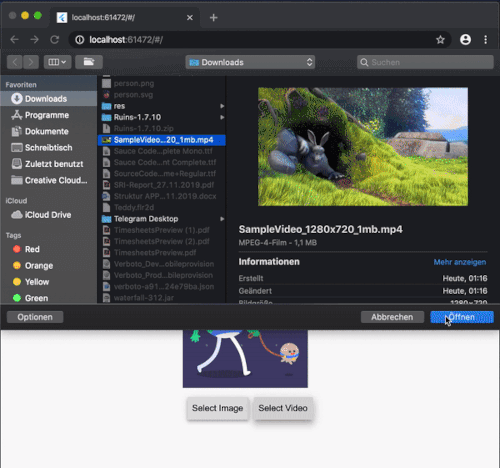
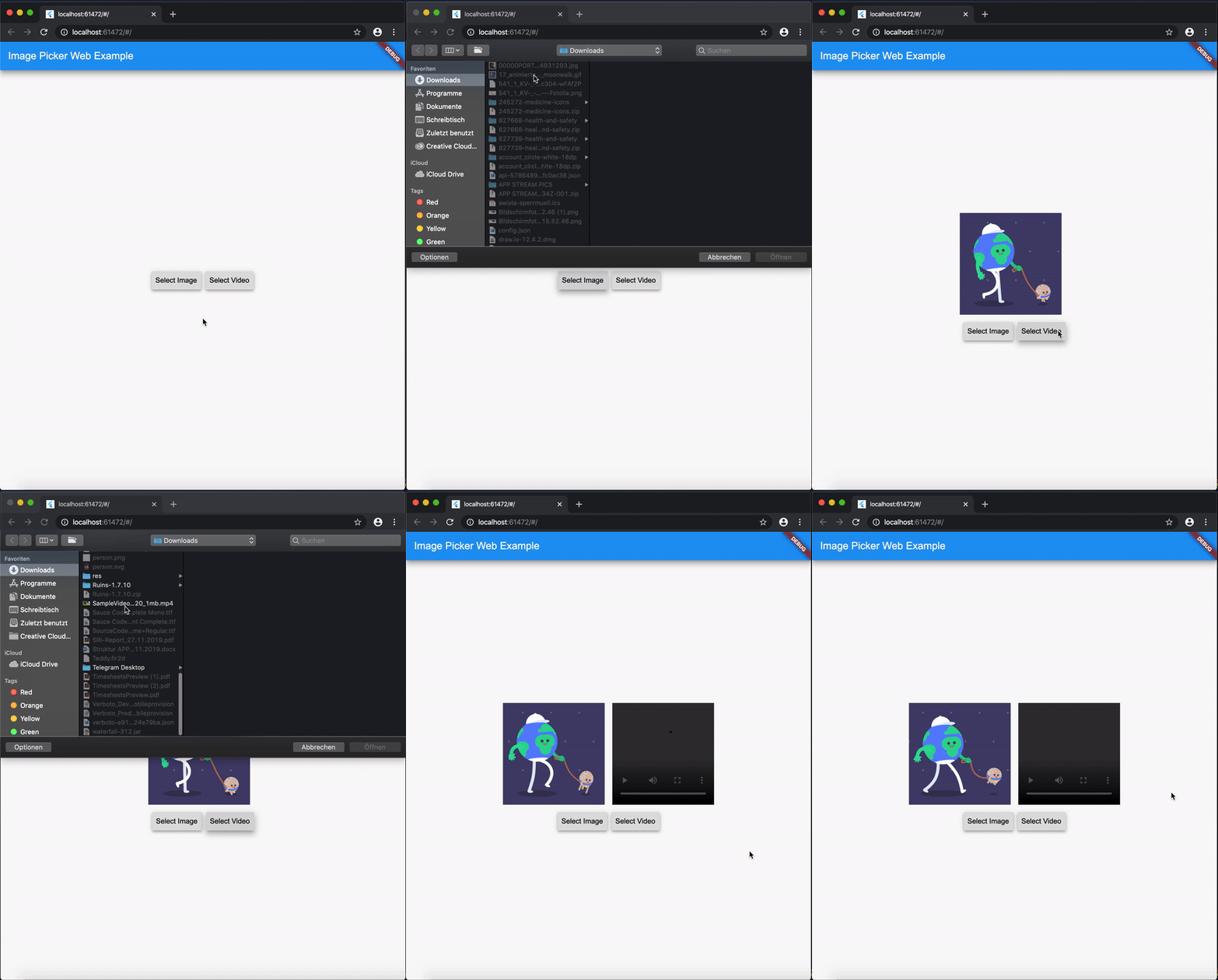
ExampleGif

Disclaimer for Videos
  • Till now [Mar. 2020] it's not possible (due to security reasons) to play a local video file (see also video_player_web). But you can retreive the file and upload them somewhere and play it as a network source.

Getting Started

Add image_picker_web to your pubspec.yaml:

image_picker_web: any

Picking Images

Pick an image

Load image as Image.memory Widget:

Image? fromPicker = await ImagePickerWeb.getImageAsWidget();

Load image as bytes:

Uint8List? bytesFromPicker = await ImagePickerWeb.getImageAsBytes();

Load image as and html.File object :

html.File? imageFile = (await ImagePickerWeb.getMultiImagesAsFile())?[0];
Pick multiple images

Load images as a List<Image> :

List<Image>? fromPicker = await ImagePickerWeb.getMultiImagesAsWidget();

Load images as bytes :

List<Uint8List>? bytesFromPicker = await ImagePickerWeb.getMultiImagesAsBytes();

Load images as List<html.File> objects :

List<html.File> imageFiles = await ImagePickerWeb.getMultiImagesAsFile();

How do I get all Informations out of my Image/Video (e.g. Image AND File in one run)?

Besides the standard getImage() or getVideo() methods you can use the getters:

  • getImageInfo or
  • getVideoInfo to acheive this.

Full Example

import 'dart:html' as html;
 
import 'package:mime_type/mime_type.dart';
import 'package:path/path.dart' as Path;
import 'package:image_picker_web/image_picker_web.dart';
import 'package:flutter/material.dart';

 html.File _cloudFile;
 var _fileBytes;
 Image _imageWidget;
 
 Future<void> getMultipleImageInfos() async {
    var mediaData = await ImagePickerWeb.getImageInfo;
    String mimeType = mime(Path.basename(mediaData.fileName));
    html.File mediaFile =
        new html.File(mediaData.data, mediaData.fileName, {'type': mimeType});

    if (mediaFile != null) {
      setState(() {
        _cloudFile = mediaFile;
        _fileBytes = mediaData.data;
        _imageWidget = Image.memory(mediaData.data);
      });
    }
  }

With getMultipleImageInfos() you can get all three available types in one call.

Picking Videos

To load a video as html.File do:

html.File? videoFile = await ImagePickerWeb.getVideoAsFile();

To load a video as Uint8List do:

Uint8List? videoData = await ImagePickerWeb.getVideoAsBytes();

Reminder: Don't use Uint8List retreivement for big video files! Flutter can't handle that. Pick bigger sized videos and high-resolution videos as html.File !

After you uploaded your video somewhere hosted, you can retreive the network url to play it.

MediaInfos
  • The methods getVideoInfo and getImageInfo are also available and you can use them to retreive further informations about your picked source.
Pick multiple images

Load videos as bytes:

List<Uint8List>? videos = ImagePickerWeb.getMultiVideosAsBytes();

Load videos as List<html.File> objects :

List<html.File>? videoFiles = await ImagePickerWeb.getMultiVideosAsFile();

Migration Guide

From 3.0.0 to 4.0.0
  • The WebImagePicker class has been removed. Use methods from ImagePickerWeb class instead.
  • getImageInfo and getVideoInfo are now methods and not getters. Use them like ImagePickerWeb.getImageInfo() and ImagePickerWeb.getVideoInfo().

所屬分類

原始碼儲存庫

使用此套件的專案