v13.0.1
firebase_database
Firebase Database 的 Flutter 插件,一個託管於雲端的 NoSQL 資料庫,可在 Android 和 iOS 客戶端之間實時同步資料,並支援離線存取。
650喜歡 22.7萬近 30 天下載140Pub 分數
AndroidiOSWebmacOSWindows
一個用於多所學院的 Flutter 體育隊伍管理系統

以下為英文專案原文快照,最新內容請造訪 GitHub。
The SportsTeam Manager project is a Flutter-based app aimed at modernizing sports team management. Integrated with Firebase for real-time updates and Google Sign-In API for security, it goes beyond traditional management systems, fostering community engagement and event planning among college students.


Flutter representation of a Sports Team Management app UI.
Star⭐ the repo if you like what you see 😉.
Vishesh Sanghvi 

| About Us | Team |
|---|---|
 |
 |
| Events | Dashboard |
|---|---|
 |
 |
| Login1 | Welcome |
|---|---|
 |
 |
| OTP |
|---|
 |
Vishesh Sanghvi
This project is a starting point for a Flutter application.
A few resources to get you started if this is your first Flutter project:
For help getting started with Flutter, view our online documentation, which offers tutorials, samples, guidance on mobile development, and a full API reference. ` Feel free to use, modify, and distribute this project! If you have any questions or suggestions, feel free to reach out. Happy coding! 🚀
Clone the repository: git clone https://github.com/yourusername/SportsTeamManagementSystem.git
Navigate to the project directory:
Fetch dependencies using : flutter pub get
Firebase Database 的 Flutter 插件,一個託管於雲端的 NoSQL 資料庫,可在 Android 和 iOS 客戶端之間實時同步資料,並支援離線存取。
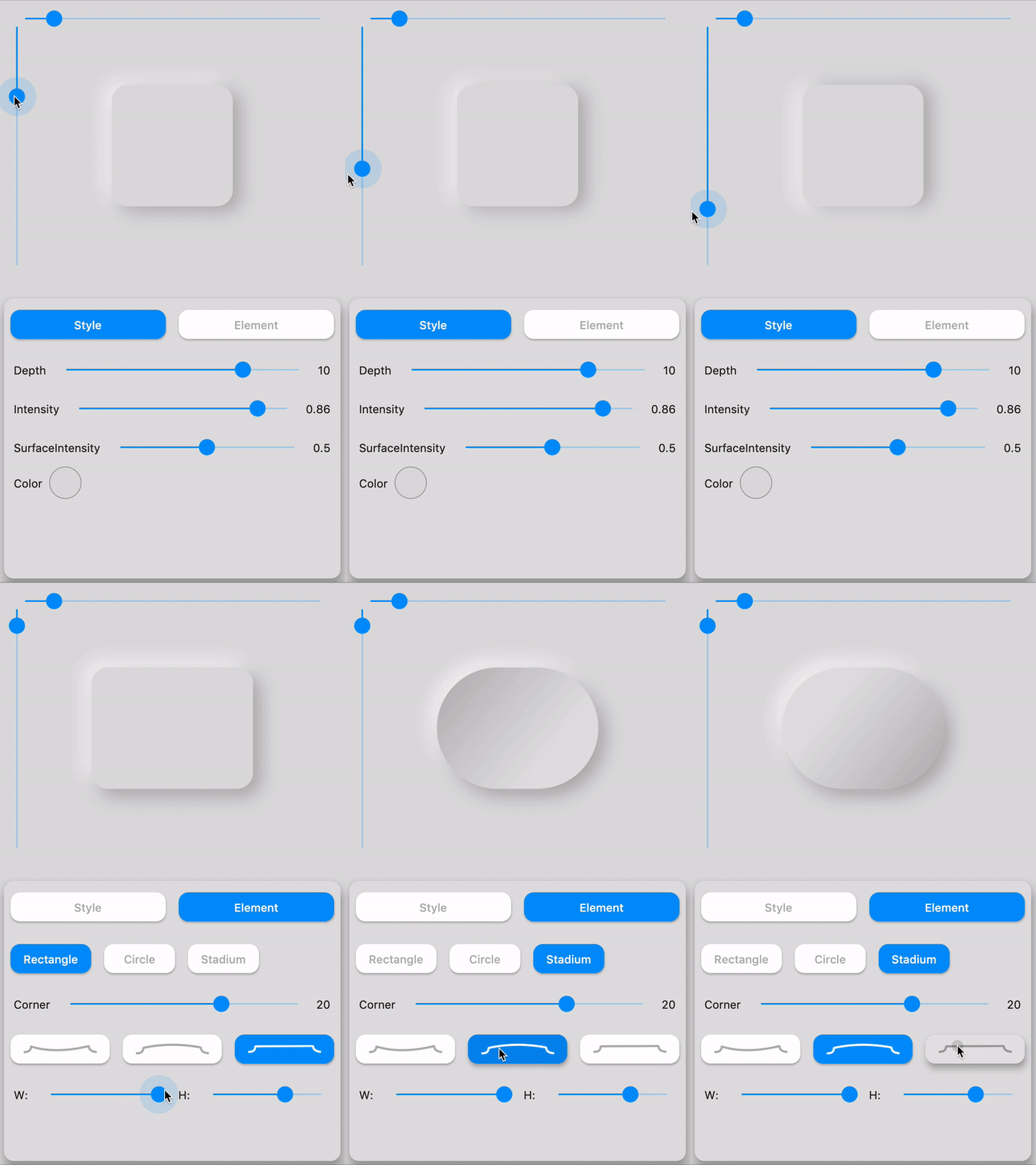
一個完整、開箱即用的 Flutter Neumorphic UI 套件。相容深色主題且完全可自訂。
一個包含一組酷炫且美麗的文字動畫的 Flutter 套件專案。
輕鬆為您的 ListView、GridView、Column 和 Row 子項目添加錯開動畫,如 Material Design 指南所示
此套件可透過移除冗餘程式碼、重複使用驗證邏輯、回應變更並收集最終使用者輸入,協助在 Flutter 中建立表單。
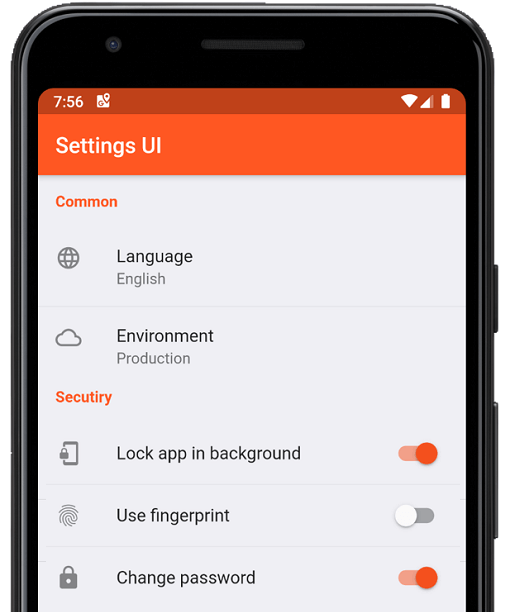
幾分鐘內為 Flutter 應用建立原生設定。使用單一介面進行建構
(Flutter Xlider) 一個 Material Design 滑塊和範圍滑塊,支援水平和垂直方向,具備 RTL 支援以及許多選項和自訂功能,適用於 Flutter
一個用於取得更好回饋的Flutter套件。它允許使用者直接在應用程式中提供互動式回饋。
一個簡單但完全可自訂的 Flutter 評分條,還包含評分條指示器,支援任意分數的評分。
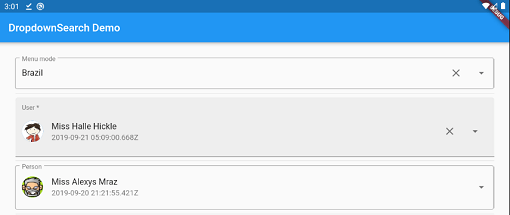
簡單、反應式且高度可自訂的 Flutter 下拉選單,具備許多功能(搜尋、彈出視窗平台、非同步/同步...)以及多種模式,例如選單、對話框、底端彈出窗等。
一個 Flutter 外掛程式,可在 Android 和 iOS 上提供 PDFView 小部件。
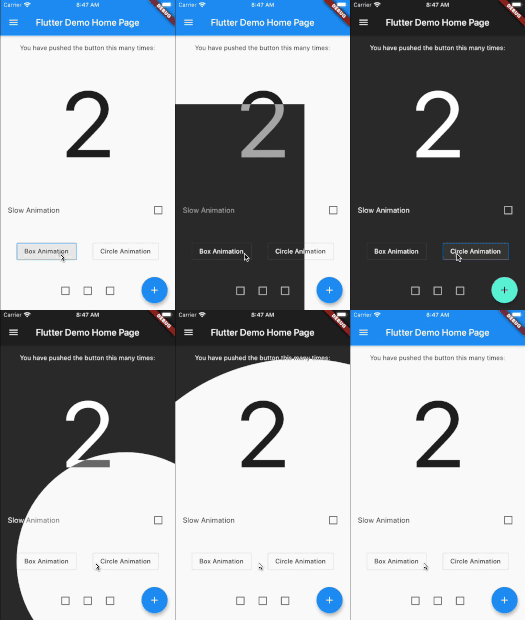
Flutter 動畫主題切換器,可幫助建立美觀的主題切換動畫。
依賴清單 65 項
{"sdk":"flutter"}^1.0.8^2.2.3^1.1.0^6.0.0^6.1.5+1^6.3.2^2.2.1^2.5.3^1.2.0^12.0.2^6.3.2^4.1.1^6.1.0^6.0.2^2.0.2^9.0.0^10.3.3^4.3.0^2.0.10^4.1.0^1.4.3^3.4.1^3.0.0^4.0.0^13.0.2^3.0.3^0.21.3+1^7.2.0^7.1.2^3.2.0^2.1.5^0.15.6^0.0.4^9.1.1^14.0.2^4.13.0^10.10.0^2.4.2^1.1.1^0.15.0^0.11.2^0.7.0^1.2.1^4.2.5^4.0.1^2.0.2^3.0.0^4.0.3^12.0.2^8.2.2^0.9.1^3.1.2^3.2.0^1.0.1^1.1.1^10.2.0^2.0.11^6.0.2^2.3.0^3.5.0^0.14.4{"sdk":"flutter"}^2.0.1^2.4.13先依使用情境篩選,再比較專案活躍情況,最後到原始儲存庫確認使用要求。
“A repository is the most basic element of GitHub.”
GitHub Docs — About repositories ↗