搜尋套件、儲存庫與 APP 分類

fluttertoast 封面
套件詳情v10.0.2

fluttertoast

Flutter 的 Toast 程式庫,輕鬆以單行代碼建立吐司訊息

AndroidiOSWeb
近 30 天下載
64.2萬
喜歡數
4140
Pub 分數
140

安裝套件

flutter pub add fluttertoast

套件介紹

根據套件公開資料產生的選型評估,僅供參考。

FlutterToast 是一個輕量級的 Flutter 套件,讓開發者只需一行程式碼即可輕鬆顯示 Toast 消息。它提供了一種簡單且一致的方式,在 Android、iOS 和 Web 平台上顯示暫時性通知。該套件支援自訂訊息外觀、定位與持續時間,非常適合應用中的使用者回饋。憑藉易用的 API 與積極的維護,FlutterToast 透過提供細膩且不干擾的警示來提升使用者體驗。

適用情境

  • 顯示成功或錯誤訊息
  • 顯示快速使用者回饋
  • 通知使用者已採取的動作
  • 提供狀態更新
  • 增強使用者介面的回應能力

主要特色

  • 單行吐司創建
  • 可自訂的訊息樣式
  • 跨平台支援
  • 可設定的持續時間和位置
  • 簡單的 API,設定簡單

適合對象

  • 初學者Flutter開發者
  • 需要快速反饋的應用
  • 輕量級通知系統
  • 依賴最少的專案
  • 無複雜性的使用者介面增強

使用建議

  • 限於基本的吐司設計
  • 無高級動畫選項
  • 依賴外部倉庫
  • 不適用於持續通知
  • 可能需要手動處理邊緣情況

原始 README

以下為關聯原始碼儲存庫的 README 原文快照,最新內容請造訪原始碼儲存庫。

fluttertoast

Toast Library for Flutter

Build Checks

Now this toast library supports two kinds of toast messages one which requires BuildContext other with No BuildContext

Toast with no context

Supported Platforms

This one has limited features and no control over UI

Toast Which requires BuildContext

Supported Platforms

  • ALL
  1. Full Control of the Toast
  2. Toasts will be queued
  3. Remove a toast
  4. Clear the queue

How to Use

# add this line to your dependencies
fluttertoast: ^10.0.0
import 'package:fluttertoast/fluttertoast.dart';

Toast with No Build Context (Android & iOS)

Fluttertoast.showToast(
        msg: "This is Center Short Toast",
        toastLength: Toast.LENGTH_SHORT,
        gravity: ToastGravity.CENTER,
        timeInSecForIosWeb: 1,
        backgroundColor: Colors.red,
        textColor: Colors.white,
        fontSize: 16.0
    );
property description default
msg String (Not Null)(required) required
toastLength Toast.LENGTH_SHORT or Toast.LENGTH_LONG (optional) Toast.LENGTH_SHORT
gravity ToastGravity.TOP (or) ToastGravity.CENTER (or) ToastGravity.BOTTOM (Web Only supports top, bottom) ToastGravity.BOTTOM
timeInSecForIosWeb int (for ios & web) 1 (sec)
backgroundColor Colors.red null
textcolor Colors.white null
fontSize 16.0 (float) null
fontAsset Path to a font file in the Flutter app assets folder, e.g. 'assets/path/to/some-font.ttf' (String) null
webShowClose false (bool) false
webBgColor String (hex Color) linear-gradient(to right, #00b09b, #96c93d)
webPosition String (left, center or right) right
To cancel all the toasts call
Fluttertoast.cancel()
Note Android

Custom Toast will not work on android 11 and above, it will only use msg and toastLength remaining all properties are ignored

Custom Toast For Android

Create a file named toast_custom.xml in your project app/res/layout folder and do custom styling

<?xml version="1.0" encoding="utf-8"?>
<FrameLayout xmlns:android="http://schemas.android.com/apk/res/android"
    xmlns:tools="http://schemas.android.com/tools"
    android:layout_width="wrap_content"
    android:layout_height="wrap_content"
    android:layout_gravity="center_horizontal"
    android:layout_marginStart="50dp"
    android:background="@drawable/corner"
    android:layout_marginEnd="50dp">

    <TextView
        android:id="@+id/text"
        android:layout_width="wrap_content"
        android:layout_height="wrap_content"
        android:background="#CC000000"
        android:paddingStart="16dp"
        android:paddingTop="10dp"
        android:paddingEnd="16dp"
        android:paddingBottom="10dp"
        android:textStyle="bold"
        android:textColor="#FFFFFF"
        tools:text="Toast should be short." />
</FrameLayout>

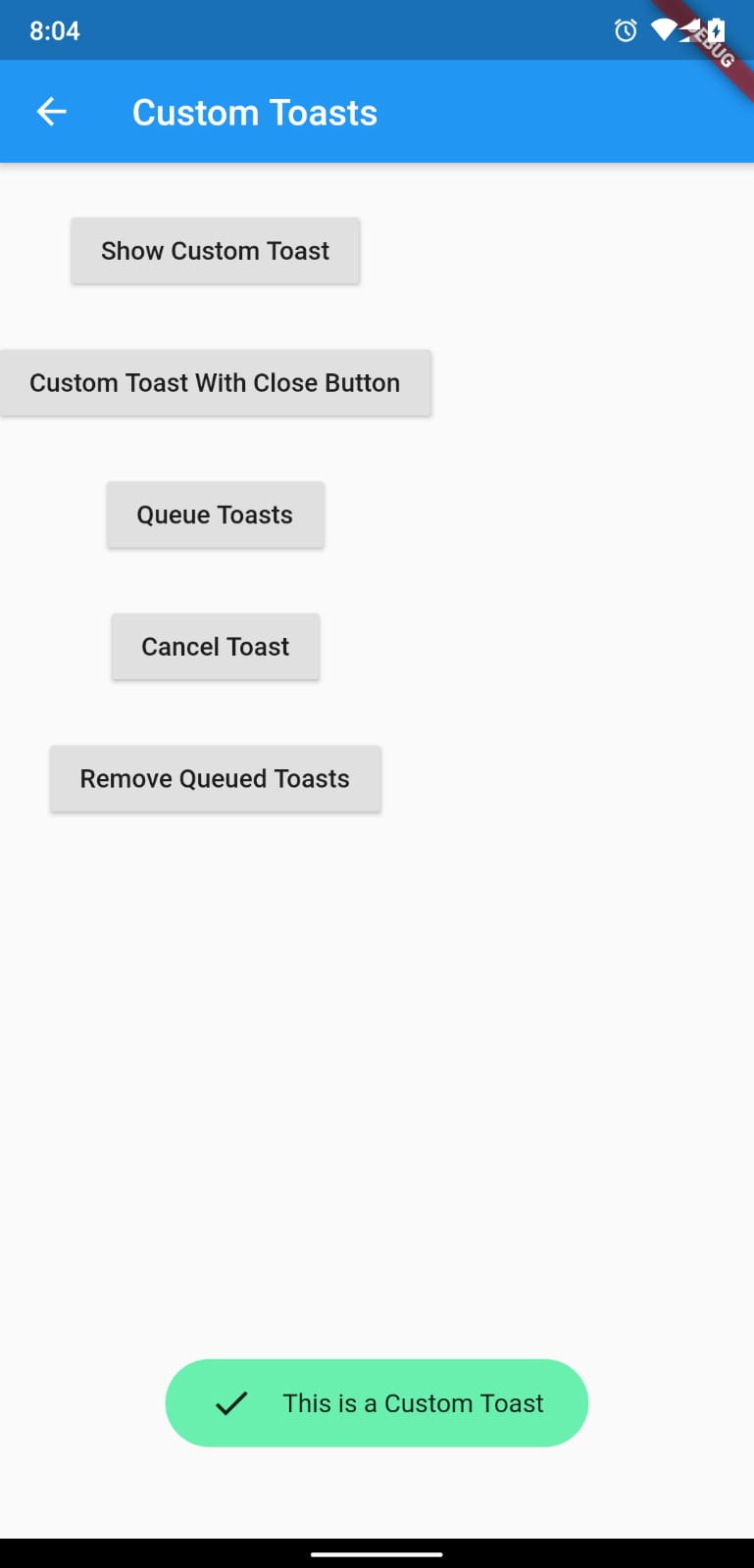
Toast with BuildContext (All Platforms)

Update your MaterialApp with builder like below for the use of Context globally check doc section Use NavigatorKey for Context(to access context globally)

MaterialApp(
    builder: FToastBuilder(),
    home: MyApp(),
    navigatorKey: navigatorKey,
),
FToast fToast;

@override
void initState() {
    super.initState();
    fToast = FToast();
    // if you want to use context from globally instead of content we need to pass navigatorKey.currentContext!
    fToast.init(context);
}

_showToast() {
    Widget toast = Container(
        padding: const EdgeInsets.symmetric(horizontal: 24.0, vertical: 12.0),
        decoration: BoxDecoration(
        borderRadius: BorderRadius.circular(25.0),
        color: Colors.greenAccent,
        ),
        child: Row(
        mainAxisSize: MainAxisSize.min,
        children: [
            Icon(Icons.check),
            SizedBox(
            width: 12.0,
            ),
            Text("This is a Custom Toast"),
        ],
        ),
    );


    fToast.showToast(
        child: toast,
        gravity: ToastGravity.BOTTOM,
        toastDuration: Duration(seconds: 2),
    );

    // Custom Toast Position
    fToast.showToast(
        child: toast,
        toastDuration: Duration(seconds: 2),
        positionedToastBuilder: (context, child) {
          return Positioned(
            child: child,
            top: 16.0,
            left: 16.0,
          );
        });
}

Now Call _showToast()

For more details check example project

property description default
child Widget (Not Null)(required) required
toastDuration Duration (optional)
gravity ToastGravity.*
positionedToastBuilder PositionedToastBuilder
fadeDuration Duration Duration(milliseconds: 350)
ignorePointer boolean false
isDismissible boolean false
Use NavigatorKey for Context(to access context globally)

To use NavigatorKey for Context first define the GlobalKey<NavigatorState> at top level in your main.dart file

GlobalKey<NavigatorState> navigatorKey = GlobalKey<NavigatorState>();

At the time of initializing the FToast we need to use context from globally defined GlobalKey<NavigatorState>

FToast fToast = FToast();
fToast.init(yourNavKey.currentContext!);
To cancel all the toasts call
// To remove present shwoing toast
fToast.removeCustomToast()

// To clear the queue
fToast.removeQueuedCustomToasts();

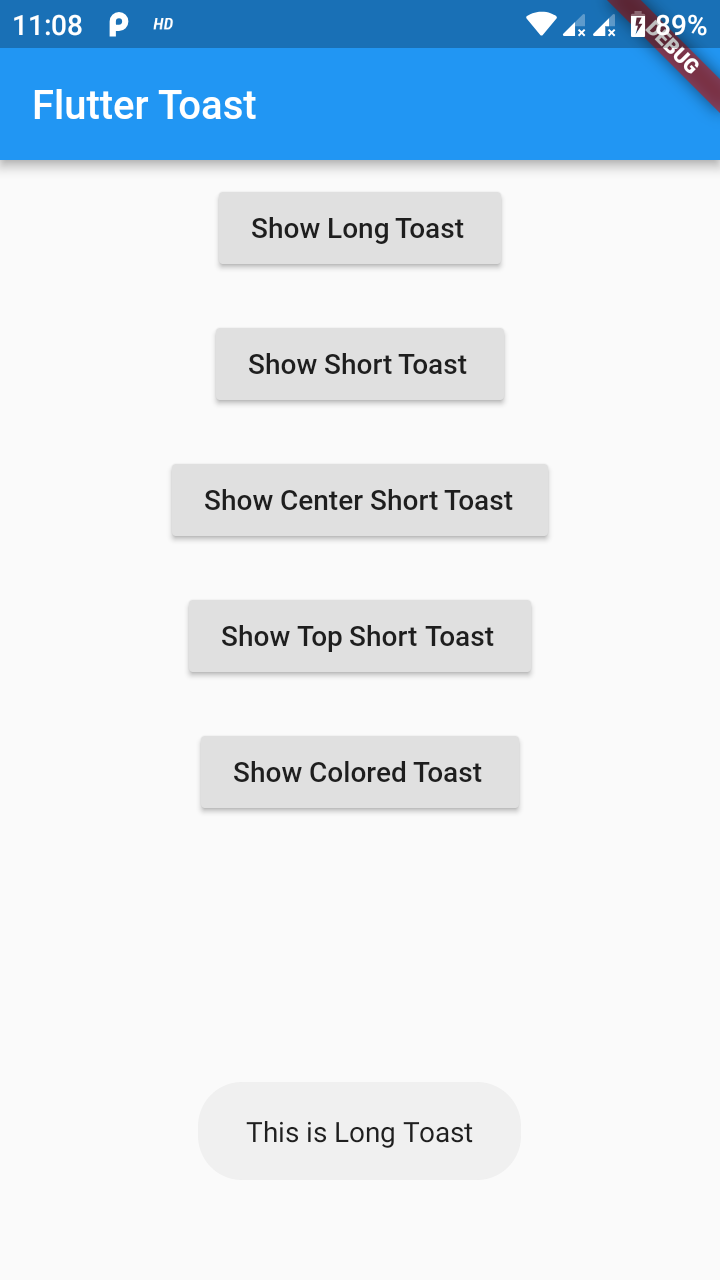
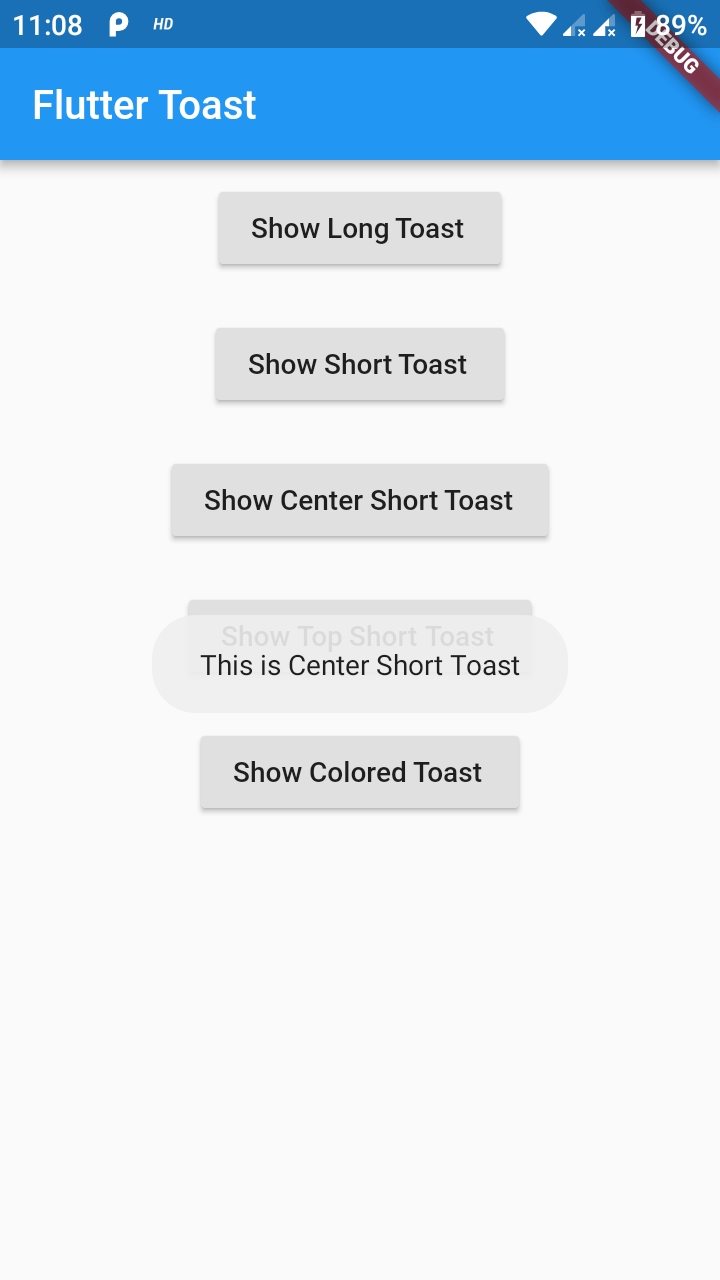
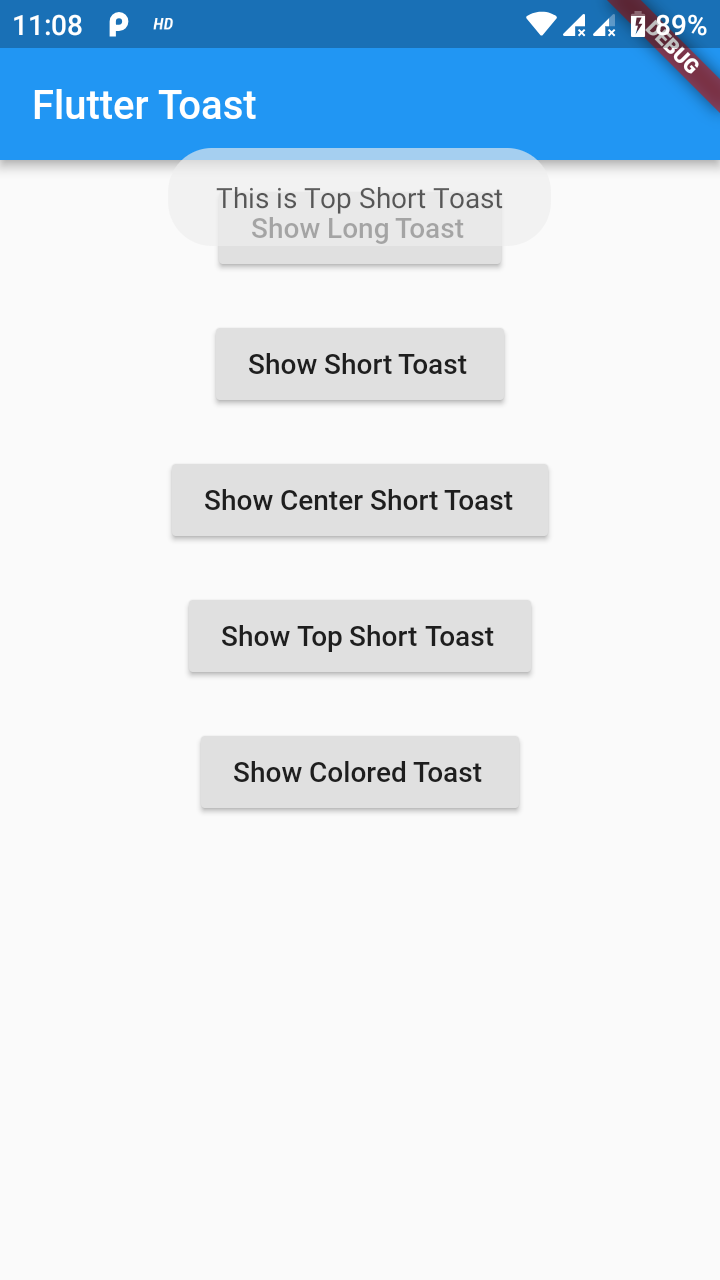
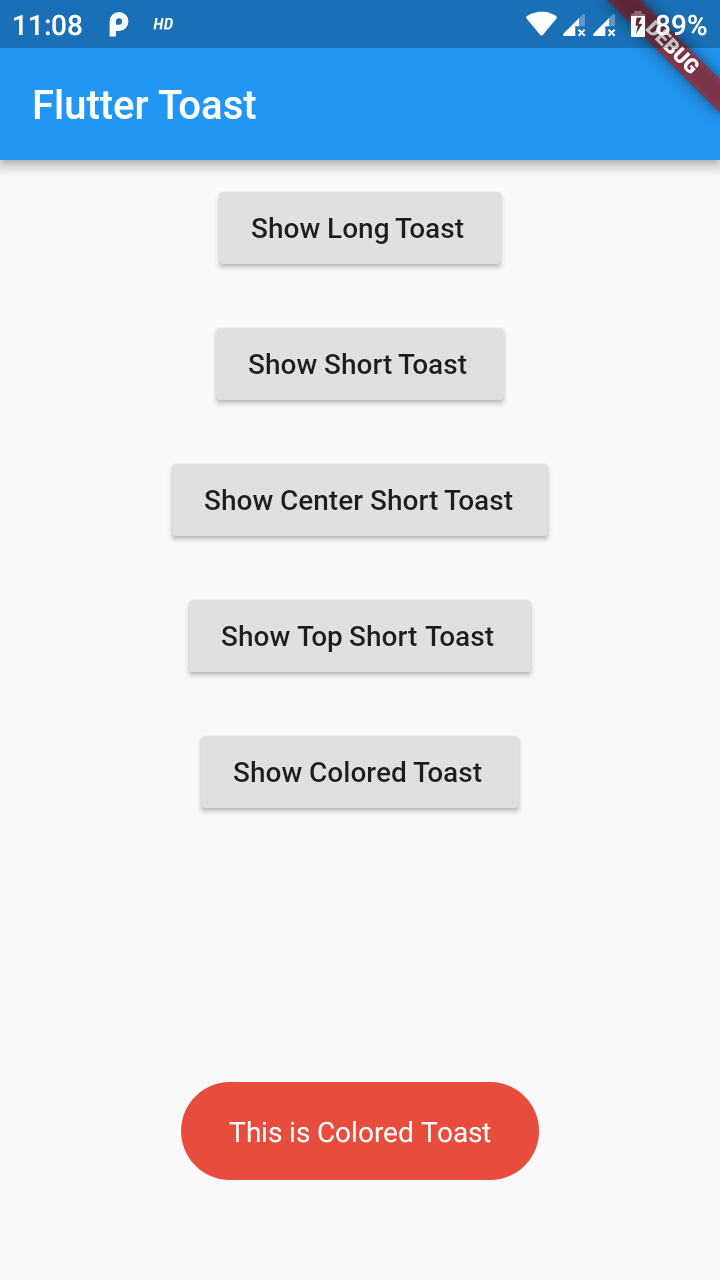
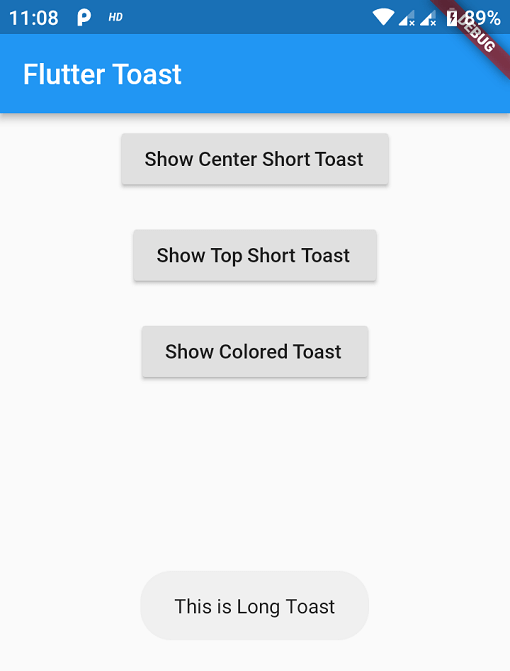
Preview Images (No BuildContext)

Preview Images (BuildContext)

If you need any features suggest

...

Buy Me a Coffee

Buy Me A Coffee

所屬分類

依賴

依賴清單 1 項

  • web>=1.0.0 <2.0.0

原始碼儲存庫

使用此套件的專案