v9.2.1
bloc
一個可預測的狀態管理庫,有助於實現 BLoC(業務邏輯元件)設計模式。
3220喜歡 245萬近 30 天下載160Pub 分數
AndroidiOSWebmacOSWindowsLinux
Pi-Hole® 面板的第三方 Android 應用程式。

以下為英文專案原文快照,最新內容請造訪 GitHub。


FlutterHole is a free third party Android application for interacting with your Pi-Hole® server.
Note: Currently archived. Check the
webbranch to check the archived beta release.

FlutterHole is developed using Android Studio, which offers a complete, integrated IDE experience for Flutter.
Testing is done using a local Pi-hole installation on an internal network. Due to this, support for other network setups relies heavily on user feedback.
If you want to improve the network support for FlutterHole by testing against your own setups, you can build the app locally and debug any issues.
After cloning this repository, perform the following steps before building your project.
All snippets assume your initial working directory is the root of the project.
Skip the questions, and confirm with yes.
#!/bin/bash
cd android/app
keytool -genkey -v -keystore keystore.jks -storepass android -alias androiddebugkey -keypass android -keyalg RSA -keysize 2048 -validity 10000
#!/bin/bash
cd android
touch key.properties
After creating the file, populate it with plaintext describing the debug key.
storePassword=android
keyPassword=android
keyAlias=androiddebugkey
storeFile=keystore.jks
#!/bin/bash
flutter pub get
flutter pub run flutter_launcher_icons:main
To generate freezed classes, injectable injections etc.:
flutter pub run build_runner build --delete-conflicting-outputs
Or, build continuously:
flutter pub run build_runner watch --delete-conflicting-outputs
You can now build and run the app on either an emulator or a physical device using flutter run.
To run the default integration test:
flutter drive --target=test_driver/app.dart
This application interacts with the Pi-hole PHP API.
A new API is in the works from the Pi-hole team. For progress, check the pull request on GitHub.
一個可預測的狀態管理庫,有助於實現 BLoC(業務邏輯元件)設計模式。
一個用來輕鬆測試 bloc 的測試程式庫。專為與 bloc 狀態管理套件一起使用而設計。
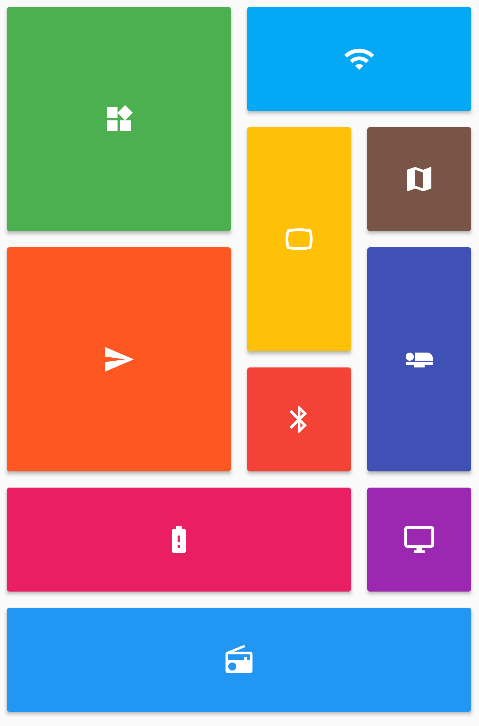
提供一組 Flutter 網格佈局(錯落、馬賽克、拼花、編織等)。
一組以 Flutter 動畫呈現的載入指示器。深受 @tobiasahlin 的 SpinKit 啟發。
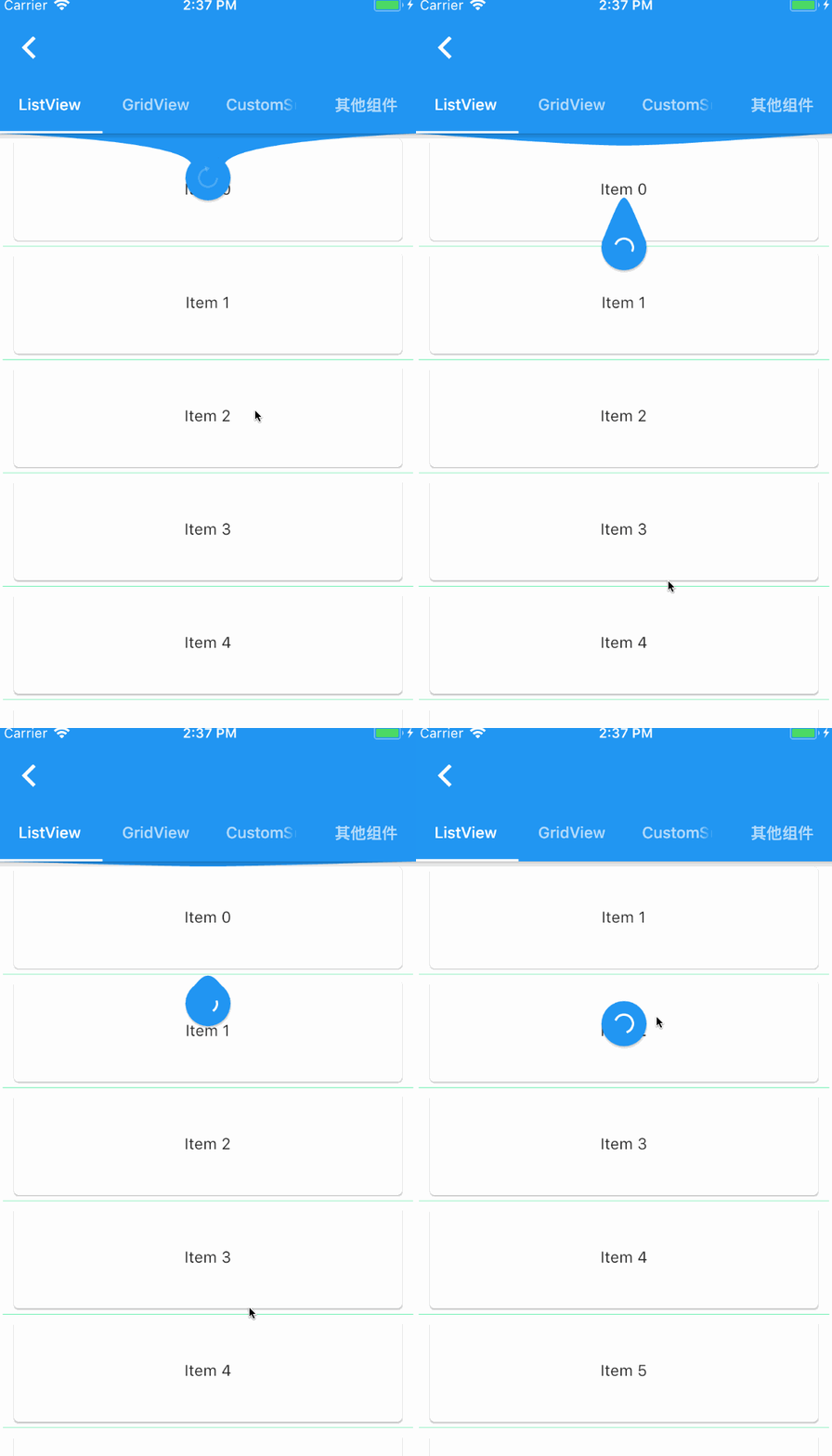
一個提供給 Flutter 滾動組件下拉刷新和上拉加載的元件。
此套件可透過移除冗餘程式碼、重複使用驗證邏輯、回應變更並收集最終使用者輸入,協助在 Flutter 中建立表單。
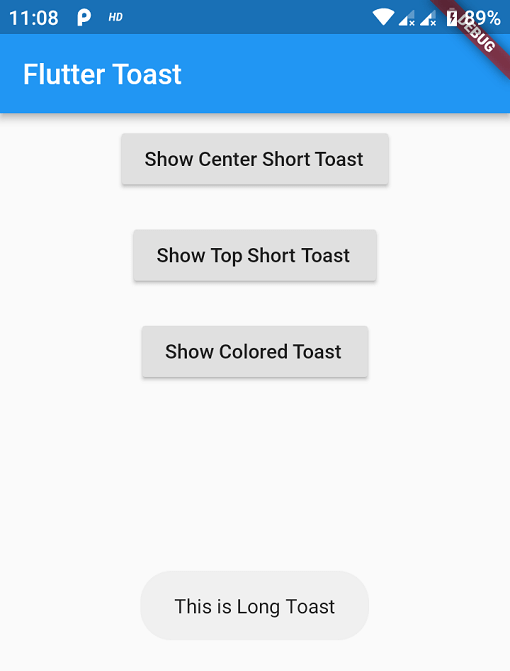
Flutter 的 Toast 程式庫,輕鬆以單行代碼建立吐司訊息
一個美麗且帶有動畫效果的底部導航欄。導航欄使用您目前的主題,但您可以自由自定義它。
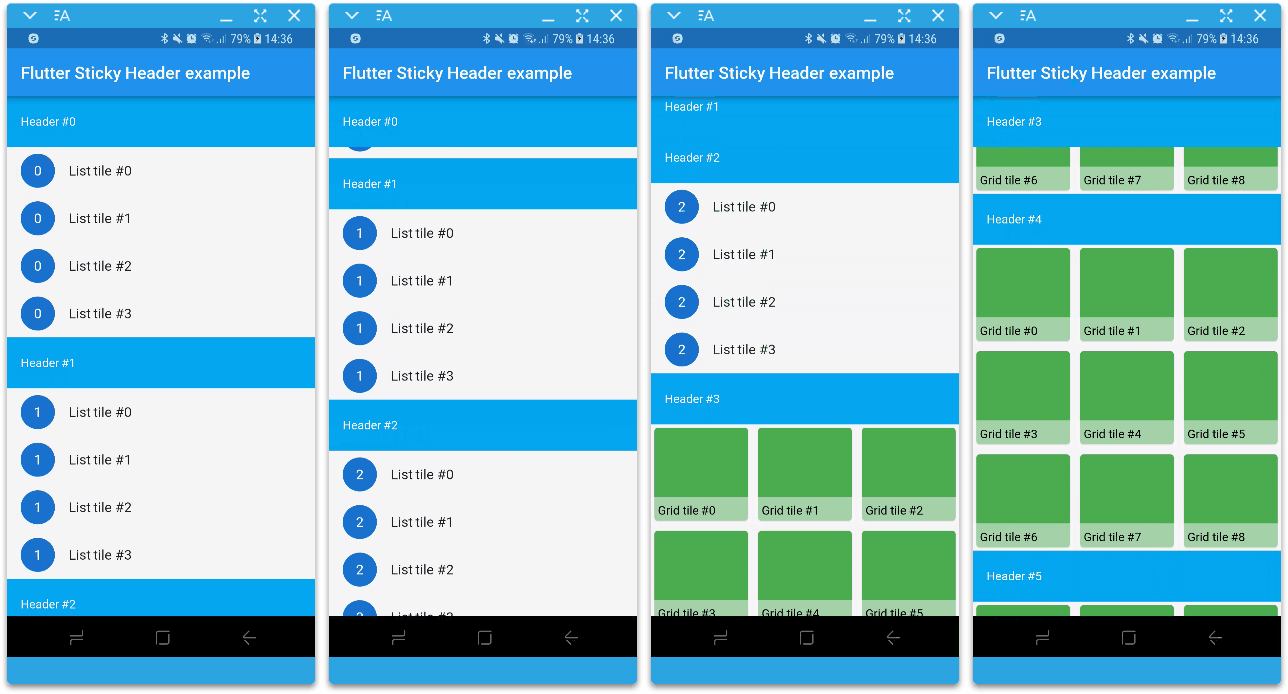
Flutter 中的黏性標題實現為一個滑動條。在 CustomScrollView 中使用它。
Dart 中的函數式程式設計。使用高效能的不可變資料結構、單子、透鏡及其他 FP 工具來淨化您的 Dart 程式碼。
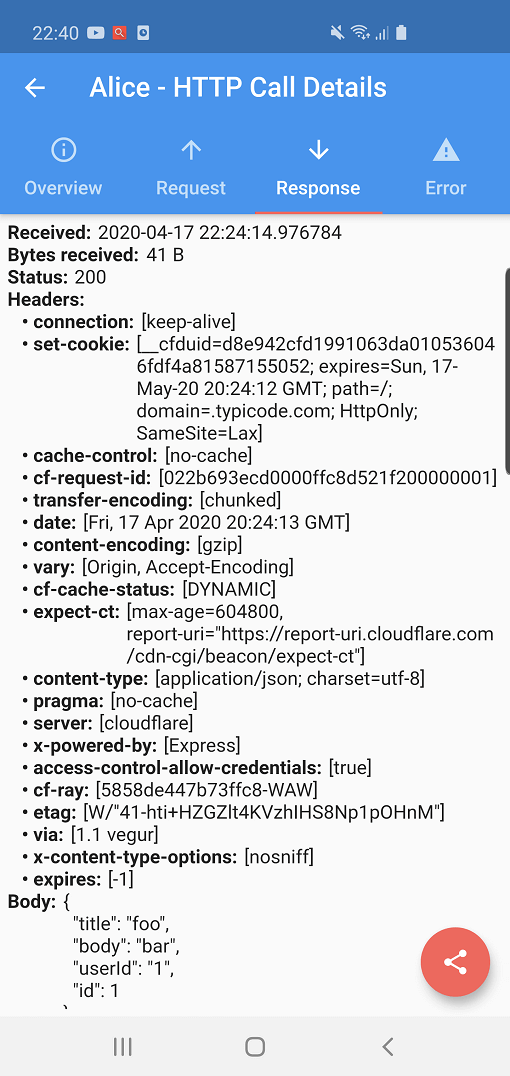
Alice 是一個 HTTP 檢查工具,可協助除錯 HTTP 請求。它會捕獲並儲存 HTTP 請求和回應,可透過簡單的 UI 進行檢視。
Jiffy 是一個用於解析、操作、查詢和格式化日期時間的 Flutter(Android、IOS 和 Web)日期時間套件
依賴清單 53 項
{"sdk":"flutter"}^0.9.1^4.0.4^1.0.4^6.0.1^4.3.2^3.0.10^0.2.8^0.14.0+3^1.4.3^0.3.1^0.11.0+1^3.0.1^0.7.1^0.16.1^1.0.1^1.9.0^6.0.1^3.13.2^3.0.1^5.2.0^3.0.1^1.6.11^5.5.0^0.2.1^0.3.2^1.1.2^4.1.2+10.9.4^0.4.5^1.10.4^7.0.2^1.6.1^0.1.3^0.4.1^3.2.0^0.6.4+3^2.0.0^5.5.00.3.5^0.5.5{"sdk":"flutter"}{"sdk":"flutter"}any1.10.1^0.11.5^1.0.4^3.4.0^4.1.1^7.0.0^1.1.0^0.7.52.2.3先依使用情境篩選,再比較專案活躍情況,最後到原始儲存庫確認使用要求。
“A repository is the most basic element of GitHub.”
GitHub Docs — About repositories ↗