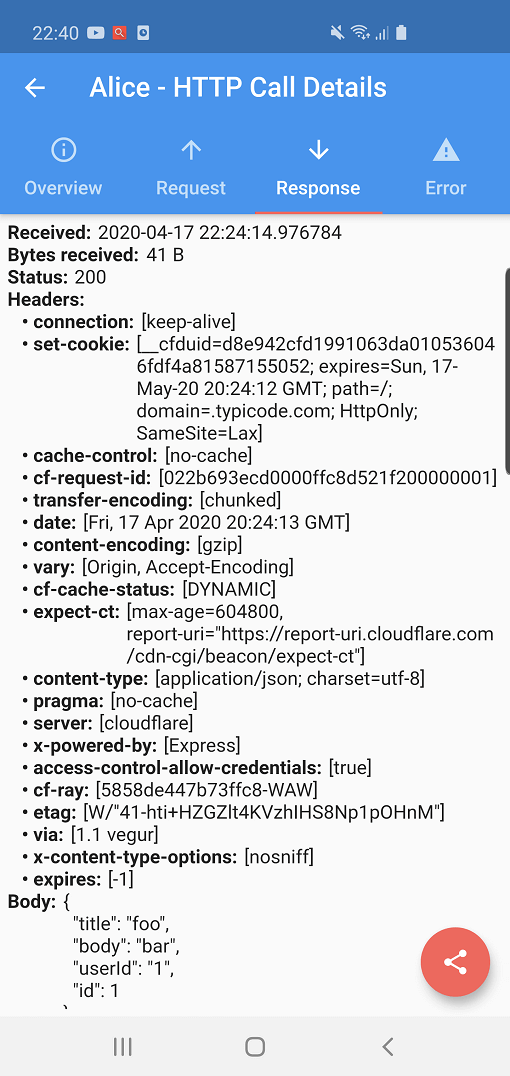
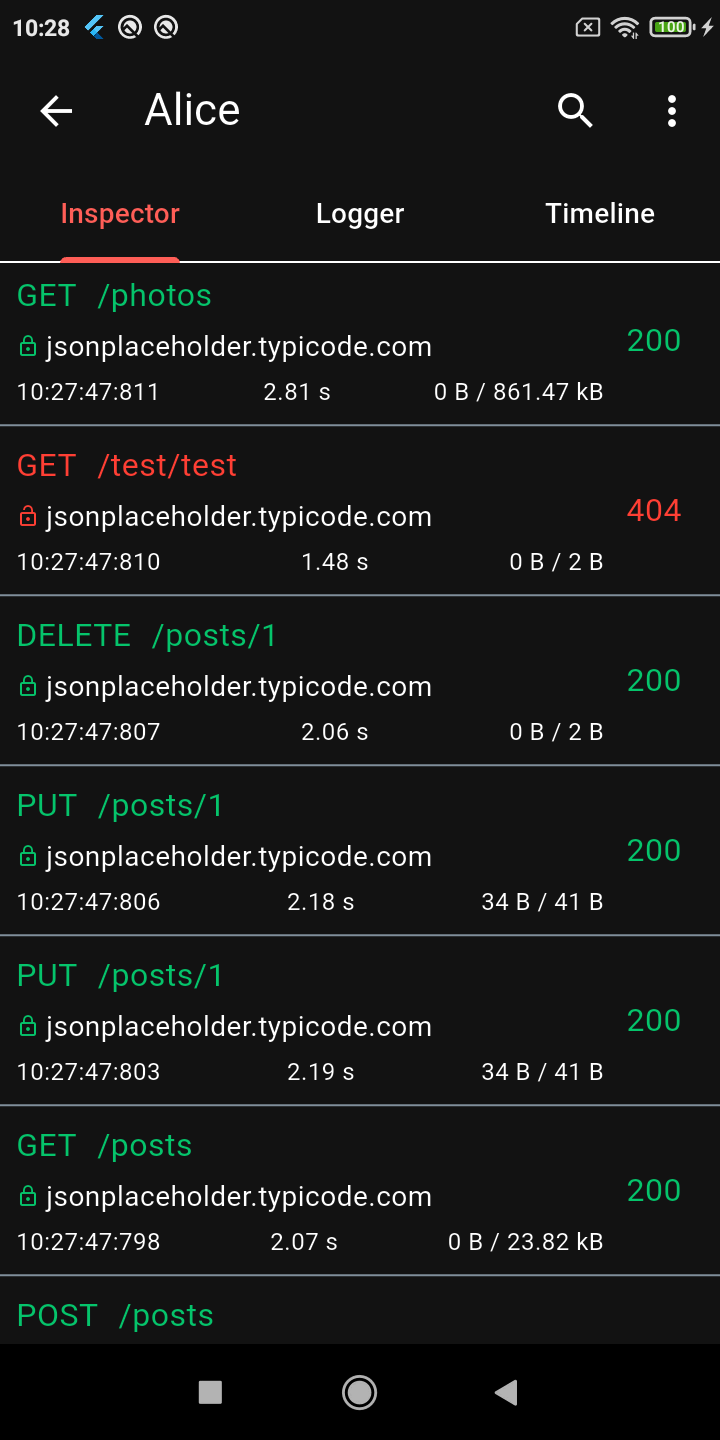
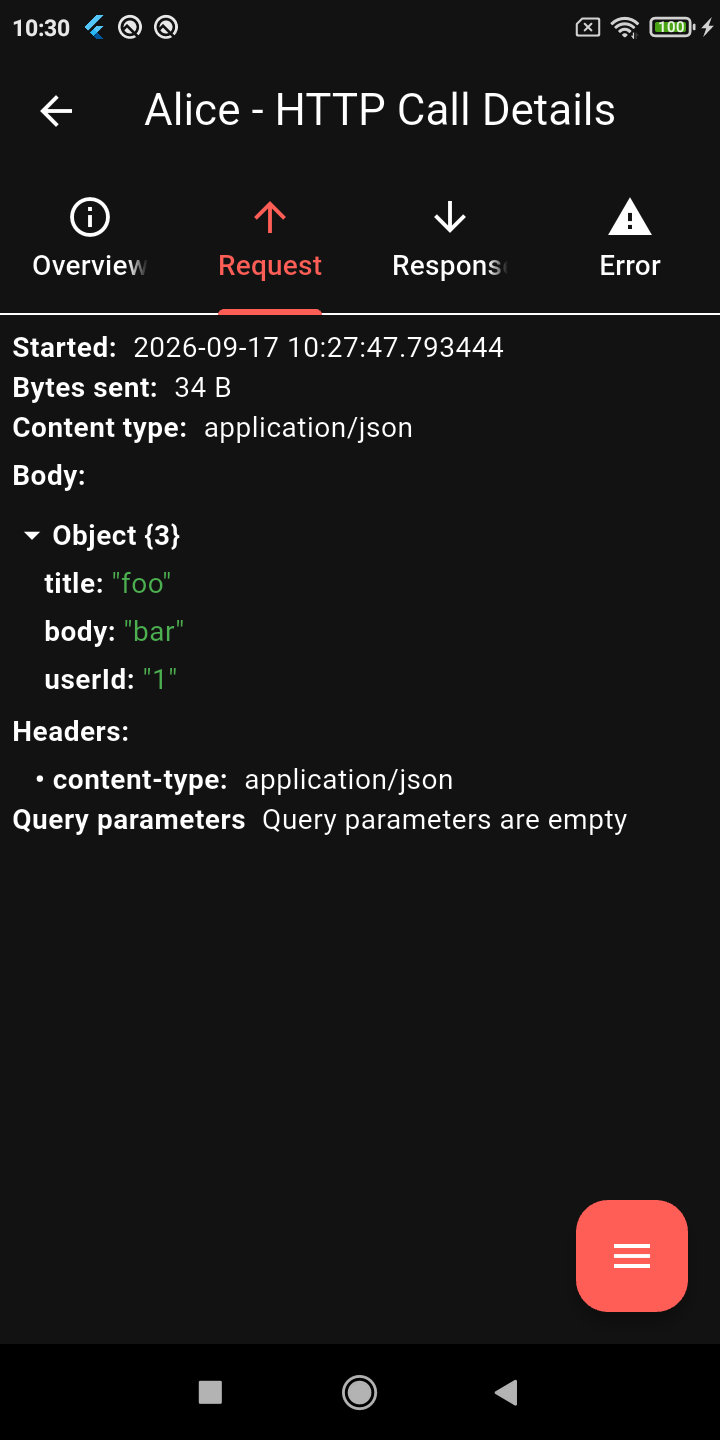
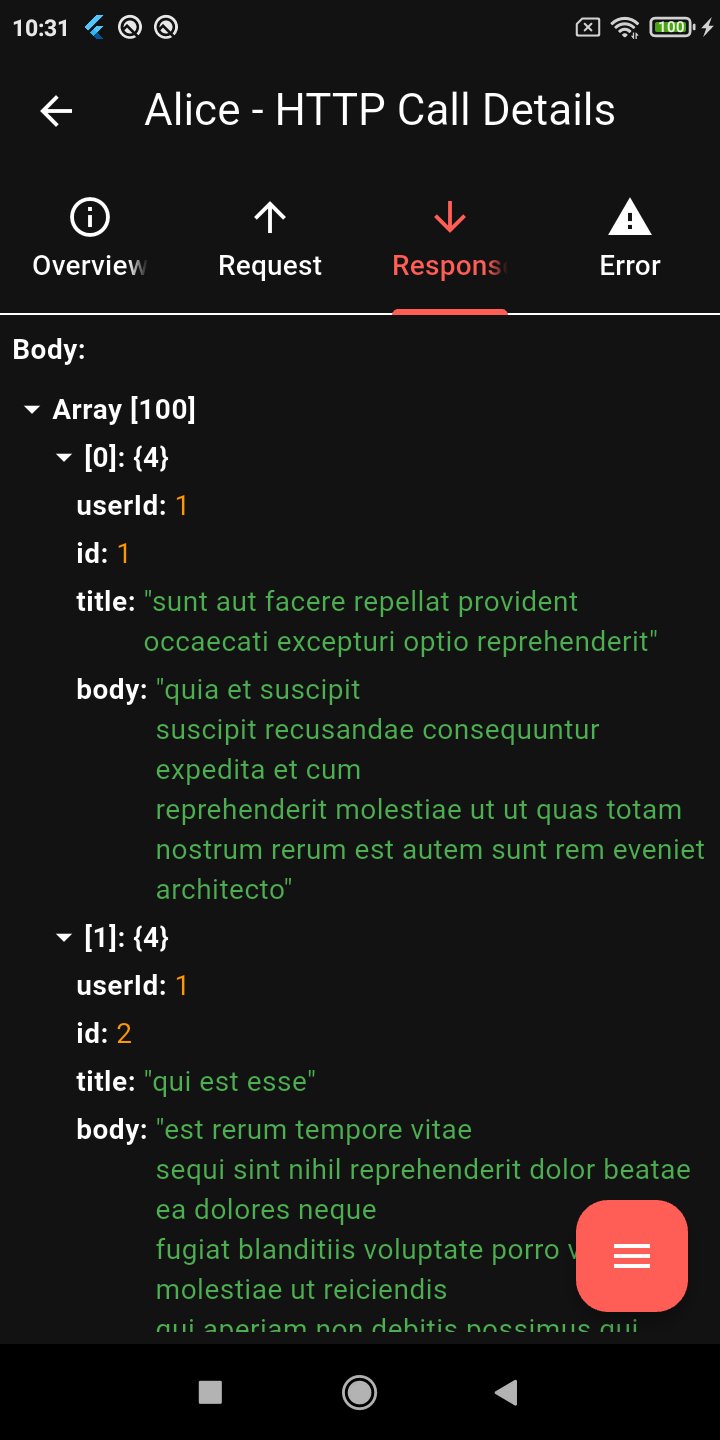
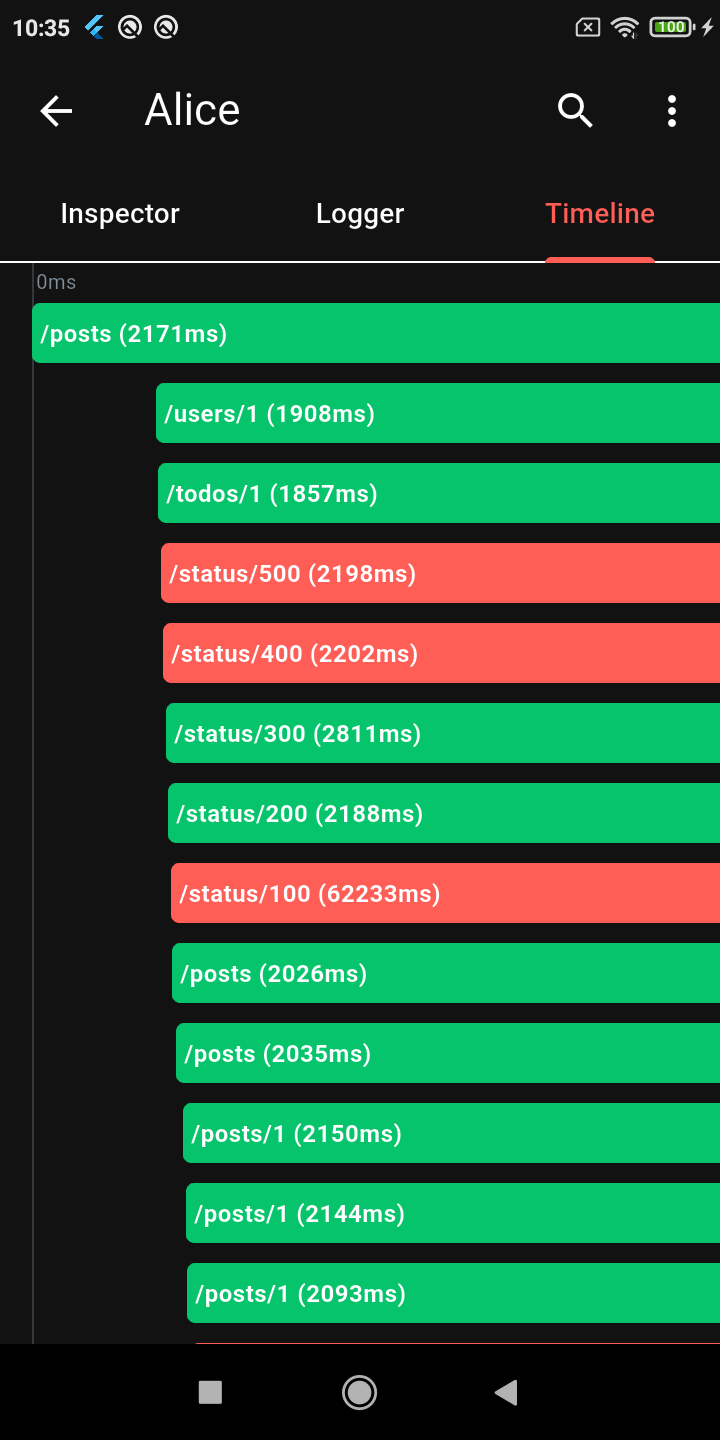
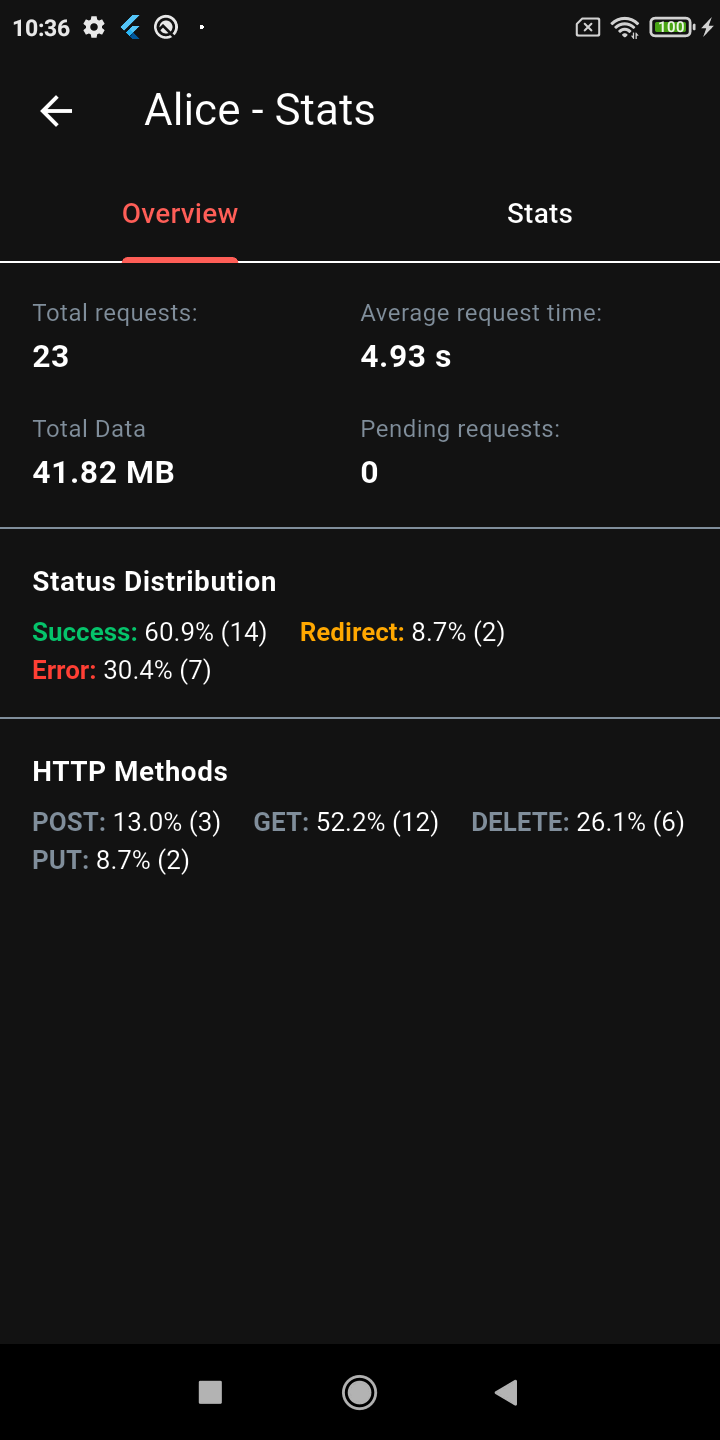
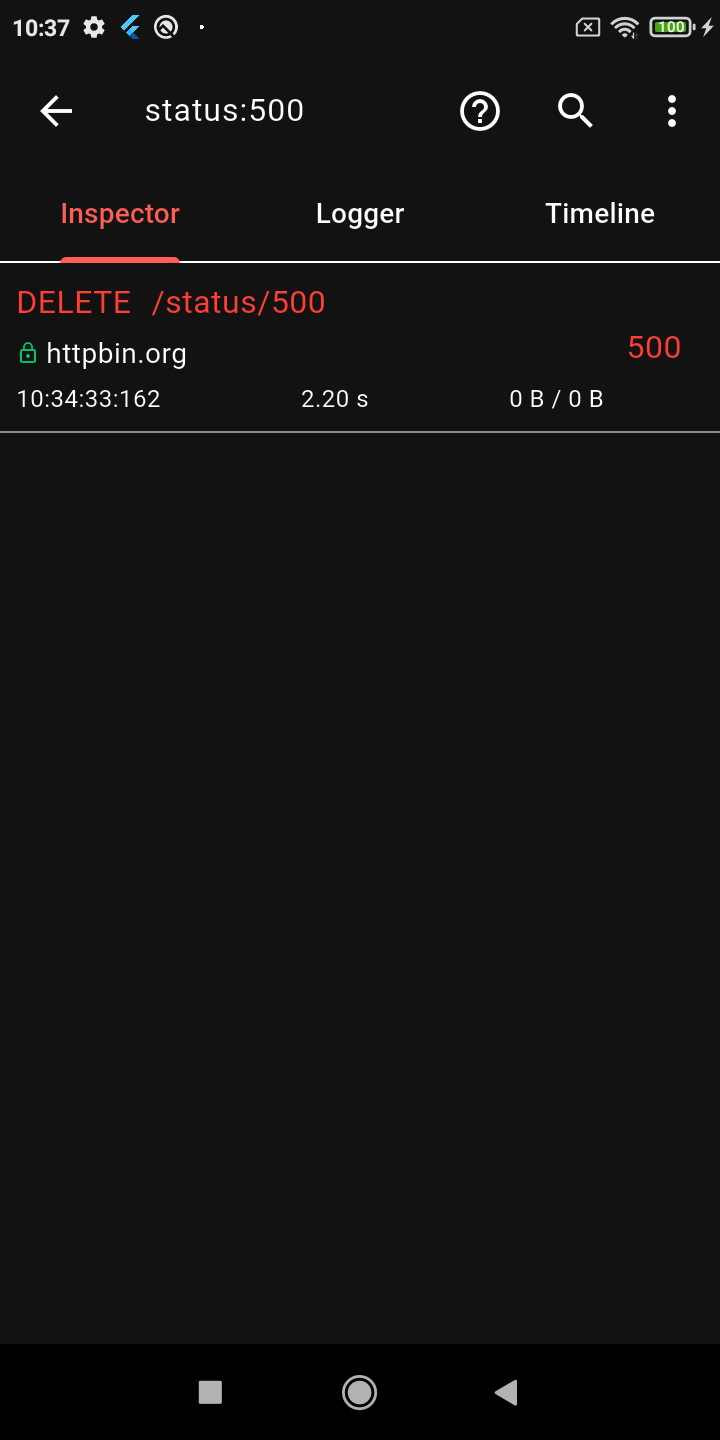
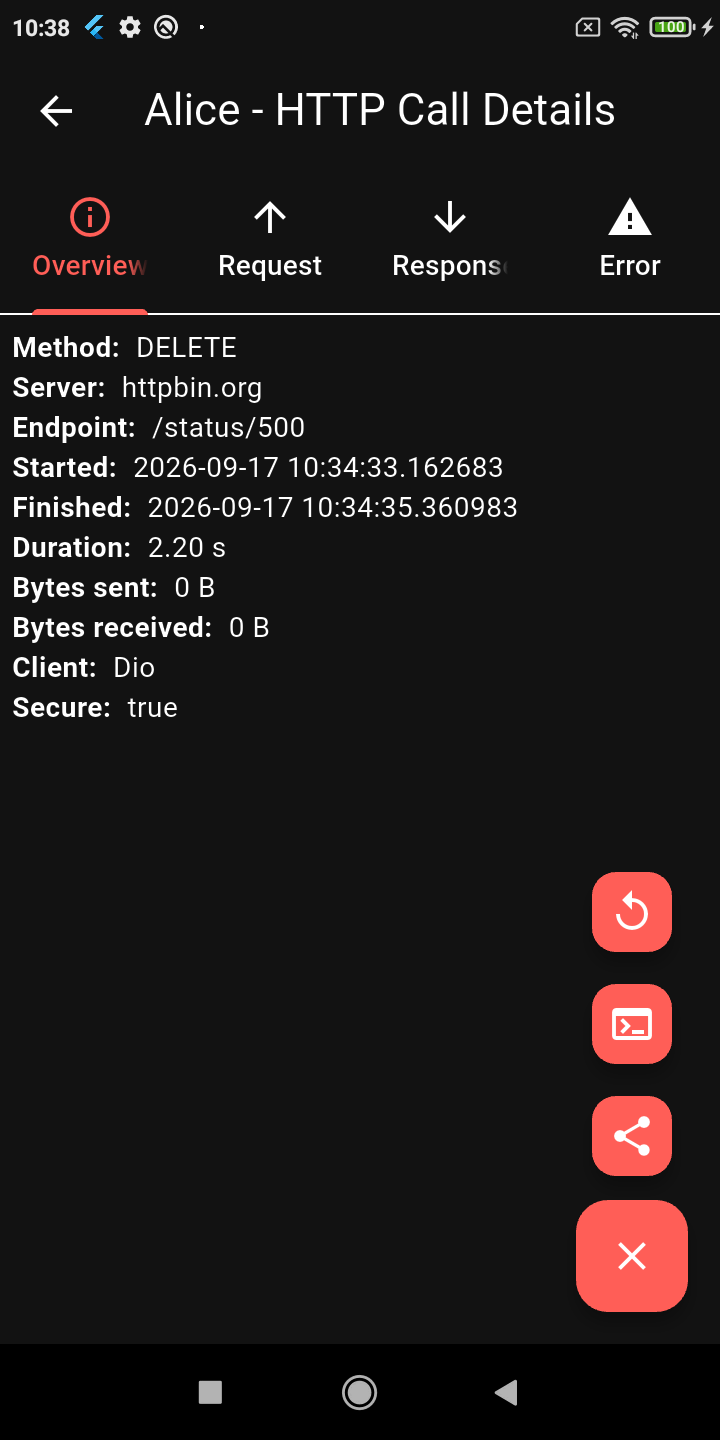
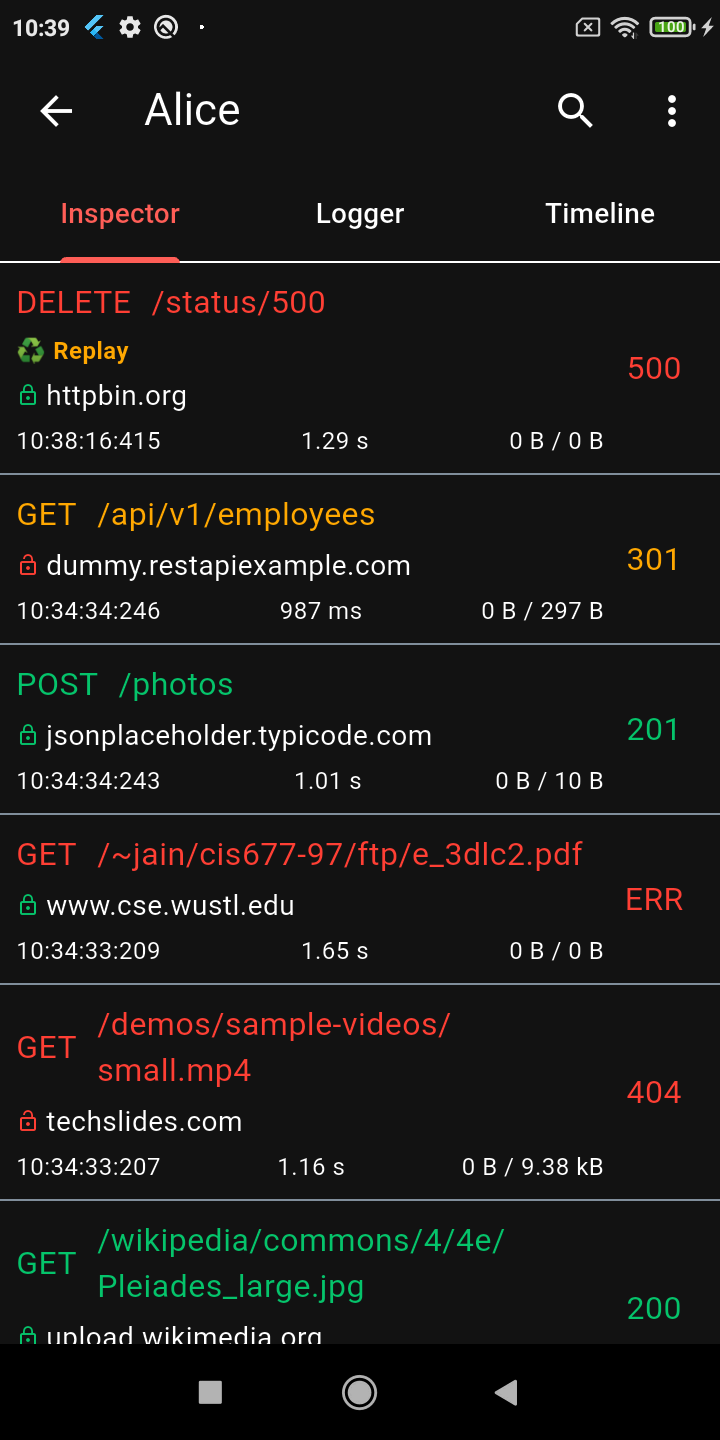
Alice 是一個用於 Flutter 應用程式的除錯工具,可檢視 HTTP 請求與回應。它會攔截網路流量,儲存資料,並提供簡單的使用者介面來檢視詳細的請求與回應資訊,包含標頭、內容與時間戳記。非常適合開發人員排除 API 整合問題或在開發過程中分析網路行為。該工具可透過 pub add 輕鬆整合,並支援 Android 與 iOS 平台。
適用情境
除錯 API 呼叫
檢查請求/回應負載
監控網路效能
測試後端整合
即時 HTTP 日誌記錄
主要特色
即時 HTTP 請求攔截
簡單直覺的使用者介面
支援標頭與內容檢查
跨平台(Android & iOS)
輕鬆整合至Flutter應用
適合對象
Flutter 開發者
API 測試人員
行動應用程式除錯工具
前端工程師
使用 HTTP 客戶端的開發團隊
使用建議
不適用於生產環境
可能影響調試模式下的效能
需要手動啟用
僅限 HTTP 流量
UI 無法自訂
原始 README
以下為關聯原始碼儲存庫的 README 原文快照,最新內容請造訪原始碼儲存庫。
Alice - HTTP Inspector for Flutter
Why Alice?
Alice is an advanced HTTP Inspector tool for Flutter that helps you debug network requests effortlessly. It catches and stores HTTP requests and responses, allowing you to view detailed network logs directly within your app via a simple and intuitive UI.
Whether you are hunting down a broken API payload, checking headers, or monitoring performance, Alice provides all the details you need without requiring a proxy or external desktop tools. It's inspired by Chuck and Chucker.
Screenshots
Calls List
Request Details
JSON Viewer
Timeline
Stats Dashboard
Advanced Search
Request Replay
Dark Mode
Key Features
🔍 Deep Inspection
Detailed logs for every HTTP call (Headers, Body, Query Parameters, Timestamps)
Interactive tree-based JSON viewer for request and response bodies
Gantt chart Timeline to visually inspect staggered HTTP calls
Powerful HTTP calls search (with advanced syntax filters) and filtering
Alice works by attaching an interceptor to your HTTP client. For example, using Dio:
import'package:dio/dio.dart';
import'package:alice_dio/alice_dio_adapter.dart';
Dio dio = Dio();
dio.interceptors.add(AliceDioAdapter().getInterceptor(alice));
// Now make requests! Alice will automatically record them.
dio.get("https://jsonplaceholder.typicode.com/posts");
For instructions on how to attach Alice to Chopper, standard http, or GraphQL, see the full documentation.
Architecture: Why Multiple Packages?
You may notice that Alice uses a multi-package architecture (e.g., alice_dio, alice_http, alice_chopper). This is a deliberate design choice!
Many similar inspector packages force you to pull in a massive dependency tree (Dio, HTTP, Chopper, GraphQL, etc.) all at once, even if your app only uses one of them. This is a bad pattern that bloats your app size, slows down build times, and causes version conflicts.
With Alice, you only install the core alice package and the specific adapter you need (e.g., alice_dio). We strictly avoid enforcing unnecessary dependencies on your project.
Documentation
For complete setup instructions, advanced configuration, and plugin details, please check the Full Documentation.
Custom Integrations & Enterprise Support
Alice has been the go-to Flutter HTTP inspector since its first release, and the ecosystem keeps growing. If your team needs something beyond what's here — a custom adapter for an internal HTTP client, a bespoke export format, enterprise storage backend, or anything else — I'm available for consulting.