

 v2.0.0
alice
Alice 是一個 HTTP 檢查工具,可協助除錯 HTTP 請求。它會捕獲並儲存 HTTP 請求和回應,可透過簡單的 UI 進行檢視。
352喜歡 4萬近 30 天下載160Pub 分數
AndroidiOS
一個功能全面的 Flutter HTTP 檢查工具,具備直覺的使用者介面,用於監控和除錯網路連接。

以下為英文專案原文快照,最新內容請造訪 GitHub。





Alice is an advanced HTTP Inspector tool for Flutter that helps you debug network requests effortlessly. It catches and stores HTTP requests and responses, allowing you to view detailed network logs directly within your app via a simple and intuitive UI.
Whether you are hunting down a broken API payload, checking headers, or monitoring performance, Alice provides all the details you need without requiring a proxy or external desktop tools. It's inspired by Chuck and Chucker.
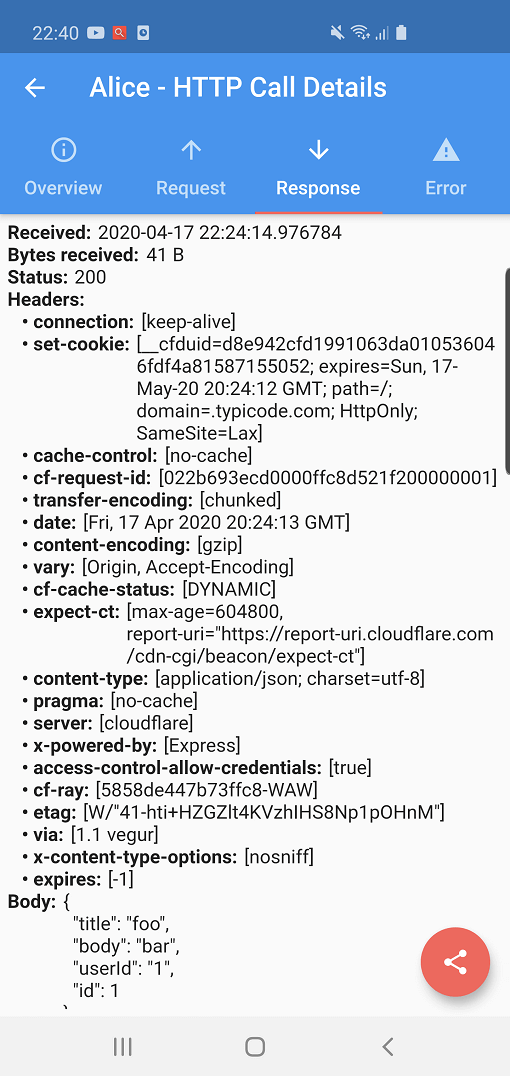
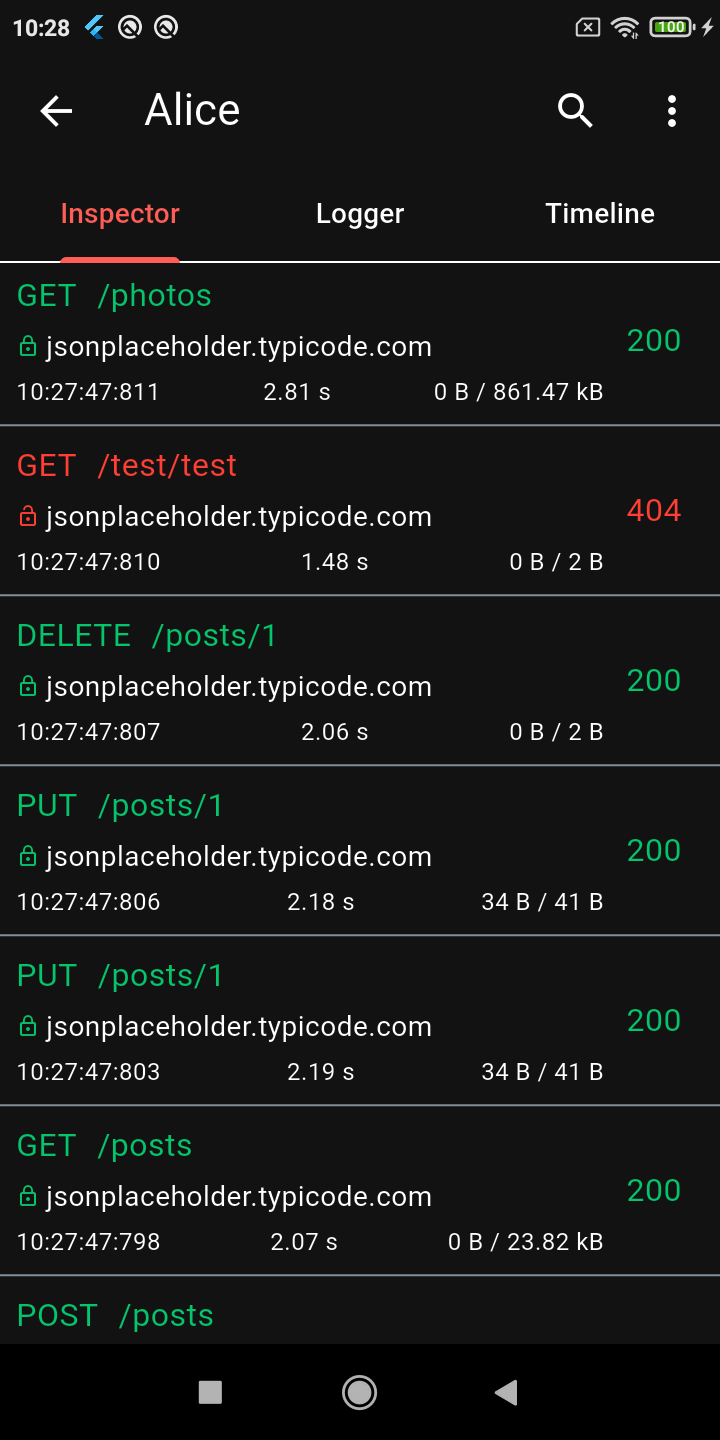 |
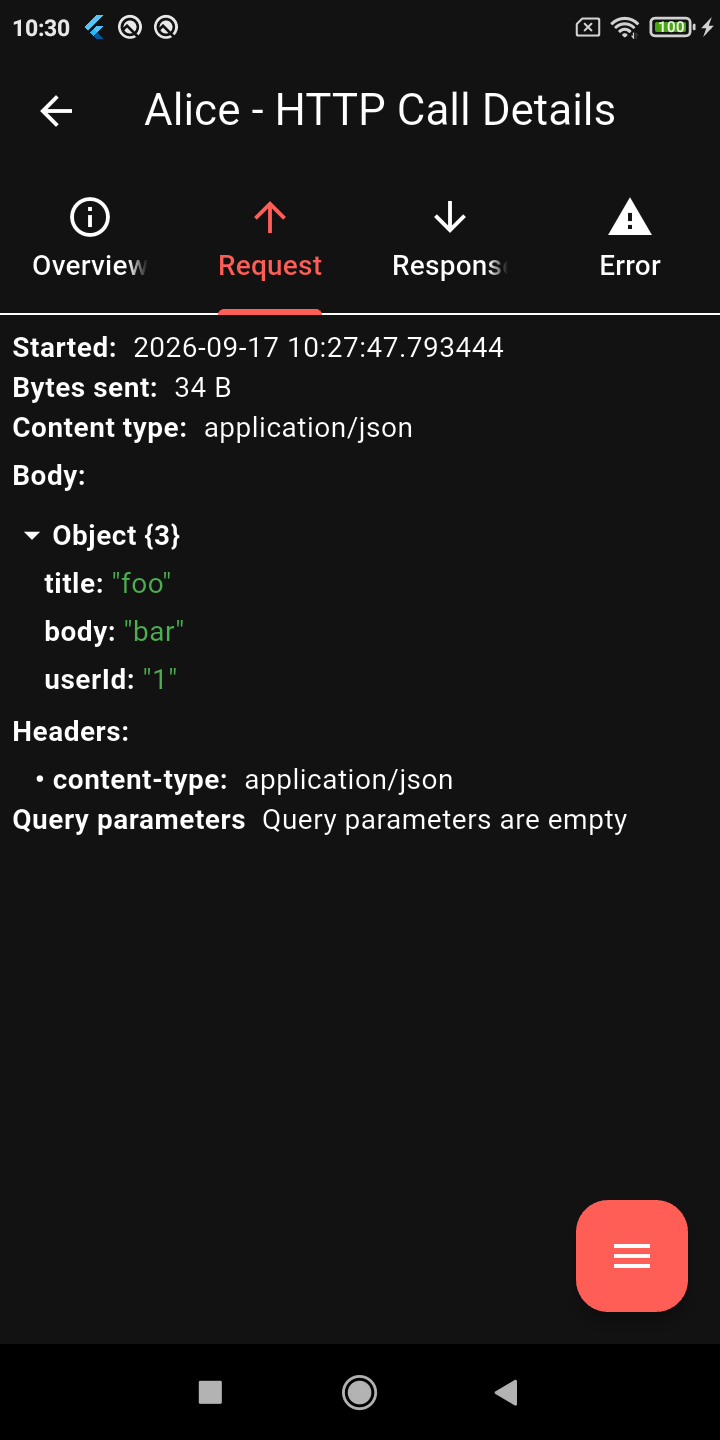 |
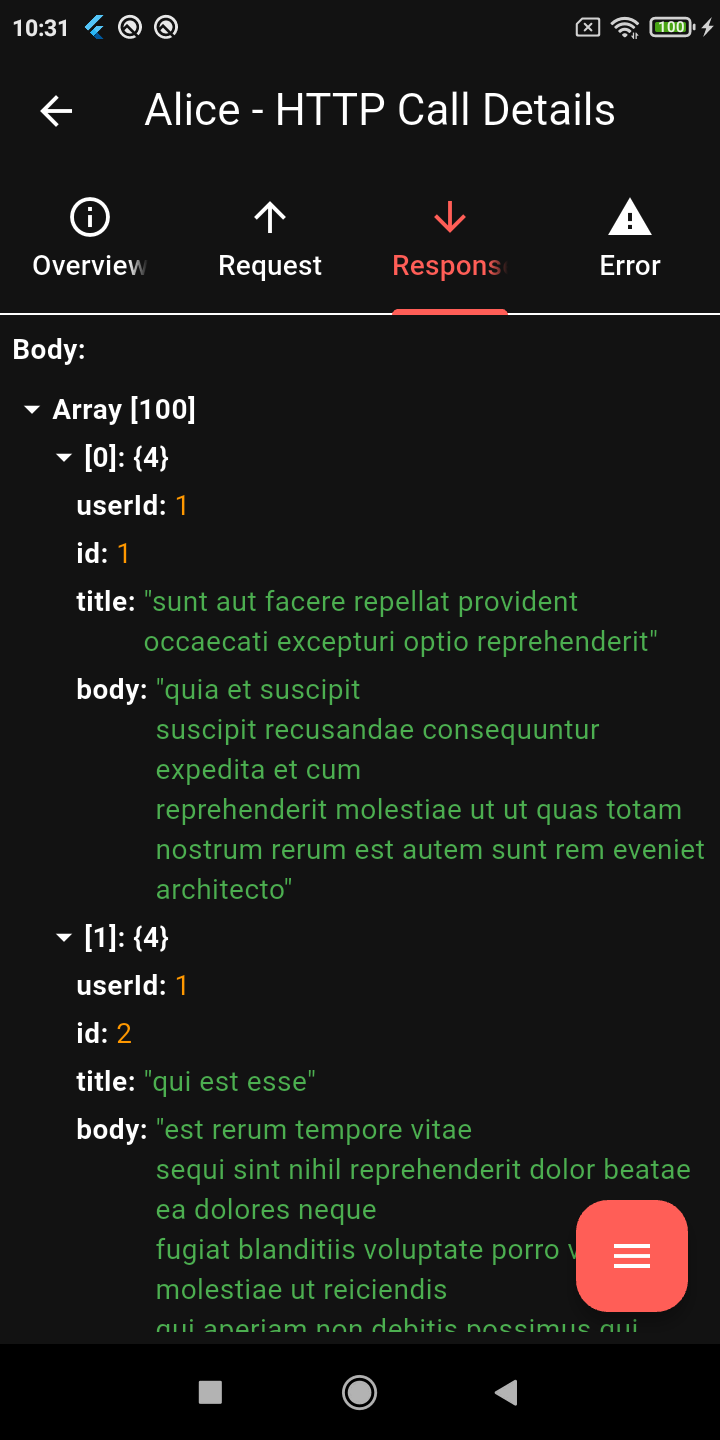 |
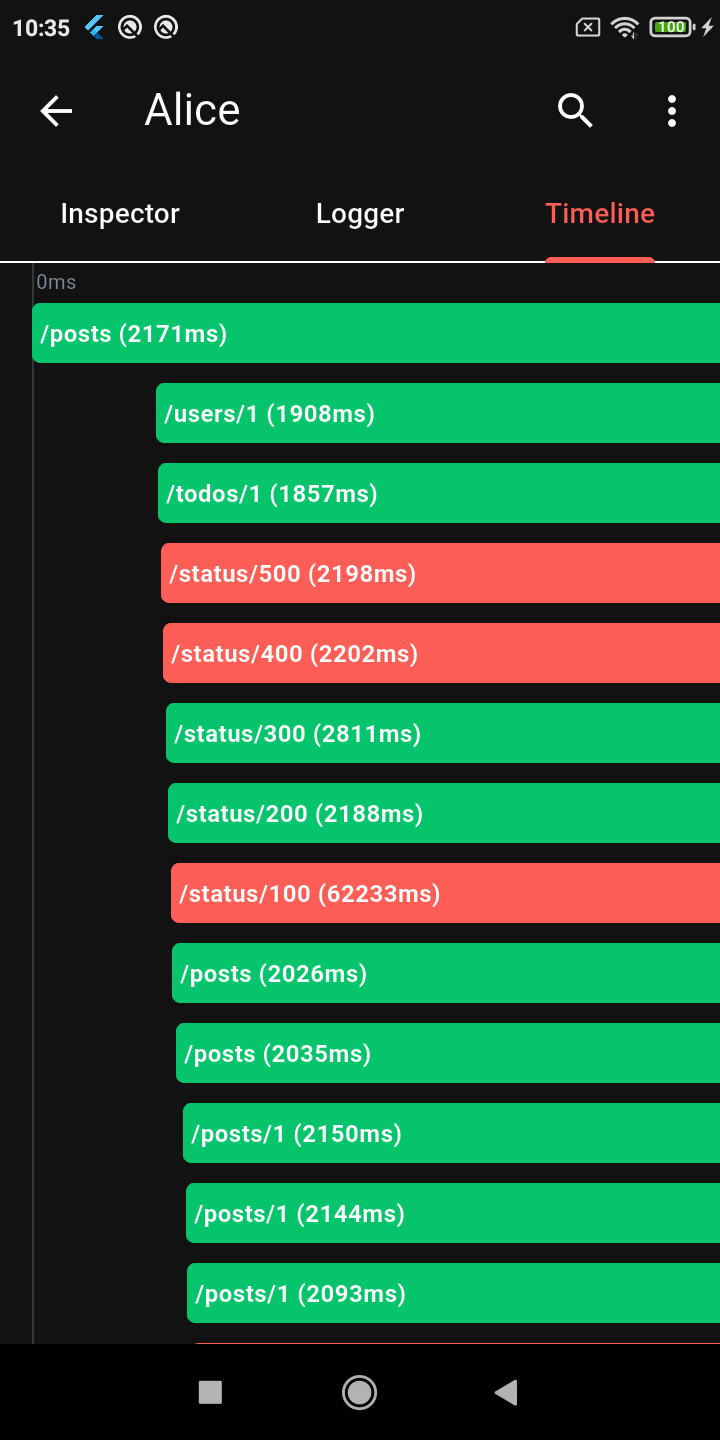 |
| Calls List | Request Details | JSON Viewer | Timeline |
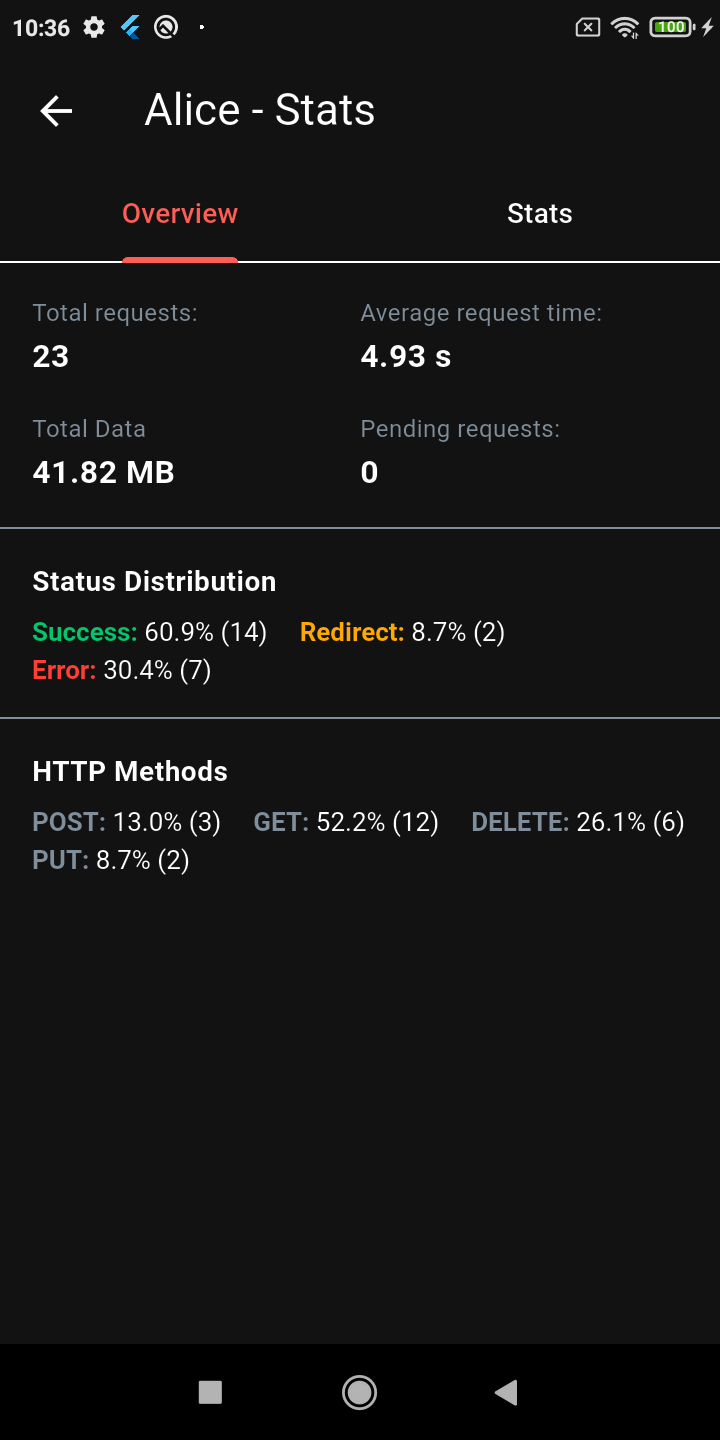 |
 |
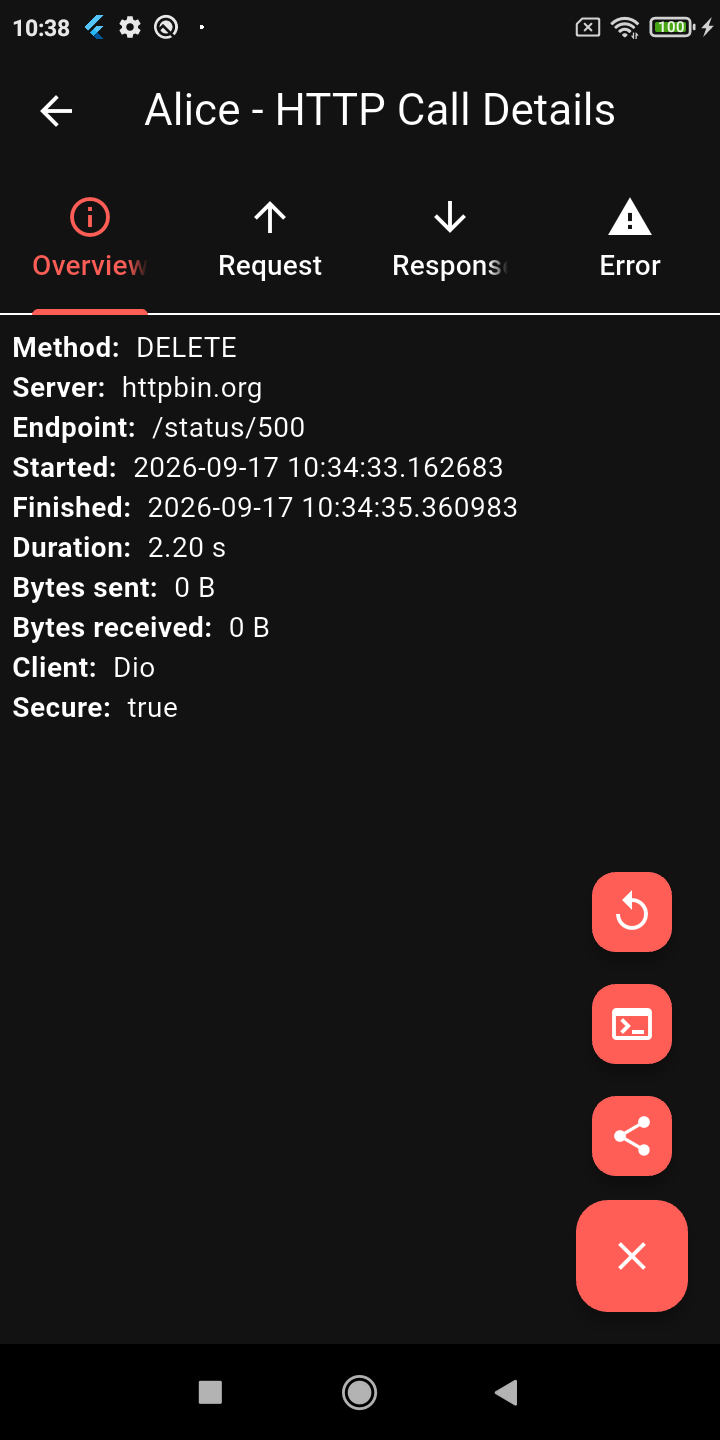 |
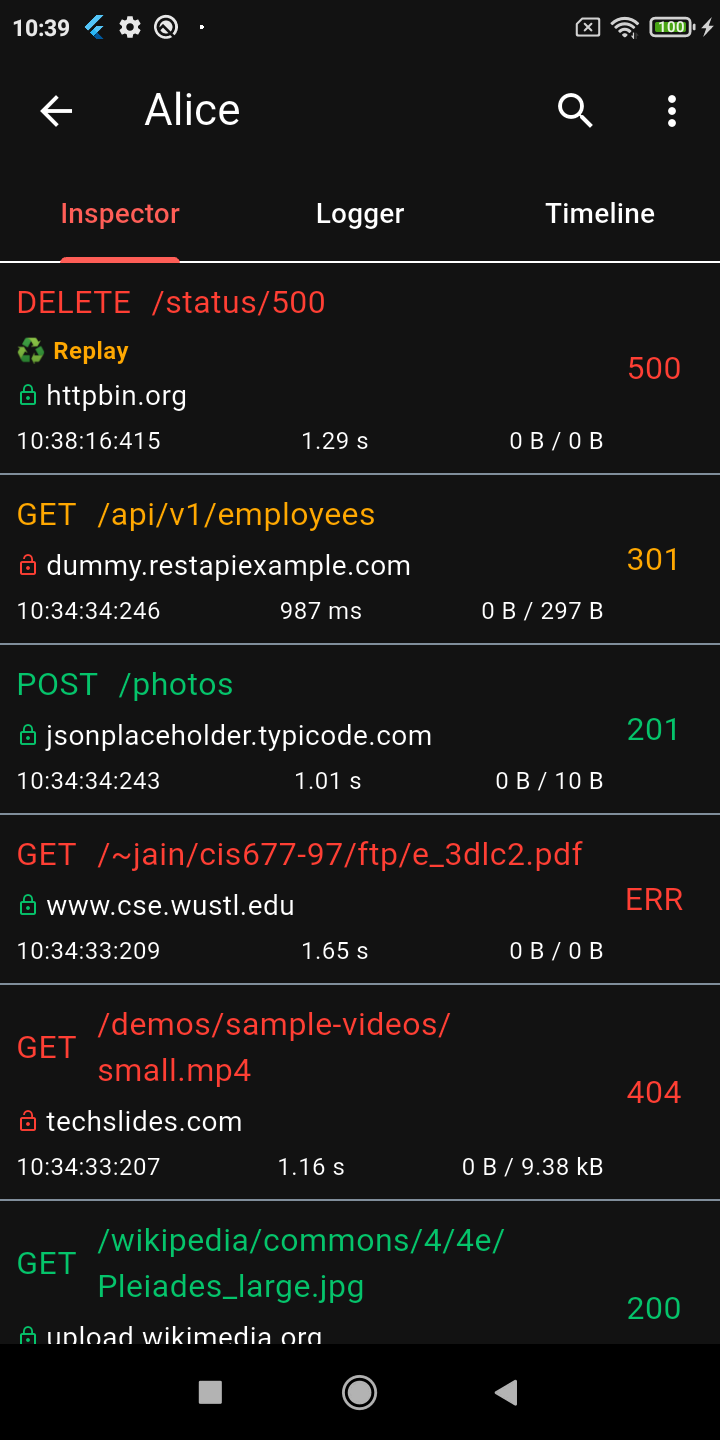 |
| Stats Dashboard | Advanced Search | Request Replay | Dark Mode |
🔍 Deep Inspection
alice.tag(tag: 'login-flow'))🛠️ Broad Compatibility
📱 UX & Workflow
Add the main Alice package (and any specific client plugins you need) to your pubspec.yaml:
dependencies:
  alice: ^1.10.0
  # Add plugins as needed, e.g.:
  # alice_dio: ^1.3.1
Create an instance of Alice. You should generally keep it as a singleton or provide it via dependency injection.
import 'package:alice/alice.dart';

Alice alice = Alice(
  showNotification: true,
  showInspectorOnShake: true,
);
Pass Alice's navigator key to your MaterialApp or CupertinoApp so she can open the UI:
MaterialApp(
  navigatorKey: alice.getNavigatorKey(),
  home: Scaffold(...),
)
Alice works by attaching an interceptor to your HTTP client. For example, using Dio:
import 'package:dio/dio.dart';
import 'package:alice_dio/alice_dio_adapter.dart';

Dio dio = Dio();
dio.interceptors.add(AliceDioAdapter().getInterceptor(alice));

// Now make requests! Alice will automatically record them.
dio.get("https://jsonplaceholder.typicode.com/posts");
For instructions on how to attach Alice to Chopper, standard http, or GraphQL, see the full documentation.
You may notice that Alice uses a multi-package architecture (e.g., alice_dio, alice_http, alice_chopper). This is a deliberate design choice!
Many similar inspector packages force you to pull in a massive dependency tree (Dio, HTTP, Chopper, GraphQL, etc.) all at once, even if your app only uses one of them. This is a bad pattern that bloats your app size, slows down build times, and causes version conflicts.
With Alice, you only install the core alice package and the specific adapter you need (e.g., alice_dio). We strictly avoid enforcing unnecessary dependencies on your project.
For complete setup instructions, advanced configuration, and plugin details, please check the Full Documentation.
Alice has been the go-to Flutter HTTP inspector since its first release, and the ecosystem keeps growing. If your team needs something beyond what's here — a custom adapter for an internal HTTP client, a bespoke export format, enterprise storage backend, or anything else — I'm available for consulting.
先依使用情境篩選,再比較專案活躍情況,最後到原始儲存庫確認使用要求。
“A repository is the most basic element of GitHub.”
GitHub Docs — About repositories ↗