 v4.0.0
shimmer
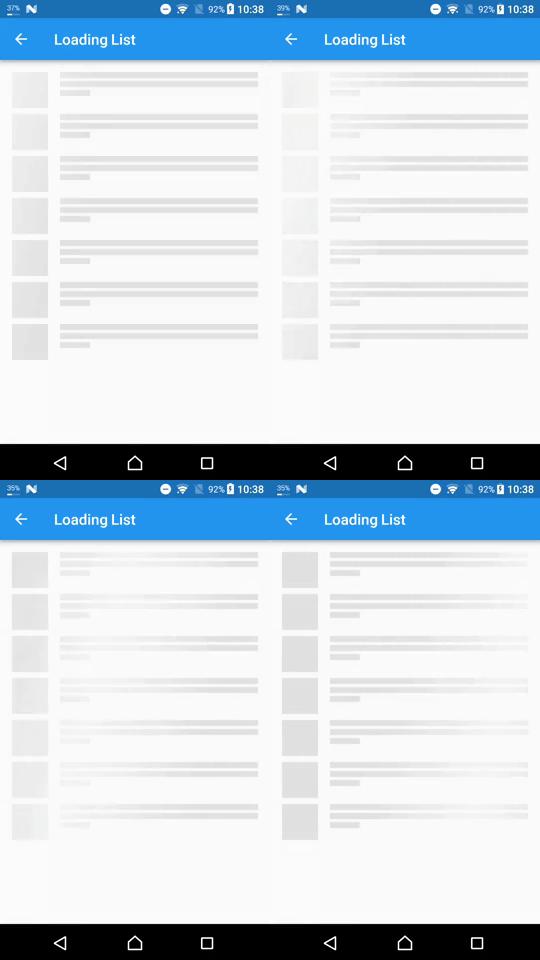
一個套件為 Flutter 項目提供了一種簡單的方式來新增閃爍效果
5460喜歡 172萬近 30 天下載160Pub 分數
AndroidiOSWebmacOSWindowsLinux
使用 Flutter 和 Dart 建立的天氣應用程式

以下為英文專案原文快照,最新內容請造訪 GitHub。
A simple weather App created using Flutter and Dart and using API from OpenWeatherMap
New Design Inspired by Rina Damayanti on Dribbble.
[!IMPORTANT] This project uses version 2.5 of the OpenWeatherMap API
API used in this project:
Sometimes after getting your OpenWeatherMap API key it won't work right away
To test if your API key is working or not copy and paste the following link to your browser
https://api.openweathermap.org/data/2.5/weather?lat=53.4794892&lon=-2.2451148&units=metric&appid=YOUR_API_KEY
Then replaceYOUR_API_KEYwith your own API key from OpenWeatherMap
git clone https://github.com/ArizArmeidi/FlutterWeather.git
flutter pub get
String apiKey = 'Paste Your API Key Here';
Distributed under the MIT License. See LICENSE for more information.
一個套件為 Flutter 項目提供了一種簡單的方式來新增閃爍效果
Flutter 的地理定位外掛程式。此外掛程式為通用位置(GPS 等)功能提供跨平台(iOS、Android)API。
功能強大的套件,可快速建立美觀的自訂動畫。
Supercharged 將 Kotlin 等語言的所有舒適功能帶給所有 Flutter 開發者。
一個 Flutter 套件,用於從國家清單中選擇國家。
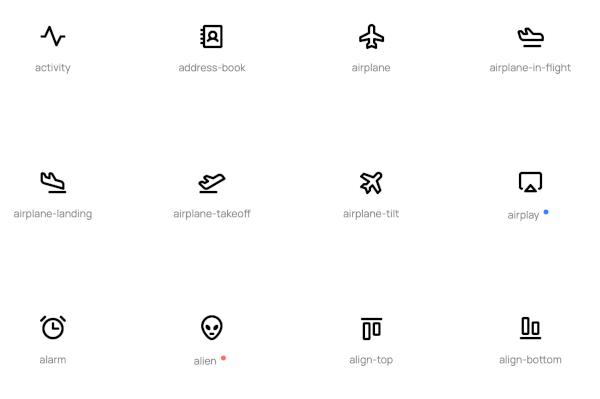
Phosphoricons 對 Flutter 的實作。772 個圖示及更多。細線、輕量、常規、粗體、填滿。
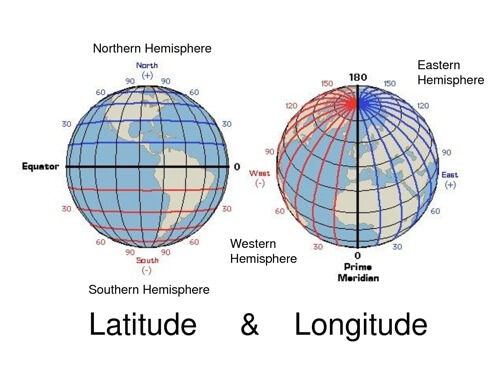
用於常見緯度和經度計算的輕量級程式庫
一個 Flutter 實作的可展開且帶有動畫效果的浮動搜尋欄,也稱為持續搜尋。
依賴清單 15 項
{"sdk":"flutter"}^2.0.20^1.0.0^6.1.0^9.0.2^1.1.0^0.18.0^0.8.1^0.5.0^2.0.1^6.0.5^3.0.0^5.0.0+3^2.1.1{"sdk":"flutter"}先依使用情境篩選,再比較專案活躍情況,最後到原始儲存庫確認使用要求。
“A repository is the most basic element of GitHub.”
GitHub Docs — About repositories ↗