

 v0.17.2
sidebarx
flutter 多平台導航側邊欄 / 側邊導航欄 / 抽屜小部件
783喜歡 1.6萬近 30 天下載160Pub 分數
AndroidiOSWebmacOSWindowsLinux
Flutter 多平台導航側邊欄 / 頁面側邊導航列 / 抽屜小部件

以下為英文專案原文快照,最新內容請造訪 GitHub。
Show some ❤️ and star the repo to support the project!
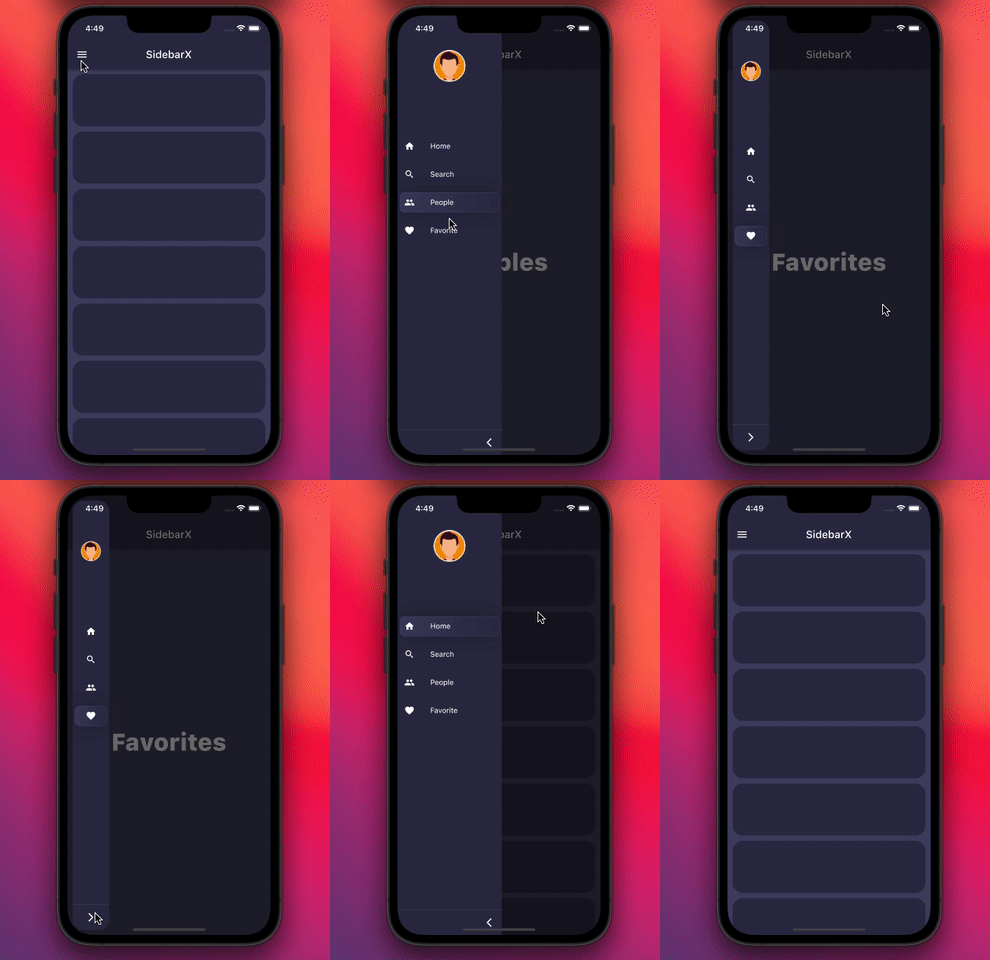
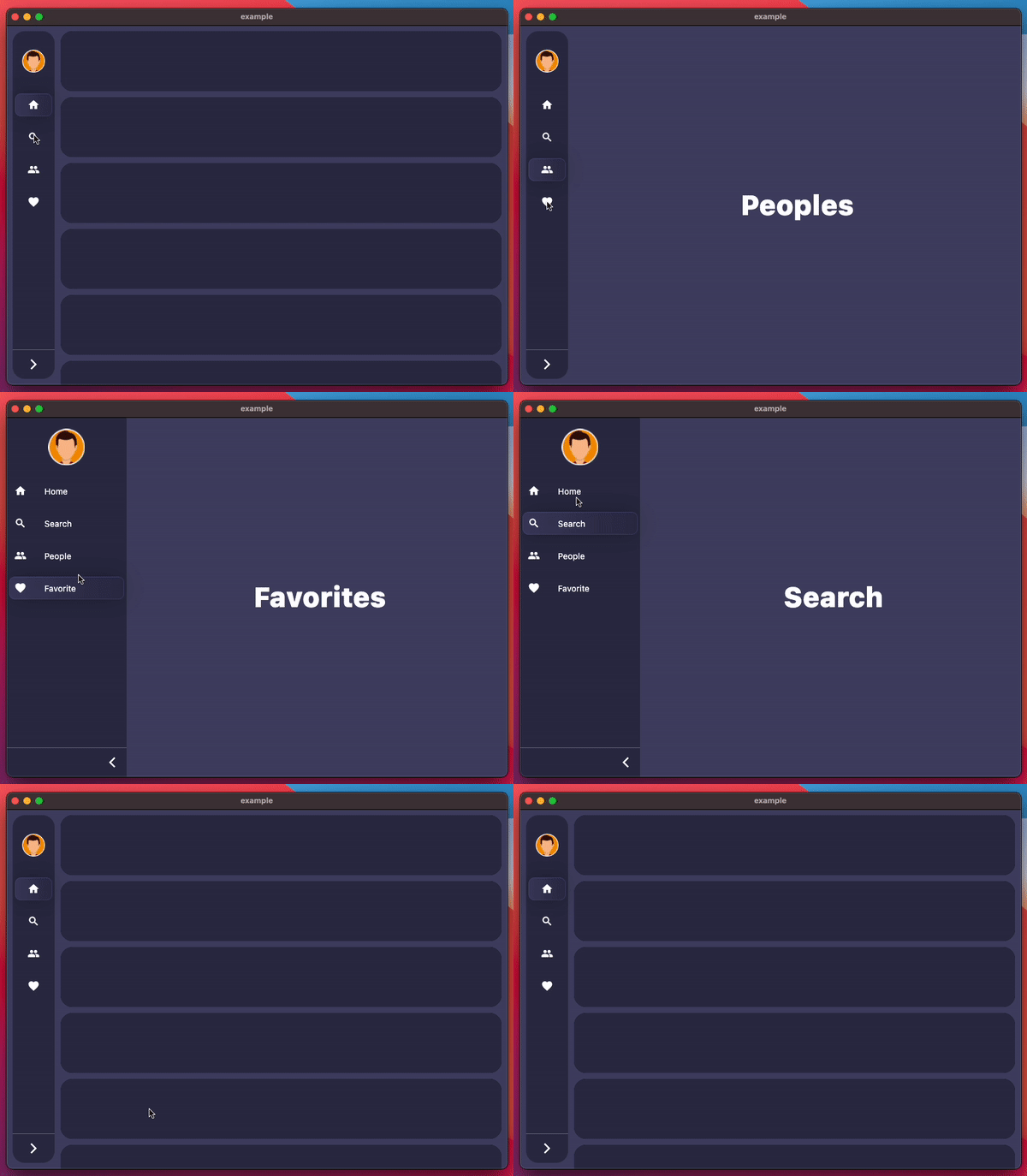
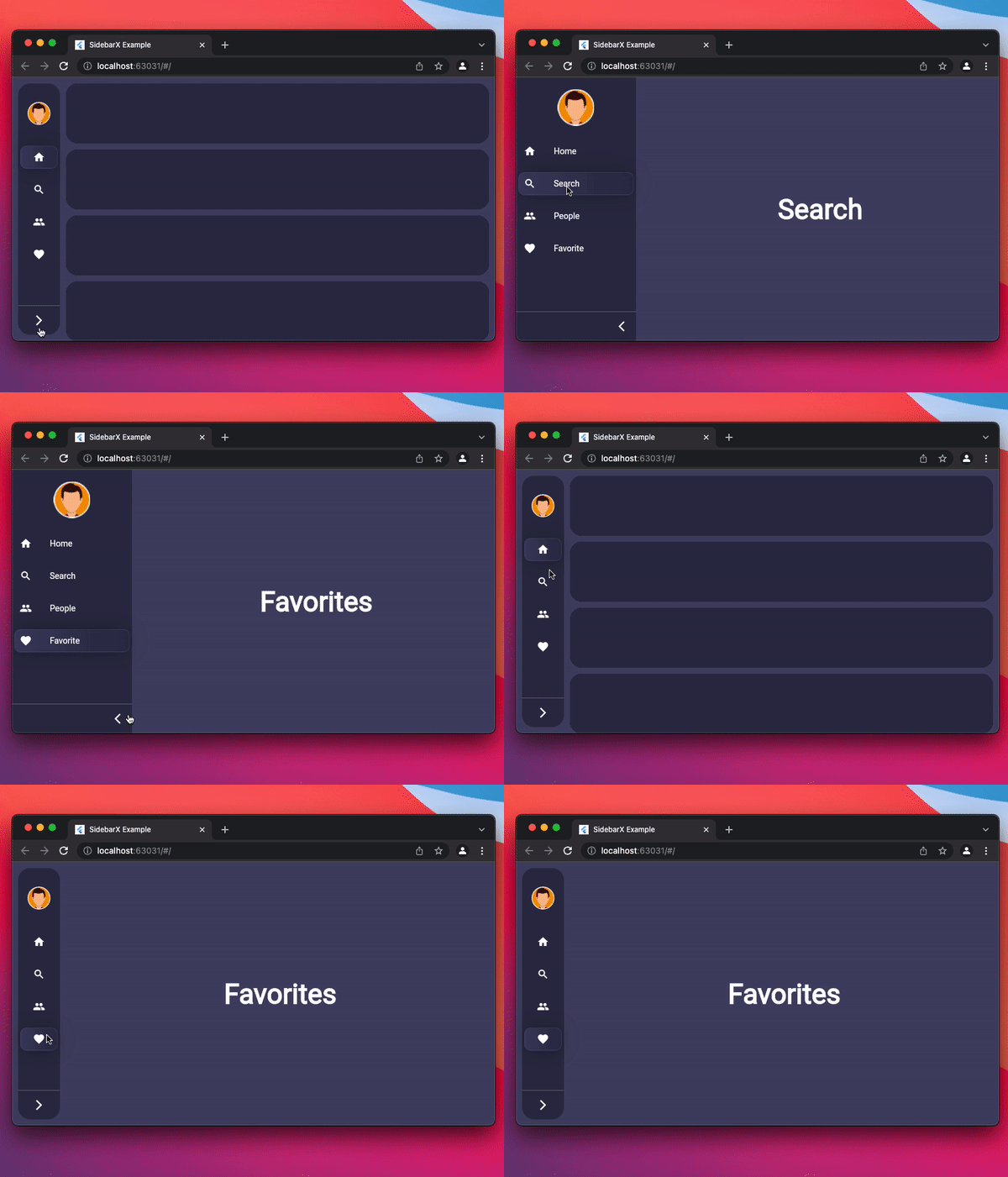
| Mobile | Desktop | Web |
|---|---|---|
 |
 |
 |


Follow these steps to use this package
dependencies:
  sidebarx: ^0.17.2
import 'package:sidebarx/sidebarx.dart';
The package is designed with maximum adaptation to large screens.
Therefore, adding a widget to your screen will be very simple.
    Scaffold(
      body: Row(
        children: [
          SidebarX(
            controller: SidebarXController(selectedIndex: 0),
            items: const [
              SidebarXItem(icon: Icons.home, label: 'Home'),
              SidebarXItem(icon: Icons.search, label: 'Search'),
            ],
          ),
          // Your app screen body
        ],
      ),
    )
On small screens and mobile devices, you can use the ready-made Sidebar widget as your application's drawer for excellent UX.
Otherwise, leave the code unchanged and get the same experience
    Scaffold(
      drawer: SidebarX(
        controller: SidebarXController(selectedIndex: 0, extended: true),
        items: const [
          SidebarXItem(icon: Icons.home, label: 'Home'),
          SidebarXItem(icon: Icons.search, label: 'Search'),
        ],
      ),
      body: const Center(child: Text('Your app body')),
    )
The project is under development and ready for your pull-requests and issues 👍
Thank you for support ❤️
Thanks to all contributors of this package
依賴清單 3 項
{"sdk":"flutter"}{"sdk":"flutter"}^2.0.1先依使用情境篩選,再比較專案活躍情況,最後到原始儲存庫確認使用要求。
“A repository is the most basic element of GitHub.”
GitHub Docs — About repositories ↗