v14.0.1
firebase_storage
適用於 Firebase Cloud Storage 的 Flutter 插件,這是一項功能強大、簡單且具成本效益的物件儲存服務,適用於 Android 與 iOS。
1760喜歡 96.1萬近 30 天下載140Pub 分數
AndroidiOSWebmacOSWindows
Microsoft Teams 個人克隆版是一款視訊會議應用程式,提供豐富的整合式聊天體驗,讓您與朋友、家人及同事保持聯繫。此應用是在微軟 Engage 2021 實習期間,作為 Microsoft Teams 的重新設計專案所開發。

以下為英文專案原文快照,最新內容請造訪 GitHub。

Microsoft Teams Clone is a Video conference application with a rich integrated chat experience, to connect with friends,family & colleagues. Developed as a redesign of Microsoft Teams during my menteeship at Microsoft Engage 2021, It implements the following features of the original app
This application is written using Flutter & Dart, It leverages Gradle and AndroidX and utilises StreamChat SDK, Google Firebase and Jisi Meet Android SDK.
Android 6.0 and above only
Please refer to the Guide here to know the difference.
Chat Functionality
Video Conferencing Functionality
UI / UX
Complete Feature List
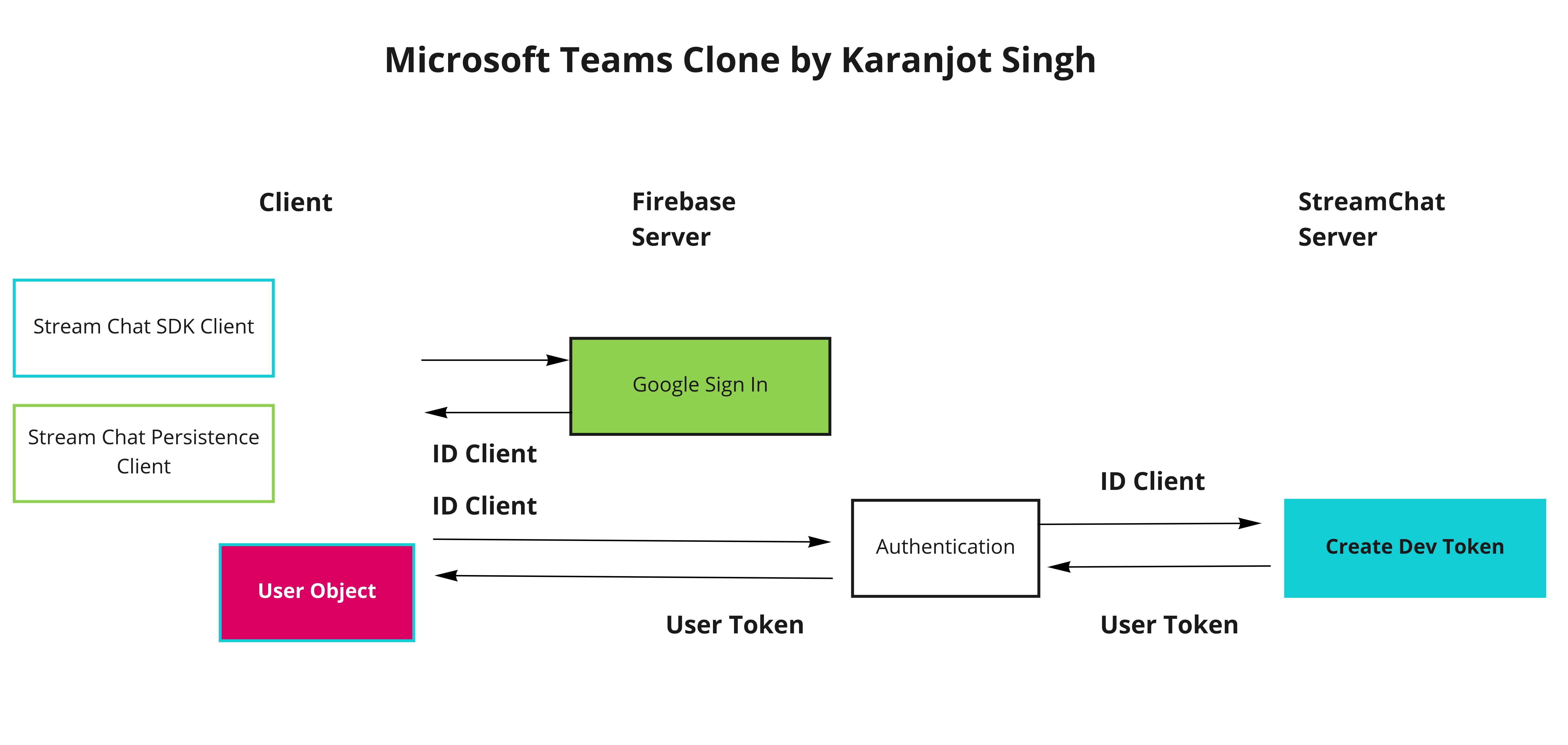
pubspec.yaml
This application follows the Effective Dart: Style & the repository is maintained following Agile Methodologies and Gitflow Workflow

Click to play

Please head to the Wiki page here.
Microsoft Teams Clone is released under the MIT License.
Drop by and say hello!


適用於 Firebase Cloud Storage 的 Flutter 插件,這是一項功能強大、簡單且具成本效益的物件儲存服務,適用於 Android 與 iOS。
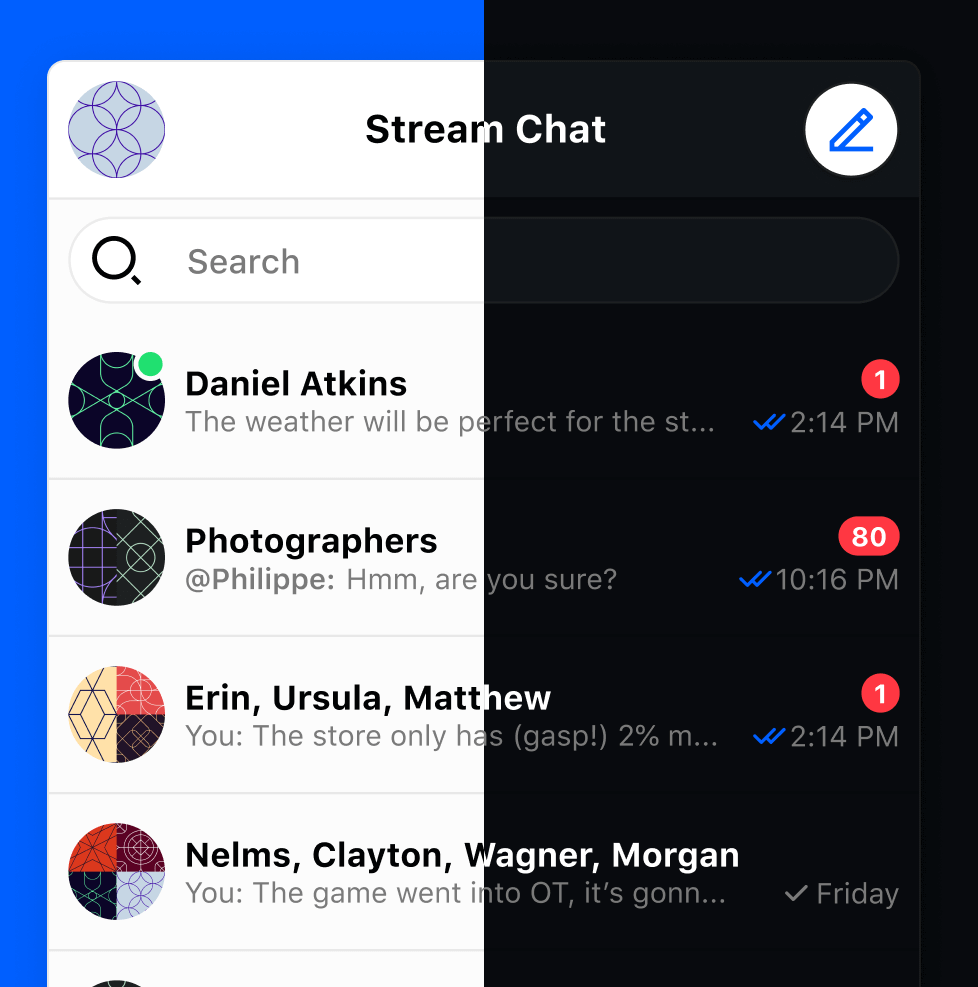
Stream Chat 官方 Flutter SDK。使用 Dart 和 Flutter 建立您自己的聊天體驗。
一個高度可自訂的 PIN/OTP 輸入欄位,支援 Material Design,並具備用於自訂 UI 的無頭核心。
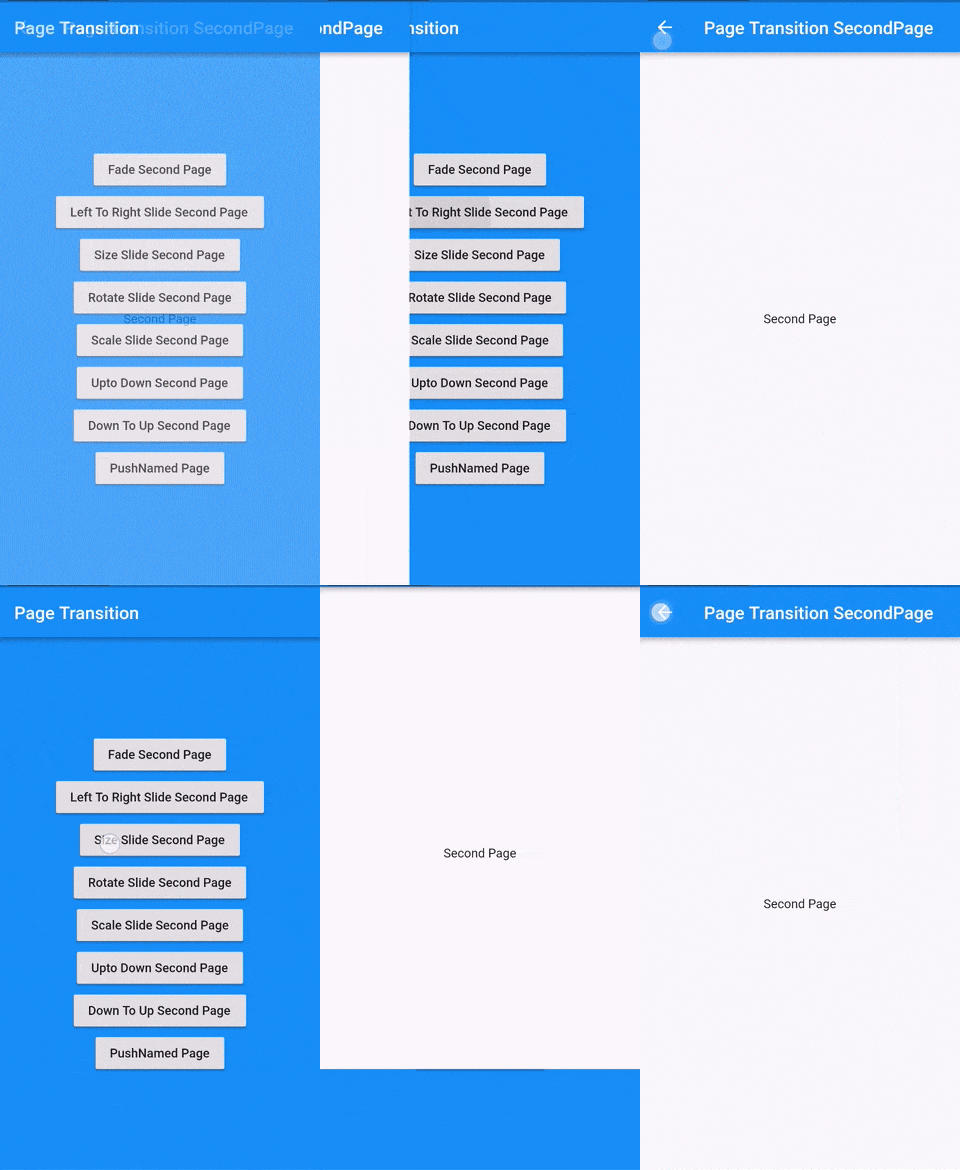
Flutter 頁面過渡套件,用於第二個頁面的過渡
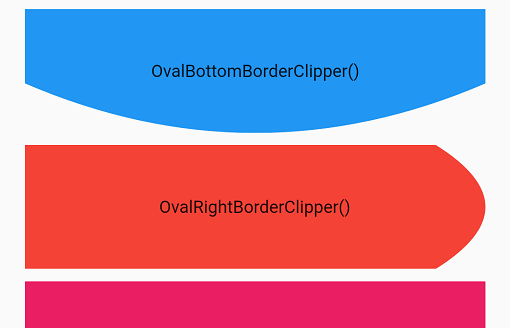
提供自訂剪裁器的 Flutter 套件,幫助您實現各種自訂形狀。
基於流的 shared_preferences 包裝器,支援反應式鍵值儲存。
依賴清單 26 項
——^1.0.1^1.0.1^5.0.0——^1.2.0{"sdk":"flutter"}{"git":{"url":"https://github.com/GetStream/stream-chat-flutter.git","ref":"develop","path":"packages/stream_chat_flutter"}}{"git":{"url":"https://github.com/GetStream/stream-chat-flutter.git","ref":"develop","path":"packages/stream_chat_persistence"}}^5.0.0+4^0.22.0^4.2.0^3.1.0^2.0.0^1.0.1^1.15.0-nullsafety.4^3.0.4————^2.0.2^0.9.0any先依使用情境篩選,再比較專案活躍情況,最後到原始儲存庫確認使用要求。
“A repository is the most basic element of GitHub.”
GitHub Docs — About repositories ↗