 v5.9.3
flutter_screenutil
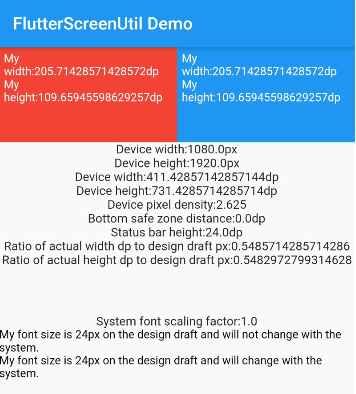
一個用於適配螢幕和字體大小的Flutter外掛程式。確保在不同型號上都能呈現良好效果
5120喜歡 42.1萬近 30 天下載150Pub 分數
AndroidiOSWebmacOSWindowsLinux
命運 – 跨平台魔法隧道圖形客戶端

以下為英文專案原文快照,最新內容請造訪 GitHub。

Destiny is a secure file transfer application that allows people to transfer files without needing to reveal their identities to each other or the service provider. All files are end-to-end encrypted, meaning no one except the sender and the receiver can decrypt the contents. Users select a file on their device and then share the generated code with the intended recipient for safe delivery. No sign-up is needed.
Key security features:
Based on the wormhole-william implementation of the Magic Wormhole protocol. This application relies on a plugin that wraps the wormhole-william client with a Dart API.
Supported platforms
You can find detailed instructions on how to install applications on various platforms
Windows, Linux, macOS files can be downloaded from the latest release.
Available on external stores:


Alternatively, apps can be downloaded directly from GitHub release assets and installed manually.
We recommend verifying every downloaded file against the corresponding signature.
git clone --recurse-submodules git@github.com:LeastAuthority/destiny.git
Builds for magic-wormhole.io by default:
flutter build linux
flutter build apk
flutter build appbundle
flutter build macos
flutter build ipa
Builds for Least Authority servers:
flutter build linux -t lib/main_la.dart
Builds for local instances:
flutter build linux -t lib/main_local.dart
Checkout detailed instructions for building.
If flutter is not used for web application, worth to set to avoid additional files generation and static analysis warnings:
flutter config --no-enable-web
Checkout detailed instructions on how to sign releases](https://github.com/LeastAuthority/destiny/blob/main/docs/releases.md).
cd docker
docker-compose up -d
To disable debug label on the app in the emulator, set debugShowCheckedModeBanner: false (two places)
iOS downloaded files are stored in the app/Documents folder, which is displayed in Files App as a dedicated application folder. If Files doesn't display the application folder, try restarting the phone. Note, that if the App is deleted, all downloaded files in the same App folder will be deleted too.
Delete default settings:
defaults delete com.leastauthority.destiny一個用於適配螢幕和字體大小的Flutter外掛程式。確保在不同型號上都能呈現良好效果
一組以 Flutter 動畫呈現的載入指示器。深受 @tobiasahlin 的 SpinKit 啟發。
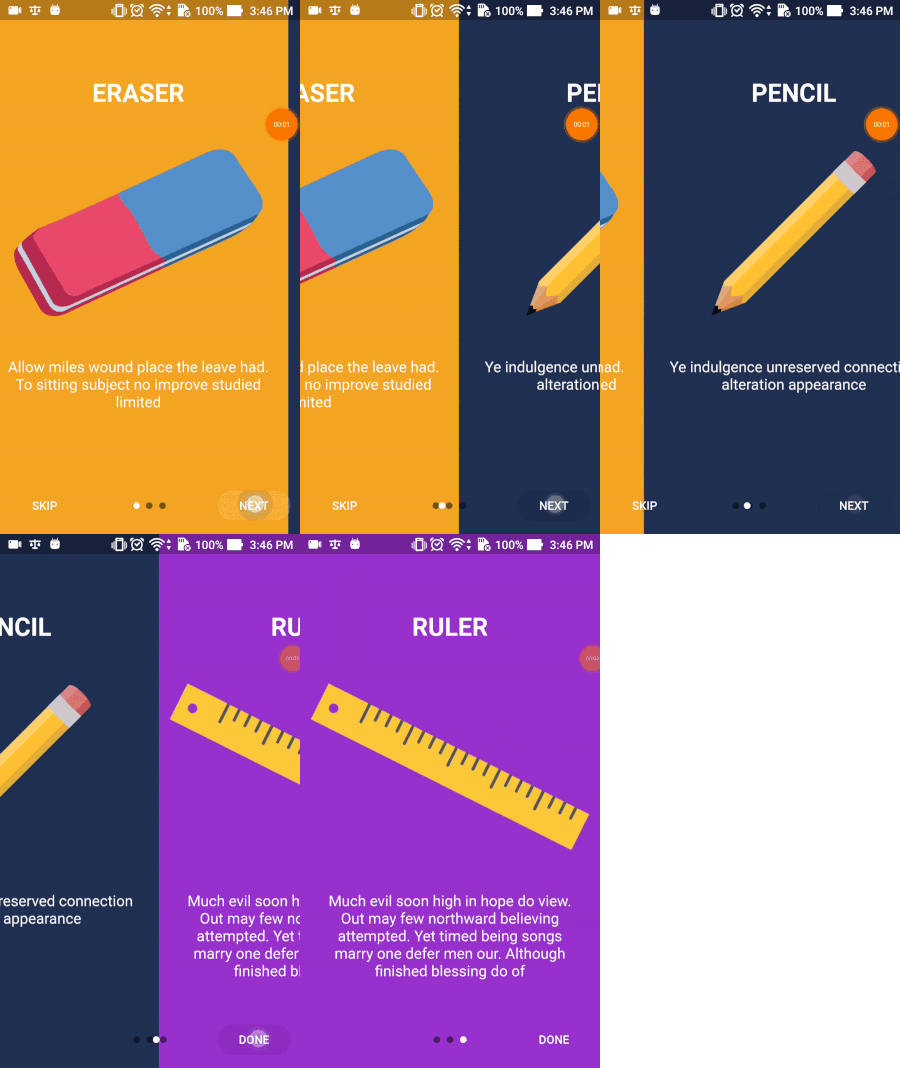
Flutter Intro Slider 是一個 Flutter 插件,可幫助您為您的應用程式製作酷炫的介紹頁面
一個允許使用者將檔案拖曳至您的 Flutter 桌面應用程式的外掛。
一個 Flutter 套件,讓使用者能輕鬆為任何組件加上虛線邊框。
基於流的 shared_preferences 包裝器,支援反應式鍵值儲存。
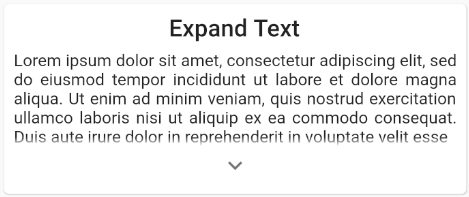
輕鬆展開和收起小部件集合或文字的能力
依賴清單 29 項
{"path":"./dart_wormhole_william"}5.2.0^2.0.6^2.0.0{"git":{"url":"https://github.com/google/flutter-desktop-embedding.git","path":"plugins/window_size","ref":"17d4710c17f4913137e7ec931f6e71eaef443363"}}^5.2.4{"git":{"url":"https://github.com/shareef-dweikat/flutter-intro-slider","ref":"bbc9df2a00b29d94445f5be548635b39f5fde3f3"}}{"git":{"url":"https://github.com/shareef-dweikat/expand_widget","ref":"52dc9fa9cc62191de4724b46edae29143c18a059"}}{"sdk":"flutter"}^7.2.0^3.0.2^2.0.0^2.0.0+1^0.3.0^10.0.0^5.1.0^6.0.0^6.1.5^2.0.1^0.6.2{"sdk":"flutter"}{"sdk":"flutter"}{"sdk":"flutter"}^1.19.5^5.3.2^2.2.1^3.0.1^3.6.2^2.0.1先依使用情境篩選,再比較專案活躍情況,最後到原始儲存庫確認使用要求。
“A repository is the most basic element of GitHub.”
GitHub Docs — About repositories ↗