


 v2.1.0
circular_countdown
一個表示圓形倒數計時的套件,可用於各種單位(天、小時、秒、點數等)。
72喜歡 2460近 30 天下載150Pub 分數
AndroidiOSWebmacOSWindowsLinux
一個表示圓形倒數計時的套件,可用於各種單位(天、小時、秒、點數等)。

以下為英文專案原文快照,最新內容請造訪 GitHub。
A package that represents a circular countdown that you can use for every kind of units (days, hours, seconds, points, ...).
A web demo is available here : https://mattisbrizard.github.io/circular_countdown/#/
In the pubspec.yaml of your flutter project, add the following dependency:
dependencies:
  ...
  circular_countdown: ^2.1.0
In your library add the following import:
import 'package:circular_countdown/circular_countdown.dart';
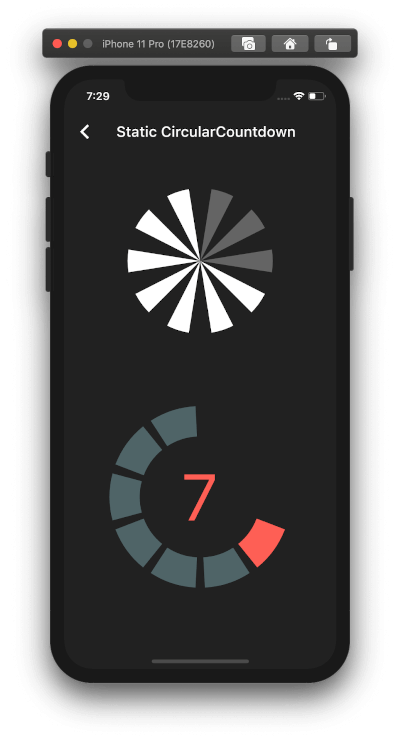
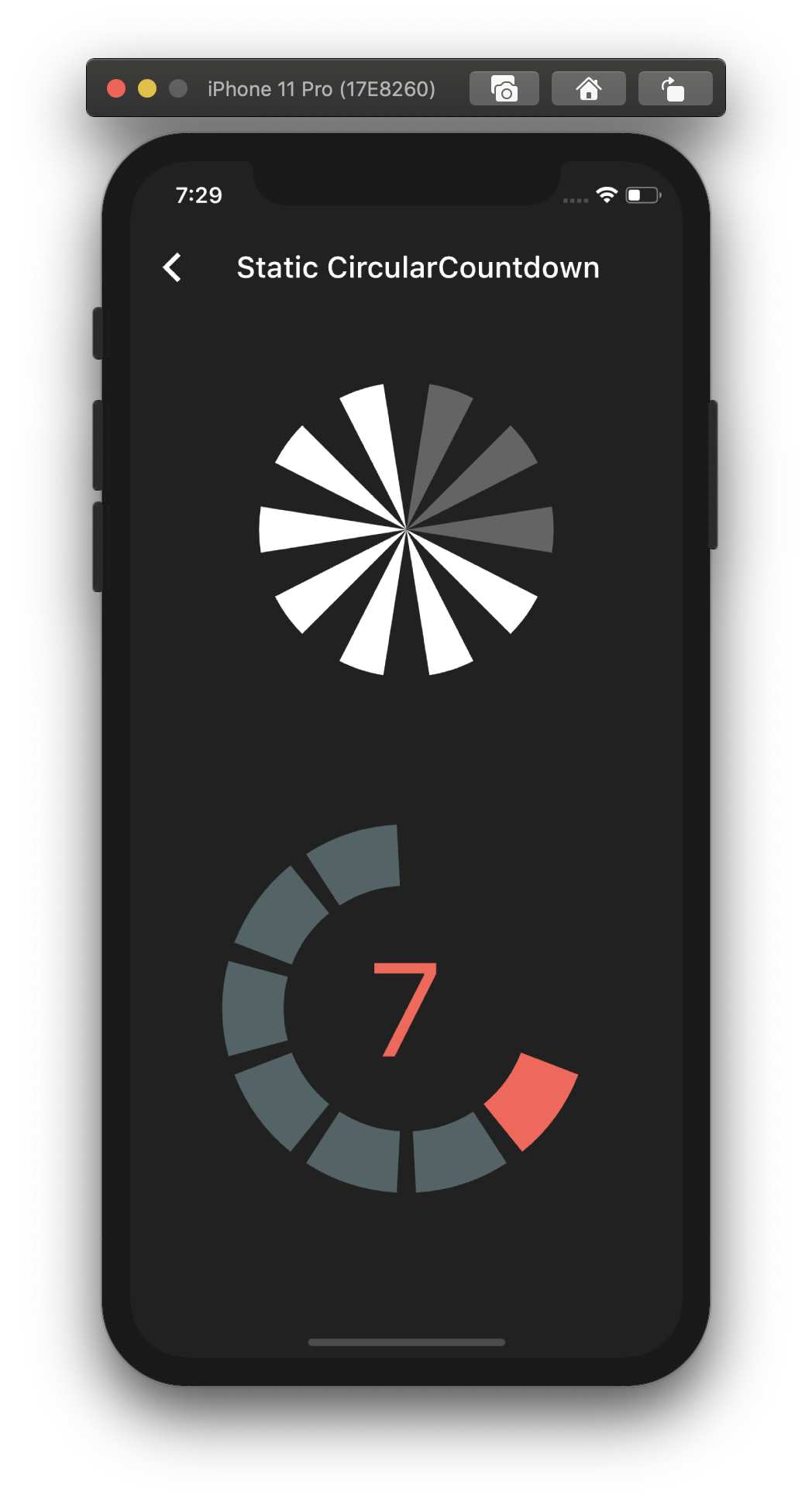
This is the way to create a simple static countdown.
import 'package:flutter/material.dart';
...
return CircularCountdown(
	countdownTotal:  10,
	countdownRemaining:  7,
);
...
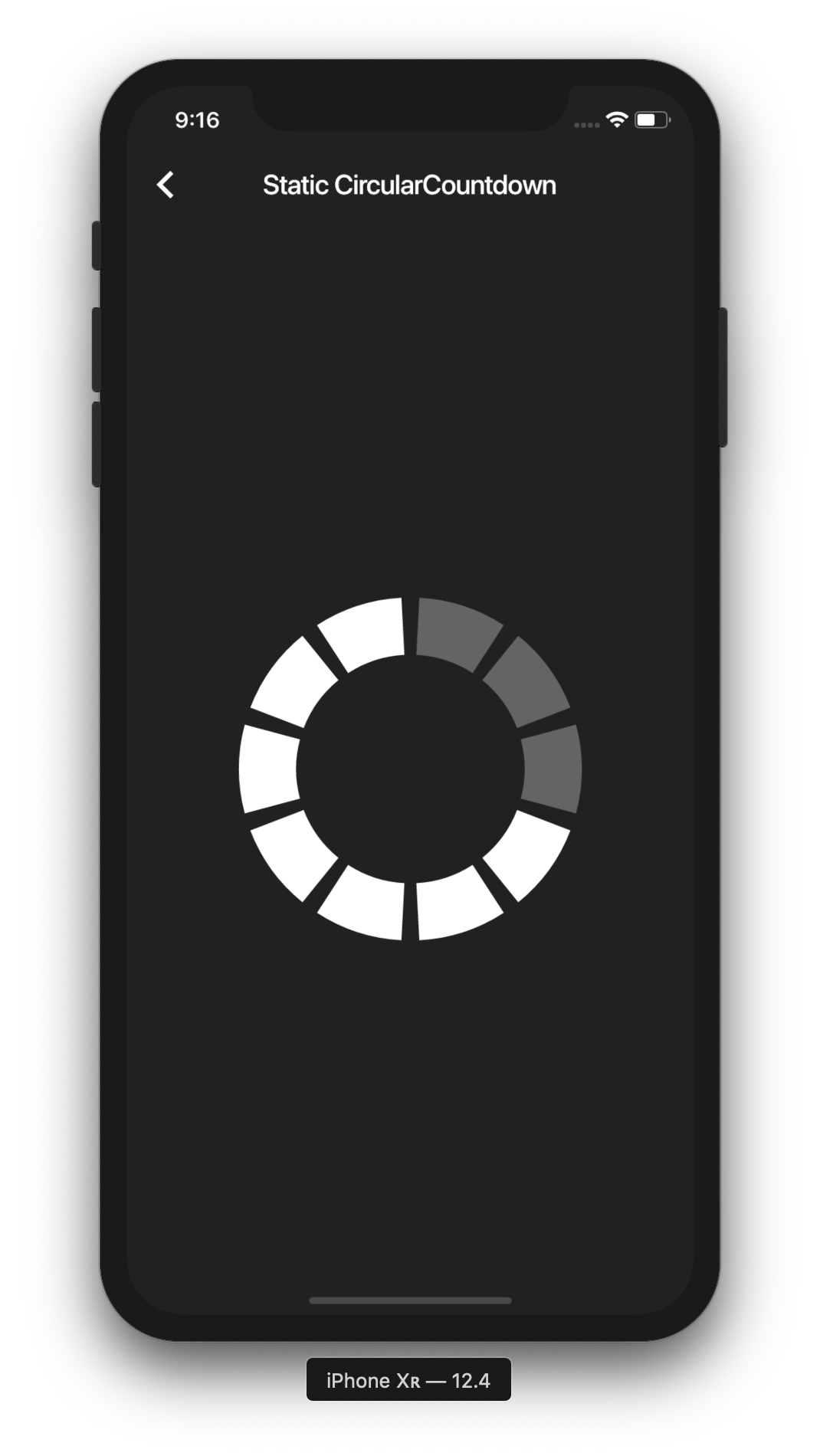
By playing with the parameters, you can change the size, the colors, the size of the gaps, the strokeWidth and more to have more complex Countdowns.
If you want to have full control on the timer (start, pause, etc), please see the section Controlled countdown below.
If you want to use the CircularCountdown widget as a Time Countdown, you can use the built-in TimeCircularCountdown that wraps the timer logic for you: (see how in example)
return TimeCircularCountdown(
    unit: CountdownUnit.seconds,
    countdownTotal: 30,
    onUpdated: (unit, remainingTime) => print('Updated'),
    onFinished: () => print('Countdown finished'),
);
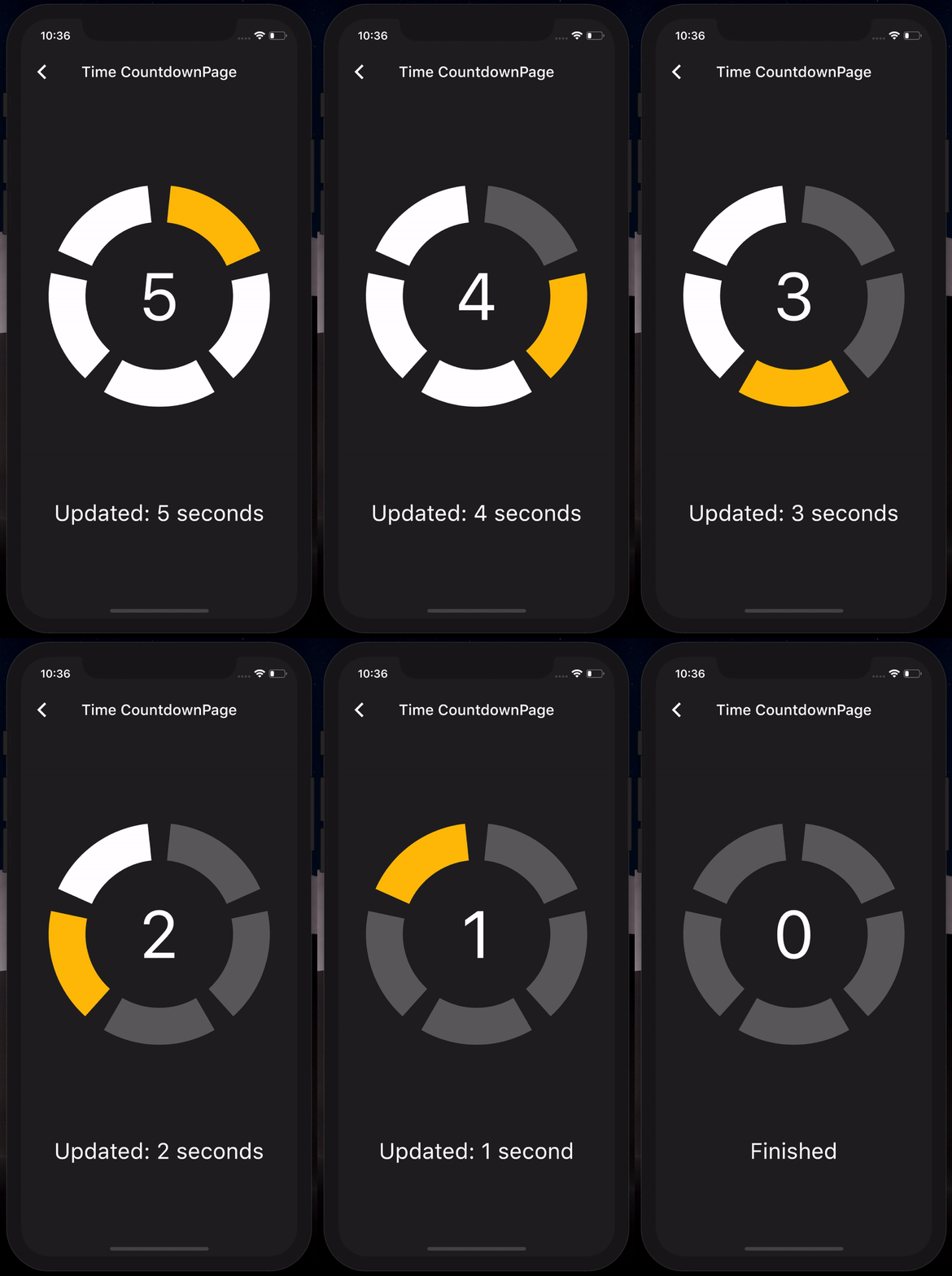
You can repeat the timer when ended by using the repeat bool property.
To have full control on the timer (play, pause, reset, shared between mutliple screen, etc), you can use CircularCountdown with the timer_controller library.
You can see the code in the example app.
If you find a bug or want a feature, but don't know how to fix/implement it, please fill an issue. If you fixed a bug or implemented a feature, please send a pull request.
依賴清單 2 項
{"sdk":"flutter"}{"sdk":"flutter"}先依使用情境篩選,再比較專案活躍情況,最後到原始儲存庫確認使用要求。
“A repository is the most basic element of GitHub.”
GitHub Docs — About repositories ↗