搜尋套件、儲存庫與 APP 分類

circular_countdown 封面
套件詳情v2.1.0

circular_countdown

一個表示圓形倒數計時的套件,可用於各種單位(天、小時、秒、點數等)。

AndroidiOSWebmacOSWindowsLinux
近 30 天下載
2460
喜歡數
72
Pub 分數
150

安裝套件

flutter pub add circular_countdown

套件介紹

根據套件公開資料產生的選型評估,僅供參考。

一個 Flutter 套件,提供可自訂的圓形倒數計時器,適用於顯示天數、小時、分鐘、秒數,甚至是點數等抽象值。它具備平滑的動畫與直覺的介面,非常適合需要視覺倒數計時功能的應用程式,例如計時器、遊戲或任務追蹤器。此套件支援多個平台,包含 Android、iOS、Web、macOS、Windows 與 Linux。

適用情境

  • 遊戲計時器
  • 任務倒數
  • 事件倒數
  • 健身追蹤
  • 互動式 UI 元素

主要特色

  • 平滑的圓形動畫
  • 可自訂的時間單位
  • 跨平台支援
  • 可設定的顏色和尺寸
  • 與 Flutter 小部件的輕鬆整合

適合對象

  • 開發互動式倒數介面的開發者
  • 需要視覺時間追蹤的應用
  • 遊戲化應用
  • 教育類或生產力工具

使用建議

  • 需要手動處理倒數計時邏輯
  • 有限的內建格式化選項
  • 最適合簡單的倒數計時需求,而非複雜的排程

原始 README

以下為關聯原始碼儲存庫的 README 原文快照,最新內容請造訪原始碼儲存庫。

circular_countdown

A package that represents a circular countdown that you can use for every kind of units (days, hours, seconds, points, ...).

Demo

A web demo is available here : https://mattisbrizard.github.io/circular_countdown/#/

Build Status

Getting Started

In the pubspec.yaml of your flutter project, add the following dependency:

dependencies:
  ...
  circular_countdown: ^2.1.0

In your library add the following import:

import  'package:circular_countdown/circular_countdown.dart';

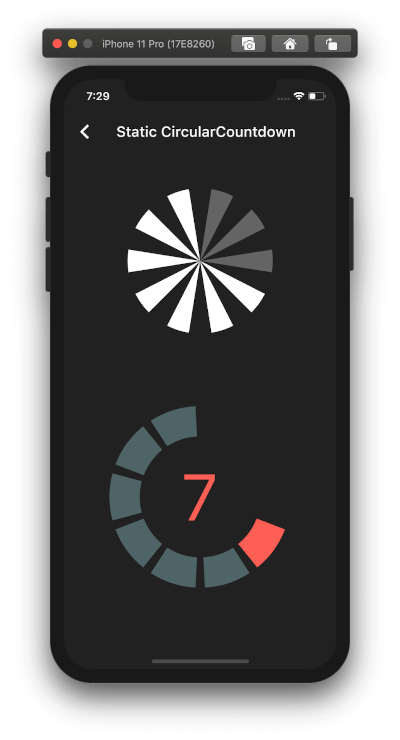
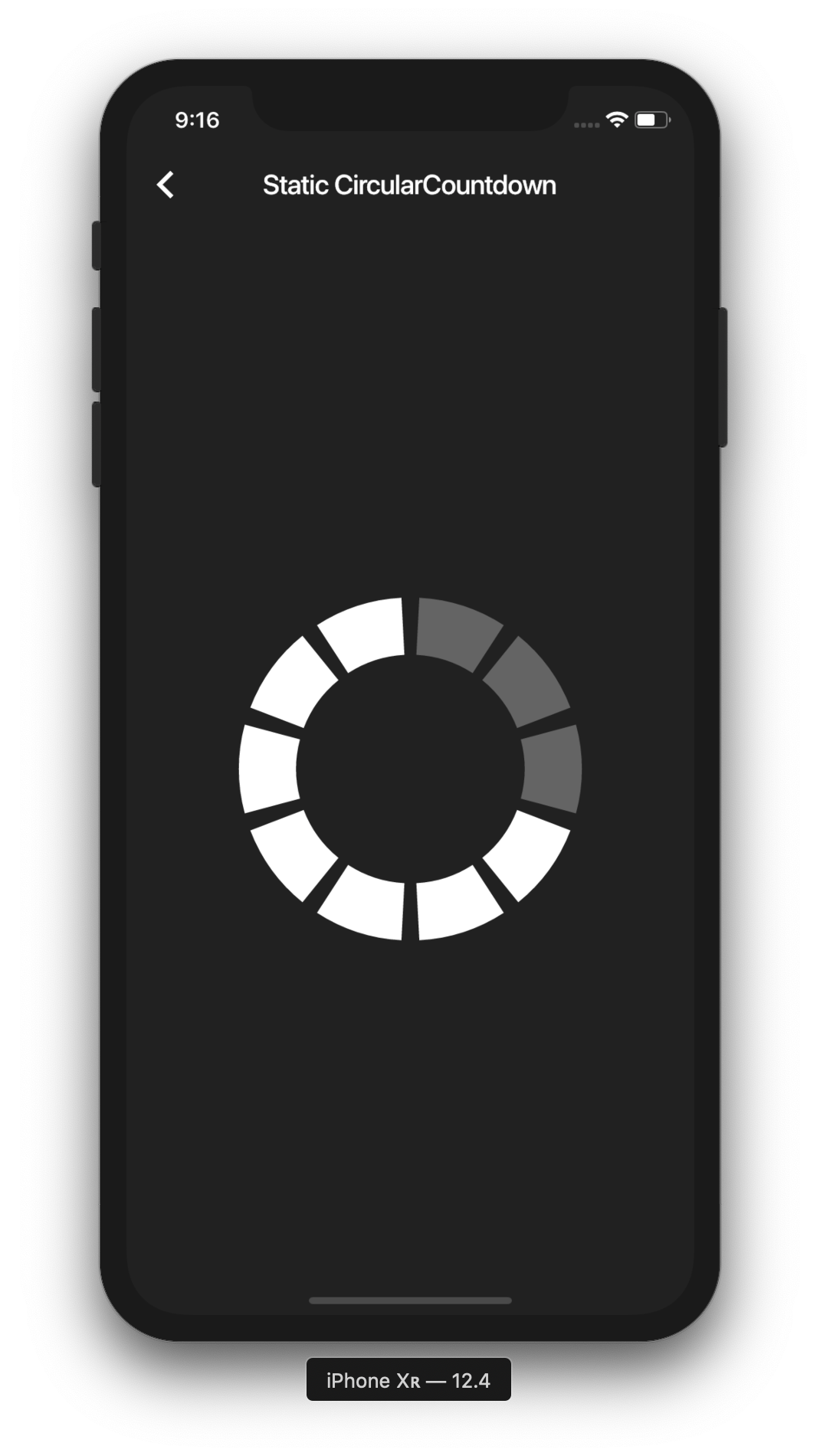
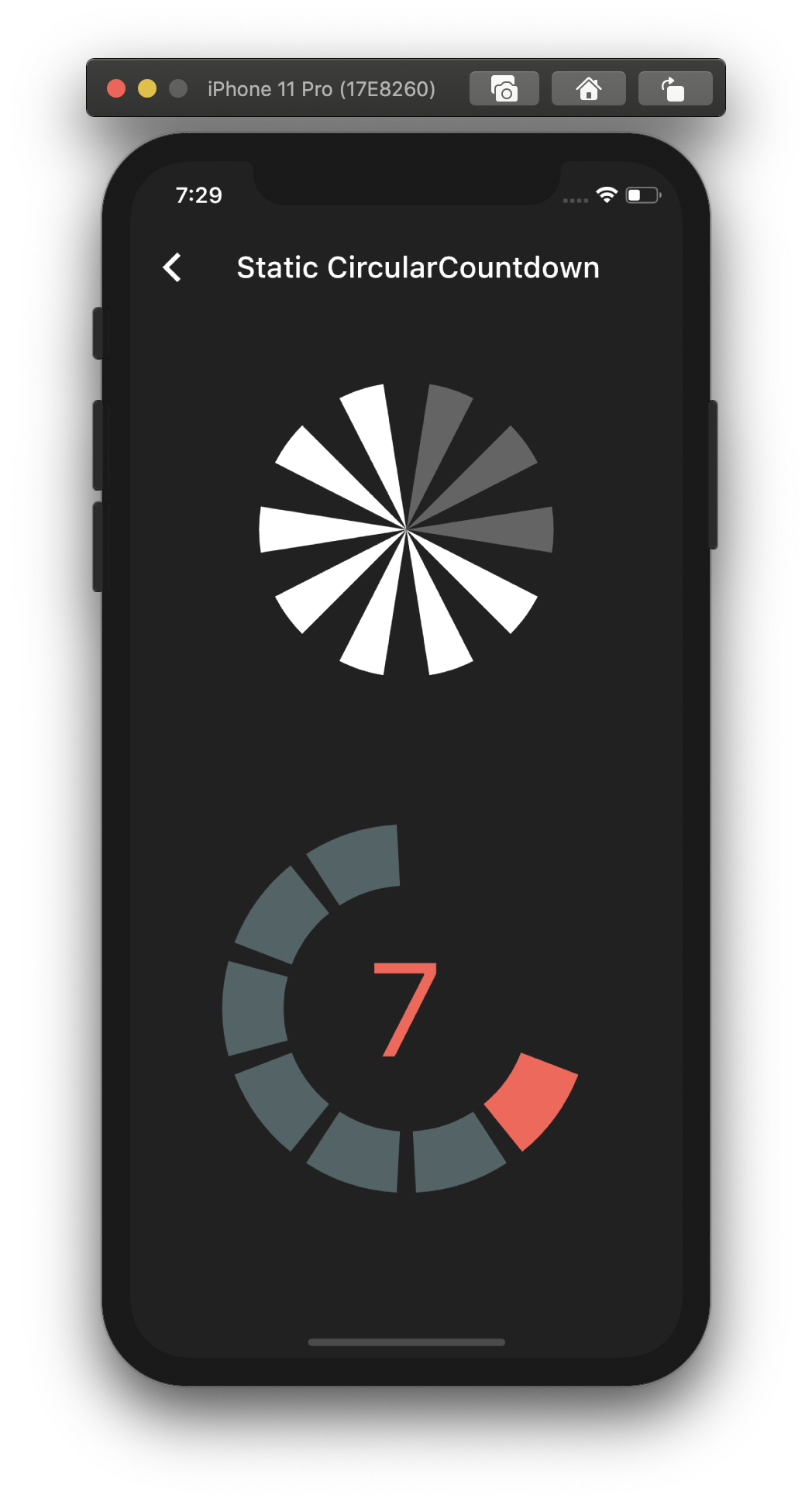
Static countdown

This is the way to create a simple static countdown.

import 'package:flutter/material.dart';
...
return CircularCountdown(
	countdownTotal:  10,
	countdownRemaining:  7,
);
...

By playing with the parameters, you can change the size, the colors, the size of the gaps, the strokeWidth and more to have more complex Countdowns.

Timer countdown

If you want to have full control on the timer (start, pause, etc), please see the section Controlled countdown below.

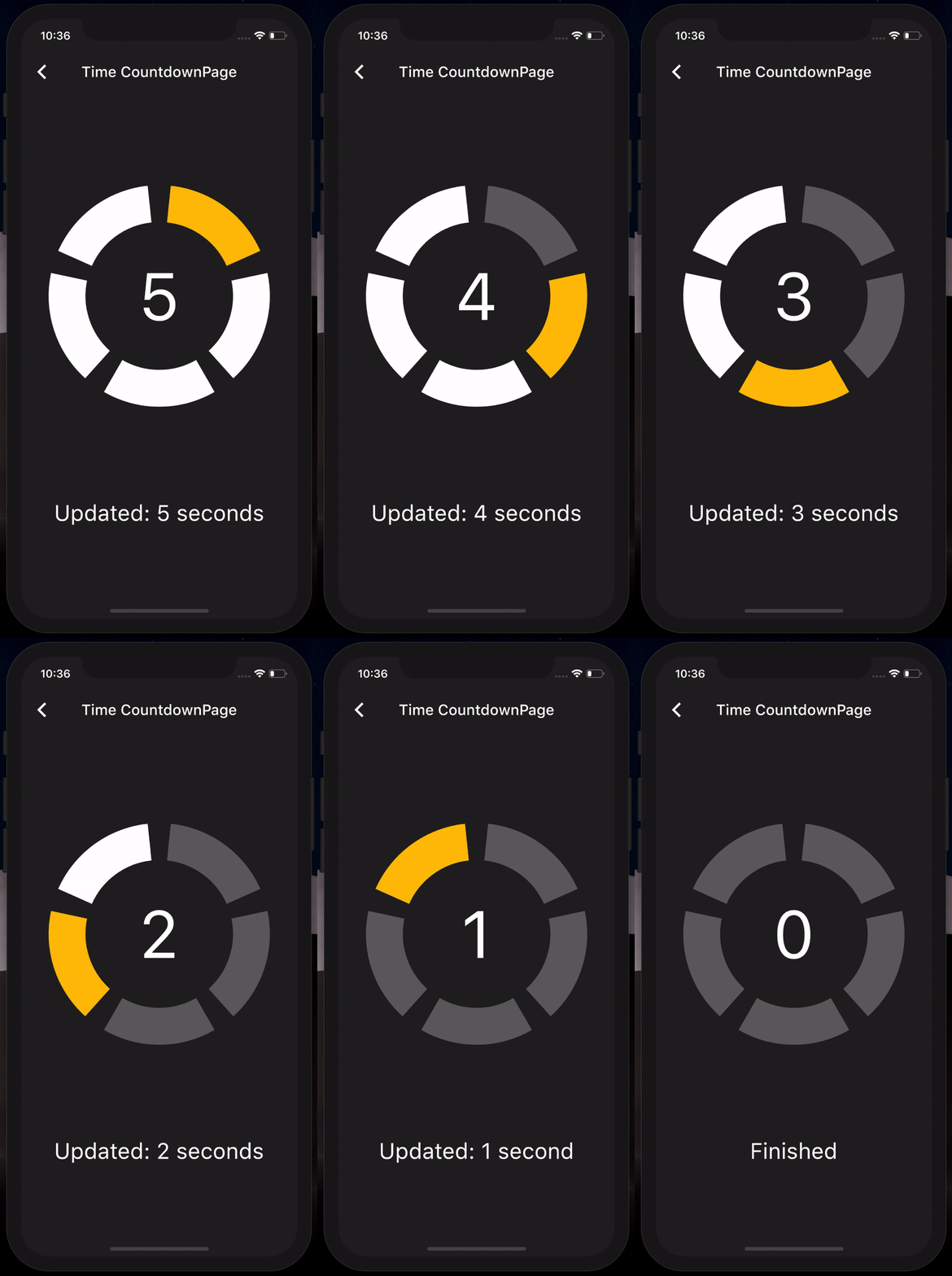
If you want to use the CircularCountdown widget as a Time Countdown, you can use the built-in TimeCircularCountdown that wraps the timer logic for you: (see how in example)

return TimeCircularCountdown(
    unit: CountdownUnit.seconds,
    countdownTotal: 30,
    onUpdated: (unit, remainingTime) => print('Updated'),
    onFinished: () => print('Countdown finished'),
);

You can repeat the timer when ended by using the repeat bool property.

Controlled countdown

To have full control on the timer (play, pause, reset, shared between mutliple screen, etc), you can use CircularCountdown with the timer_controller library.

You can see the code in the example app.

Contribution

If you find a bug or want a feature, but don't know how to fix/implement it, please fill an issue. If you fixed a bug or implemented a feature, please send a pull request.

所屬分類

原始碼儲存庫

使用此套件的專案