 v3.1.1
assets_audio_player
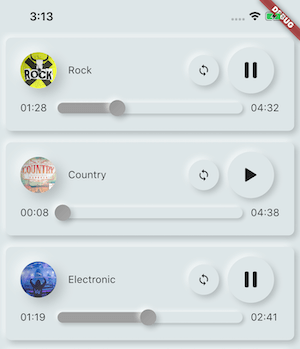
直接從Flutter和網路、廣播、即時串流、本機檔案播放儲存在assets檔案中的音樂/音訊。與Android、iOS、web和macOS相容。
1180喜歡 2170近 30 天下載110Pub 分數
AndroidiOSWebmacOS
一個拼寫應用

以下為英文專案原文快照,最新內容請造訪 GitHub。

Spelling is one of those things that are particularly crucial in the English language. If you are preparing for a test or improving your skill, SpellingWizard is your friend.
SpellingWizard is simple yet feature rich spelling app. As opposed to other spelling apps that have a robotic voice to pronounce the words and an archaic user experience, SW has :




SpellingWizard has multiple categories (Verbs, Family, etc.) with each one having multiple challenges. Complete them all to master that category.
And many more to come.
As publishing an app on the playstore requires money, we've decided to have one-time-paid preminum features. However, we value the privacy and freedom of users to not be tracked by Google or even use google products and thus we will always provide the app freely, and with every feature in F-droid.
Paying the premium version on PlayStore unlocks additional features. This list may be extended in futures versions.
These features will always stay freely available for downloads from F-droid!
Spellingwizard is licensed under the GPLv2. Copyright 2020-2021 Open segmentaion systems.
直接從Flutter和網路、廣播、即時串流、本機檔案播放儲存在assets檔案中的音樂/音訊。與Android、iOS、web和macOS相容。
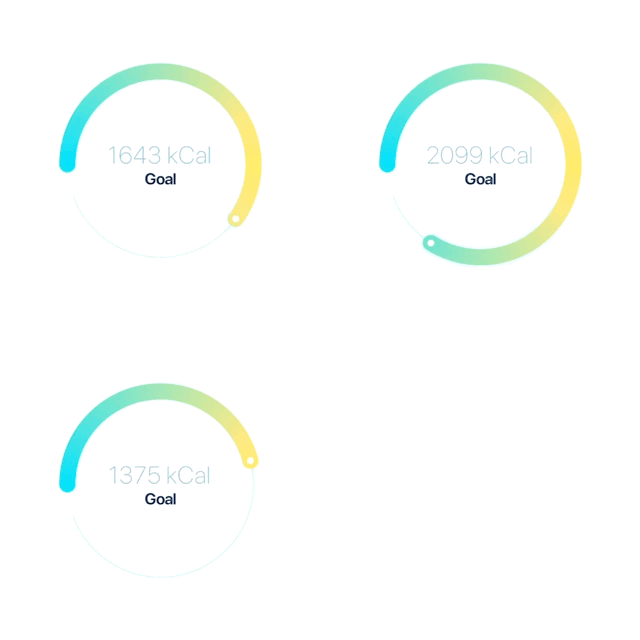
一個高度可自訂的圓形滑桿/進度條與旋轉器,適用於 Flutter。
一個簡單但完全可自訂的 Flutter 評分條,還包含評分條指示器,支援任意分數的評分。
提供翻轉卡片動畫的組件。可用於隱藏和顯示產品的詳細資訊。
一個為任何 Flutter 應用程式設計的啟動畫面套件,可輕鬆建立並具有大量自訂選項
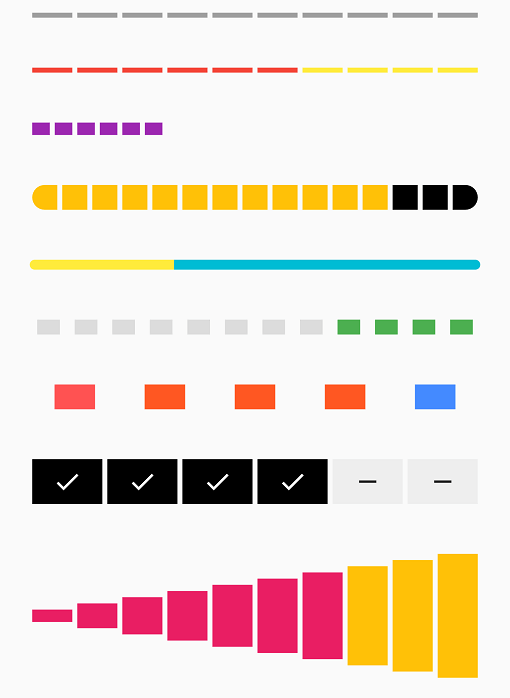
由一系列選中與未選中步驟組成的條形指示器
適用於 Flutter 的可自訂圖示,您可在 Flutter 項目中使用超過 3,000 個圖示
依賴清單 21 項
{"sdk":"flutter"}^0.1.3^4.0.3^2.0.13+1^1.0.3^3.0.1+1^0.2.4+7^1.6.18^1.1.0^0.4.4^0.19.1^1.1.0^5.7.10^0.3.4^2.1.0^1.1.2{"git":{"url":"https://github.com/Open-Segmentation-Systems/BuiltInKeyboard.git","ref":"main"}}{"git":{"url":"https://github.com/KarimMohamed20/SplashScreenFlutterPackage","ref":"master"}}{"sdk":"flutter"}^0.1.9^0.8.1先依使用情境篩選,再比較專案活躍情況,最後到原始儲存庫確認使用要求。
“A repository is the most basic element of GitHub.”
GitHub Docs — About repositories ↗