


 v2.6.2
floating_bubbles
一個用於在任何 Flutter 小部件的前景上添加浮動氣泡的 Flutter 套件。
87喜歡 1200近 30 天下載150Pub 分數
AndroidiOSWebmacOSWindowsLinux
用於在任何 Flutter 小部件的前景上新增浮動氣泡的 Flutter 套件。

以下為英文專案原文快照,最新內容請造訪 GitHub。


In your flutter project(in pubspec.yaml) add the dependency:
dependencies:
  floating_bubbles: ^2.6.2
Import the package:
import 'package:floating_bubbles/floating_bubbles.dart';
Here is an snippet on how to use Floating Bubbles to any Widget.
 return Stack(
    children: [
     Positioned.fill(
        child: Container(
        color: Colors.red,
      ),
     ),
     Positioned.fill(
         child: FloatingBubbles(
         noOfBubbles: 25,
         colorsOfBubbles: [
            Colors.green.withAlpha(30),
            Colors.red,
         ],
         sizeFactor: 0.16,
         duration: 120, // 120 seconds.
         opacity: 70,
         paintingStyle: PaintingStyle.stroke,
         strokeWidth: 8,
         shape: BubbleShape.circle, // circle is the default. No need to explicitly mention if its a circle.
         speed: BubbleSpeed.normal, // normal is the default
    ),
 );
return Stack(
   children: [
    Positioned.fill(
       child: Container(
       color: Colors.red,
     ),
    ),
    Positioned.fill(
        child: FloatingBubbles.alwaysRepeating(
        noOfBubbles: 25,
         colorsOfBubbles: [
            Colors.green.withAlpha(30),
            Colors.red,
         ],
        sizeFactor: 0.16,
        opacity: 70,
        paintingStyle: PaintingStyle.fill,
        shape: BubbleShape.square,
        speed: BubbleSpeed.normal,

   ),
);
| Name | Description | Is It Required | Default Value |
|---|---|---|---|
noOfBubbles |
No. of Bubbles to be present in the screen at a given Time | Yes | - |
colorsOfBubbles |
List of colors for the bubbles. Colors are selected randomly for each bubble. | Yes | - |
sizeFactor |
Size Factor of each bubbles | Yes | - |
duration |
Duration to play the animation (input is taken as seconds) | Yes | - |
opacity |
Opacity of the bubbles | No | 60 |
paintingStyle |
Painting Style of the bubbles. | No | PaintingStyle.fill |
strokeWidth |
Stroke Width of the bubbles. This value is effective only if Painting Style is set to PaintingStyle.stroke. |
No | 0 |
shape |
Shape of the bubbles. | No | BubbleShape.circle |
speed |
Control the speed of the bubbles. | No | BubbleSpeed.normal |
| Name | Description | Is It Required | Default Value |
|---|---|---|---|
noOfBubbles |
No. of Bubbles to be present in the screen at a given Time | Yes | - |
colorsOfBubbles |
List of colors for the bubbles. Colors are selected randomly for each bubble. | Yes | - |
sizeFactor |
Size Factor of each bubbles | Yes | - |
opacity |
Opacity of the bubbles | No | 60 |
paintingStyle |
Painting Style of the bubbles. | No | PaintingStyle.fill |
strokeWidth |
Stroke Width of the bubbles. This value is effective only if Painting Style is set to PaintingStyle.stroke. |
No | 0 |
shape |
Shape of the bubbles. | No | BubbleShape.circle |
speed |
Control the speed of the bubbles. | No | BubbleSpeed.normal |
The code for the Example shown below is here.
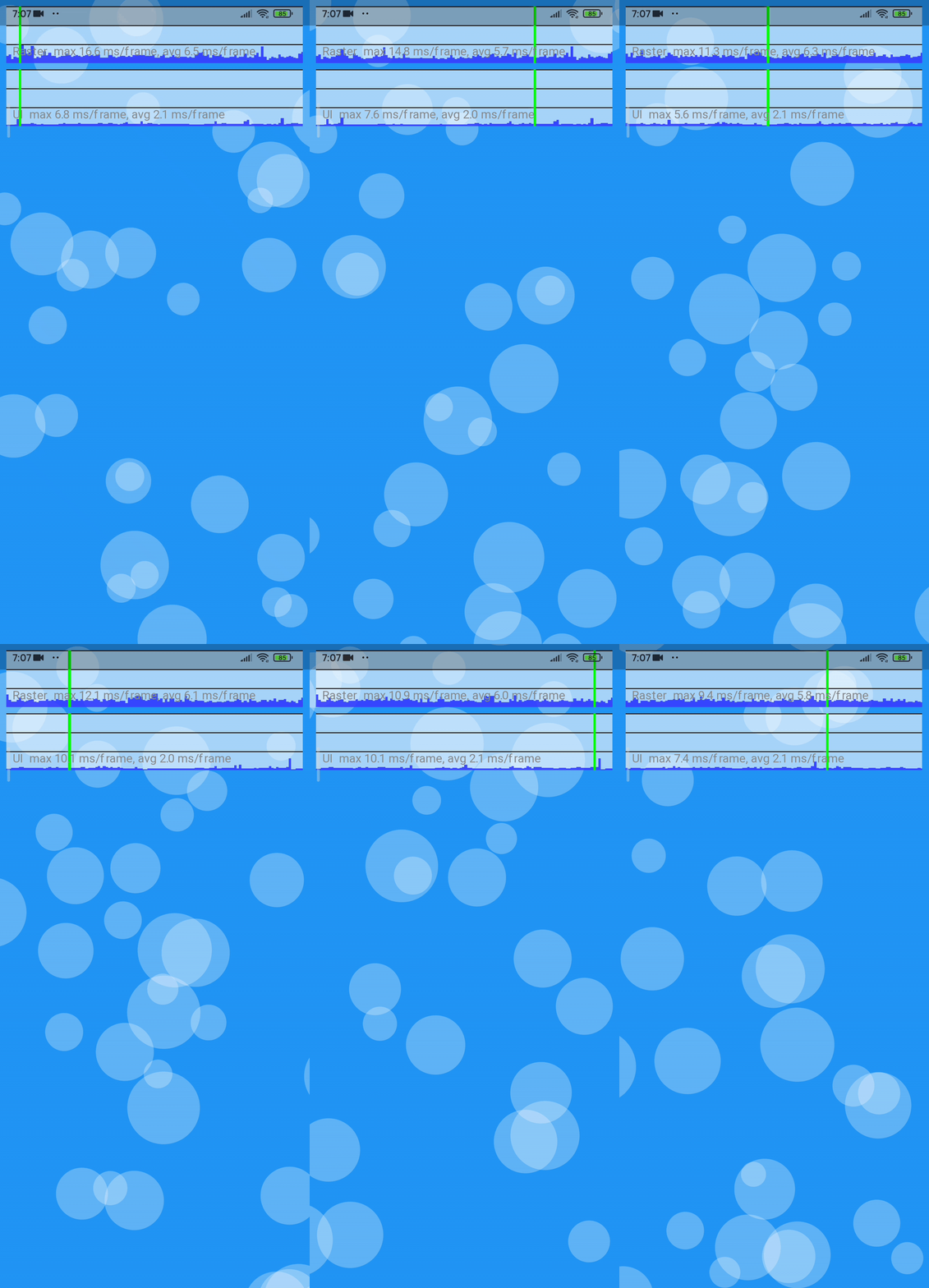
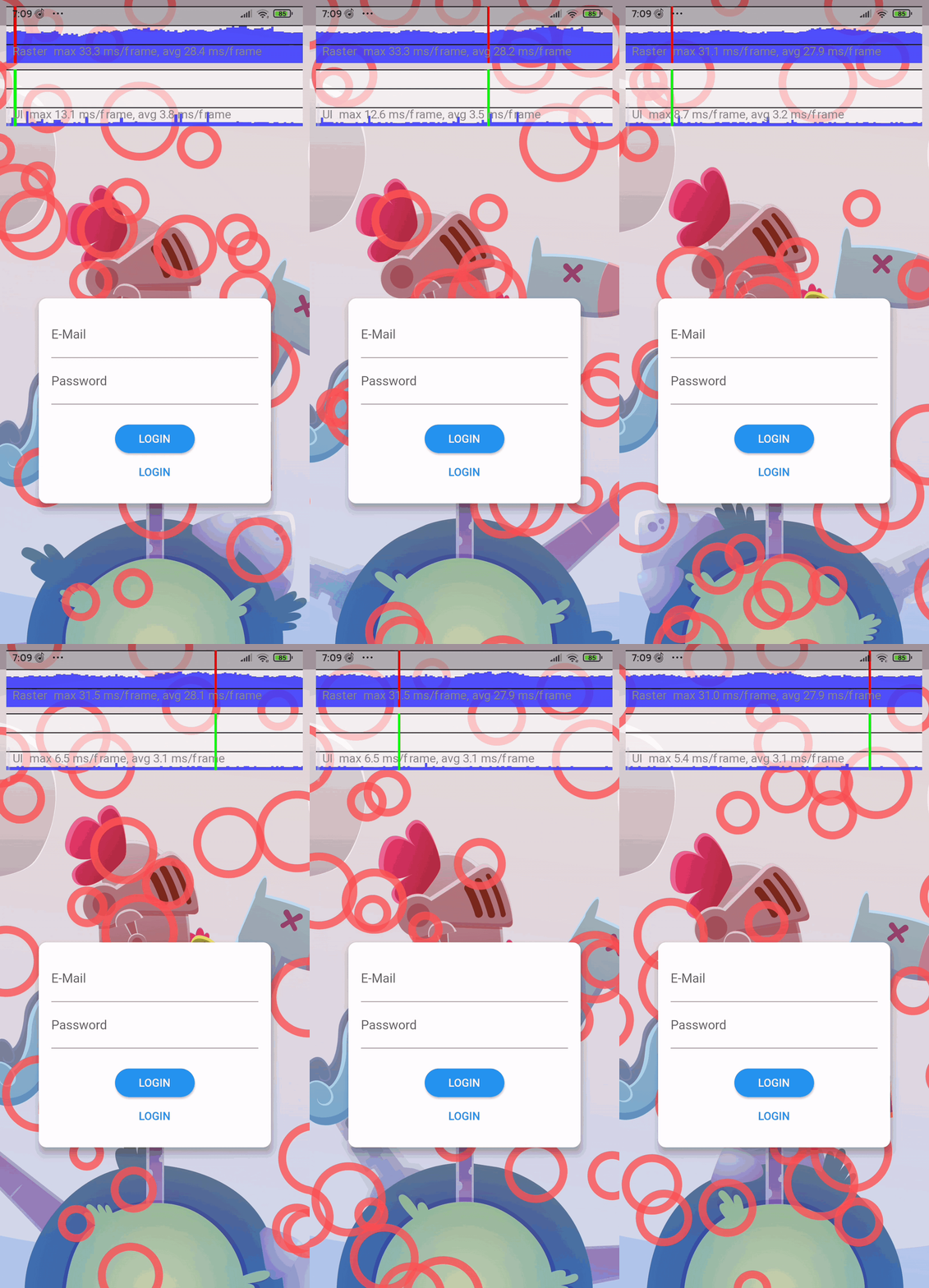
As the Gifs here are converted from mp4, there are some stutters. To see the MP4 format of these Gifs Click Here.
| Platform | Supported | Comments |
|---|---|---|
Android |
Yes | Works without any issues |
IOS |
Yes | Works without any issues |
Web |
Yes (kinda) | Works when using web renderer engine as html. use the command flutter run -d chrome --web-renderer html / flutter build web --web-renderer html |
Windows |
Yes | Works without any issues |
Linux |
Not yet tested | - |
MacOS |
Not yet tested | - |
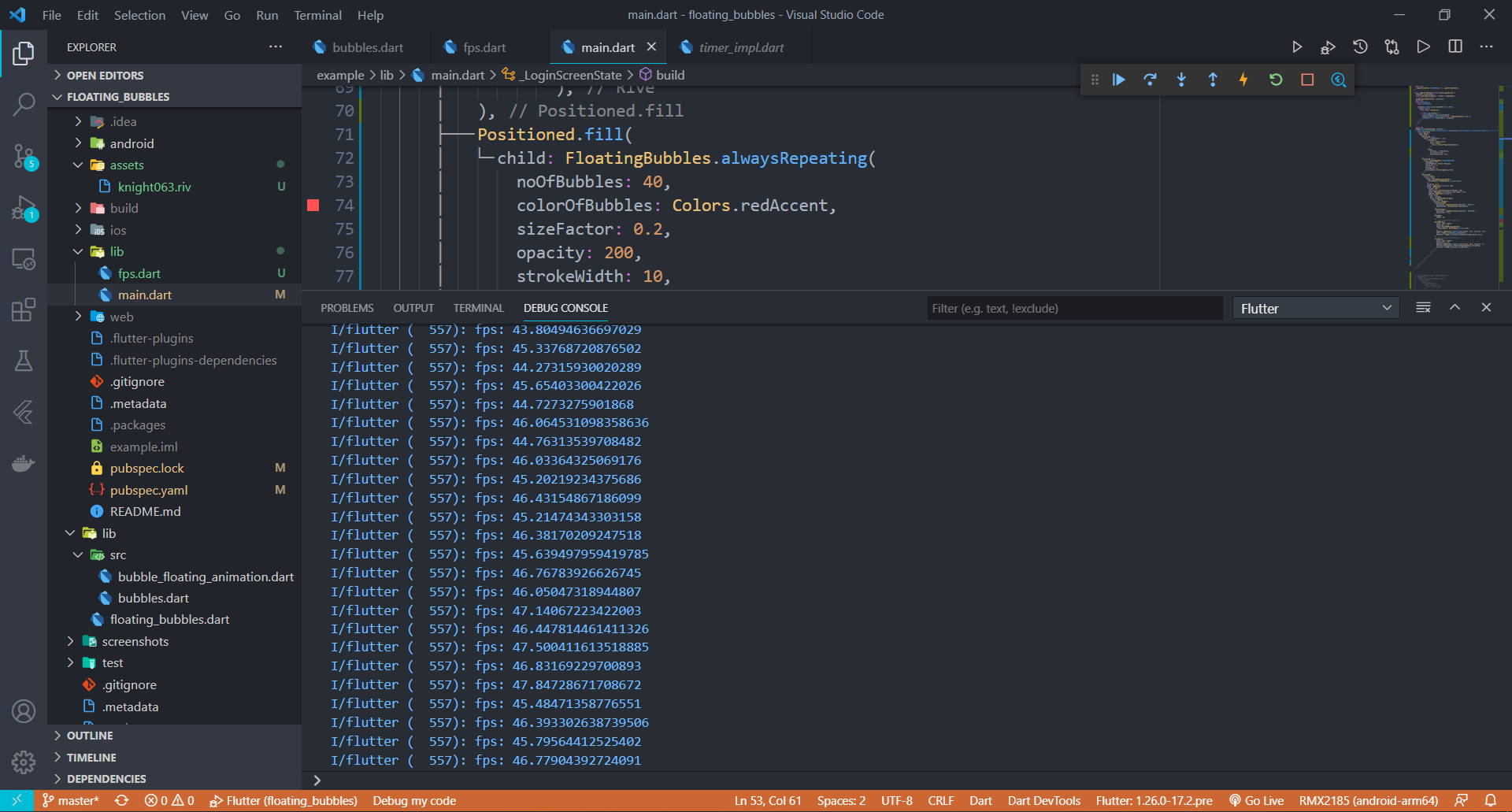
Stress Test has been done on this package. Below is the information(fps) on how the performance of the package when the animation was coupled with a heavy rive animation.
APP build in Debug Mode
APP build in Release Mode
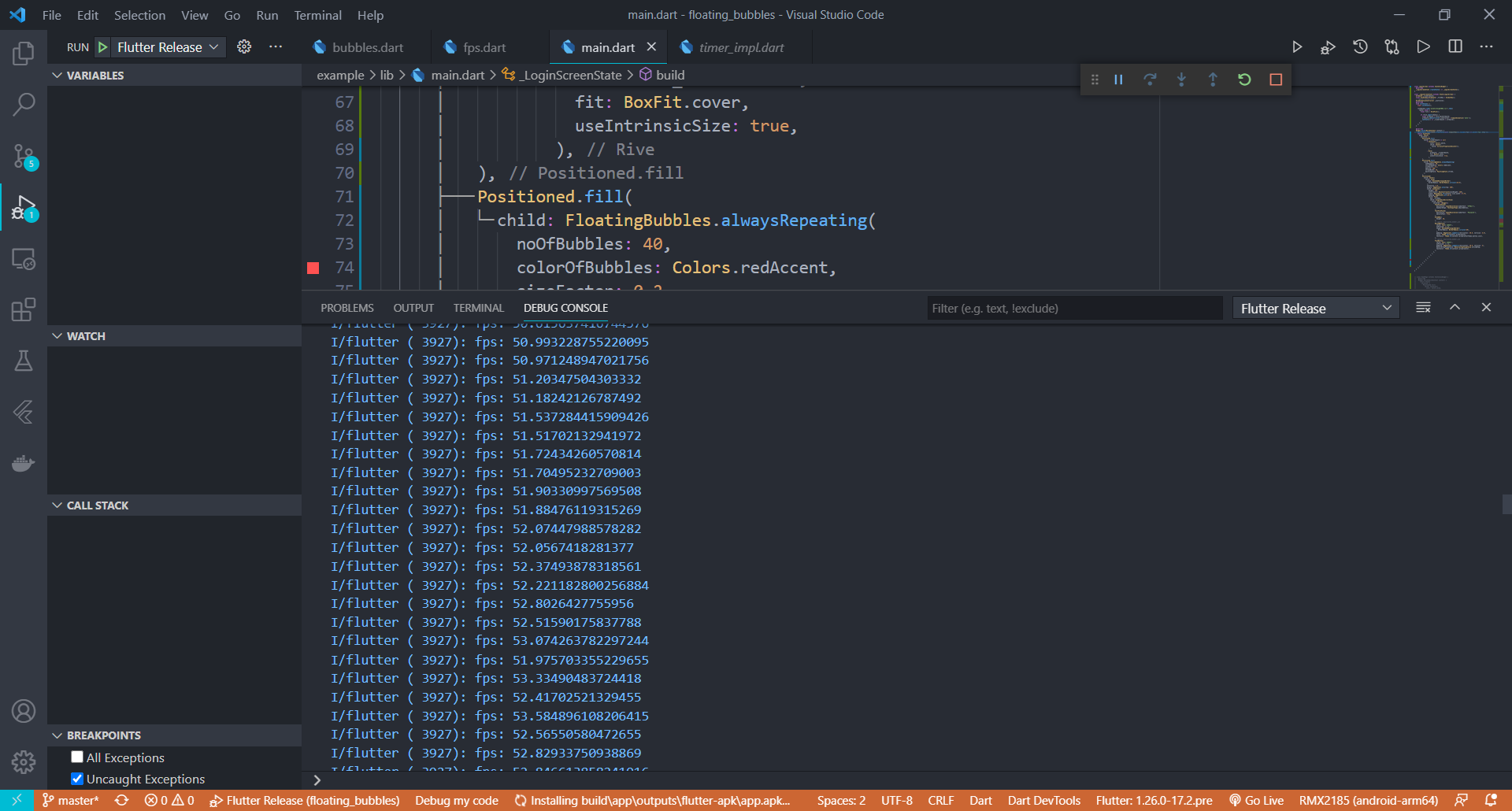
APP build in Release Mode
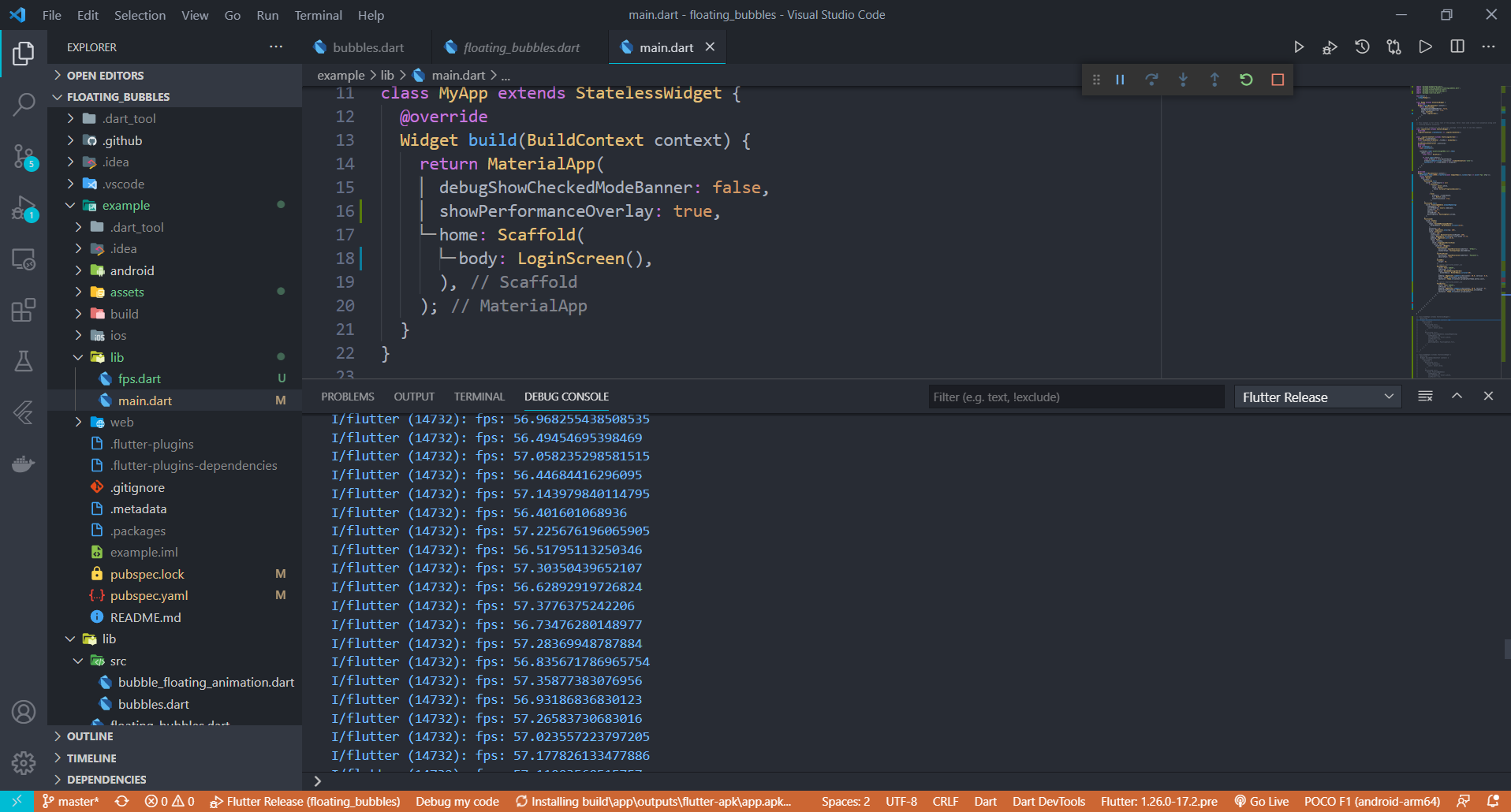
Performance improvements will be made in the coming updates to make this package more suitable for low end devices. If you have any suggestions or ideas, just pull request :)
Give a ⭐/👍 if you liked the work!! :) Suggestions are Welcome. Any issues just open an issue in Github. I will reach you as soon as possible.
The Scripts and Documentation in this project are released under the MIT License
依賴清單 3 項
^1.0.0{"sdk":"flutter"}{"sdk":"flutter"}先依使用情境篩選,再比較專案活躍情況,最後到原始儲存庫確認使用要求。
“A repository is the most basic element of GitHub.”
GitHub Docs — About repositories ↗