搜尋套件、儲存庫與 APP 分類

floating_bubbles 封面
套件詳情v2.6.2

floating_bubbles

一個用於在任何 Flutter 小部件的前景上添加浮動氣泡的 Flutter 套件。

AndroidiOSWebmacOSWindowsLinux
近 30 天下載
1200
喜歡數
87
Pub 分數
150

安裝套件

flutter pub add floating_bubbles

套件介紹

根據套件公開資料產生的選型評估,僅供參考。

Floating Bubbles 是一個 Flutter 套件,讓開發者能夠在任何 widget 的前景上加入動畫浮動氣泡。這些氣泡可自訂顏色、大小與移動模式,創造出適合背景或互動介面的動態視覺效果。此套件支援所有主要平台,包括 Android、iOS、Web、macOS、Windows 與 Linux,適用於跨平台應用。輕量且易於整合,僅需使用簡單的 widget 包裝器即可。

適用情境

  • 增強應用啟動畫面
  • 建立有趣的使用者介面元件
  • 向儀表板添加背景動畫
  • 透過細微的動畫提升使用者參與度
  • 設計主題登陸頁面

主要特色

  • 可自訂的氣泡顏色和大小
  • 平滑浮動動畫
  • 跨平台相容性
  • 與現有組件的輕鬆整合
  • 可設定的速度與方向

適合對象

  • 尋求視覺魅力的UI設計師
  • 開發人員建構吸引人的引導體驗
  • 需要輕量級、非侵入式動畫的應用程式
  • 具有藝術主題的創意數位產品
  • 致力於現代流暢介面設計的專案

使用建議

  • 可能影響低階裝置的效能
  • 如果過度使用,氣泡可能會分散對核心內容的注意力
  • 需要仔細考慮色彩對比度以確保可讀性
  • 不適合用於可存取性要求高的應用程式
  • 對單個氣泡行為的控制有限

原始 README

以下為關聯原始碼儲存庫的 README 原文快照,最新內容請造訪原始碼儲存庫。

Floating Bubbles Build Status

pub version GitNFT

A Flutter Package for adding Floating bubbles in the Foreground to a widget.

Getting Started

In your flutter project(in pubspec.yaml) add the dependency:

dependencies:
  floating_bubbles: ^2.6.2

Import the package:

import 'package:floating_bubbles/floating_bubbles.dart';

Usage

Here is an snippet on how to use Floating Bubbles to any Widget.

Creating FloatingBubbles() (this creates the animation and plays for amount of time you give as the duration.)
 return Stack(
    children: [
     Positioned.fill(
        child: Container(
        color: Colors.red,
      ),
     ),
     Positioned.fill(
         child: FloatingBubbles(
         noOfBubbles: 25,
         colorsOfBubbles: [
            Colors.green.withAlpha(30),
            Colors.red,
         ],
         sizeFactor: 0.16,
         duration: 120, // 120 seconds.
         opacity: 70,
         paintingStyle: PaintingStyle.stroke,
         strokeWidth: 8,
         shape: BubbleShape.circle, // circle is the default. No need to explicitly mention if its a circle.
         speed: BubbleSpeed.normal, // normal is the default
    ),
 );

Creating FloatingBubbles.alwaysRepeating() (Creates Floating Bubbles that always floats and doesn't stop.)
return Stack(
   children: [
    Positioned.fill(
       child: Container(
       color: Colors.red,
     ),
    ),
    Positioned.fill(
        child: FloatingBubbles.alwaysRepeating(
        noOfBubbles: 25,
         colorsOfBubbles: [
            Colors.green.withAlpha(30),
            Colors.red,
         ],
        sizeFactor: 0.16,
        opacity: 70,
        paintingStyle: PaintingStyle.fill,
        shape: BubbleShape.square,
        speed: BubbleSpeed.normal,

   ),
);

Parameters:

For Creating FloatingBubbles()
Name Description Is It Required Default Value
noOfBubbles No. of Bubbles to be present in the screen at a given Time Yes -
colorsOfBubbles List of colors for the bubbles. Colors are selected randomly for each bubble. Yes -
sizeFactor Size Factor of each bubbles Yes -
duration Duration to play the animation (input is taken as seconds) Yes -
opacity Opacity of the bubbles No 60
paintingStyle Painting Style of the bubbles. No PaintingStyle.fill
strokeWidth Stroke Width of the bubbles. This value is effective only if Painting Style is set to PaintingStyle.stroke. No 0
shape Shape of the bubbles. No BubbleShape.circle
speed Control the speed of the bubbles. No BubbleSpeed.normal

For Creating FloatingBubbles.alwaysRepeating()
Name Description Is It Required Default Value
noOfBubbles No. of Bubbles to be present in the screen at a given Time Yes -
colorsOfBubbles List of colors for the bubbles. Colors are selected randomly for each bubble. Yes -
sizeFactor Size Factor of each bubbles Yes -
opacity Opacity of the bubbles No 60
paintingStyle Painting Style of the bubbles. No PaintingStyle.fill
strokeWidth Stroke Width of the bubbles. This value is effective only if Painting Style is set to PaintingStyle.stroke. No 0
shape Shape of the bubbles. No BubbleShape.circle
speed Control the speed of the bubbles. No BubbleSpeed.normal

Example

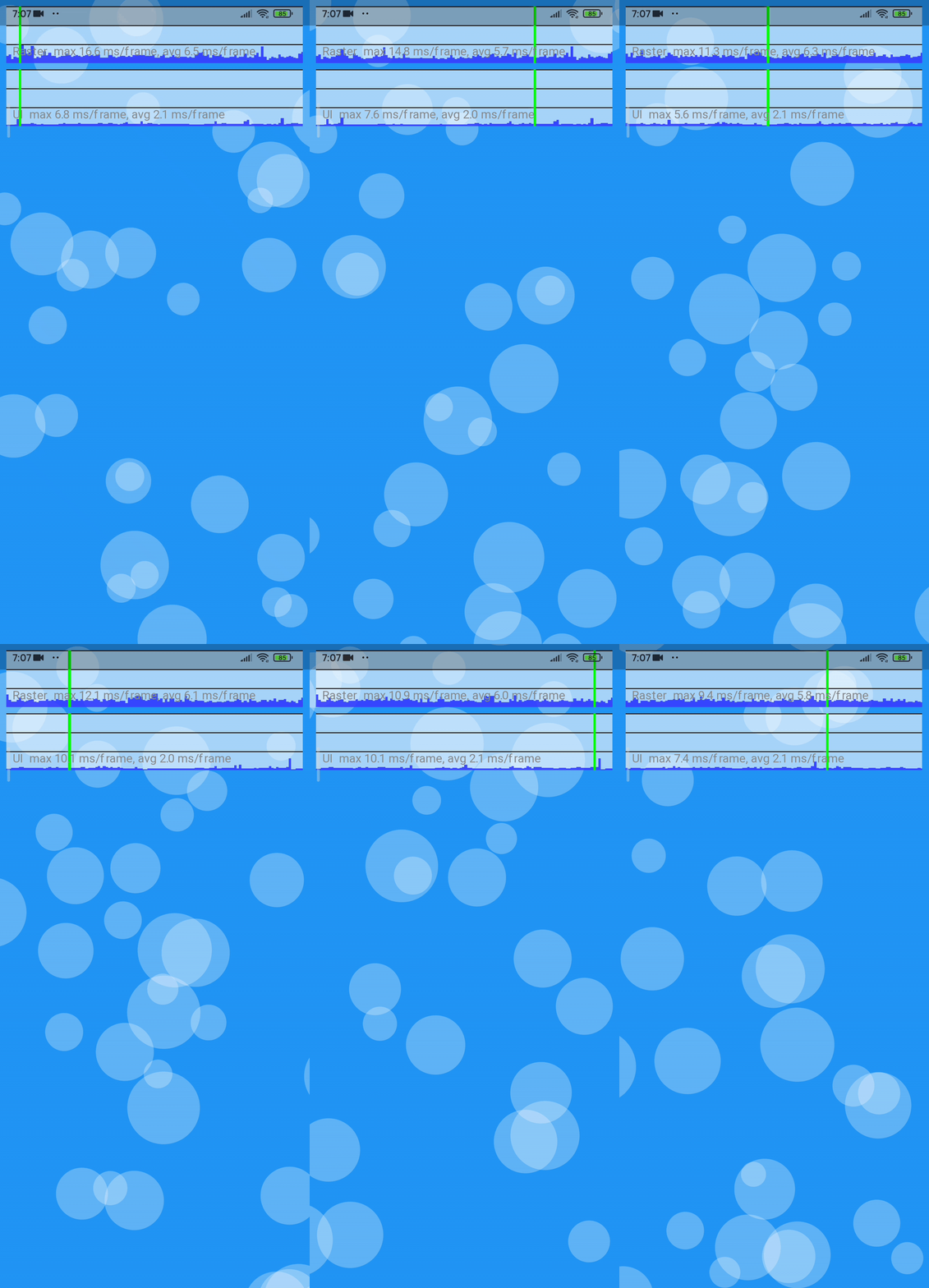
The code for the Example shown below is here.


As the Gifs here are converted from mp4, there are some stutters. To see the MP4 format of these Gifs Click Here.

Platforms on which this package was tested.

Platform Supported Comments
Android Yes Works without any issues
IOS Yes Works without any issues
Web Yes (kinda) Works when using web renderer engine as html. use the command flutter run -d chrome --web-renderer html / flutter build web --web-renderer html
Windows Yes Works without any issues
Linux Not yet tested -
MacOS Not yet tested -

Stress Test

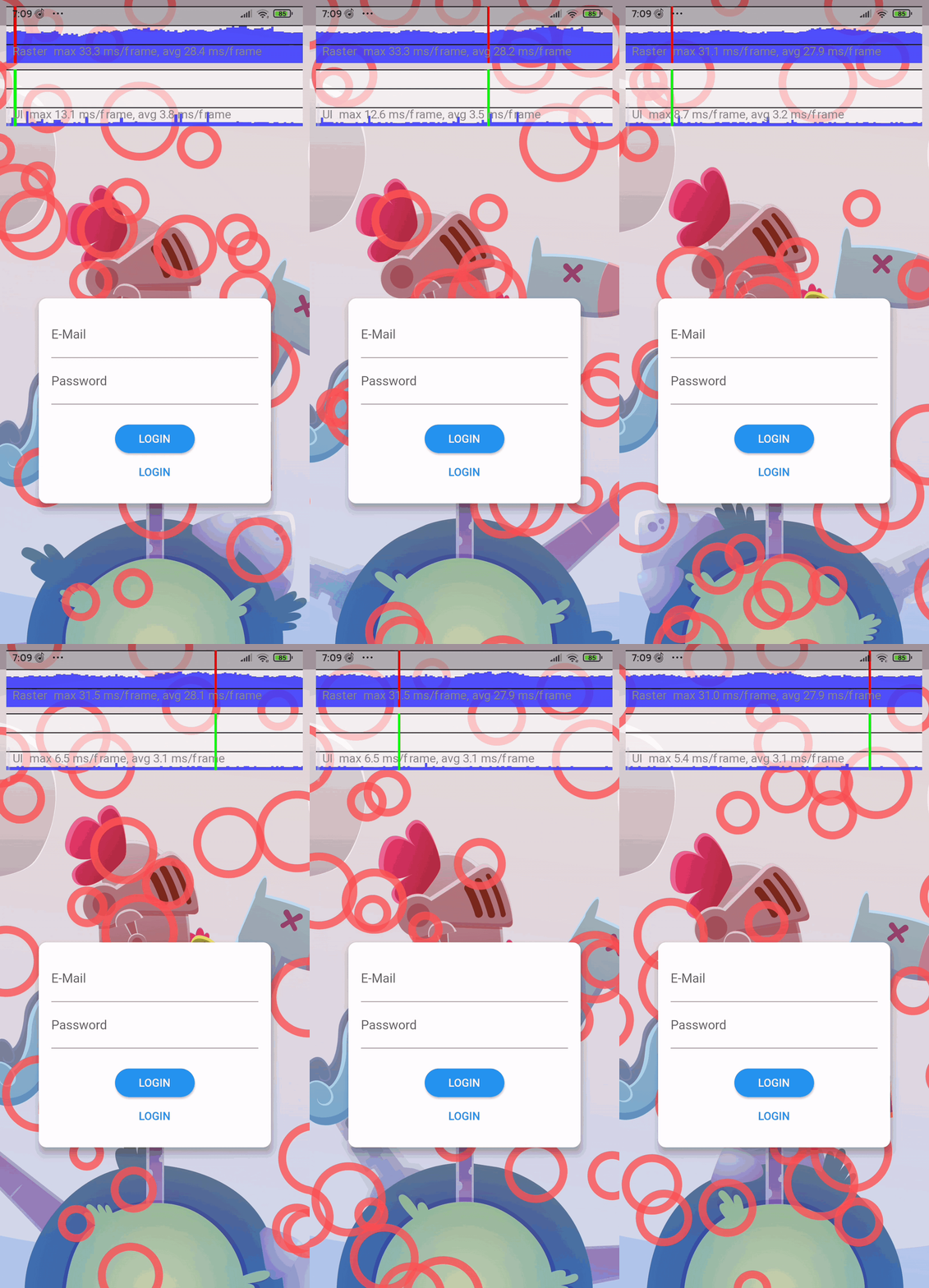
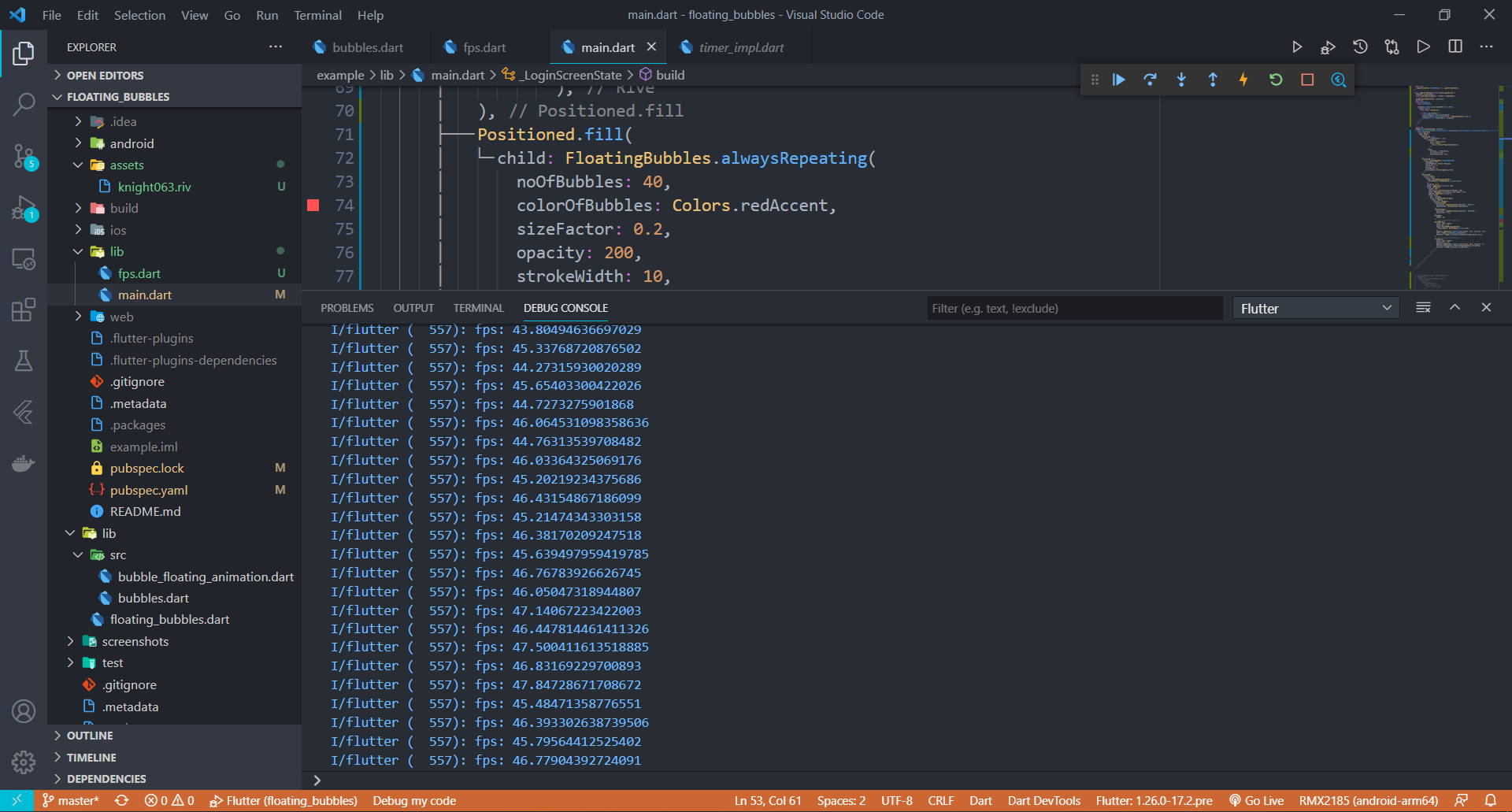
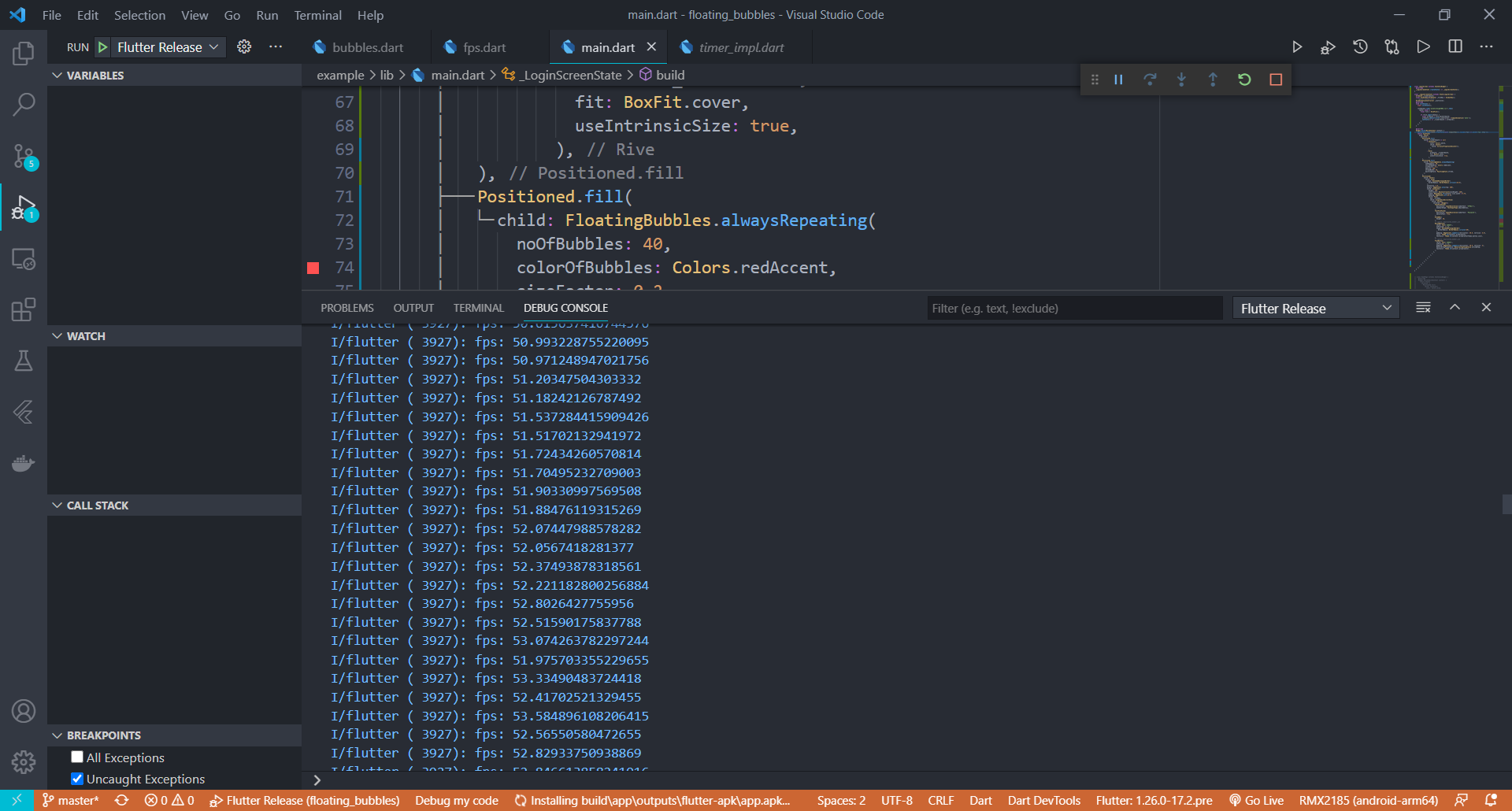
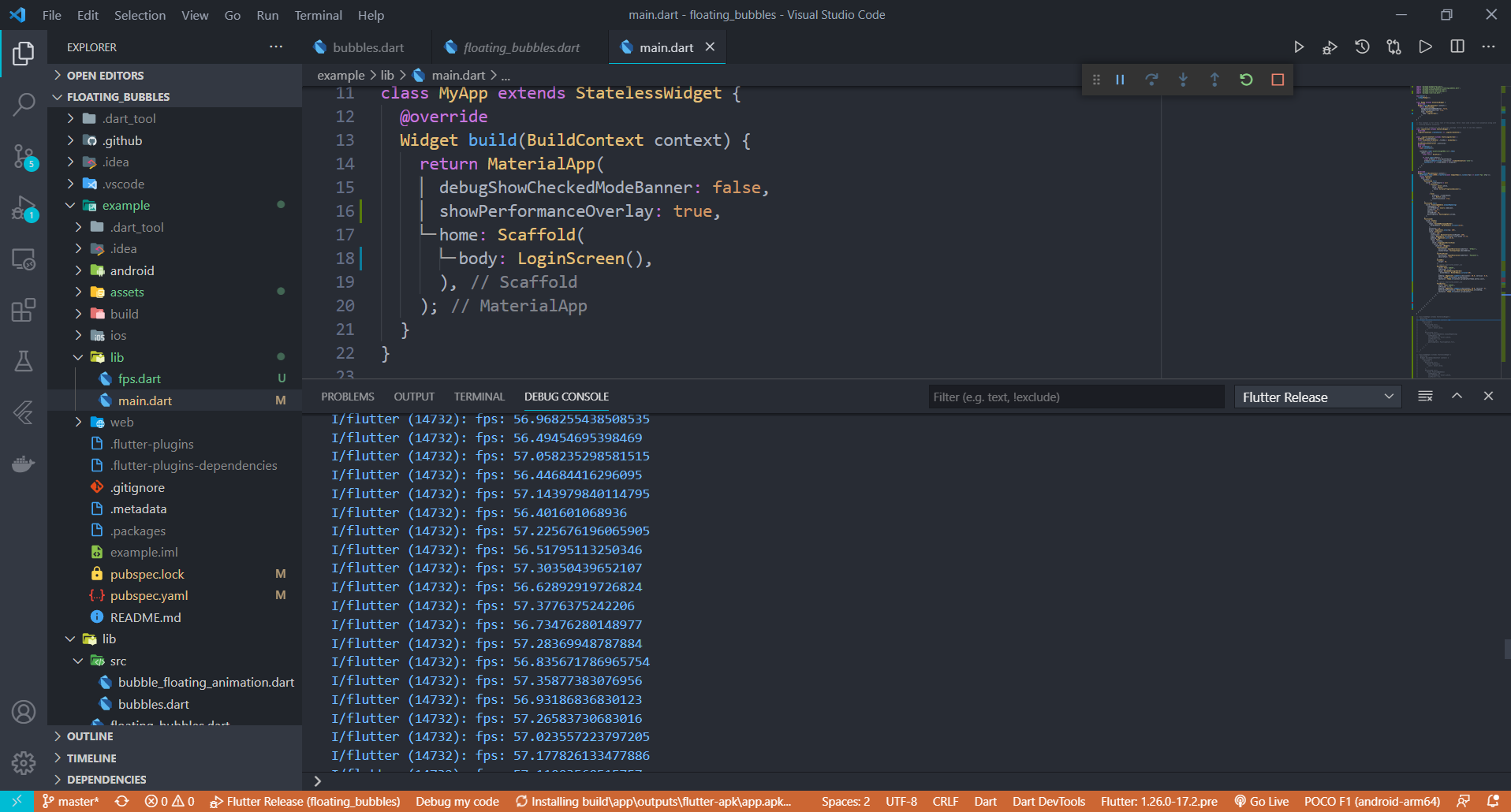
Stress Test has been done on this package. Below is the information(fps) on how the performance of the package when the animation was coupled with a heavy rive animation.

Average FPS of the UI when the package was stress tested on a low-end Android Phone

APP build in Debug Mode

APP build in Release Mode


Average FPS of the UI when the package was stress tested on a High-end Android Phone

APP build in Release Mode

Performance improvements will be made in the coming updates to make this package more suitable for low end devices. If you have any suggestions or ideas, just pull request :)


About Me

Support

Give a ⭐/👍 if you liked the work!! :) Suggestions are Welcome. Any issues just open an issue in Github. I will reach you as soon as possible.

License

The Scripts and Documentation in this project are released under the MIT License

所屬分類

依賴

依賴清單 1 項

  • sa4_migration_kit^1.0.0

原始碼儲存庫

使用此套件的專案