v14.0.1
firebase_storage
適用於 Firebase Cloud Storage 的 Flutter 插件,這是一項功能強大、簡單且具成本效益的物件儲存服務,適用於 Android 與 iOS。
1760喜歡 96.1萬近 30 天下載140Pub 分數
AndroidiOSWebmacOSWindows
一個Flutter應用程式,使用者可以在其附近的區域範圍內交換書籍。

以下為英文專案原文快照,最新內容請造訪 GitHub。




The project is for all book lovers who want to find other book lovers to either exchange books, discuss about books or get to know people who have similar preference when it comes to reading.


Step 1: Fork this repository
Step 2: Clone the repository
Cloning will create the copy of the forked repository in your local machine.
Copy the URL from here.

Open Git Bash or terminal and run the following command:
git clone https://github.com/<Your GitHub Username>/Flutter-UI.git
upstream to sync with it. Run this command to add upstream:git remote add upstream https://github.com/Project-Easter/Flutter-UI.git
Step 3: Create a branch:
Navigate to the folder where the repository is cloned, which will be named Flutter-UI.
Now, in the terminal, create a branch in Git using the following command:
git checkout -b <explr/your-first-name>
Use the same name in the branch created in GitHub.
Step 4: Make necessary changes and commit
git add <file names>
git pull upstream main
git commit -m'<Relevant commit message>'
Step 5: Push changes
Push your changes using the command:
git push origin <explr/your-first-name>
Step 6: Make a Pull request
Go to your forked GitHub repository, you will see a Compare & pull request button. Click on it.

Please read CONTRIBUTING for details on our CODE OF CONDUCT, and the process for submitting pull requests to us as mentioned above.
analysis_option.yaml to avoid unnecessary warningsPS: Feel free to share your ideas and opening issues for new bugs or features 😇. Just make sure that you don't put any labels on it or assign it to yourself or anyone. Tag us(@Mohitmadhav and @ankitoscar) in your issue, we will reach out to your issues and assign it to you with proper labels.
You can participate in our discussions at Github Discussions which has the following topics:
Welcome : Here you can introduce yourself and get a basic idea about the project from maintainers and contributors.
Code Refactoring : Here you can share ideas about refactoring and adding modularity in the codebase and also mention where these changes cahn be done.
Features to be implemented:
⭐️ this repository if you liked our work!
適用於 Firebase Cloud Storage 的 Flutter 插件,這是一項功能強大、簡單且具成本效益的物件儲存服務,適用於 Android 與 iOS。
Flutter 的首選非商業地圖客戶端:易於使用、多功能、無供應商依賴、完全跨平台,且 100% 純 Flutter
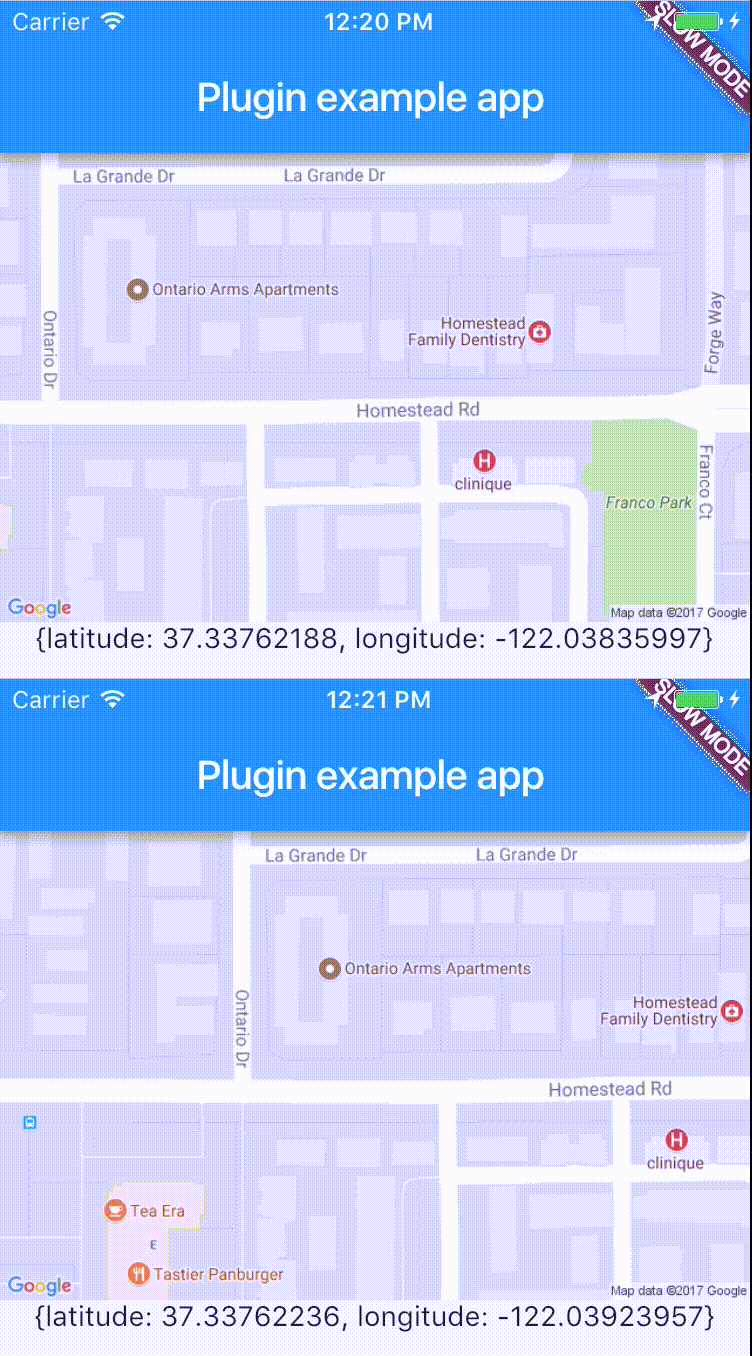
跨平台插件,可輕鬆即時存取裝置位置。
適用於 Android、iOS 和 Web 的 Flutter 外掛程式,支援影像裁切
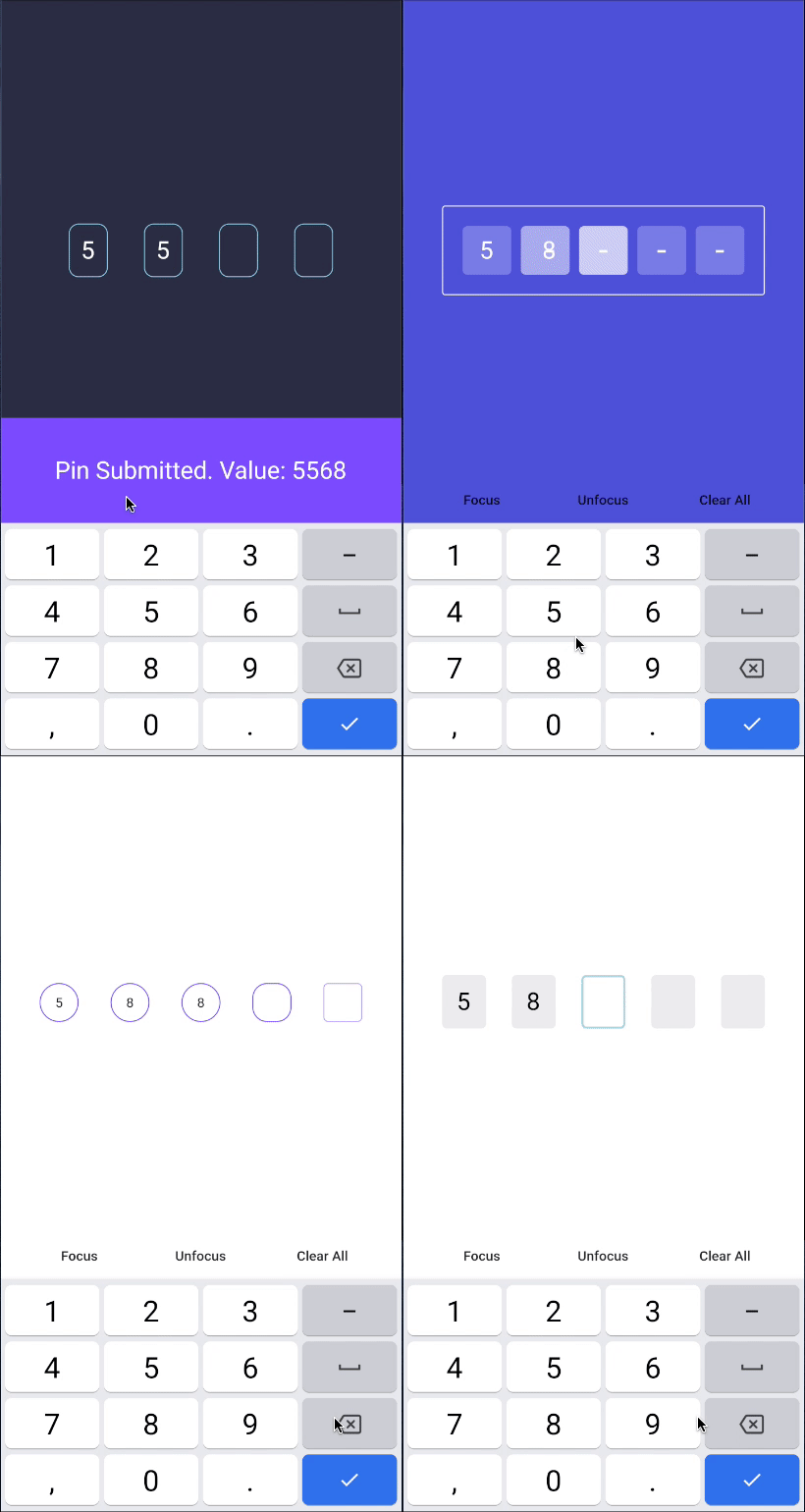
PIN碼輸入(OTP)文字欄位,iOS簡訊自動填入,Android簡訊自動填入一次性驗證碼,密碼,通行碼,驗證碼,安全,優惠券,Wowcher,2FA,兩步驗證
一個允許動態展開和收起文字的 Flutter 套件,同時支援與文字模式(例如標籤、URL 和提及)的互動。
一個 Flutter 地理編碼外掛,提供簡單的地理編碼與反向地理編碼功能。
透過 Facebook 登錄。輕鬆在您的應用程式中加入 Facebook 登錄功能。包含使用者個人資料資訊。
用於常見緯度和經度計算的輕量級程式庫
用於發出地點編碼請求的套件。它提供兩種方法,可將座標轉換為位置,並將地址轉換為座標。
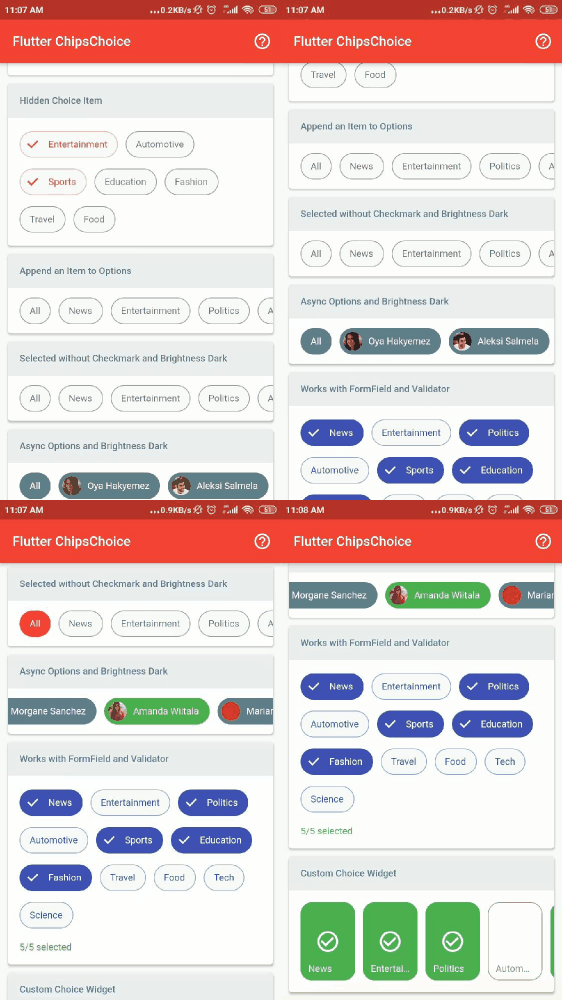
smart_select 套件的輕量版,零相依性,輕鬆提供單選或多重選擇的晶片。
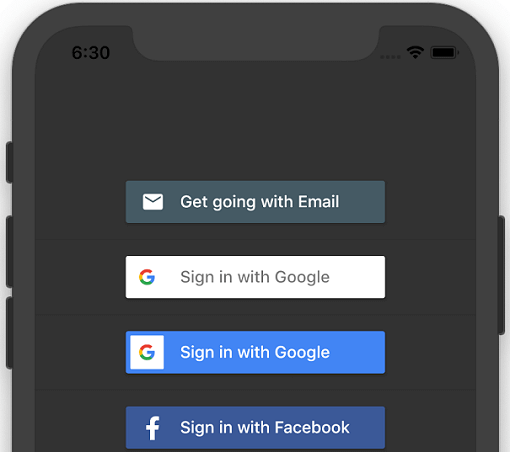
一個用於 iOS 和 Android 的 Flutter 插件,可產生不同社群媒體帳戶的登入按鈕。
依賴清單 27 項
^9.2.0{"sdk":"flutter"}^1.8.0^3.1.4^2.5.4^10.0.6^2.1.0^2.1.0^5.2.0^1.1.0^4.3.0^6.0.1^0.8.4+3^1.4.1^2.0.8^0.17.0^0.13.4^2.0.1^1.0.1^0.14.0^0.8.1^6.0.12^4.2.1^1.2.1^2.0.2^2.0.0^1.19.2先依使用情境篩選,再比較專案活躍情況,最後到原始儲存庫確認使用要求。
“A repository is the most basic element of GitHub.”
GitHub Docs — About repositories ↗