搜尋套件、儲存庫與 APP 分類

pinput 封面
套件詳情v7.0.0

pinput

PIN碼輸入(OTP)文字欄位,iOS簡訊自動填入,Android簡訊自動填入一次性驗證碼,密碼,通行碼,驗證碼,安全,優惠券,Wowcher,2FA,兩步驗證

AndroidiOSWebmacOSWindowsLinux
近 30 天下載
58.4萬
喜歡數
3510
Pub 分數
160

安裝套件

flutter pub add pinput

套件介紹

根據套件公開資料產生的選型評估,僅供參考。

Pinput 是一個用於建立優雅、可自訂的 PIN 碼、OTP、密碼與通行碼輸入欄位的 Flutter 套件。支援 iOS 與 Android 的簡訊自動填入功能,適用於一次性驗證碼,能提升雙重因素認證、兩步驟驗證或優惠券輸入時的使用者體驗。設計以乾淨的使用者介面與直覺的操作為導向,可在所有主要平台(包含 Web、macOS、Windows 與 Linux)上運作。該套件提供順暢的過渡動畫、驗證功能,並能輕鬆整合至驗證流程中。

適用情境

  • 雙因素驗證
  • 優惠券或促銷代碼輸入
  • 安全密碼輸入
  • 驗證碼驗證
  • OTP 登錄流程
  • 密碼恢復

主要特色

  • iOS 和 Android 短信自動填入支援
  • 可自定的設計和樣式
  • 跨平台相容性
  • 欄位間的自動對焦
  • 內建驗證工具
  • 流暢的動畫

適合對象

  • 驗證畫面
  • 安全登入介面
  • 電子商務結帳表單
  • 使用者入門流程
  • 行動應用程式安全功能

使用建議

  • 需要手動處理OTP提交邏輯
  • 有限的內建錯誤回饋
  • 可能需要額外的狀態管理來處理複雜的工作流程
  • 未針對非常長的輸入序列進行優化
  • 無內建生物識別整合

原始 README

以下為關聯原始碼儲存庫的 README 原文快照,最新內容請造訪原始碼儲存庫。

Flutter pin code input

Need anything Flutter related? Reach out on LinkedIn

Pub package Github starts style: effective dart pub package

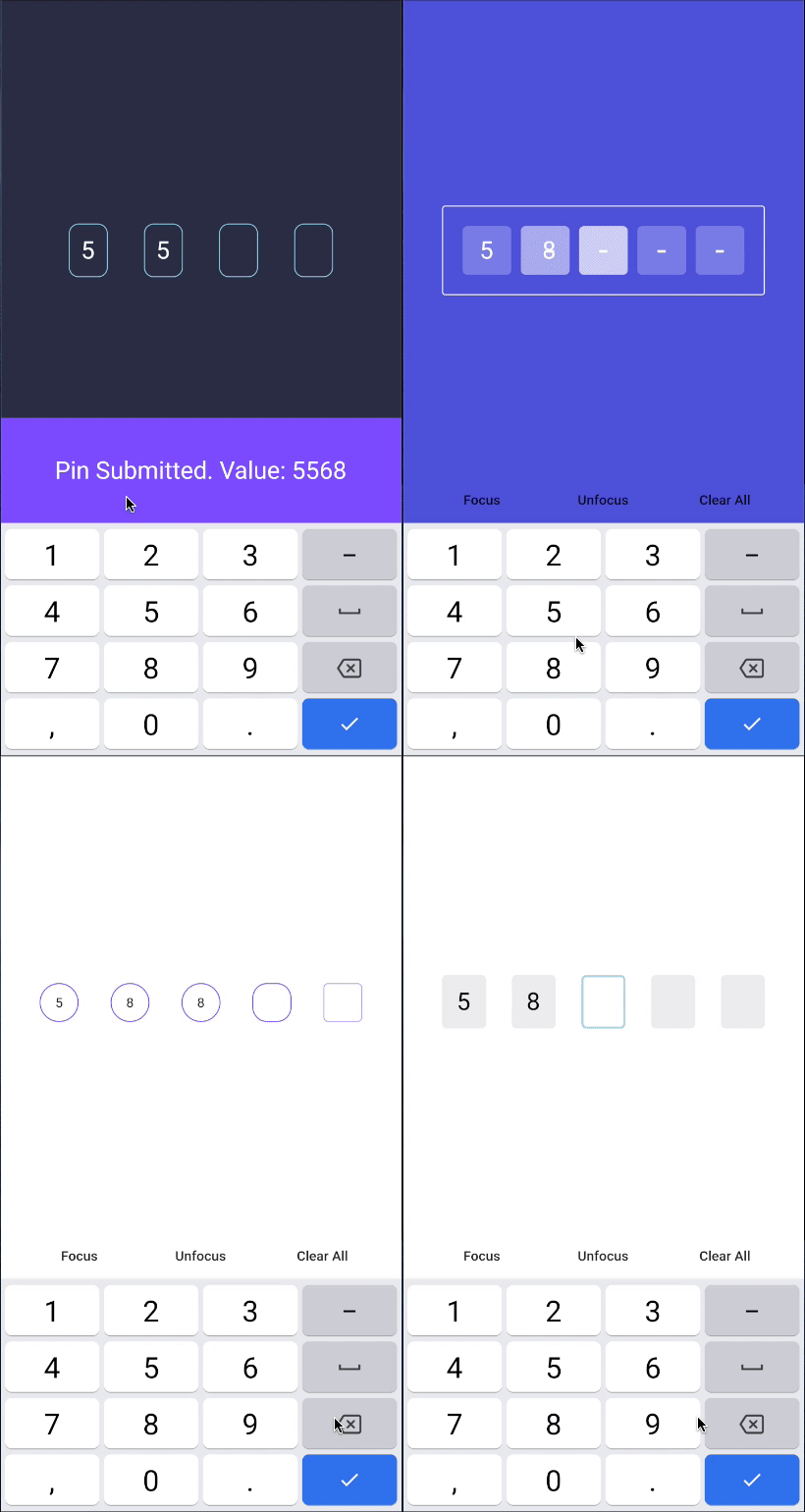
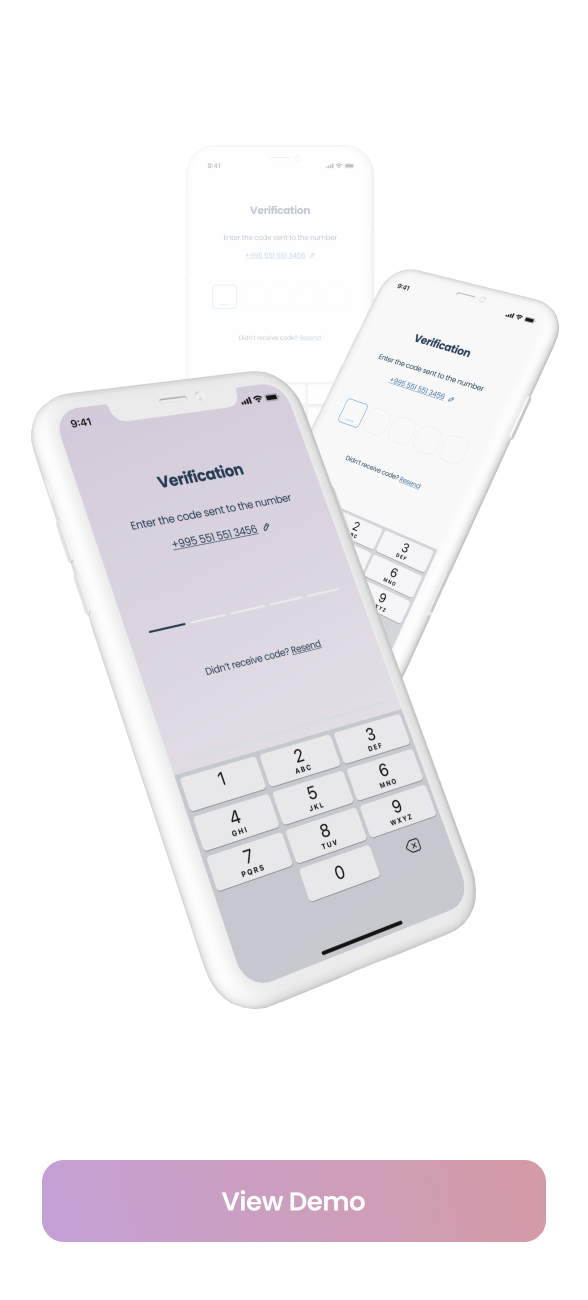
Flutter Pinput is a package that provides an easy-to-use and customizable Pin code input field. It offers several features such as animated decoration switching, form validation, SMS autofill, custom cursor, copying from clipboard, and more. It also provides beautiful examples that you can choose from.

Features:

  • Animated Decoration Switching
  • Form validation
  • SMS Autofill on iOS
  • SMS Autofill on Android
  • Standard Cursor
  • Custom Cursor
  • Cursor Animation
  • Copy From Clipboard
  • Ready For Custom Keyboard
  • Standard Paste option
  • Obscuring Character
  • Obscuring Widget
  • Haptic Feedback
  • Close Keyboard After Completion
  • Beautiful Examples

Support

PRs Welcome

Discord Channel

Examples app on Github has multiple templates to choose from

Don't forget to give it a star ⭐

Demo

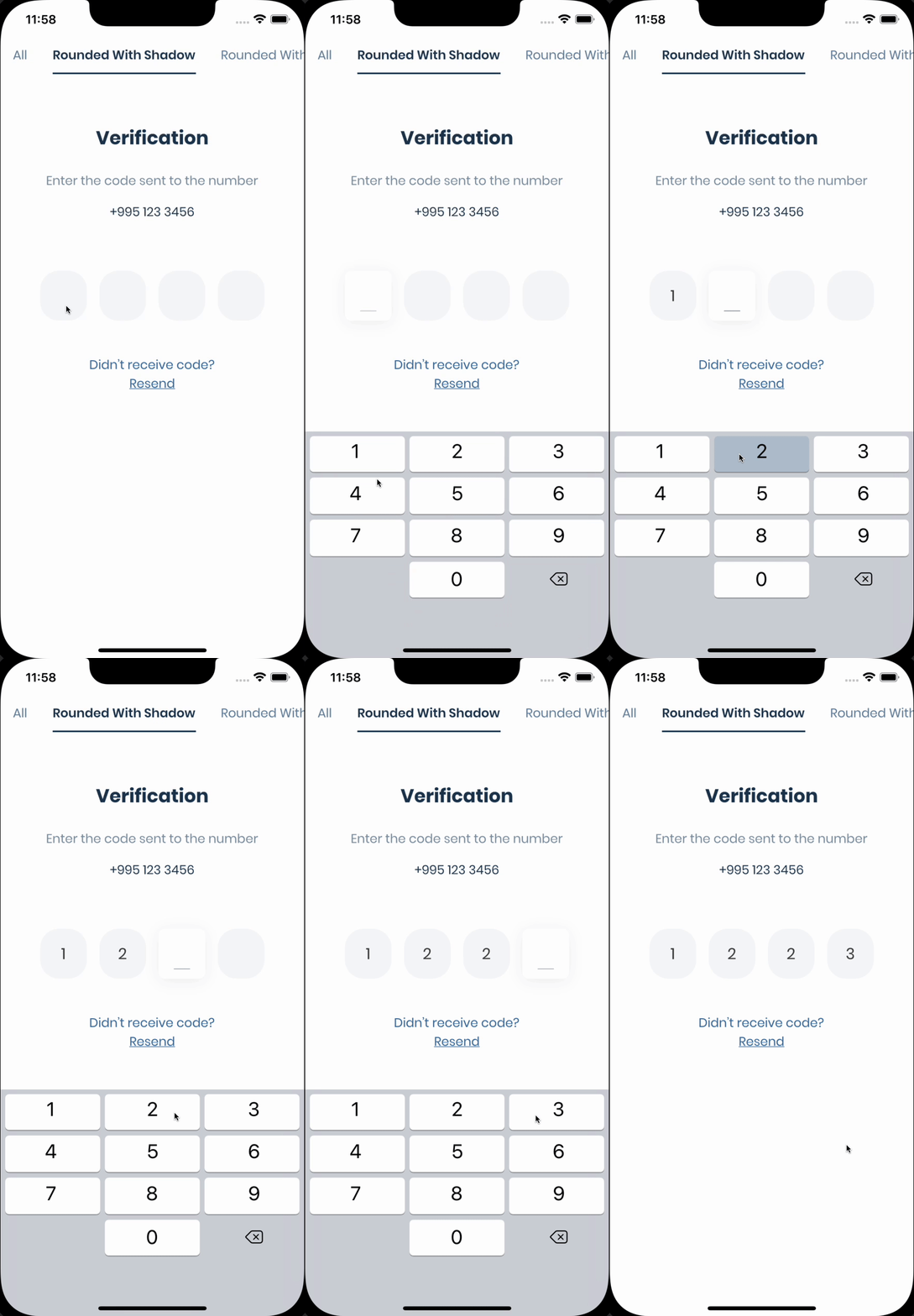
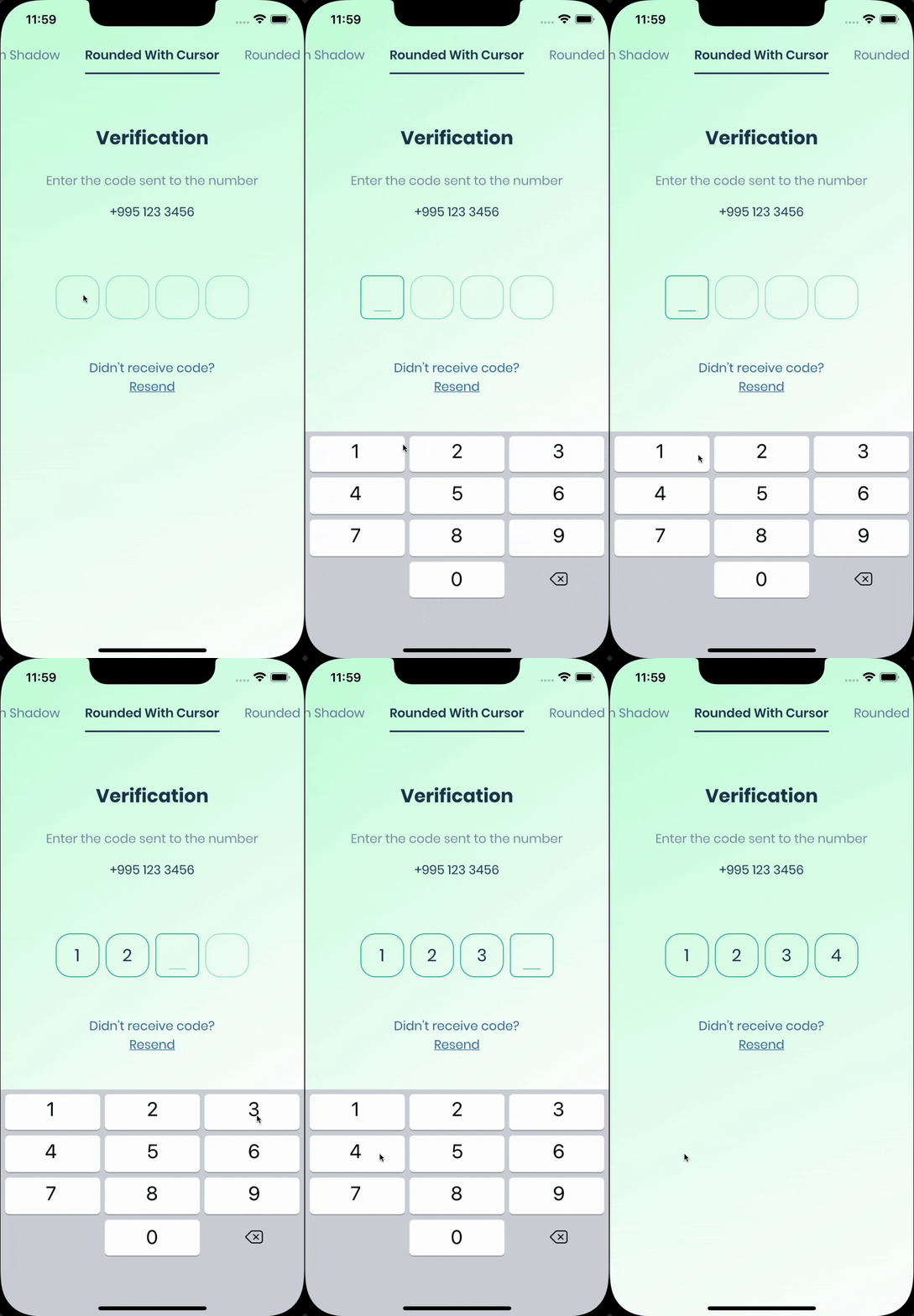
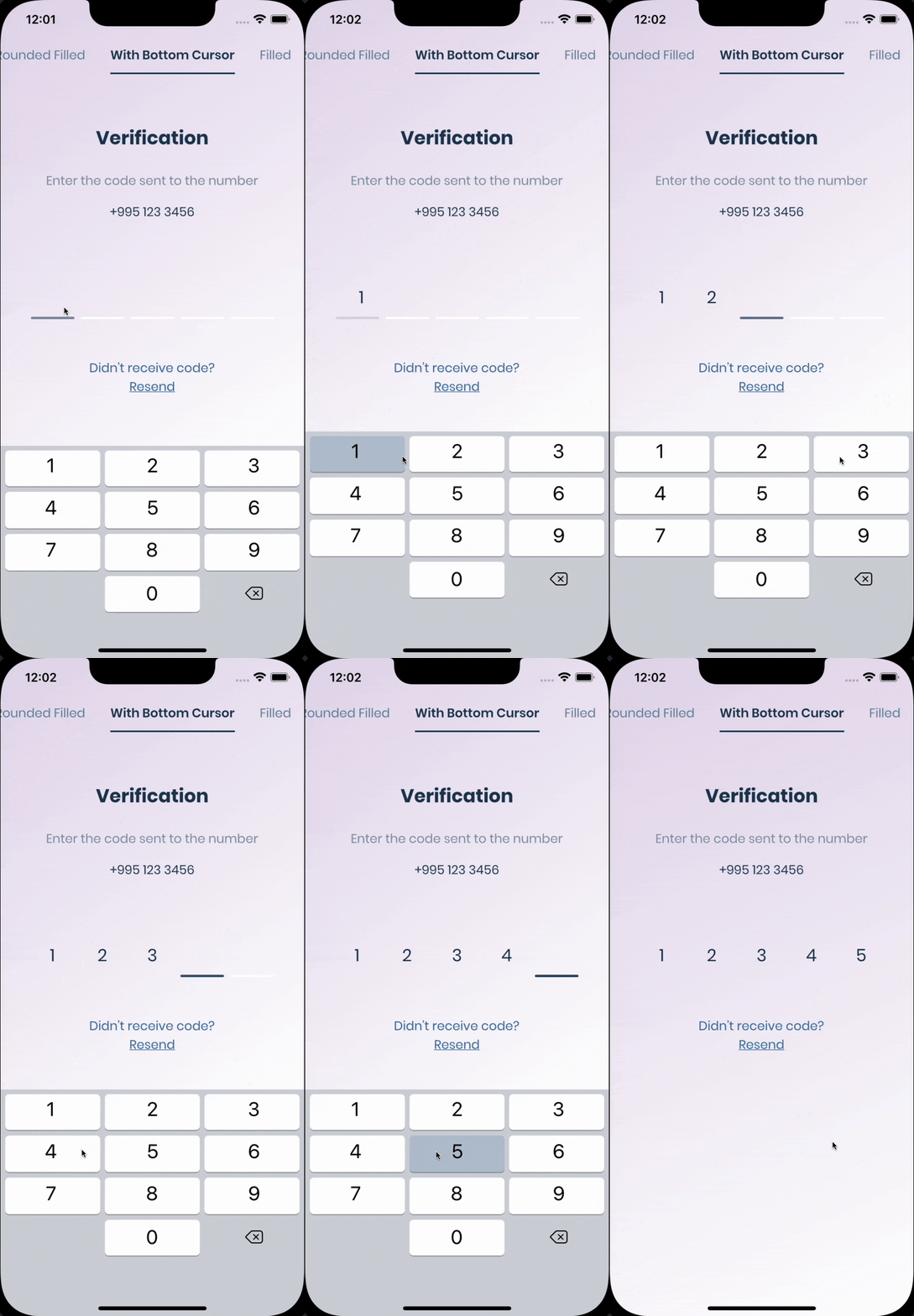
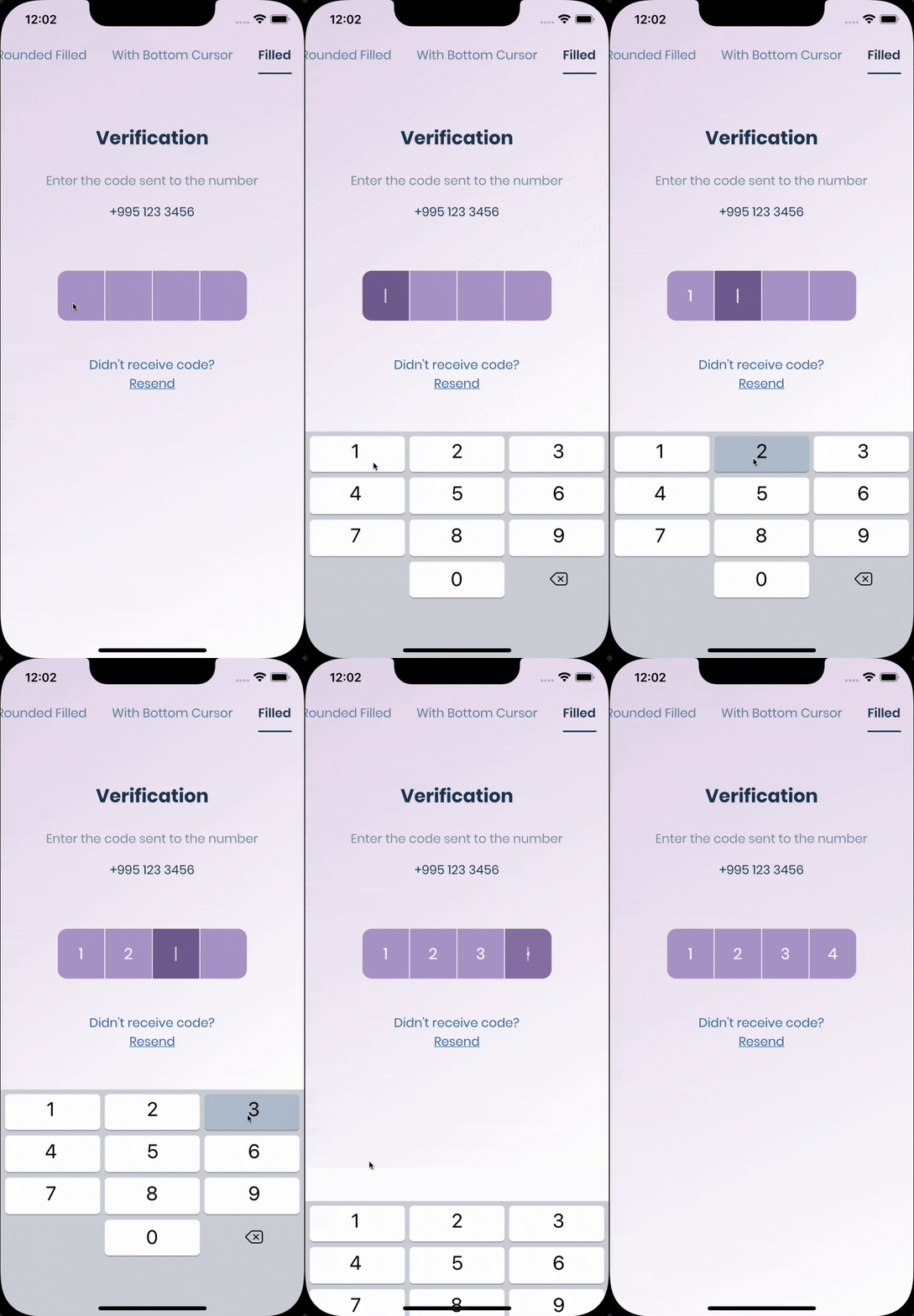
Live Demo Rounded With Shadows Rounded With Cursor
Rounded Filled With Bottom Cursor Filled

Getting Started

The pin has 6 states default focused, submitted, following, disabled, error, you can customize each state by specifying theme parameter. Pin smoothly animates from one state to another automatically. PinTheme Class

Property Default/Type
width 56.0
height 60.0
textStyle TextStyle()
margin EdgeInsetsGeometry
padding EdgeInsetsGeometry
constraints BoxConstraints

You can use standard Pinput like so

Widget buildPinPut() {
  return Pinput(
    onCompleted: (pin) => print(pin),
  );
}

If you want to customize it, create defaultPinTheme first.

final defaultPinTheme = PinTheme(
  width: 56,
  height: 56,
  textStyle: TextStyle(fontSize: 20, color: Color.fromRGBO(30, 60, 87, 1), fontWeight: FontWeight.w600),
  decoration: BoxDecoration(
    border: Border.all(color: Color.fromRGBO(234, 239, 243, 1)),
    borderRadius: BorderRadius.circular(20),
  ),
);

if you want all pins to be the same don't pass other theme parameters, If not, create focusedPinTheme, submittedPinTheme, followingPinTheme, errorPinTheme from defaultPinTheme

final focusedPinTheme = defaultPinTheme.copyDecorationWith(
  border: Border.all(color: Color.fromRGBO(114, 178, 238, 1)),
  borderRadius: BorderRadius.circular(8),
);

final submittedPinTheme = defaultPinTheme.copyWith(
  decoration: defaultPinTheme.decoration.copyWith(
    color: Color.fromRGBO(234, 239, 243, 1),
  ),
);

Put everything together

final defaultPinTheme = PinTheme(
  width: 56,
  height: 56,
  textStyle: TextStyle(fontSize: 20, color: Color.fromRGBO(30, 60, 87, 1), fontWeight: FontWeight.w600),
  decoration: BoxDecoration(
    border: Border.all(color: Color.fromRGBO(234, 239, 243, 1)),
    borderRadius: BorderRadius.circular(20),
  ),
);

final focusedPinTheme = defaultPinTheme.copyDecorationWith(
  border: Border.all(color: Color.fromRGBO(114, 178, 238, 1)),
  borderRadius: BorderRadius.circular(8),
);

final submittedPinTheme = defaultPinTheme.copyWith(
  decoration: defaultPinTheme.decoration.copyWith(
    color: Color.fromRGBO(234, 239, 243, 1),
  ),
);

return Pinput(
defaultPinTheme: defaultPinTheme,
focusedPinTheme: focusedPinTheme,
submittedPinTheme: submittedPinTheme,
validator: (s) {
return s == '2222' ? null : 'Pin is incorrect';
},
pinputAutovalidateMode: PinputAutovalidateMode.onSubmit,
showCursor: true,
onCompleted: (pin) => print(pin),
);

SMS Autofill

iOS

Works out of the box, by tapping the code on top of the keyboard

Android

If you are using firebase_auth you have to set controller's value in verificationCompleted callback, here is an example code:

    Pinput(
      controller: pinController,
    );

And set pinController's value in verificationCompleted callback:

    await FirebaseAuth.instance.verifyPhoneNumber(
      verificationCompleted: (PhoneAuthCredential credential) {
        pinController.setText(credential.smsCode);
      },
      verificationFailed: (FirebaseAuthException e) {},
      codeSent: (String verificationId, int? resendToken) {},
      codeAutoRetrievalTimeout: (String verificationId) {},
    );

If you aren't using firebase_auth, you have two options, SMS Retriever API and SMS User Consent API,

SmartAuth is a wrapper package for Flutter for these APIs, so go ahead and add it as a dependency.

SMS Retriever API

To use Retriever API you need the App signature - guide

Note that The App Signature might be different for debug and release mode

Once you get the app signature, you should include it in the SMS message in you backend like so:

SMS example:

Your ExampleApp code is: 123456
kg+TZ3A5qzS

Example Code

Sms code will be automatically applied, without user interaction.

SMS User Consent API

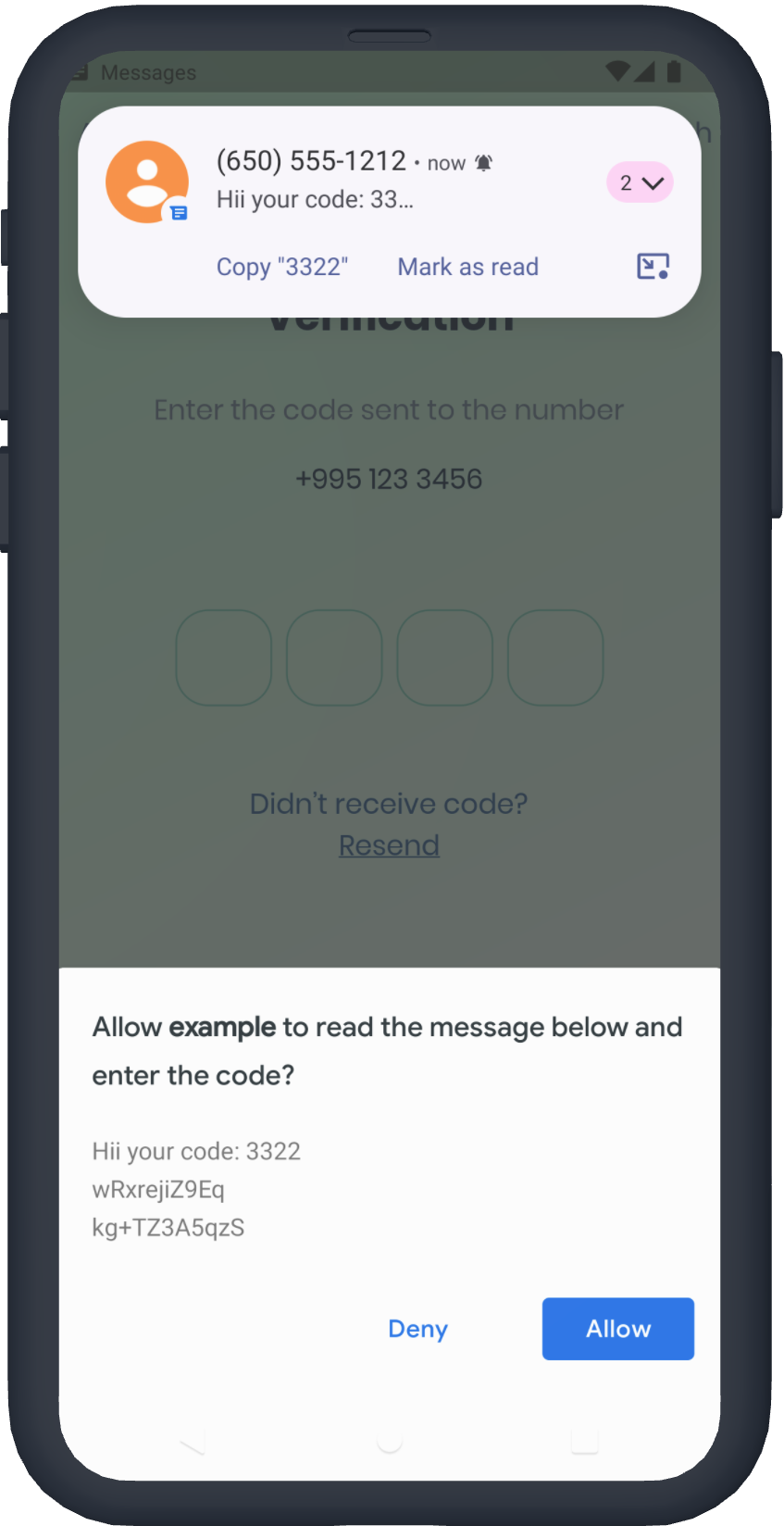
You don't need the App signature, the user will be prompted to confirm reading the message Example Code

Request Hint

See Example app for more templates

Tips

  • Controller
/// Create Controller  
final pinController = TextEditingController();

/// Set text programmatically  
pinController.setText('1222');

/// Append typed character, useful if you are using custom keyboard  
pinController.append('1', 4);

/// Delete last character  
pinController.delete();

/// Don't call setText, append, delete in build method, this is just illustration.  

return Pinput(
  controller: pinController,  
);  
  • Focus
/// Create FocusNode  
final pinputFocusNode = FocusNode();

/// Focus pinput  
pinputFocusNode.requestFocus();

/// UnFocus pinput  
pinputFocusNode.unfocus();

/// Don't call requestFocus, unfocus in build method, this is just illustration.  

return Pinput(
  focusNode: pinputFocusNode,
);  
  • Validation
/// Create key
final formKey = GlobalKey<FormState>();

/// Validate manually
/// Don't call validate in build method, this is just illustration.
formKey.currentState!.validate();

return Form(
  key: formKey,
  child: Pinput(
  // Without Validator
  // If true error state will be applied no matter what validator returns
  forceErrorState: true,
  // Text will be displayed under the Pinput
  errorText: 'Error',

  /// ------------
  /// With Validator
  /// Auto validate after user tap on keyboard done button, or completes Pinput
  pinputAutovalidateMode: PinputAutovalidateMode.onSubmit,
  validator: (pin) {
    if (pin == '2224') return null;

    /// Text will be displayed under the Pinput
    return 'Pin is incorrect';
    },
  ),
);

FAQ

autofill isn't working on iOS?
  • Make sure you are using real device, not simulator
  • Temporary replace Pinput with TextField, and check if autofill works. If, not it's probably a problem with SMS you are getting, autofill doesn't work with most of the languages
  • If you are using non stable version of Flutter that might be cause because something might be broken inside the Framework
are you using firebase_auth?

You should set controller's value in verificationCompleted callback, here is an example code:

    Pinput(
      controller: pinController,
    );
    
    await FirebaseAuth.instance.verifyPhoneNumber(
      verificationCompleted: (PhoneAuthCredential credential) {
        pinController.setText(credential.smsCode);
      },
      verificationFailed: (FirebaseAuthException e) {},
      codeSent: (String verificationId, int? resendToken) {},
      codeAutoRetrievalTimeout: (String verificationId) {},
    );

所屬分類

依賴

依賴清單 2 項

原始碼儲存庫

使用此套件的專案

所在榜單