
 v0.1.3
soft_edge_blur
一個可自定義的 Flutter 小部件,可將其子小部件的一個或多個邊緣應用柔軟漸進的模糊效果。
249喜歡 1.2萬近 30 天下載160Pub 分數
AndroidiOSWebmacOSWindowsLinux
一個為組件提供可自訂柔邊模糊效果的 Flutter 套件。

{"sdk":"flutter"}{"sdk":"flutter"}^4.0.0以下為英文專案原文快照,最新內容請造訪 GitHub。
banner
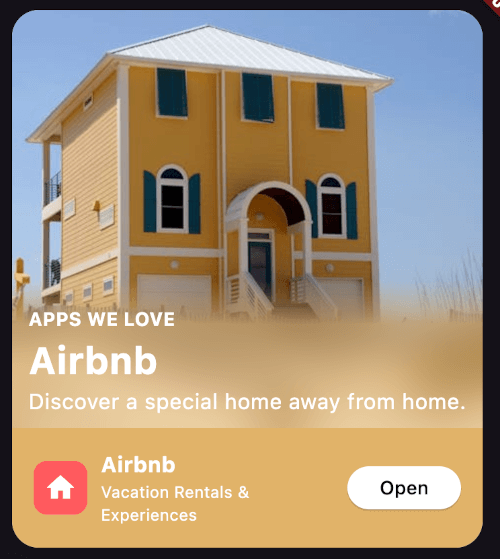
A Flutter package that provides a customizable soft progressive blur effect for widgets.
Map blurred| https://i.imgur.com/ZHTocas.png | https://i.imgur.com/ejYRoGu.png |
|---|---|
| https://i.imgur.com/2B4RJo2.png | https://i.imgur.com/lrVGtHU.png |
Import the package in your Dart code:
import 'package:soft_edge_blur/soft_edge_blur.dart';
Wrap any widget with SoftEdgeBlur to apply the blur effect:
return SoftEdgeBlur(
  edges: [
    EdgeBlur(
      type: EdgeType.topEdge,
      size: 100,
      sigma: 30,
      controlPoints: [
        ControlPoint(
          position: 0.5,
          type: ControlPointType.visible,
        ),
        ControlPoint(
          position: 1,
          type: ControlPointType.transparent,
        )
      ],
    )
  ],
  child: YourWidget(),
);
You can customize the following properties for each edge:
Specify which edges to apply the blur effect:
EdgeType.topEdgeEdgeType.bottomEdgeEdgeType.leftEdgeEdgeType.rightEdgeYou can apply blur to multiple edges simultaneously.
Set the size of the blurred area. This determines how far the blur effect extends from the edge of the widget.
Adjust the intensity of the blur effect.
Apply a tint color on top of the blurred area.
Define points to control the blur gradient along the edge. Each control point has two properties:
position: A value between 0.0 and 1.0, representing the position along the edge.type: Either ControlPointType.visible or ControlPointType.transparent.https://soft_edge_blur.codemagic.app/