

 v2.0.0
fluid_dialog
一個可在多個內容之間切換並動態動畫調整大小和對齊方式的對話框。
204喜歡 306近 30 天下載160Pub 分數
AndroidiOSWebmacOSWindowsLinux
一個用於可變換對話框的 Flutter 套件。

以下為英文專案原文快照,最新內容請造訪 GitHub。


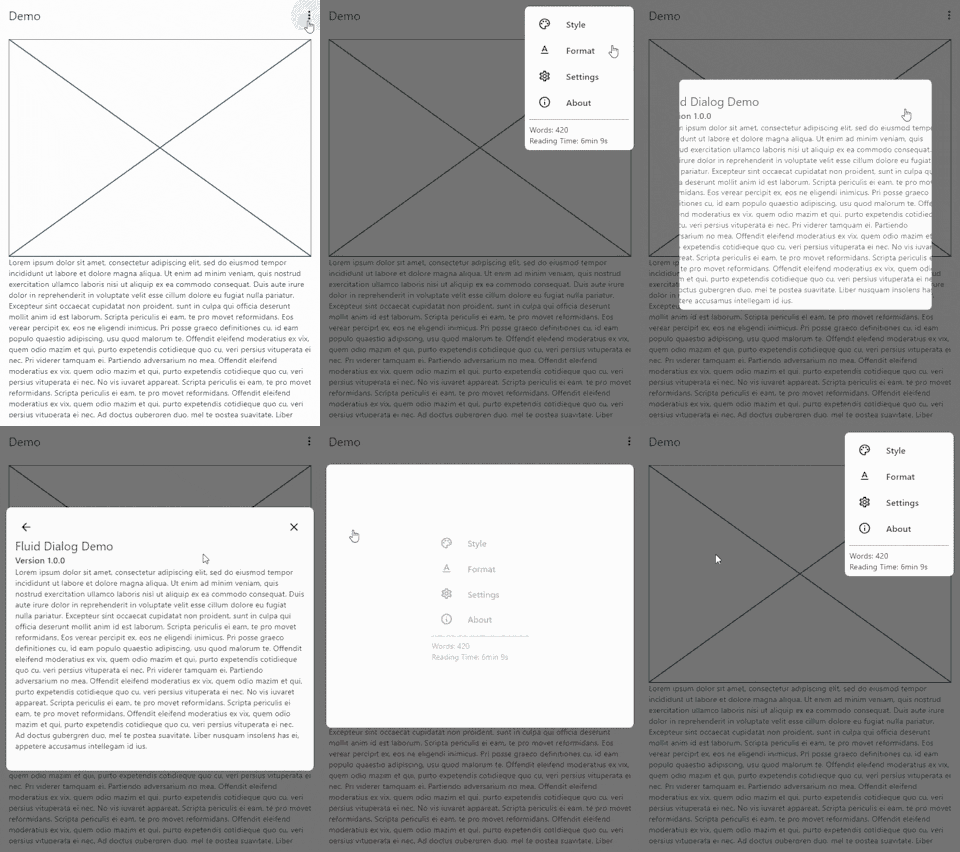
A dialog that can switch between multiple contents and animates size and alignment dynamically.
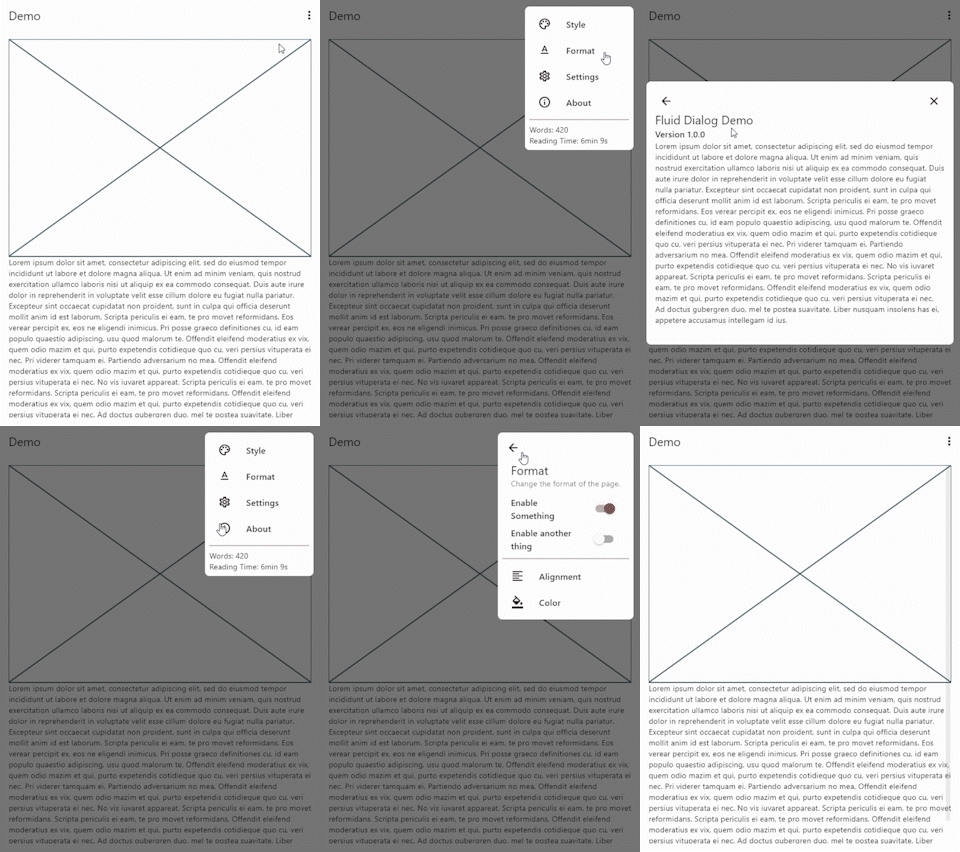
To show a FluidDialog you typically use Flutter's showDialog function. You can also use your implementation to show the dialog.
Here's an example:
showDialog(
 context: context,
 builder: (context) => FluidDialog(
  // Set the first page of the dialog.
  rootPage: FluidDialogPage(
    alignment: Alignment.bottomLeft, //Aligns the dialog to the bottom left.
    builder: (context) => const TestDialog(), // This can be any widget.
  ),
 ),
);
To navigate in the dialog, use the DialogNavigator. It works similarly to the flutter navigator.
This only works for widgets in the FluidDialog
TextButton(
  onPressed: () => DialogNavigator.of(context).push(
    FluidDialogPage(
      builder: (context) => const SecondDialogPage(),
    ),
  ),
  child: const Text('Go to next page'),
),
依賴清單 3 項
{"sdk":"flutter"}{"sdk":"flutter"}^5.0.0+1先依使用情境篩選,再比較專案活躍情況,最後到原始儲存庫確認使用要求。
“A repository is the most basic element of GitHub.”
GitHub Docs — About repositories ↗