搜尋套件、儲存庫與 APP 分類

fluid_dialog 封面
套件詳情v2.0.0

fluid_dialog

一個可在多個內容之間切換並動態動畫調整大小和對齊方式的對話框。

AndroidiOSWebmacOSWindowsLinux
近 30 天下載
306
喜歡數
204
Pub 分數
160

安裝套件

flutter pub add fluid_dialog

套件介紹

根據套件公開資料產生的選型評估,僅供參考。

Fluid Dialog 是一個 Flutter 套件,可實現動態、動畫對話框,能夠切換多個內容螢幕。它會根據目前內容自動調整大小與對齊方式,在不同平台上提供流暢且即時回應的使用者體驗。適用於需要在不產生突兀變化的情況下自適應佈局的模態框,可提升需要靈活對話框行為之應用程式的 UI 流暢度。此套件支援所有主要平台,包含 Android、iOS、Web、macOS、Windows 與 Linux。

適用情境

  • 模態框中的動態內容切換
  • 響應式對話方塊大小
  • 螢幕狀態之間的平滑過渡
  • 多步驟表單的自適應使用者介面
  • 互動式幫助或教程對話框
  • 跨平台對話一致性

主要特色

  • 自動大小與對齊動畫
  • 多內容支援
  • 跨平台相容性
  • 狀態之間的平滑過渡
  • 可自定義的動畫
  • 輕量級且易於整合

適合對象

  • 開發人員建構互動式對話方塊
  • 具備多步驟使用者流程的應用程式
  • 需要流暢過渡的UI密集型應用
  • 跨平台 Flutter 項目
  • 需要自適應模態框的設計系統

使用建議

  • 可能影響具有複雜嵌套內容的效能
  • 需要仔細的狀態管理來切換內容
  • 動畫時間可能需要針對特定使用案例進行調整
  • 非標準佈局的自定選項有限
  • 最適合簡單到中等複雜度的對話結構

原始 README

以下為關聯原始碼儲存庫的 README 原文快照,最新內容請造訪原始碼儲存庫。

cover

Fluid Dialog

style: very good analysis License: MIT

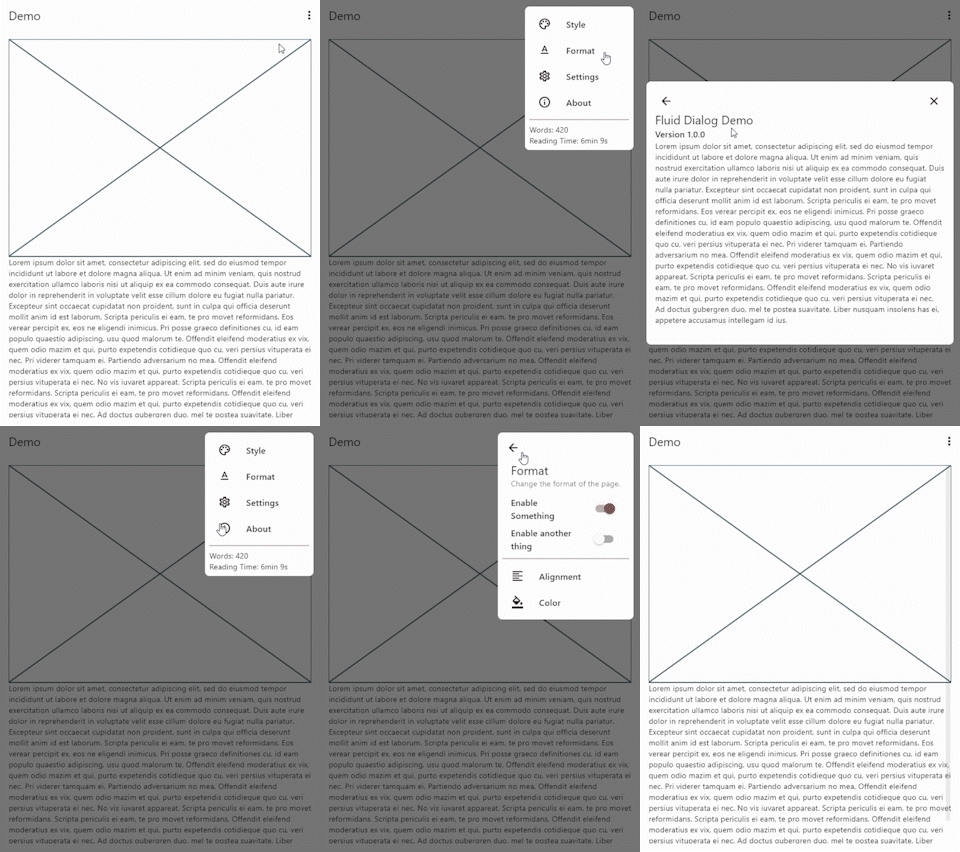
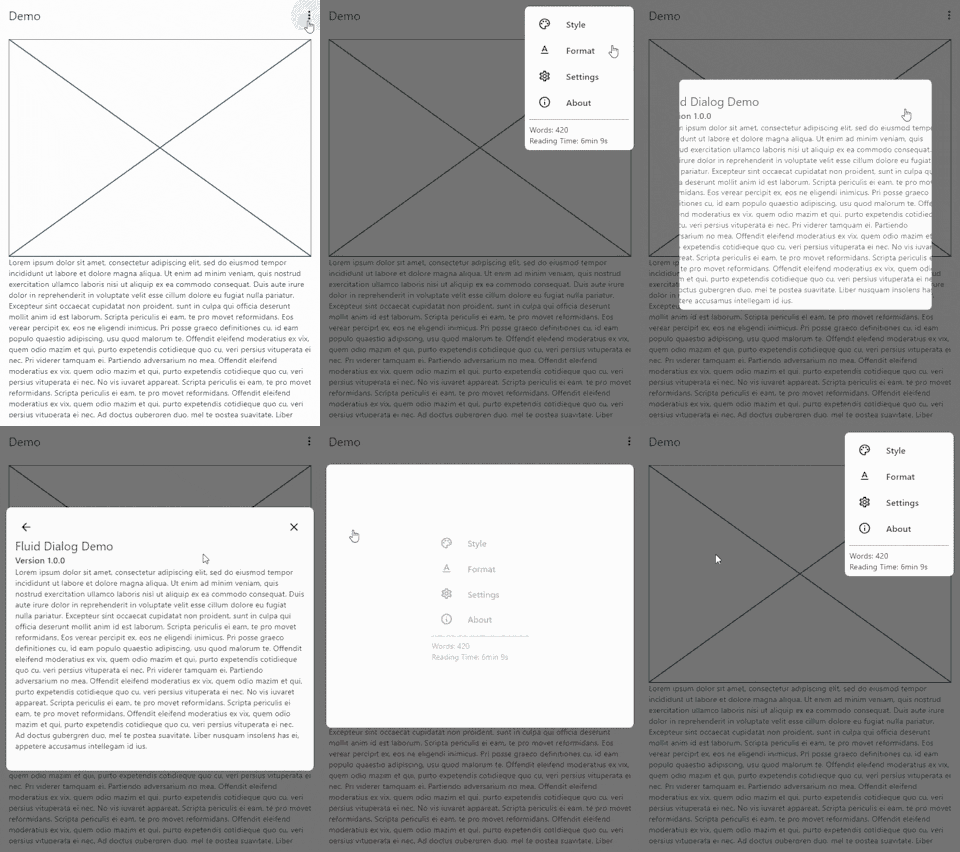
A dialog that can switch between multiple contents and animates size and alignment dynamically.

Video Demo

video demo

Features 🎉
  • Navigate between different pages
  • Animated size and alignment
  • Fully customizable
Usage 🧪

To show a FluidDialog you typically use Flutter's showDialog function. You can also use your implementation to show the dialog.

Here's an example:

showDialog(
 context: context,
 builder: (context) => FluidDialog(
  // Set the first page of the dialog.
  rootPage: FluidDialogPage(
    alignment: Alignment.bottomLeft, //Aligns the dialog to the bottom left.
    builder: (context) => const TestDialog(), // This can be any widget.
  ),
 ),
);

To navigate in the dialog, use the DialogNavigator. It works similarly to the flutter navigator.

This only works for widgets in the FluidDialog

TextButton(
  onPressed: () => DialogNavigator.of(context).push(
    FluidDialogPage(
      builder: (context) => const SecondDialogPage(),
    ),
  ),
  child: const Text('Go to next page'),
),

Take a look at the example or demo for more code.

所屬分類

原始碼儲存庫

使用此套件的專案

暫無相關資料。