

 v0.0.6
country_state_city_pro
一個全新的 Flutter 套件,用於取得全世界所有的國家、州與城市。
65喜歡 496近 30 天下載130Pub 分數
AndroidiOSWebmacOSWindowsLinux
SujitSarkar/Country-State-City-Picker-Pro open-source repository details.

以下為英文專案原文快照,最新內容請造訪 GitHub。
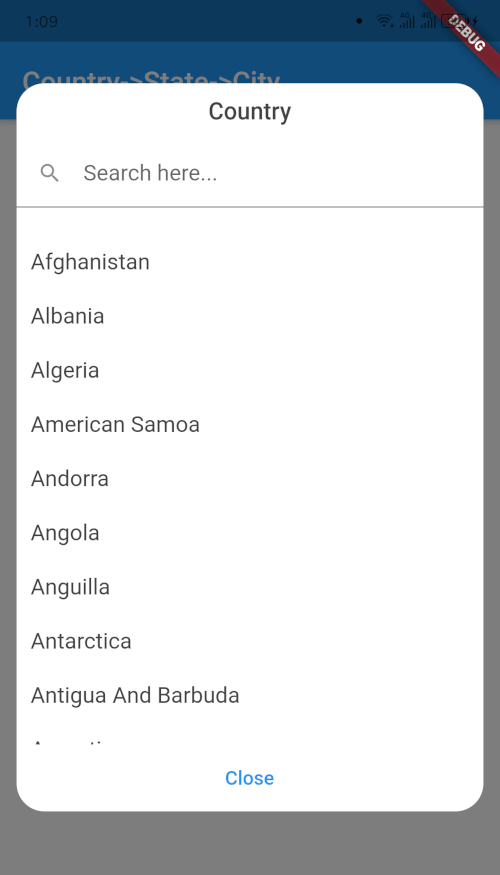
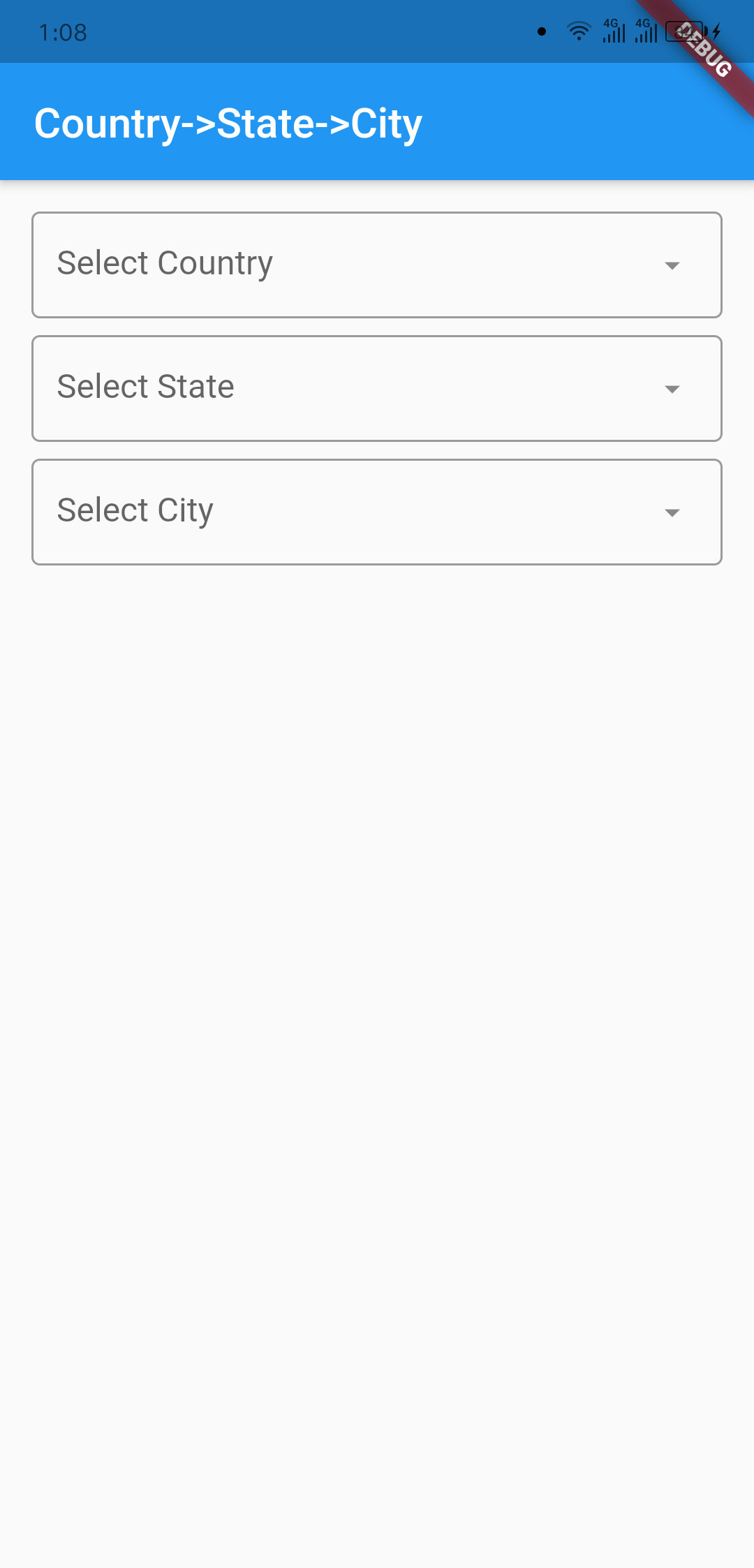
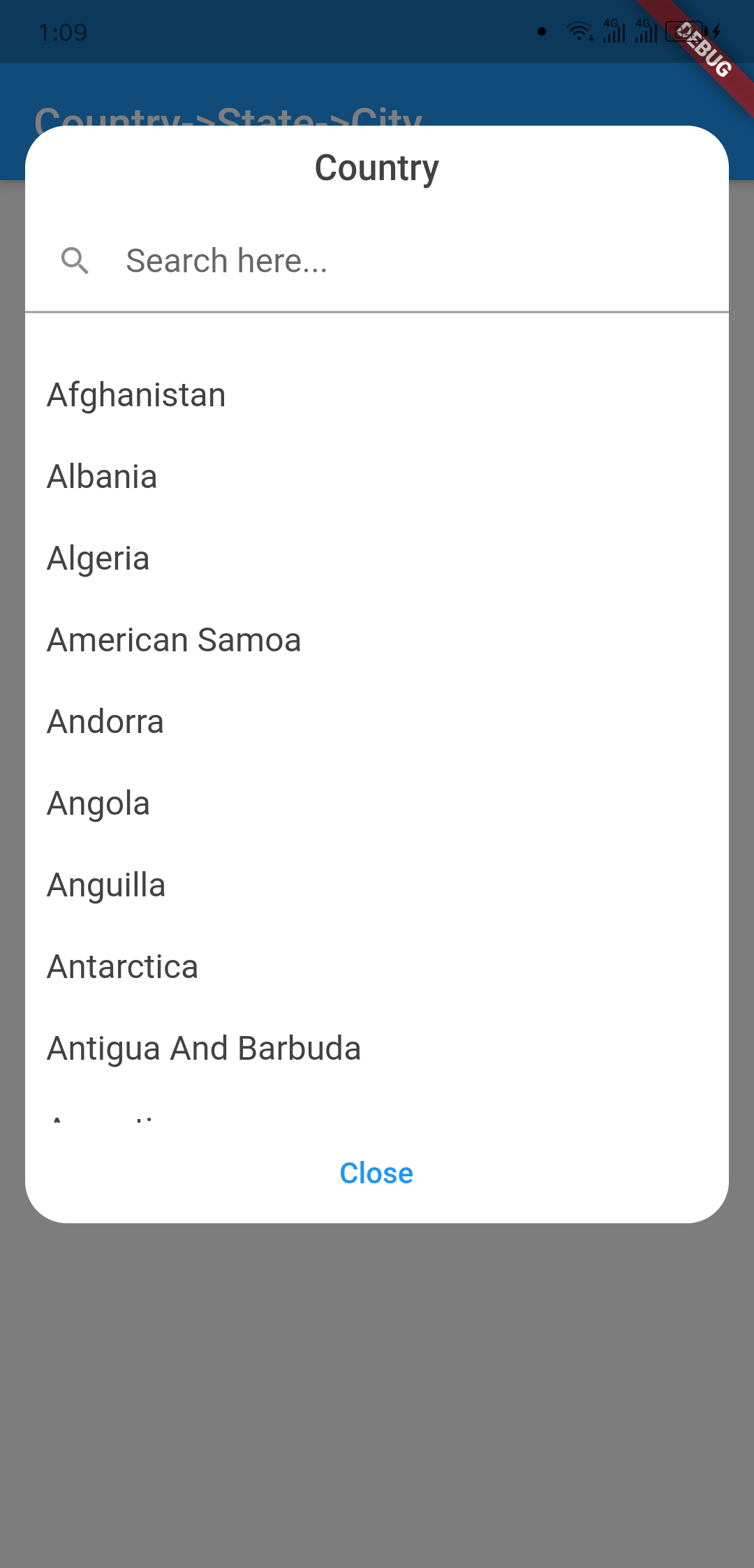
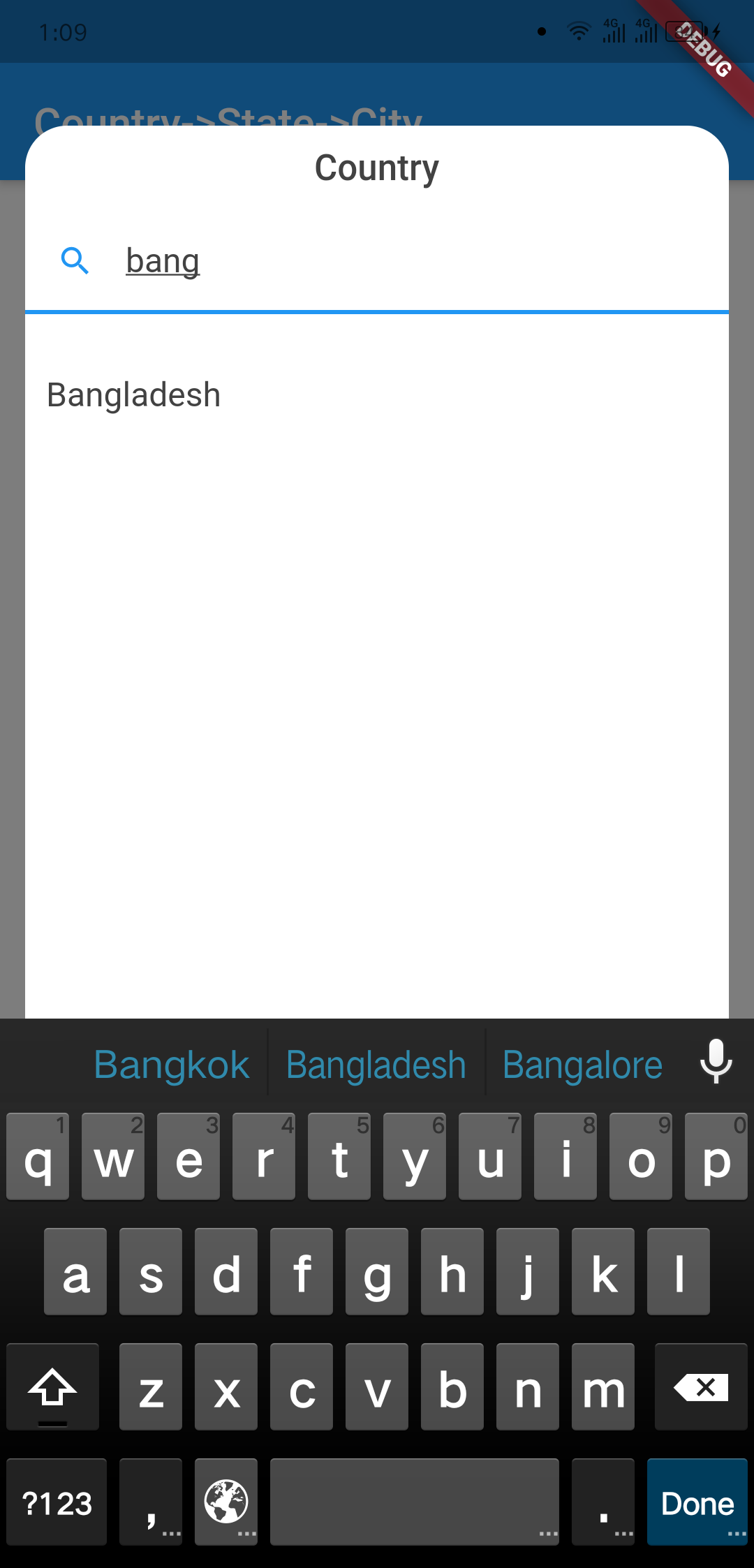
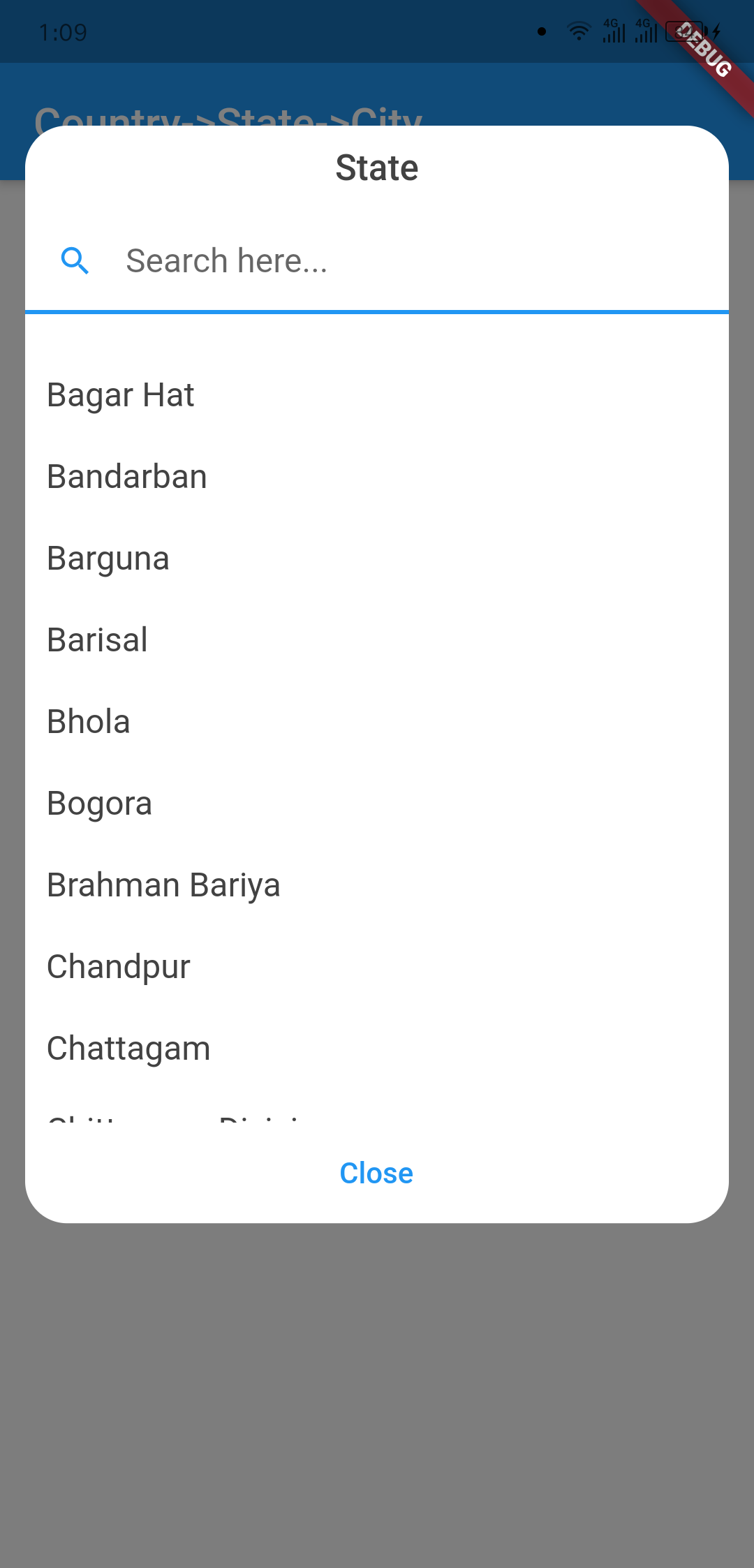
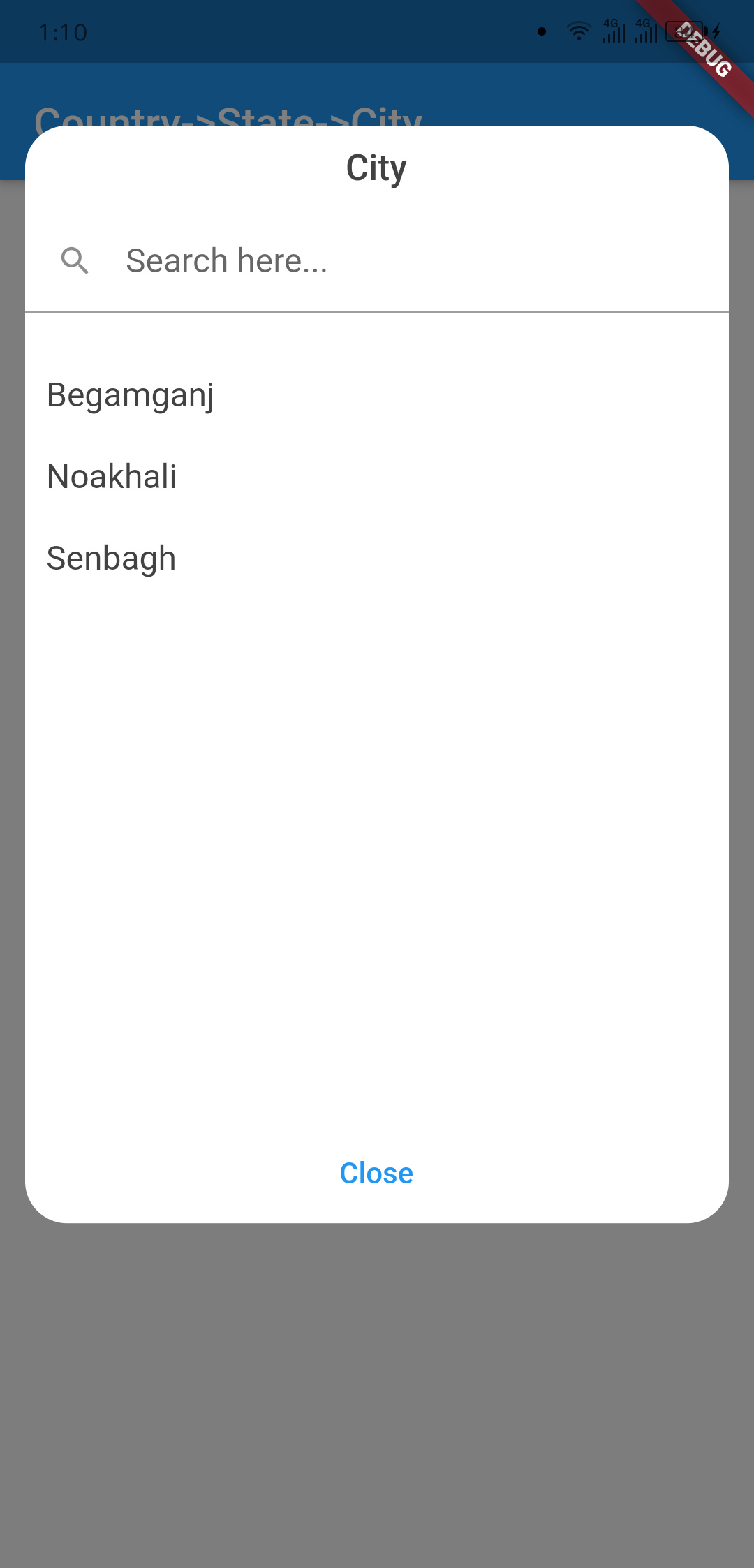
A new Flutter package to get world's all of Country, State, and City. And items are also searchable. In addition if city can't be found then user manually write city on dialog window.
This widget has been successfully tested on iOS, Android and Chrome.
| Outlook | Country Dialog |
|---|---|
 |
 |
| Country Searching | State Dialog |
|---|---|
 |
 |
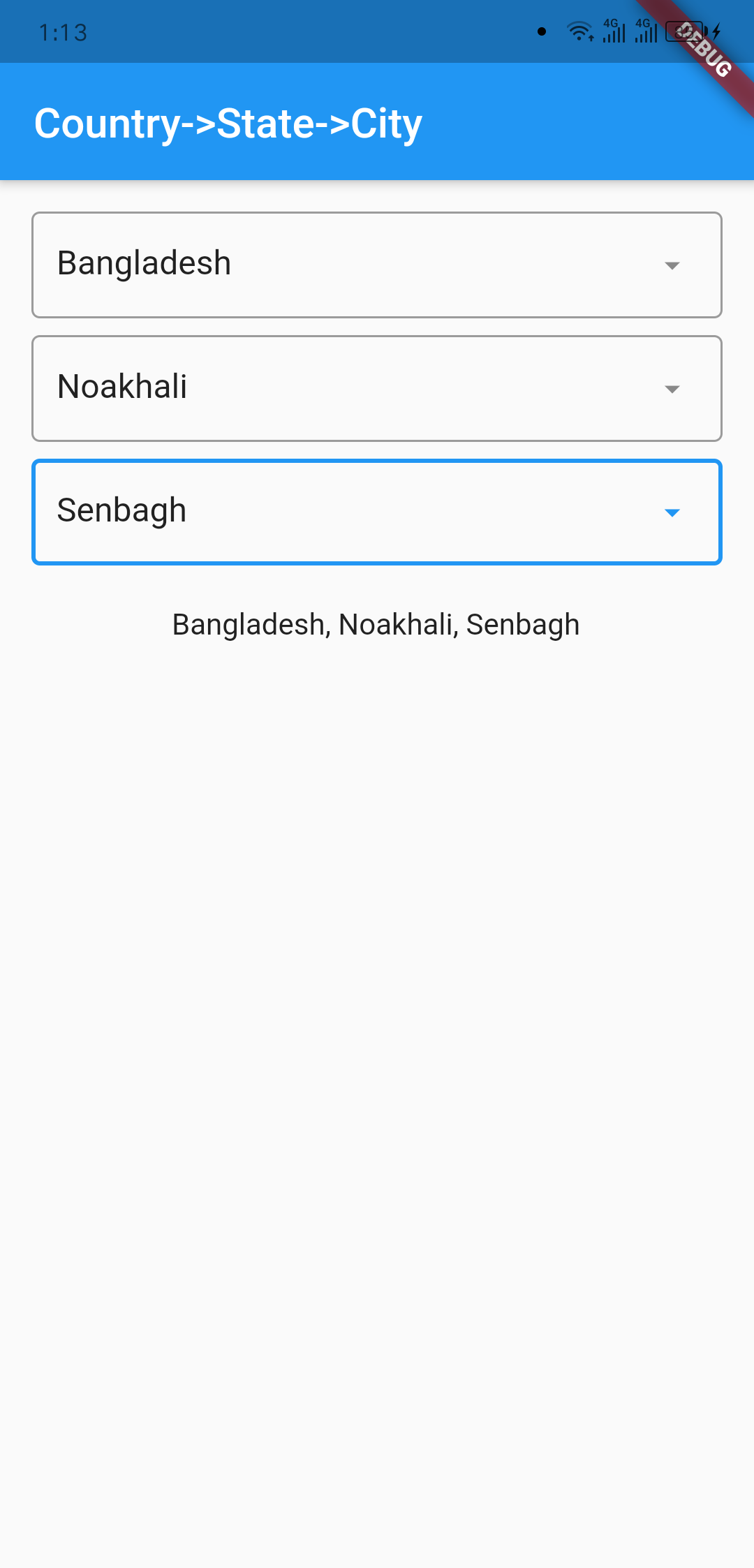
| City Dialog | Final Data |
|---|---|
 |
 |
import 'package:country_state_city/country_state_city_picker.dart';

///Define Controller
TextEditingController country=TextEditingController();
TextEditingController state=TextEditingController();
TextEditingController city=TextEditingController();

///Widget initialize
CountryStateCityPicker(
                country: country,
                state: state,
                city: city,
                dialogColor: Colors.grey.shade200,
                textFieldDecoration: InputDecoration(
                  fillColor: Colors.blueGrey.shade100,
                  filled: true,
                  suffixIcon: const Icon(Icons.arrow_downward_rounded),
                  border: const OutlineInputBorder(borderSide: BorderSide.none))
            ),
import 'package:flutter/material.dart';
import 'package:country_state_city/country_state_city_picker.dart';

void main() {
  runApp(MyApp());
}
class MyApp extends StatelessWidget {
  @override
  Widget build(BuildContext context) {
    return MaterialApp(
      title: 'Country->State->City',
      theme: ThemeData(
        primarySwatch: Colors.blue,
      ),
      home: HomePage(),
    );
  }
}

class HomePage extends StatefulWidget {
  @override
  _HomePageState createState() => _HomePageState();
}
class _HomePageState extends State<HomePage> {
  TextEditingController country=TextEditingController();
  TextEditingController state=TextEditingController();
  TextEditingController city=TextEditingController();
  @override
  Widget build(BuildContext context) {
    return Scaffold(
      appBar: AppBar(
        title: Text('Country->State->City'),
      ),
      body: Padding(
          padding: EdgeInsets.all(15.0),
          child: Column(
            children: [
              CountryStateCityPicker(
                country: country,
                state: state,
                city: city,
                dialogColor: Colors.grey.shade200,
                textFieldDecoration: InputDecoration(
                   fillColor: Colors.blueGrey.shade100,
                   filled: true,
                   suffixIcon: const Icon(Icons.arrow_downward_rounded),
                   border: const OutlineInputBorder(borderSide: BorderSide.none))
              ),
              SizedBox(height: 20),

              Text("${country.text}, ${state.text}, ${city.text}")
            ],
          )
      ),
    );
  }
}
依賴清單 2 項
{"sdk":"flutter"}{"sdk":"flutter"}先依使用情境篩選,再比較專案活躍情況,最後到原始儲存庫確認使用要求。
“A repository is the most basic element of GitHub.”
GitHub Docs — About repositories ↗