搜尋套件、儲存庫與 APP 分類

country_state_city_pro 封面
套件詳情v0.0.6

country_state_city_pro

一個全新的 Flutter 套件,用於取得全世界所有的國家、州與城市。

AndroidiOSWebmacOSWindowsLinux
近 30 天下載
496
喜歡數
65
Pub 分數
130

安裝套件

flutter pub add country_state_city_pro

套件介紹

根據套件公開資料產生的選型評估,僅供參考。

一個 Flutter 套件,提供全球各國、各州與城市的完整資料。讓開發者能輕鬆將國家、州與城市選擇功能整合到應用程式中,設定簡單。此套件包含全球區域的預載資料集,並支援 Android、iOS、Web、macOS、Windows 與 Linux 等多個平台。非常適合需要地理位置輸入的表單,例如使用者個人資料、寄送地址或區域設定。該套件由維護且開源,結構清晰,便於客製化。

適用情境

  • 使用者註冊並選擇位置
  • 發貨地址表單
  • 區域語言或貨幣設定
  • 旅行或物流應用本地化
  • 多區域內容過濾

主要特色

  • 預加載的全域國家、州與城市資料
  • 支援所有主要平台
  • 透過 pub add 輕鬆整合
  • 開源且持續維護
  • 輕量且快速的資料檢索

適合對象

  • 開發國際應用的開發者
  • 需要位置欄位的表單密集型應用程式
  • 面向多樣化地理受眾的應用程式
  • 需要離線位置資料的專案

使用建議

  • 由於包含資料集,初始下載體積較大
  • 需要手動處理資料更新
  • 僅限靜態數據(無即時變更)
  • 不適合需要動態或基於API的位置服務的應用程式

原始 README

以下為關聯原始碼儲存庫的 README 原文快照,最新內容請造訪原始碼儲存庫。

country_state_city_pro

A new Flutter package to get world's all of Country, State, and City. And items are also searchable. In addition if city can't be found then user manually write city on dialog window.

Getting Started

Platforms:

This widget has been successfully tested on iOS, Android and Chrome.

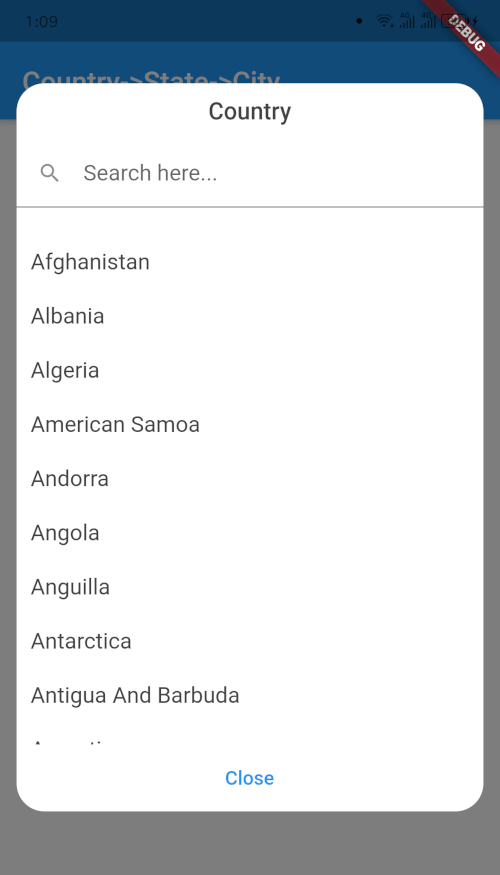
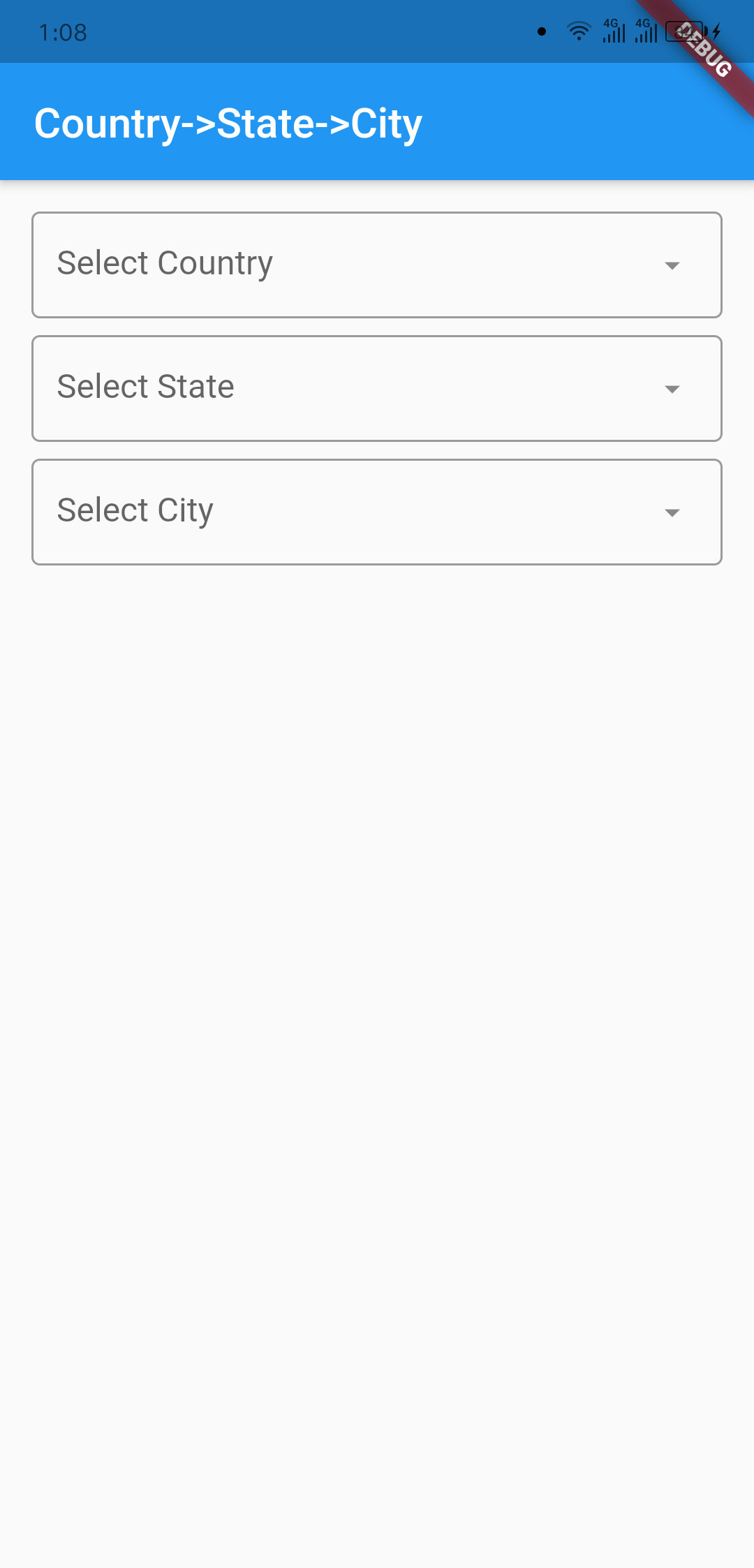
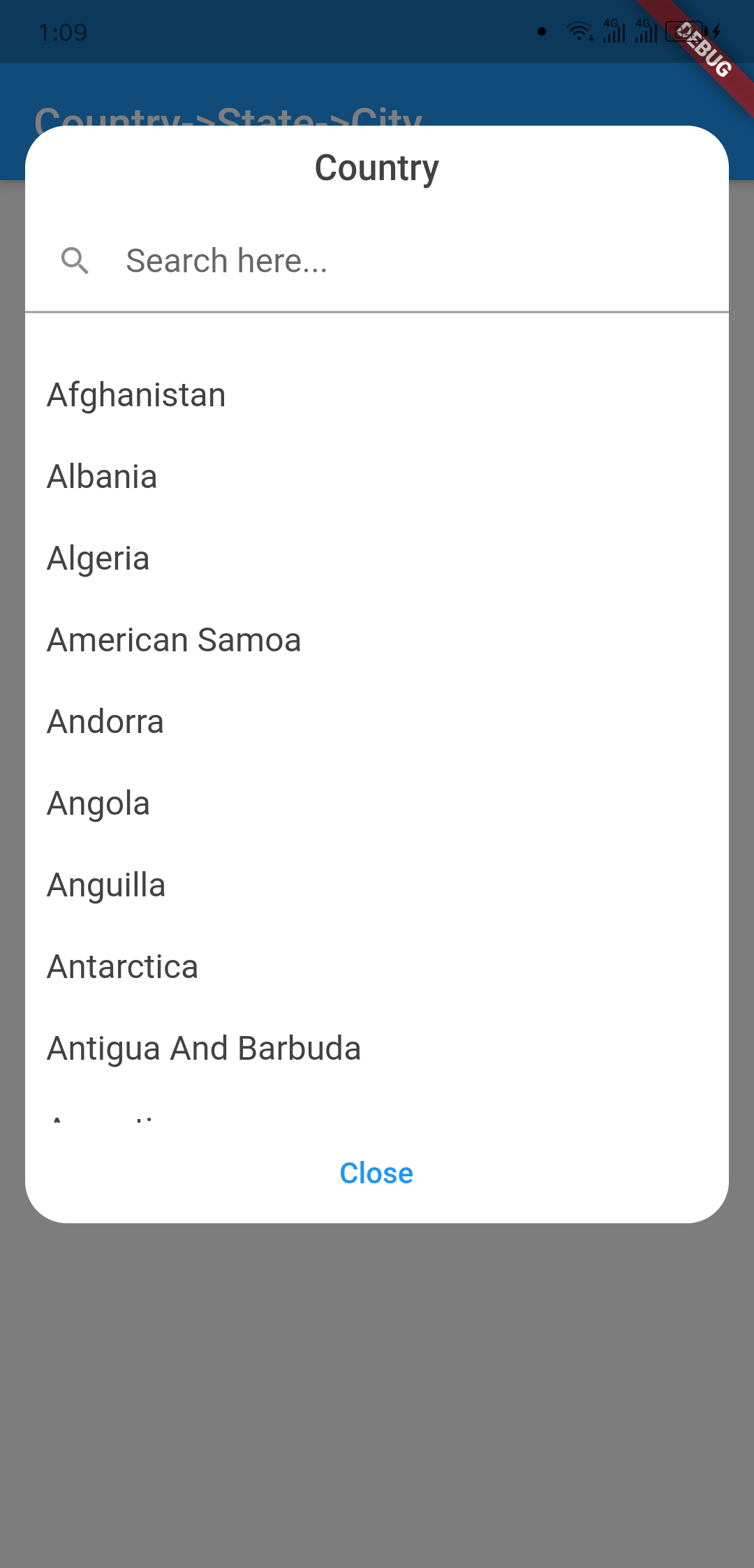
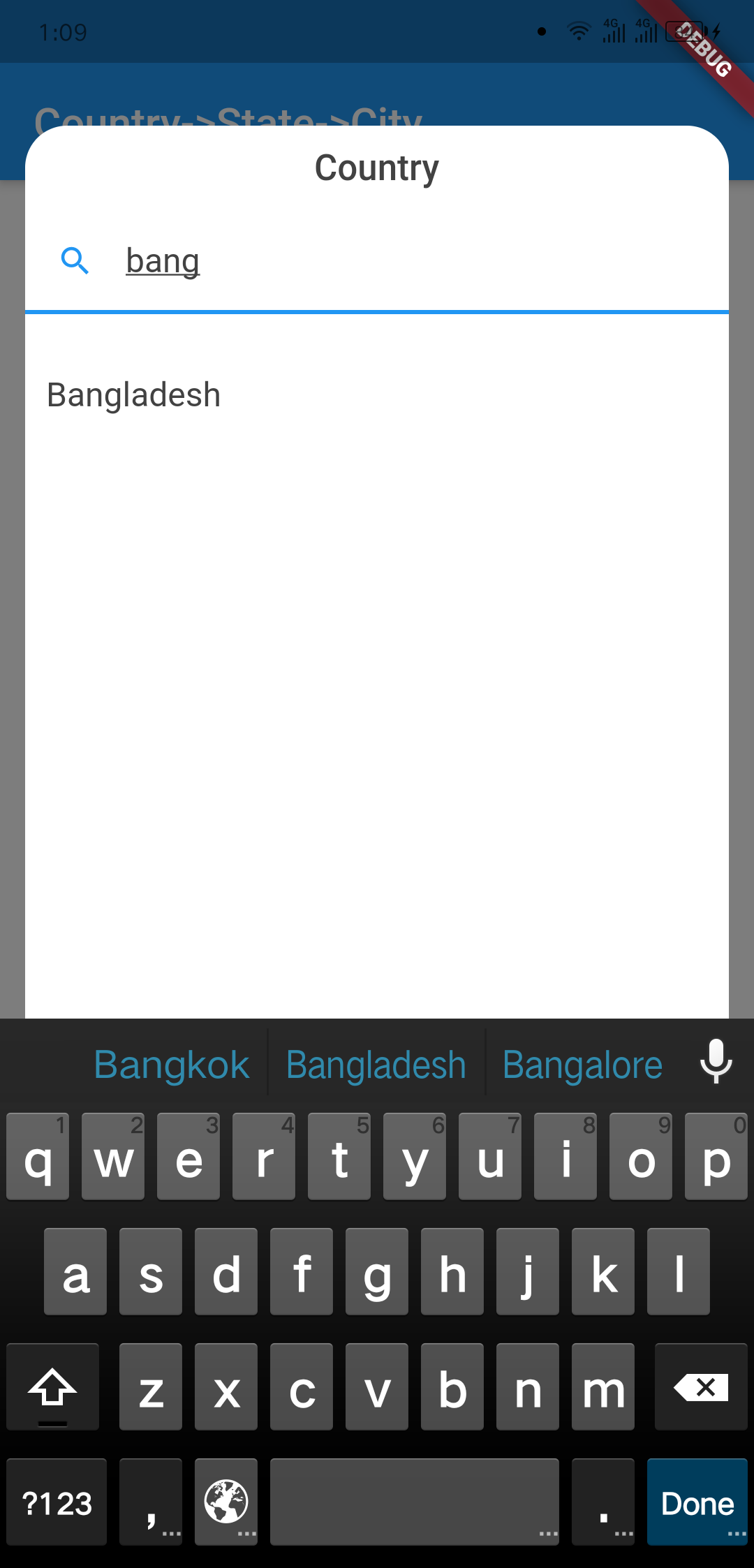
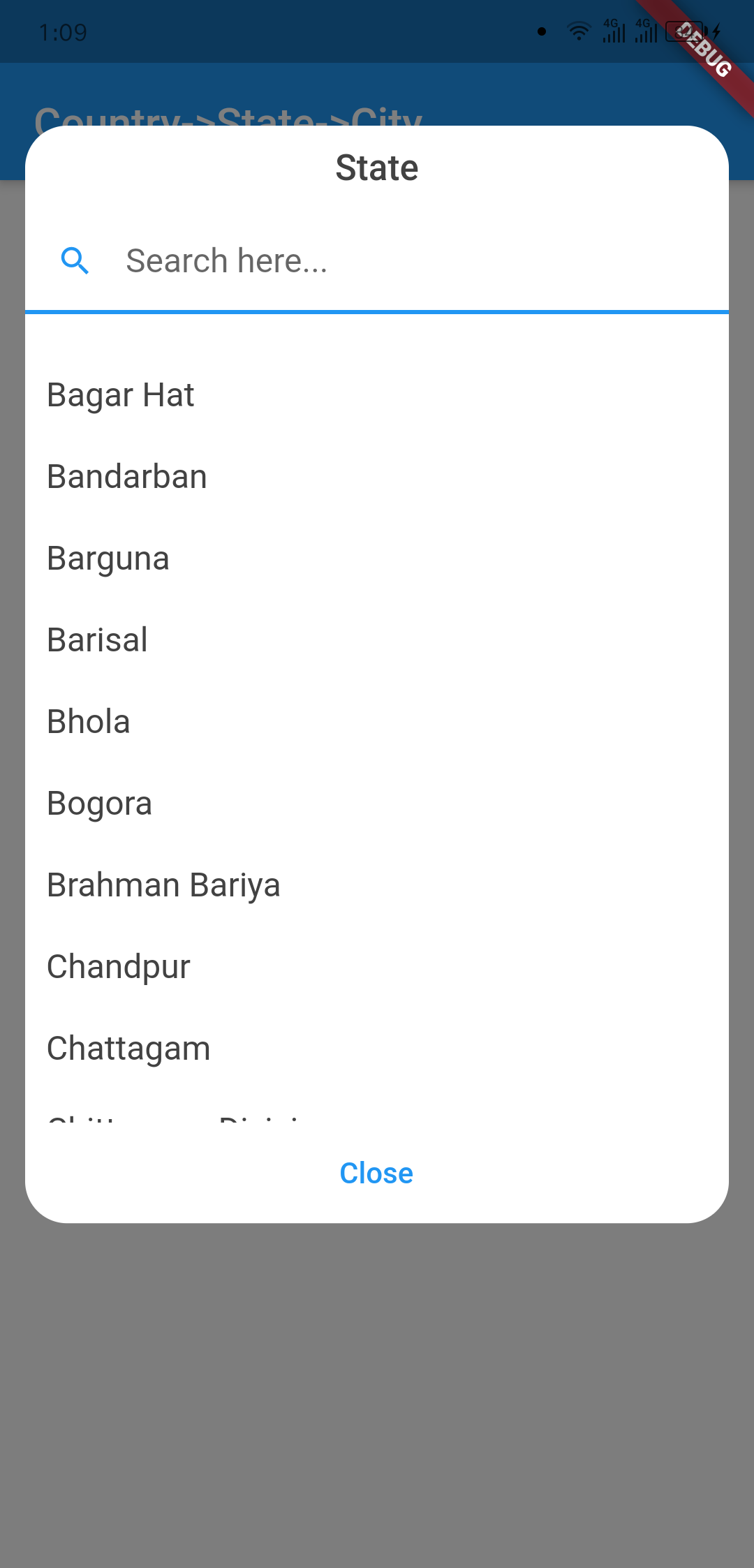
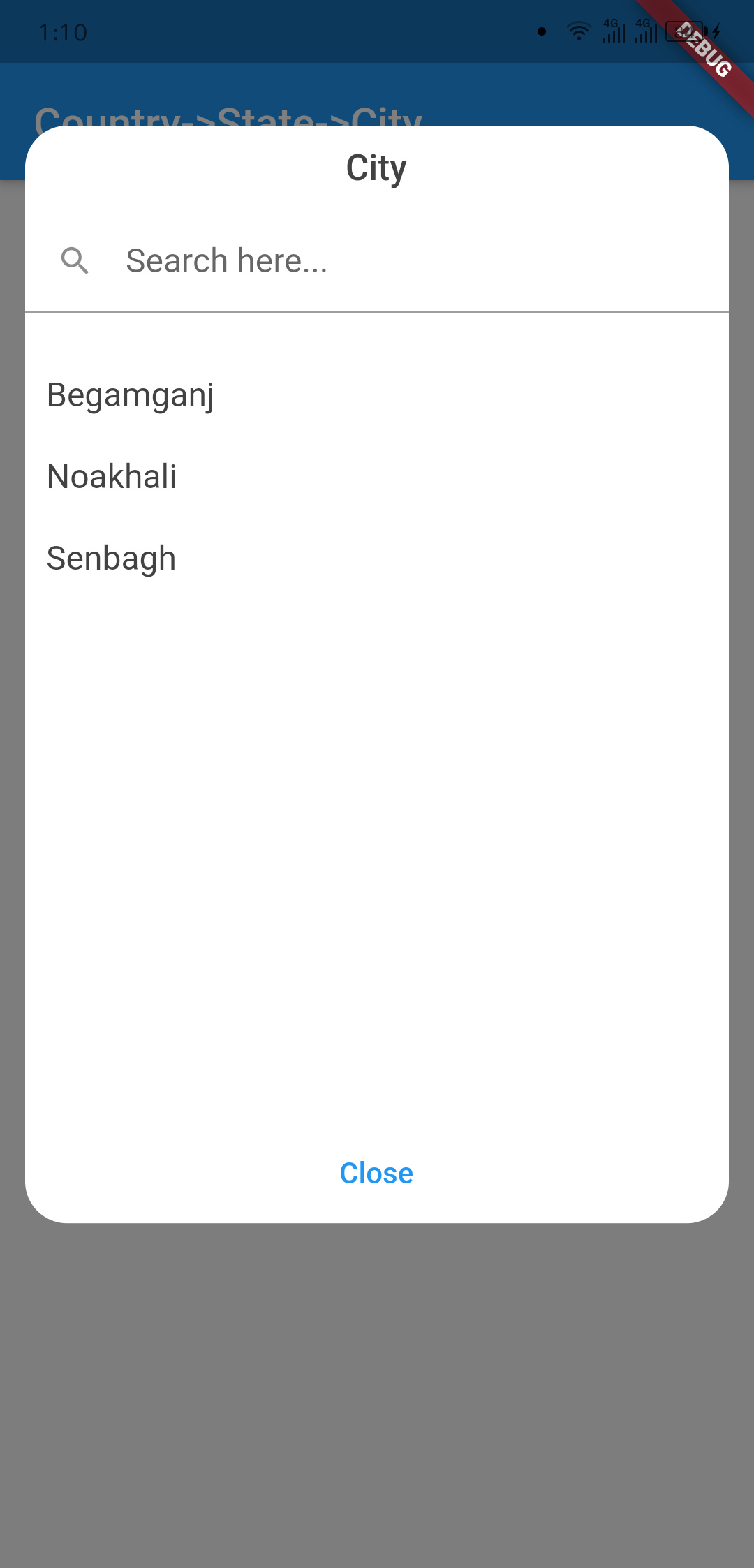
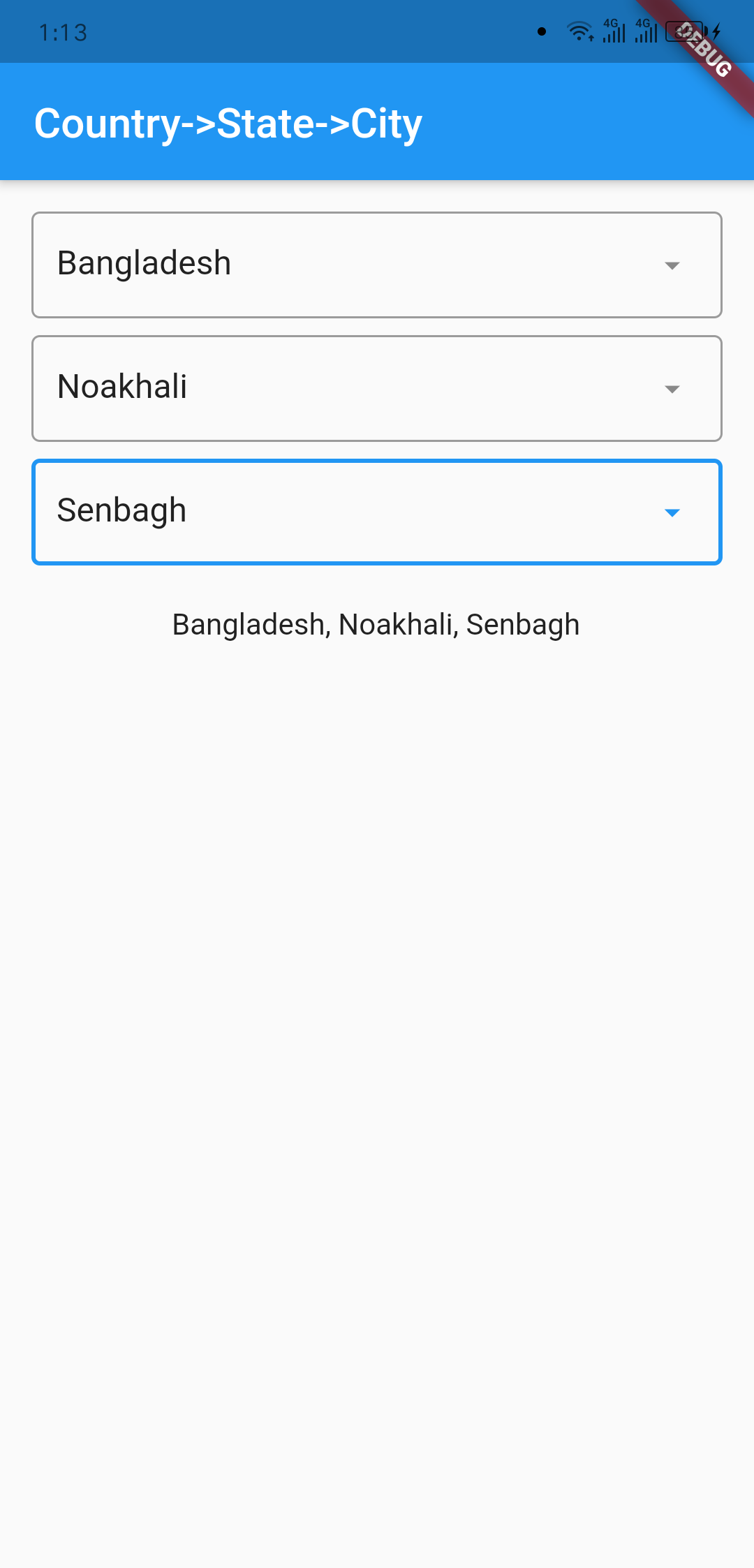
Screenshots

Outlook Country Dialog
image info image info
Country Searching State Dialog
image info image info
City Dialog Final Data
image info image info

Usage

import 'package:country_state_city/country_state_city_picker.dart';

///Define Controller
TextEditingController country=TextEditingController();
TextEditingController state=TextEditingController();
TextEditingController city=TextEditingController();

///Widget initialize
CountryStateCityPicker(
                country: country,
                state: state,
                city: city,
                dialogColor: Colors.grey.shade200,
                textFieldDecoration: InputDecoration(
                  fillColor: Colors.blueGrey.shade100,
                  filled: true,
                  suffixIcon: const Icon(Icons.arrow_downward_rounded),
                  border: const OutlineInputBorder(borderSide: BorderSide.none))
            ),

Example Code

import 'package:flutter/material.dart';
import 'package:country_state_city/country_state_city_picker.dart';

void main() {
  runApp(MyApp());
}
class MyApp extends StatelessWidget {
  @override
  Widget build(BuildContext context) {
    return MaterialApp(
      title: 'Country->State->City',
      theme: ThemeData(
        primarySwatch: Colors.blue,
      ),
      home: HomePage(),
    );
  }
}

class HomePage extends StatefulWidget {
  @override
  _HomePageState createState() => _HomePageState();
}
class _HomePageState extends State<HomePage> {
  TextEditingController country=TextEditingController();
  TextEditingController state=TextEditingController();
  TextEditingController city=TextEditingController();
  @override
  Widget build(BuildContext context) {
    return Scaffold(
      appBar: AppBar(
        title: Text('Country->State->City'),
      ),
      body: Padding(
          padding: EdgeInsets.all(15.0),
          child: Column(
            children: [
              CountryStateCityPicker(
                country: country,
                state: state,
                city: city,
                dialogColor: Colors.grey.shade200,
                textFieldDecoration: InputDecoration(
                   fillColor: Colors.blueGrey.shade100,
                   filled: true,
                   suffixIcon: const Icon(Icons.arrow_downward_rounded), 
                   border: const OutlineInputBorder(borderSide: BorderSide.none))
              ),
              SizedBox(height: 20),

              Text("${country.text}, ${state.text}, ${city.text}")
            ],
          )
      ),
    );
  }
}

Connect with

sujitsarkar.cse@gmail.com
Find more project on github

所屬分類

原始碼儲存庫

使用此套件的專案

暫無相關資料。