




 v0.0.2
app_feedback
一個用於從使用者取得應用程式反饋的 Flutter 套件。
20喜歡 82近 30 天下載60Pub 分數
平台暫無資料
一個用於從使用者取得應用程式反饋的 Flutter 套件。

以下為英文專案原文快照,最新內容請造訪 GitHub。


A Flutter package for getting app feedback from users. It provides the utility to display feedback form depending upon the requirement. Feedback form can be displayed instantly at any time or after certain period of time.


dependencies:
  app_feedback: ^0.0.2
import 'package:app_feedback/app_feedback.dart';
AppFeedbackAppFeedback feedbackForm = AppFeedback.instance;
 @override
  void initState() {
    /// `duration` is set to 10 seconds for testing purpose.
    /// Change this duration on the basis of how often you want to ask user for his feedback.
    /// For example duration can be 15 days, 1 or 2 month etc.
    feedbackForm.init(FeedbackConfig(duration: Duration(seconds: 10)));
    super.initState();
  }
 void tryDisplay() {
    feedbackForm.tryDisplay(context, onSubmit: (UserFeedback feedback) {
      print(feedback);
    });
  }
tryDisplay method.TextButton(
onPressed: tryDisplay,
child: Text("Try Display Form")
),
Note
feedbackFormwill only be displayed once provided duration in step 3 has passed.- Once
feedbackFormis displayed then it won't be displayed until the next cycle of the duration is completed.- The
configdata provided in first time initialization offeedbackFormis stored in local cache and other initialization data will be ignored.
Invoke clearConfig method only if there is a need to clear the old config values otherwise ignore this.
  void clearConfig() async {
    await feedbackForm.clearConfig();
 }
Note
- After clearing the configuration it won't be display the feedback form ever until new initialization.
- Clear configuration form doesn't mean reset the duration cycle. It just removes the all configuration from the cache.
- To reset duration and other configuration do call the
feedbackForm.init()method with newconfigvalues.
feedbackFormIf there is a need to display feedbackForm instantly on any time then invoke feedbackForm.display method.
By calling this method won't reset the duration cycle provided in above step 3.
To invoke below method there is no need to initialize the feedbackForm.
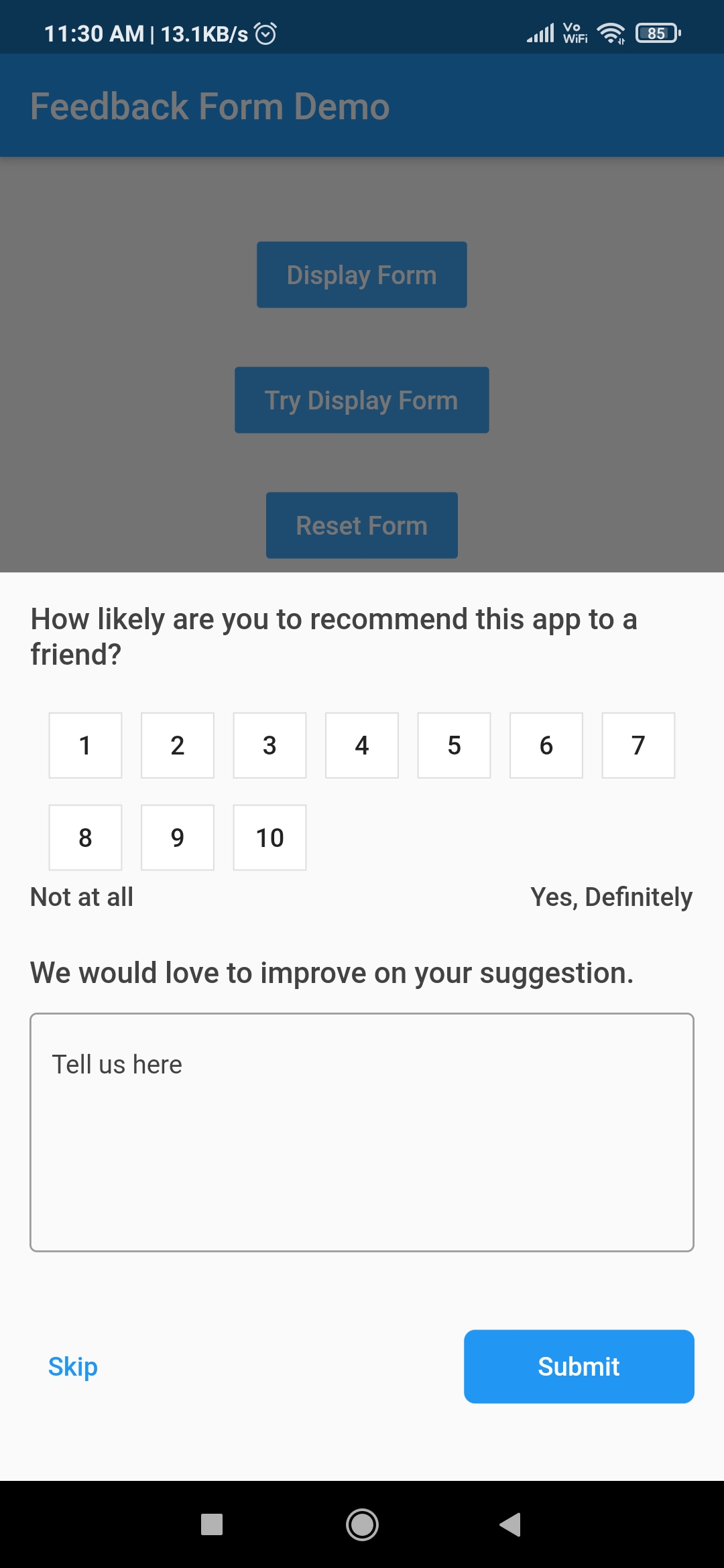
void launchAppFeedback() {
    feedbackForm.display(context,
        option: Option(
          maxRating: 10,
          ratingButtonTheme: RatingButtonThemeData.defaultTheme,
        ), onSubmit: (feedback) {
      print(feedback);
    });
  }
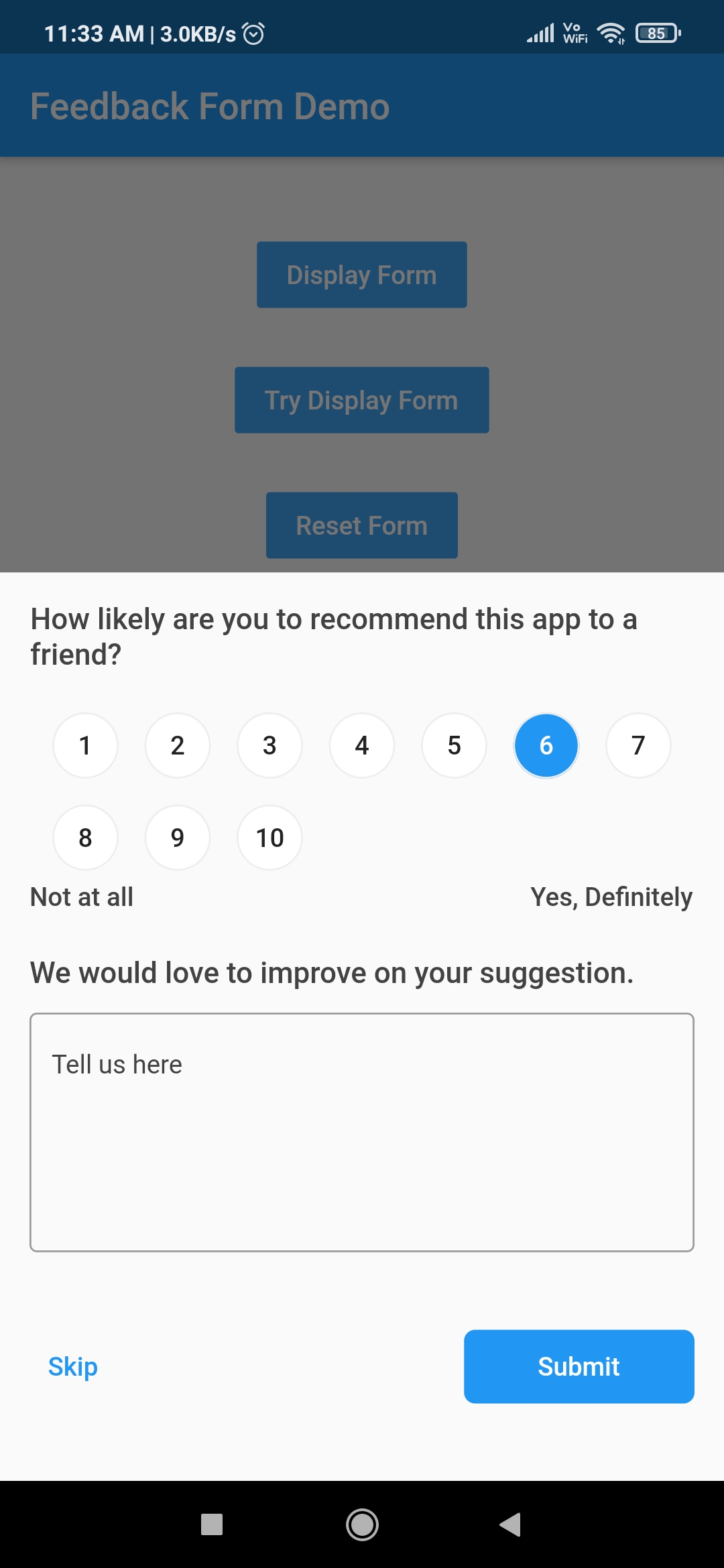
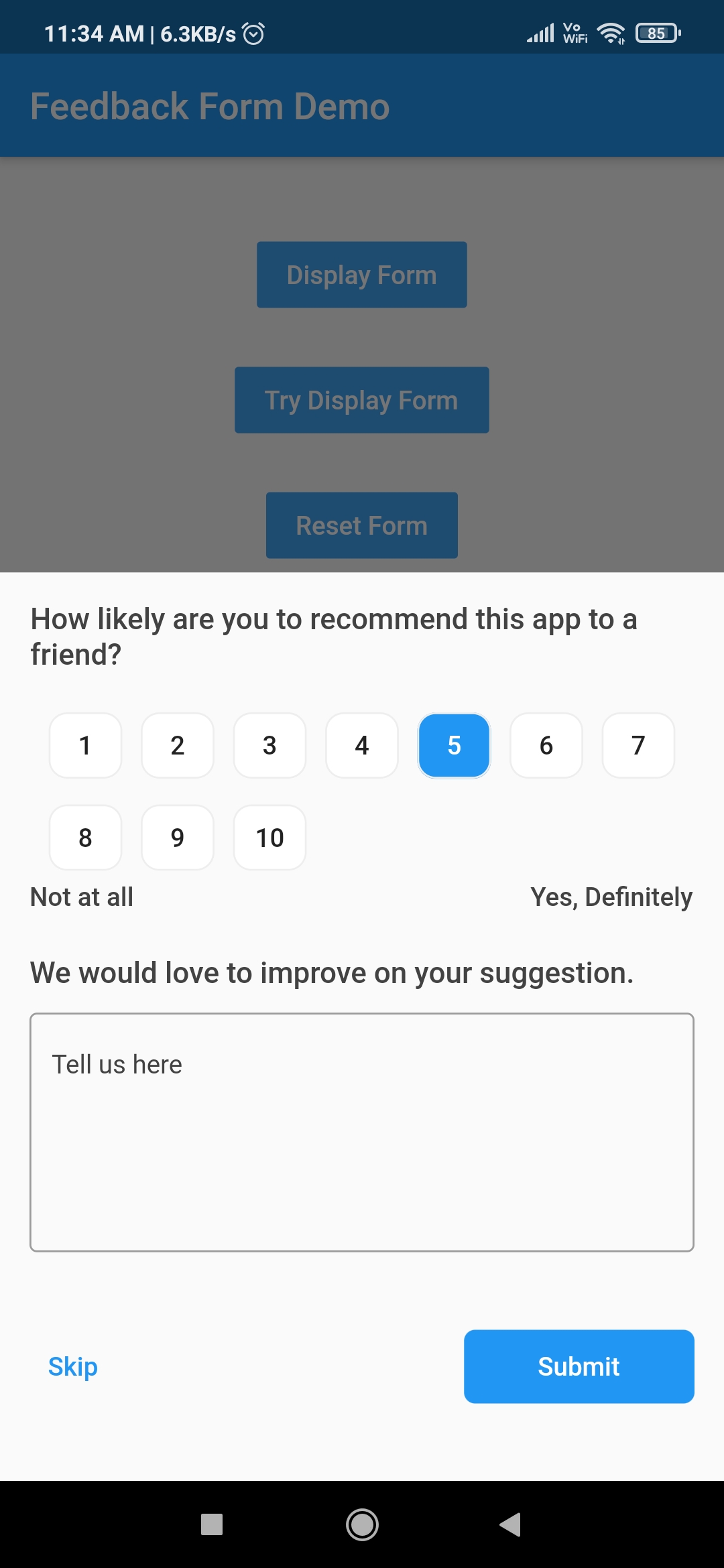
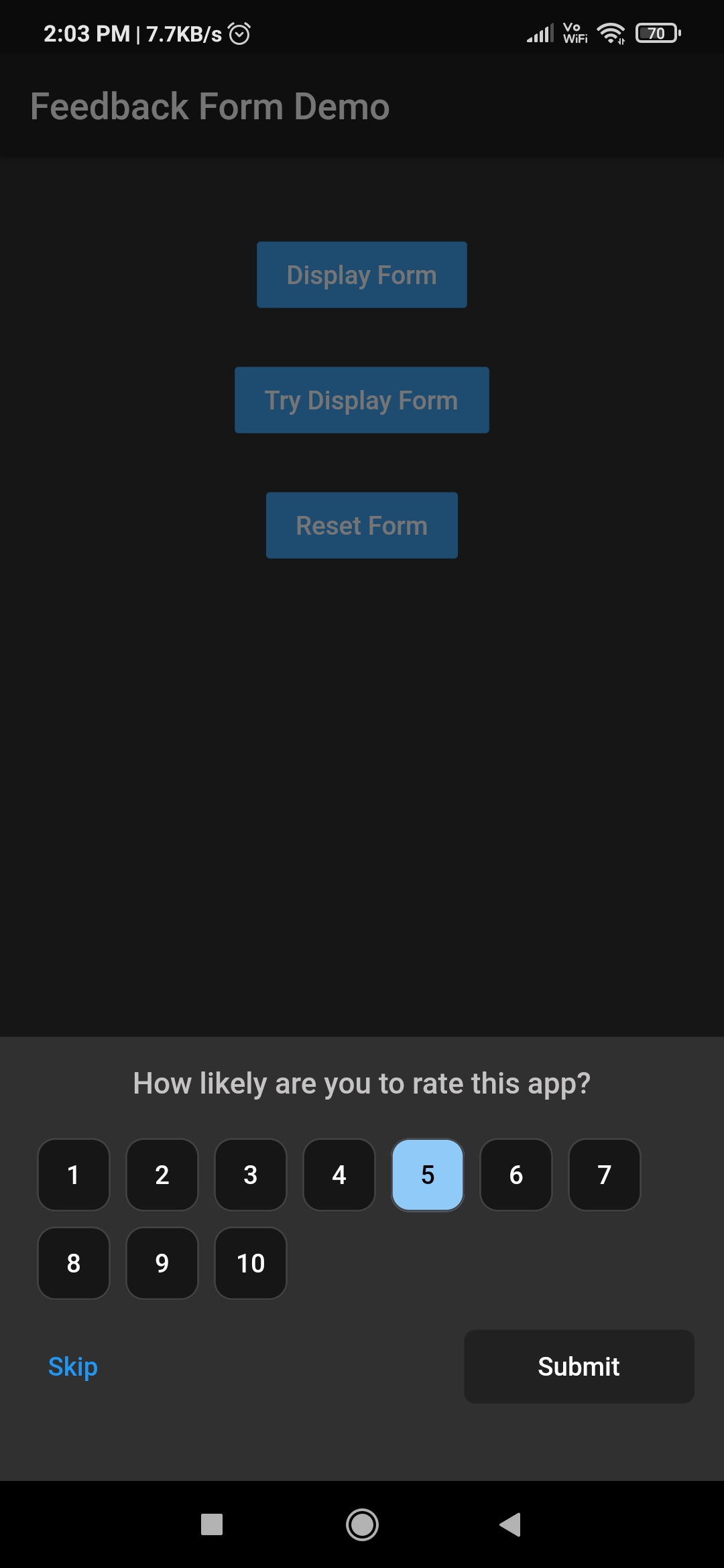
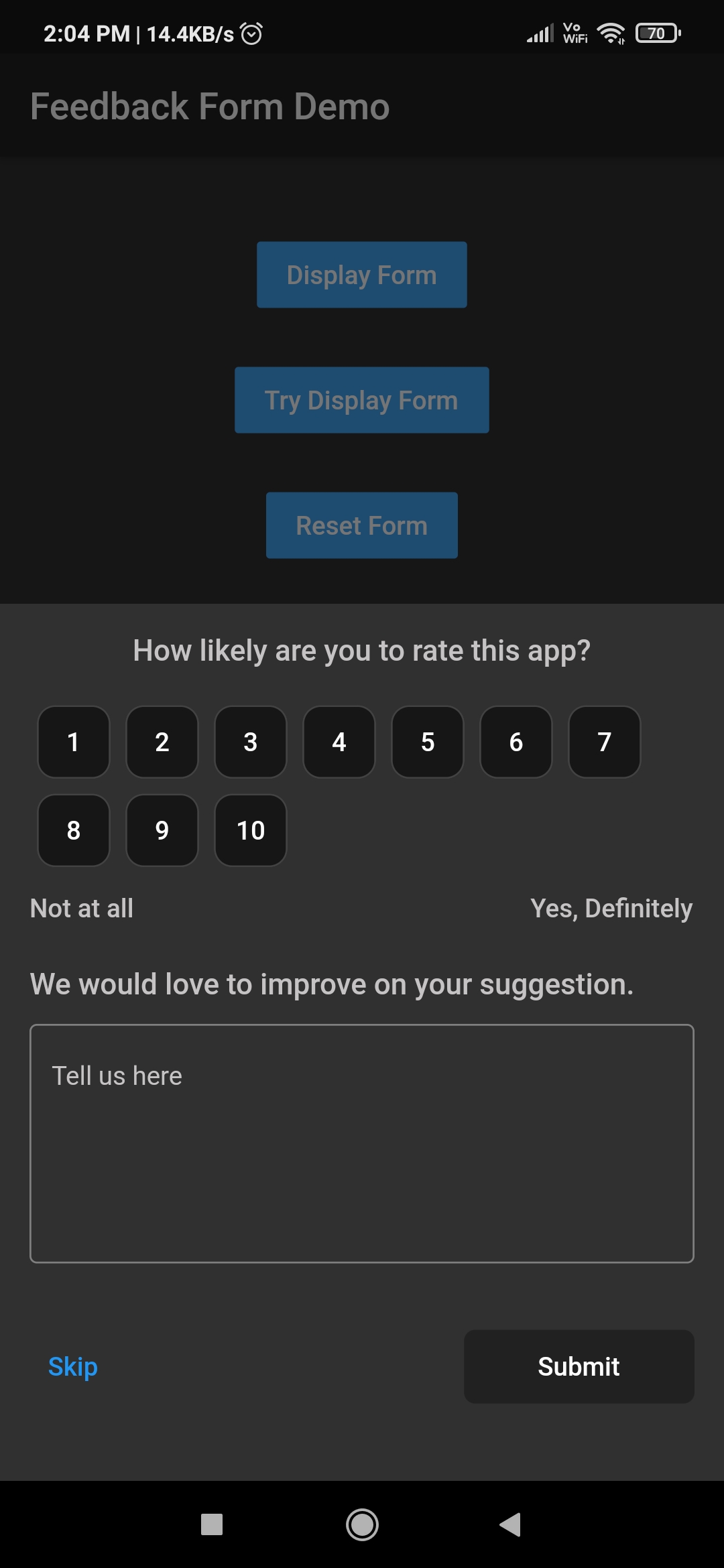
| Feedback form | Customised Rating button | Customised Rating button |
|---|---|---|
 |
 |
 |
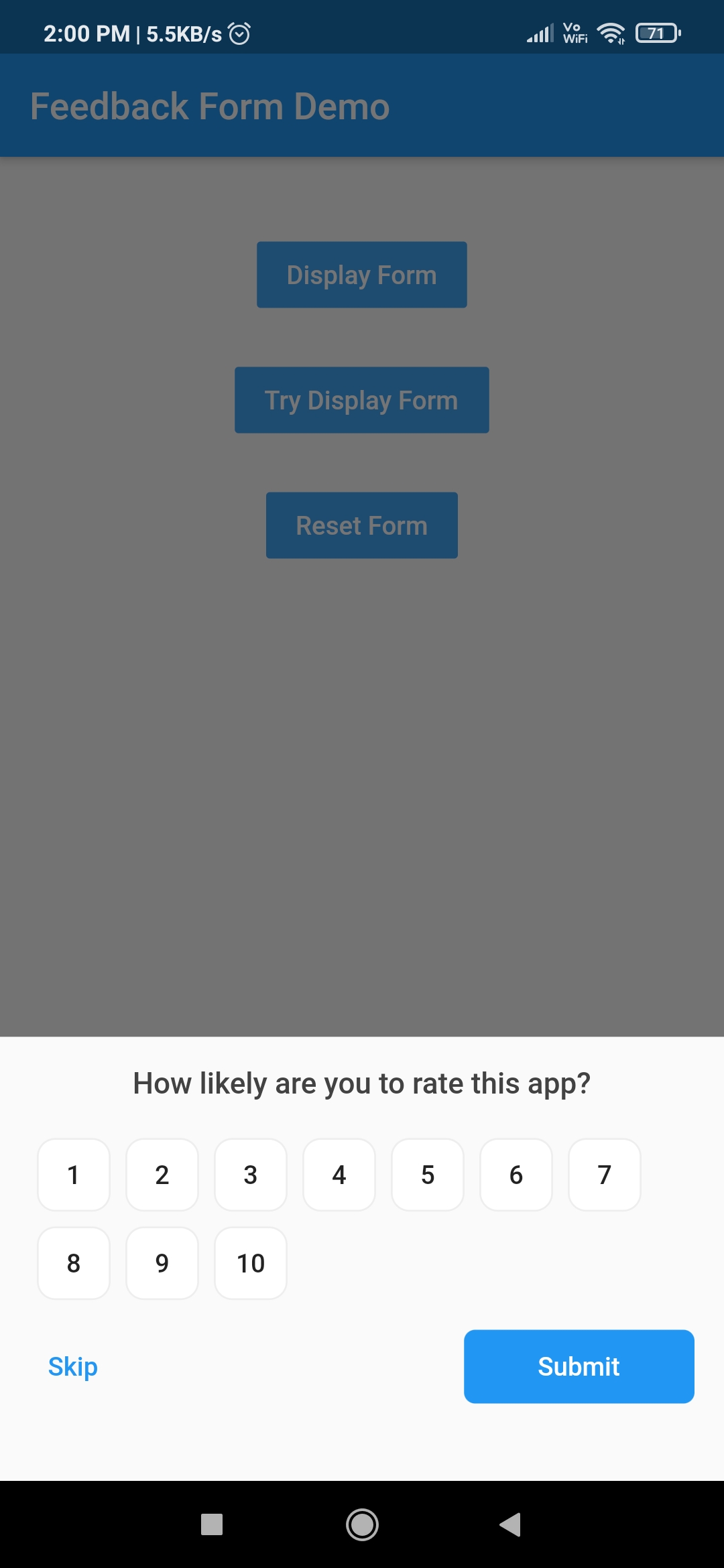
| Hidden feedback field | Customised feedback form | Customised feedback form |
|---|---|---|
 |
 |
 |
| Name | Stars | Pub |
|---|---|---|
| Filter List |  |
 |
| Empty widget |  |
|
| Add Thumbnail |  |
 |
| Country Provider |  |
 |
I welcome and encourage all pull requests. It usually will take me within 24-48 hours to respond to any issue or request.
Sonu Sharma (Twitter) (Youtube)
(Insta)
If you found this project helpful or you learned something from the source code and want to thank me, consider buying me a cup of :coffee:

依賴清單 4 項
{"sdk":"flutter"}^2.0.6^7.0.1{"sdk":"flutter"}先依使用情境篩選,再比較專案活躍情況,最後到原始儲存庫確認使用要求。
“A repository is the most basic element of GitHub.”
GitHub Docs — About repositories ↗