搜尋套件、儲存庫與 APP 分類

app_feedback 封面
套件詳情v0.0.2

app_feedback

一個用於從使用者取得應用程式反饋的 Flutter 套件。

近 30 天下載
83
喜歡數
20
Pub 分數
60

安裝套件

flutter pub add app_feedback

套件介紹

根據套件公開資料產生的選型評估,僅供參考。

一個專為簡化移動應用程式內用戶反饋收集流程而設計的 Flutter 套件。它提供了一個直觀的介面,讓使用者能直接從應用程式內提交反饋,提升使用者參與度,並協助開發者有效取得洞見。此套件輕量且可無縫整合至現有的 Flutter 專案中,設定簡單。支援自訂反饋表單,並可擴展以包含額外的元資料,例如裝置資訊或截圖。非常適合希望透過直接輸入來改善使用者體驗的應用。

適用情境

  • 收集用戶建議
  • 報告錯誤
  • 收集功能請求
  • 提高應用程式的可用性
  • 監控用戶滿意度
  • 啟用應用內反饋迴路

主要特色

  • 與 Flutter 的簡單整合
  • 可自定義的反饋表單
  • 設備資訊支援
  • 輕便且快速
  • 可擴展的設計
  • 輕鬆設定

適合對象

  • 尋求使用者輸入的開發者
  • 專注於使用者體驗的應用程式
  • 初創公司構建MVP
  • 快速迭代的團隊
  • 需要低代碼反饋工具的項目
  • 擁有活躍用戶基礎的行動應用程式

使用建議

  • 無內建後端儲存
  • 需要外部服務來管理反饋
  • 無程式碼限制自訂
  • 不適合企業級分析
  • 不支援離線回饋
  • 依賴第三方託管服務進行資料儲存

原始 README

以下為關聯原始碼儲存庫的 README 原文快照,最新內容請造訪原始碼儲存庫。

App Feedback

Open Source Love Hits GitHub last commit GitHub code size in bytes GitHub stars GitHub forks

pub package Likes Popularity Pub points

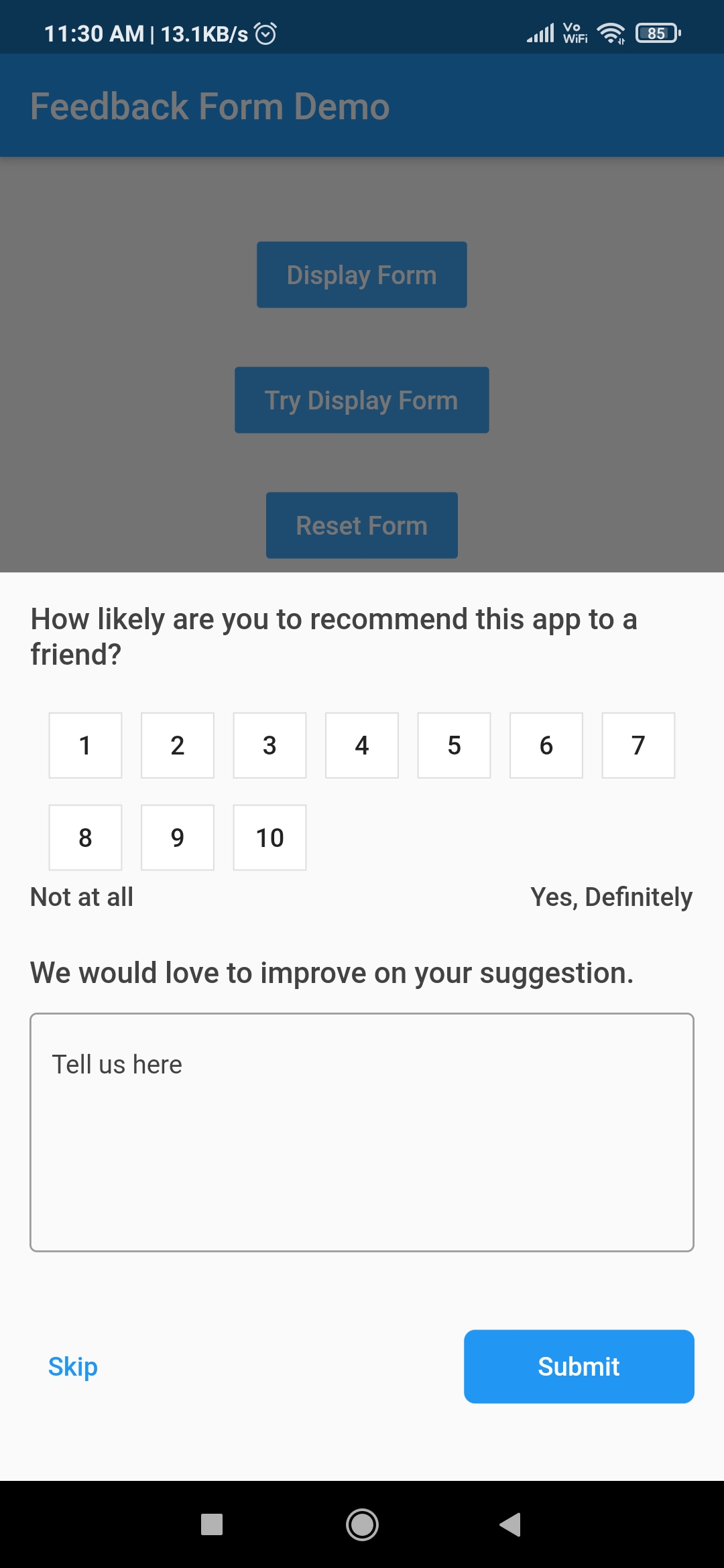
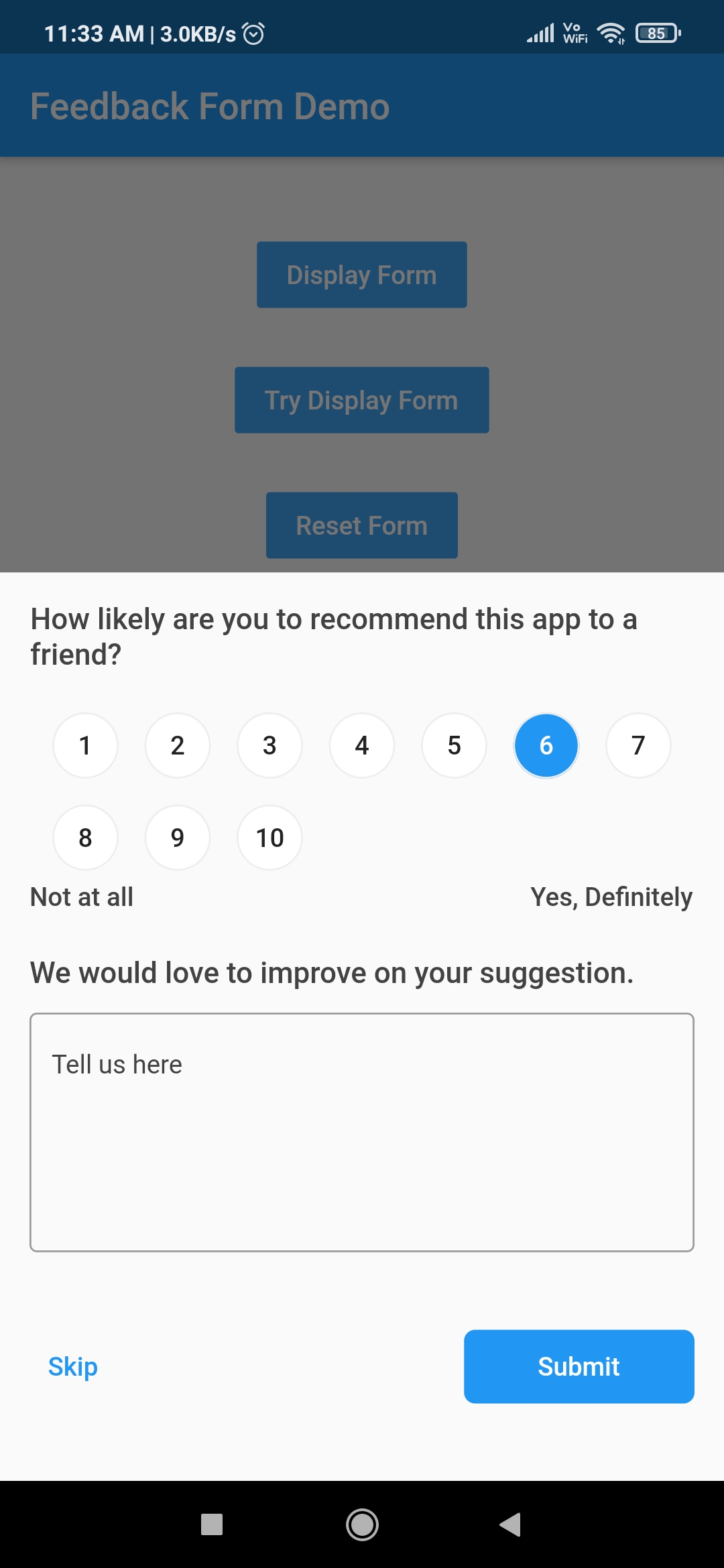
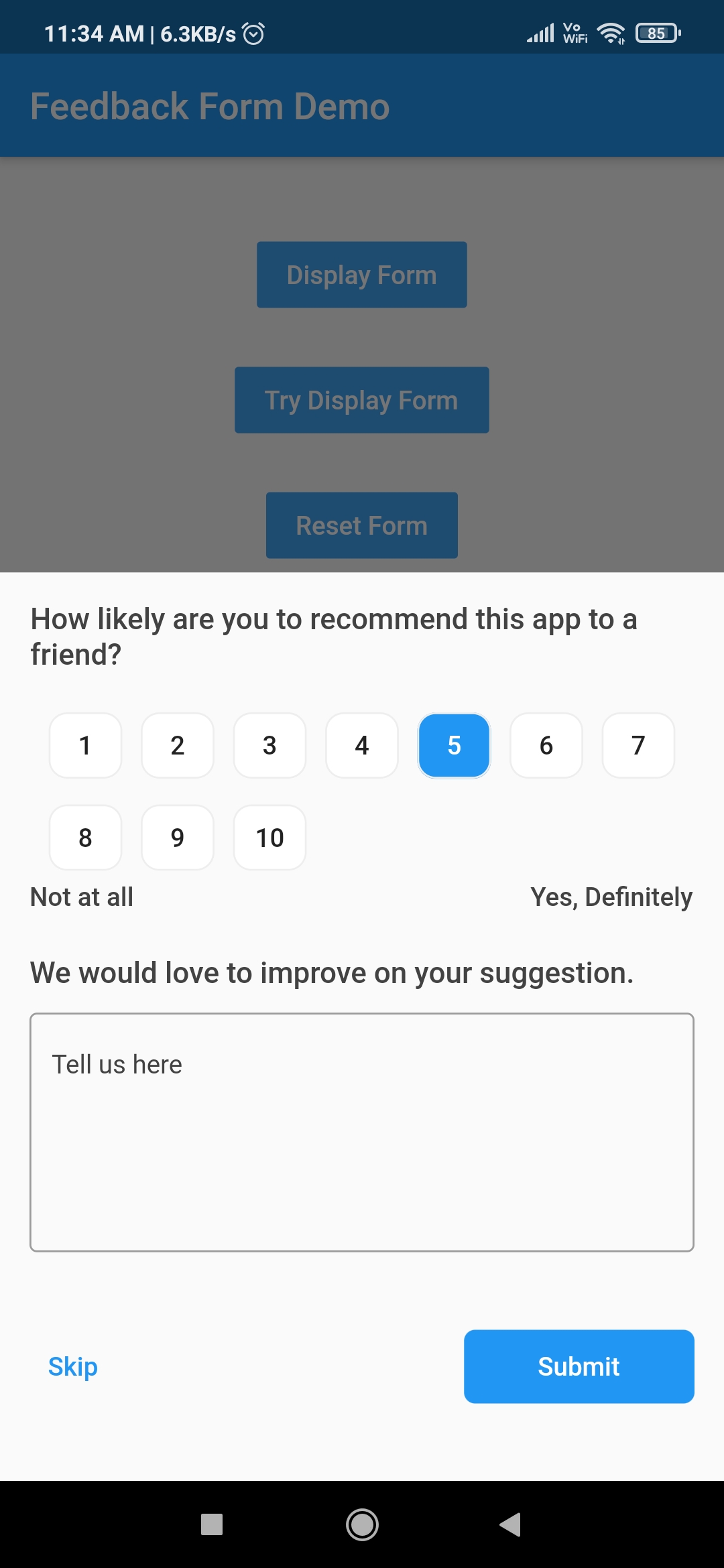
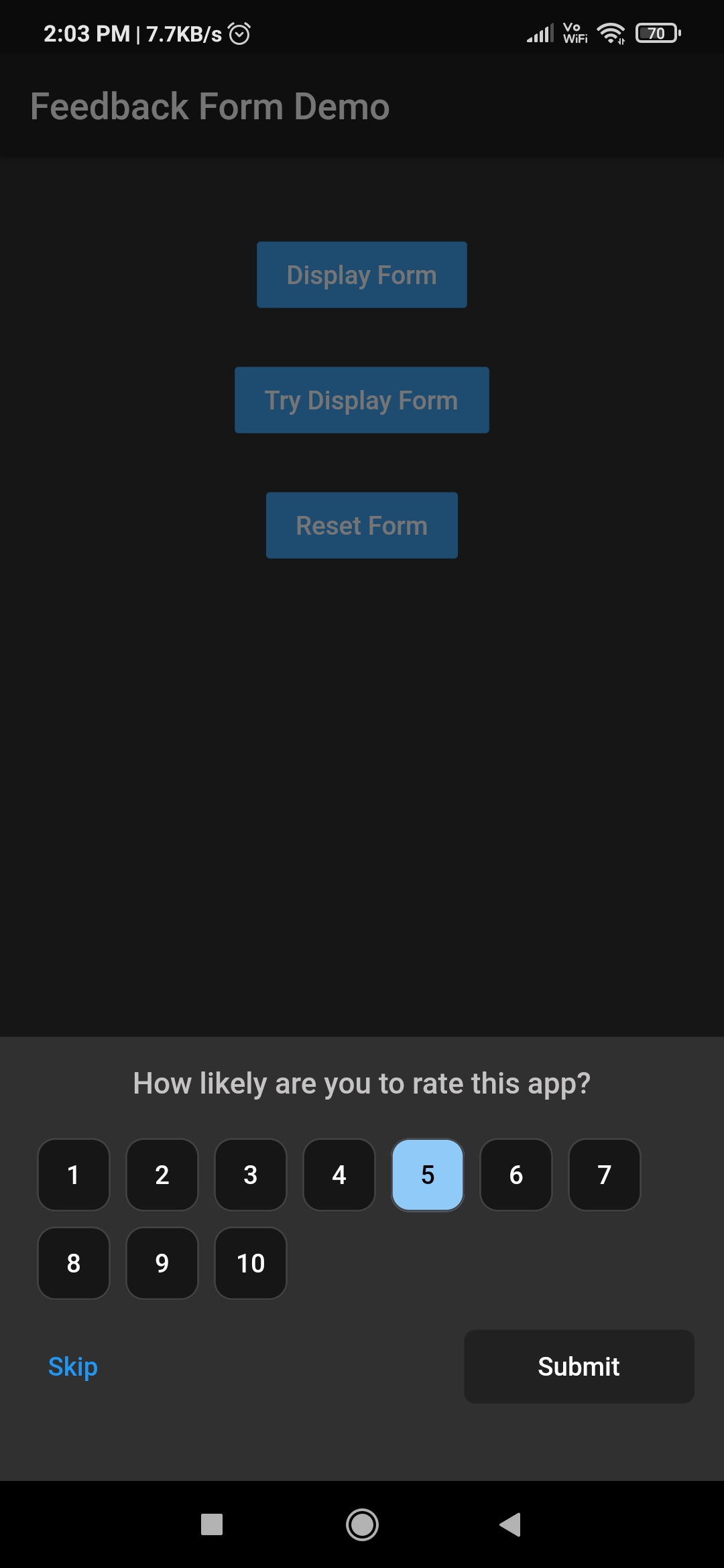
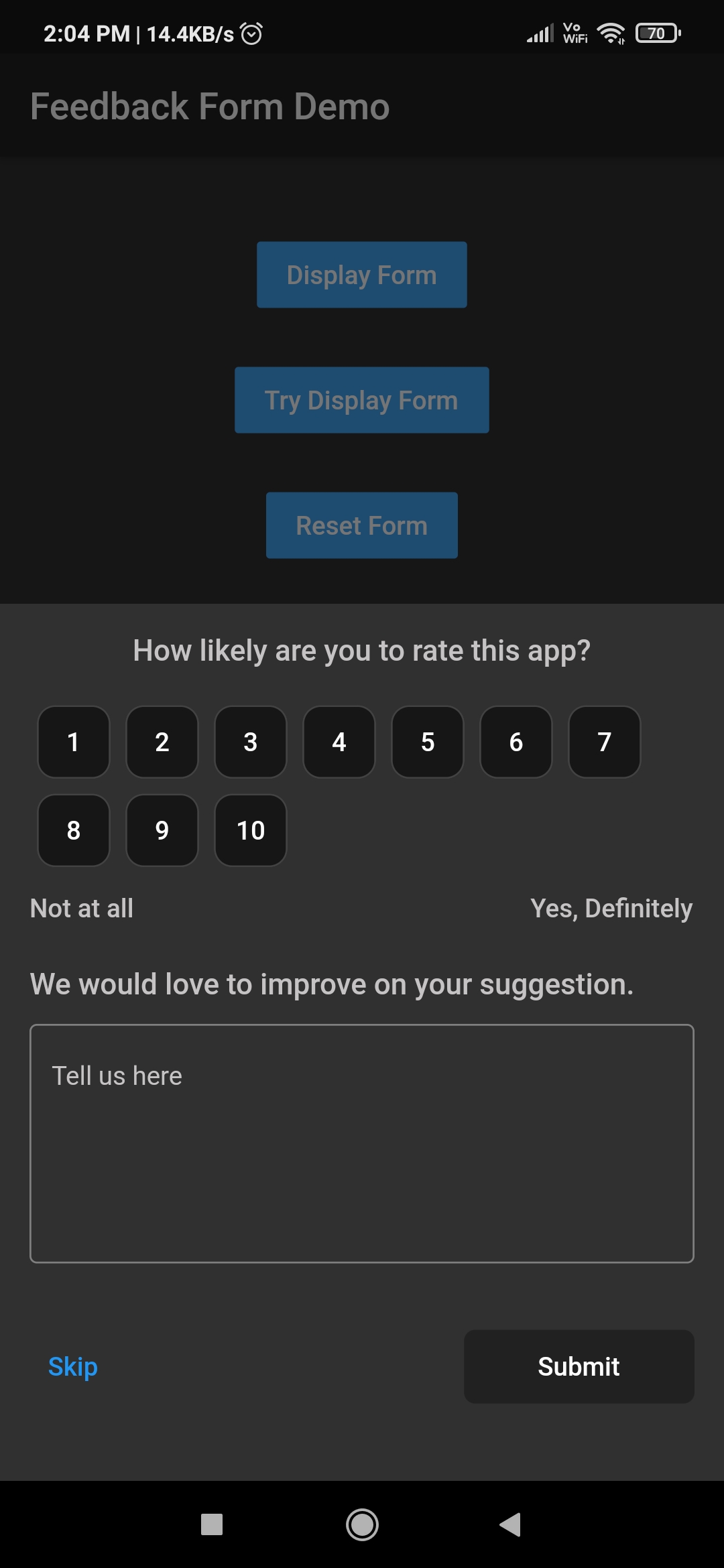
A Flutter package for getting app feedback from users. It provides the utility to display feedback form depending upon the requirement. Feedback form can be displayed instantly at any time or after certain period of time.

Download Demo App GitHub All Releases

How to use this package

1. Add library to pubspec.yml
dependencies:
  app_feedback: ^0.0.2
2. Import library in dart file.
import 'package:app_feedback/app_feedback.dart';
3. Create a instance of AppFeedback
AppFeedback feedbackForm = AppFeedback.instance;
4. Initialize the app feedback (Ony if you want to ask user for his feedback periodically)
 @override
  void initState() {
    /// `duration` is set to 10 seconds for testing purpose.
    /// Change this duration on the basis of how often you want to ask user for his feedback.
    /// For example duration can be 15 days, 1 or 2 month etc.
    feedbackForm.init(FeedbackConfig(duration: Duration(seconds: 10)));
    super.initState();
  }
5. Create a method which will launch the feedback form
 void tryDisplay() {
    feedbackForm.tryDisplay(context, onSubmit: (UserFeedback feedback) {
      print(feedback);
    });
  }
6. Create a button to call tryDisplay method.
TextButton(
    onPressed: tryDisplay,
    child: Text("Try Display Form")
 ),

Note

  1. feedbackForm will only be displayed once provided duration in step 3 has passed.
  2. Once feedbackForm is displayed then it won't be displayed until the next cycle of the duration is completed.
  3. The config data provided in first time initialization of feedbackForm is stored in local cache and other initialization data will be ignored.
7. Clear old configuration

Invoke clearConfig method only if there is a need to clear the old config values otherwise ignore this.

  void clearConfig() async {
    await feedbackForm.clearConfig();
 }

Note

  1. After clearing the configuration it won't be display the feedback form ever until new initialization.
  2. Clear configuration form doesn't mean reset the duration cycle. It just removes the all configuration from the cache.
  3. To reset duration and other configuration do call the feedbackForm.init() method with new config values.
Display instant feedbackForm

If there is a need to display feedbackForm instantly on any time then invoke feedbackForm.display method. By calling this method won't reset the duration cycle provided in above step 3. To invoke below method there is no need to initialize the feedbackForm.

void launchAppFeedback() {
    feedbackForm.display(context,
        option: Option(
          maxRating: 10,
          ratingButtonTheme: RatingButtonThemeData.defaultTheme,
        ), onSubmit: (feedback) {
      print(feedback);
    });
  }
Feedback form Customised Rating button Customised Rating button
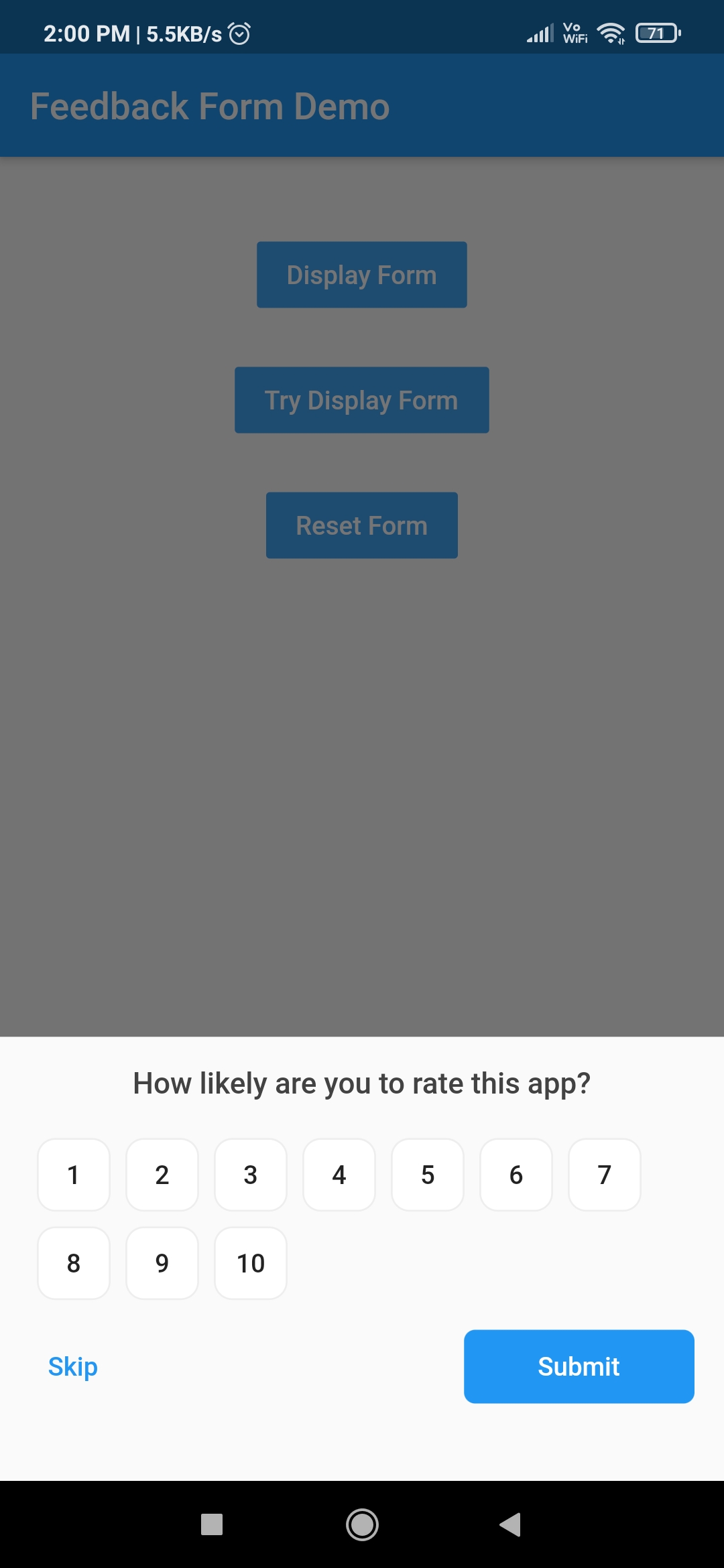
Hidden feedback field Customised feedback form Customised feedback form

Other Flutter packages

Name Stars Pub
Filter List GitHub stars pub package
Empty widget GitHub stars pub package
Add Thumbnail GitHub stars pub package
Country Provider GitHub stars pub package

Pull Requests

I welcome and encourage all pull requests. It usually will take me within 24-48 hours to respond to any issue or request.

Created & Maintained By

Sonu Sharma (Twitter) (Youtube) (Insta) Twitter Follow

If you found this project helpful or you learned something from the source code and want to thank me, consider buying me a cup of :coffee:

Visitors Count

Loading

所屬分類

依賴

依賴清單 2 項

原始碼儲存庫

使用此套件的專案