 v0.13.1
material_color_utilities
為 Material Design 3 色彩系統提供支援的演算法與實用工具,包含從影像中選擇主題色彩以及建立色彩的色調;全部都在新的色彩空間中實現。
282喜歡 1160萬近 30 天下載150Pub 分數
AndroidiOSWebmacOSWindowsLinux
開源數獨,使用 💜(以及 Flutter)製作。主倉儲的鏡像 https://git.allpurposem.at/mat/Sudoku

以下為英文專案原文快照,最新內容請造訪 GitHub。
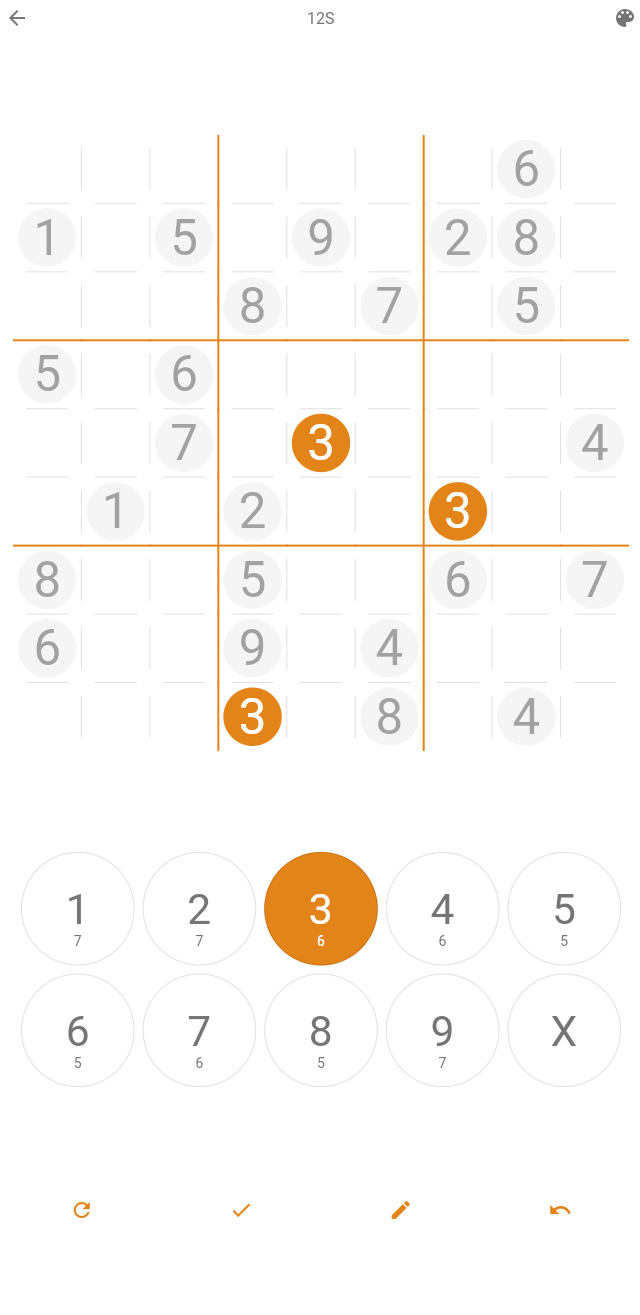
FOSS Sudoku! What else needs be said?



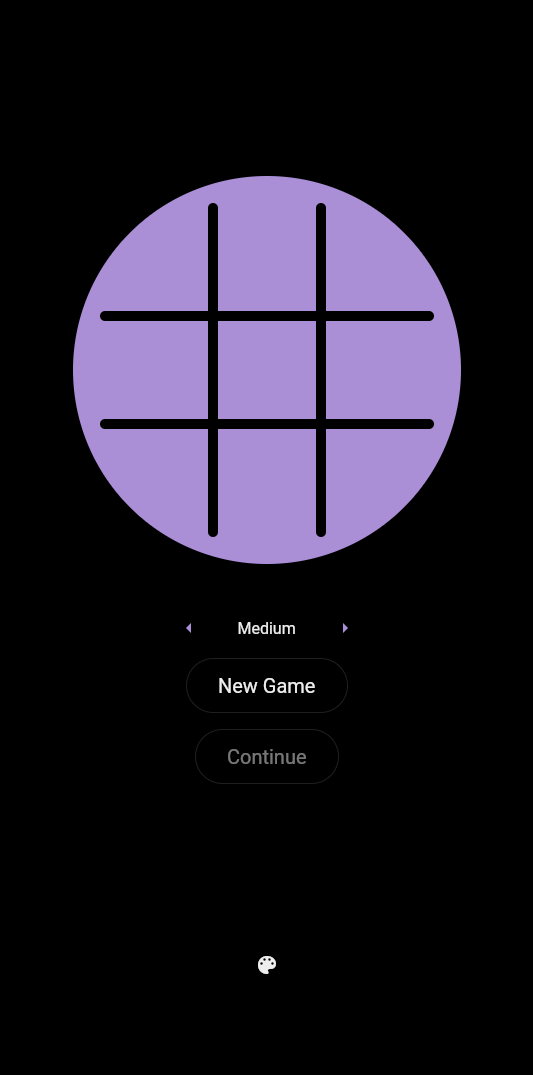
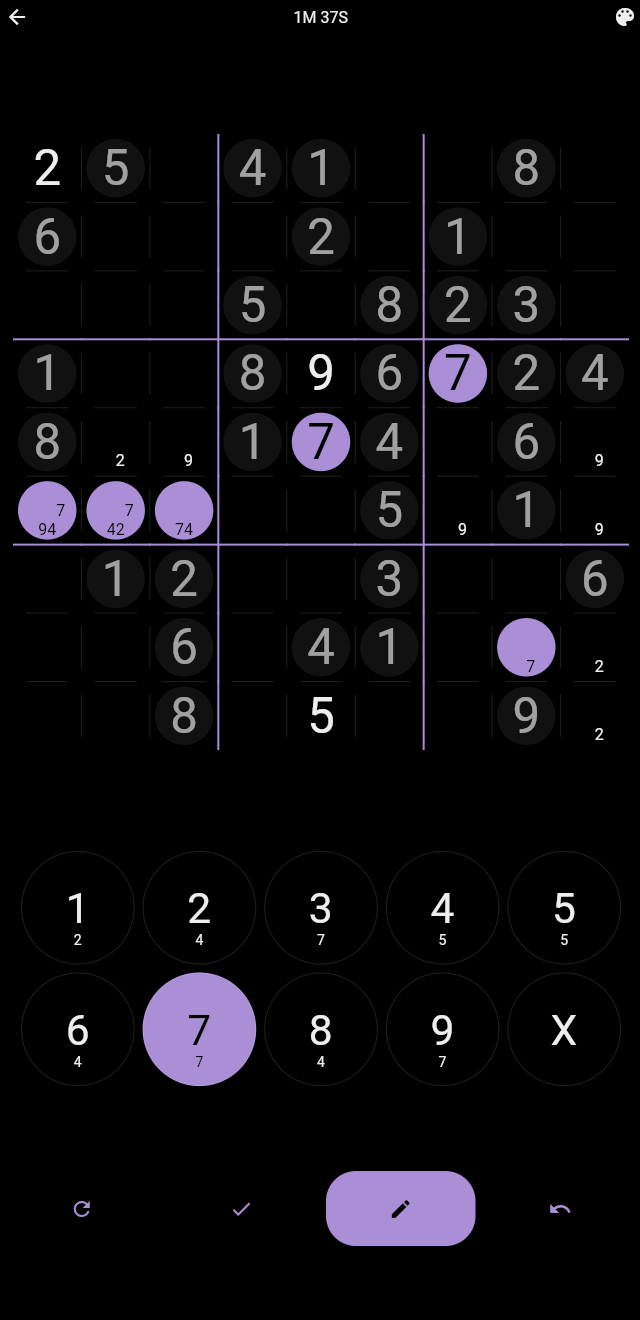
Or download the APK from the Releases section and install it. It should run with no problems.
Run the sudoku binary. You may need to mark it as executable first.
Serve the folder as an HTTP server. I used simple-http-server from the AUR, though any should work.
NOTE: This app was designed for the mobile form factor. Make sure the window is sufficiently tall and thin to accomodate the game, or it won't look right!
Clone the repository, run flutter pub get, and run one of the following:
flutter build apkflutter build linux --releaseflutter build webflutter build windowsYou will find the build output inside your platform's folder within ./build/. All contributions are welcome!
The design of this app takes inspiration from the excellent Sudoku - The Clean One app available on the Google Play Store. Thanks!
Dedicated to you (you know who you are!).
依賴清單 14 項
{"sdk":"flutter"}^2.1.0+1^1.8.1^0.11.1^1.1.0^2.0.15any^1.1.0^6.1.14^8.3.1^6.1.5+1{"sdk":"flutter"}^6.0.0^0.14.4先依使用情境篩選,再比較專案活躍情況,最後到原始儲存庫確認使用要求。
“A repository is the most basic element of GitHub.”
GitHub Docs — About repositories ↗