v11.0.0
very_good_analysis
Very Good Ventures 內部使用的 Dart 和 Flutter 程式碼檢查規則。
774喜歡 143萬近 30 天下載160Pub 分數
AndroidiOSWebmacOSWindowsLinux
Ejimo - 結合完整的表情符號與符號選擇器。

以下為英文專案原文快照,最新內容請造訪 GitHub。
Find and copy unicode characters, emoji, kaomoji and symbols with Ejimo.
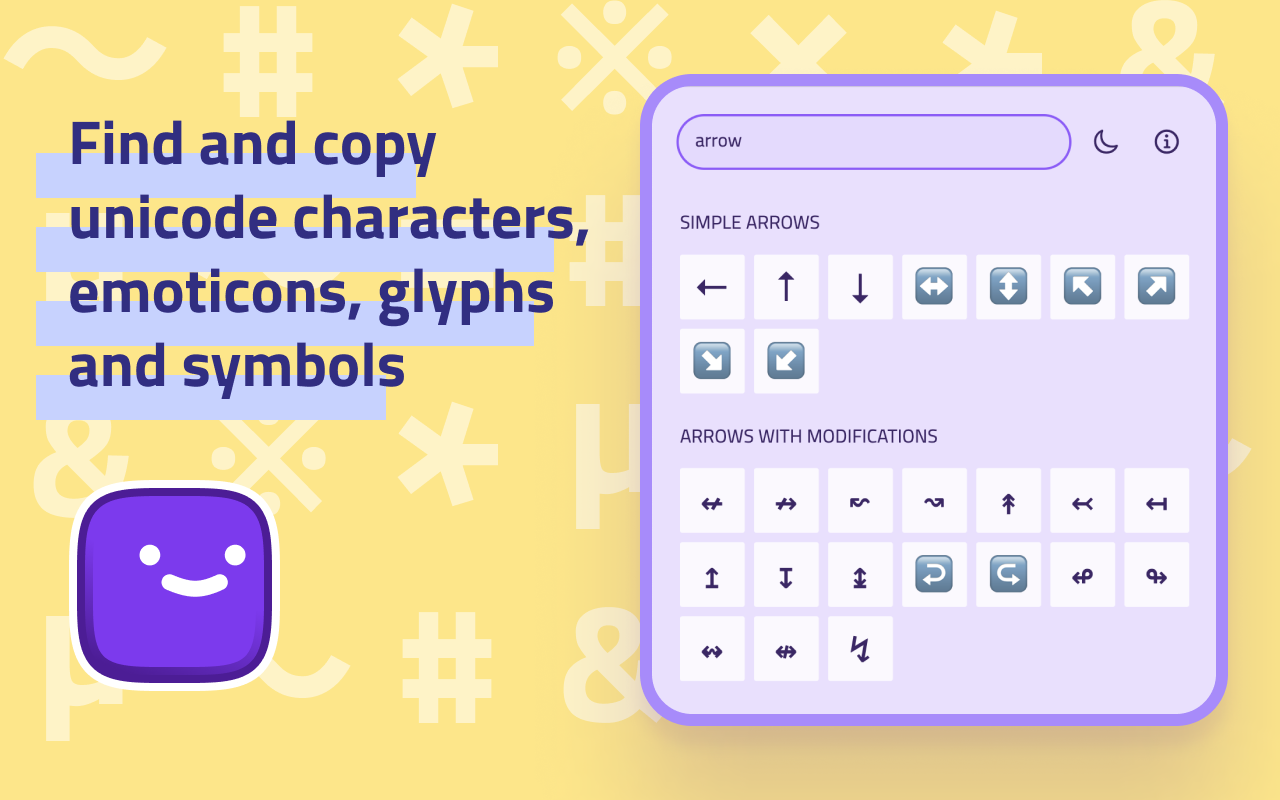
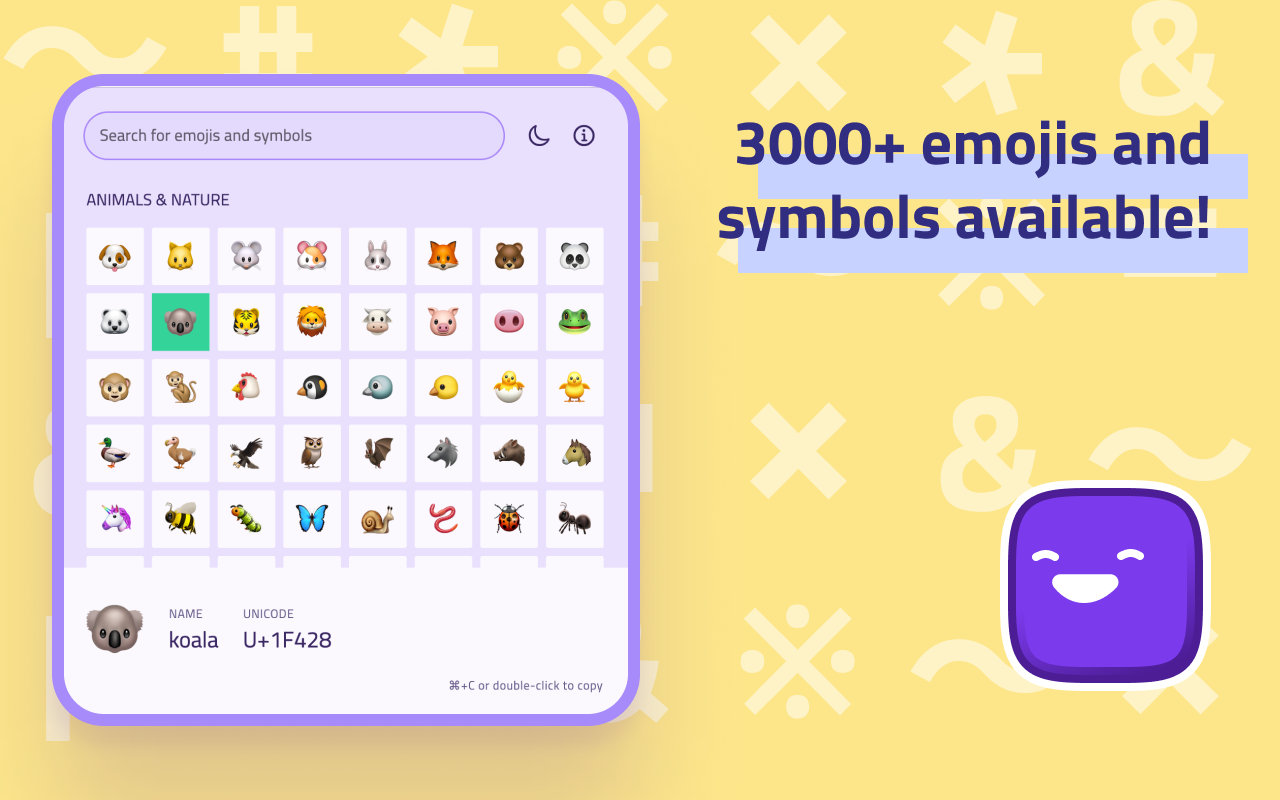
Ejimo is a comprehensive emoji and symbol picker that puts every character you need at your fingertips. Whether you're a designer, developer or writer, Ejimo makes it easy to find the missing character you need. With over 3000 emojis and symbols available, Ejimo is the perfect tool for any project, social media strategy, article and presentation.
😊 1800+ emojis and 17000+ symbols available: smileys 😃, people 👥, animals 🐿️, food 🍄, objects 💡, arrows ⇒, letterŠ, punctuation ⁈, and many more!
✏️️ Copy and paste easily: Just select the emoji or symbol you want, and copy it to your clipboard. It’s that easy!
🔍 Fast search experience: Type any word or keyword, and Ejimo will show you all the matching emoji and symbols.
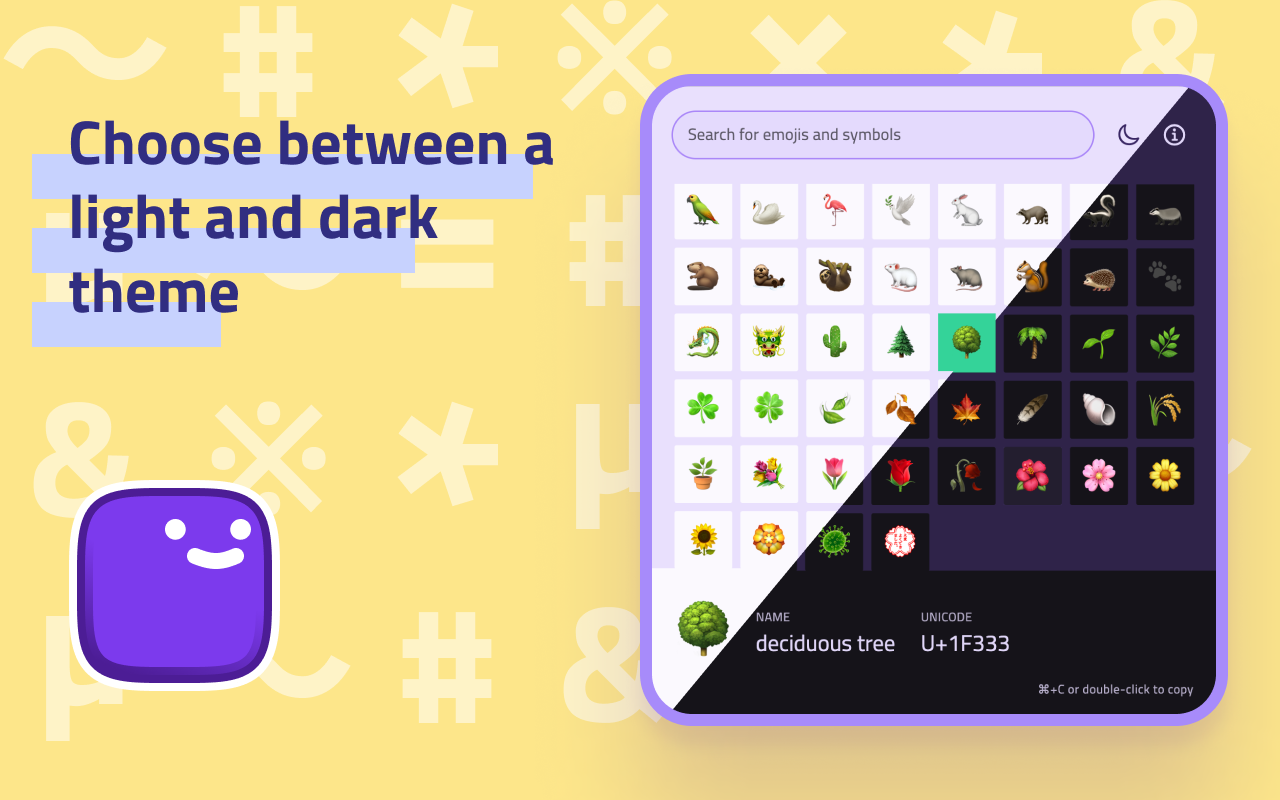
☀️ Choose between a light and dark theme to match your mood or style.
✈️ Work offline: Ejimo doesn't require an internet connection, so you can use it anytime, anywhere.
🕶️ Privacy-friendly: Ejimo doesn't collect any personal information from you or from your use of the app. Your privacy is important and respected.
⌨️ Use keyboard shortcuts to work faster:
It works on all desktop and mobile operating systems: Ejimo is available on macOS 🍏, Windows 🪟, Linux 🐧, iOS 📱 and Android 🤖. Oh, and Web 🌐 too!
Available (for free) on the:
Or from the releases page.
Ejimo is developed with Flutter. It works on all desktop and mobile operating systems (macOS, Windows, Linux, iOS, Android).
Note: The app was developed and tested with Flutter stable.
Setup, how to run and build: https://docs.flutter.dev/desktop
Created by @albemala (Twitter)
Very Good Ventures 內部使用的 Dart 和 Flutter 程式碼檢查規則。
不可變清單、集合、映射和多重映射,其效能與原生可變版本相當。為原生 Dart 集合提供擴展方法和比較器。
一個命令列工具,可簡化更新您的 Flutter 應用程式啟動圖示的任務。
一個極其容易使用的 Dart/Flutter 方法呼叫防抖套件。
Dart 中流行的 fuzzywuzzy 套件的實現,適用於您所有的模糊字串比對/搜尋需求!
一種極快的方式,將您的出色 Flutter 專案設定為生產就緒狀態。
依賴清單 27 項
{"sdk":"flutter"}^2.0.8^11.1.0^9.0.0{"git":{"url":"https://github.com/albemala/flutter_data_storage.git","ref":"3.6.0"}}^8.4.0^8.0.2^1.0.8^0.2.12^0.0.1+2^1.2.0^2.0.3^1.1.0^1.18.0^9.0.0{"git":{"url":"https://github.com/albemala/flutter_utils.git","ref":"2.0.4"}}^9.13.0{"sdk":"flutter"}^1.0.4^10.0.0^10.2.0^2.11.1^3.0.3^1.10.1^1.6.0^1.9.0^3.16.13先依使用情境篩選,再比較專案活躍情況,最後到原始儲存庫確認使用要求。
“A repository is the most basic element of GitHub.”
GitHub Docs — About repositories ↗