
 v2.0.0
easy_loader
在 Flutter 中處理簡單全螢幕載入器的最簡單方式。以 Dart 編寫。完全可自訂。
16喜歡 75近 30 天下載160Pub 分數
AndroidiOSWebmacOSWindowsLinux
在 Flutter 中處理簡單全螢幕載入器的最簡單方式。用 Dart 寫成。

依賴清單 2 項
{"sdk":"flutter"}{"sdk":"flutter"}以下為英文專案原文快照,最新內容請造訪 GitHub。
The easiest way to handle a simple full screen loader in Flutter. Written in Dart. Fully customizable.
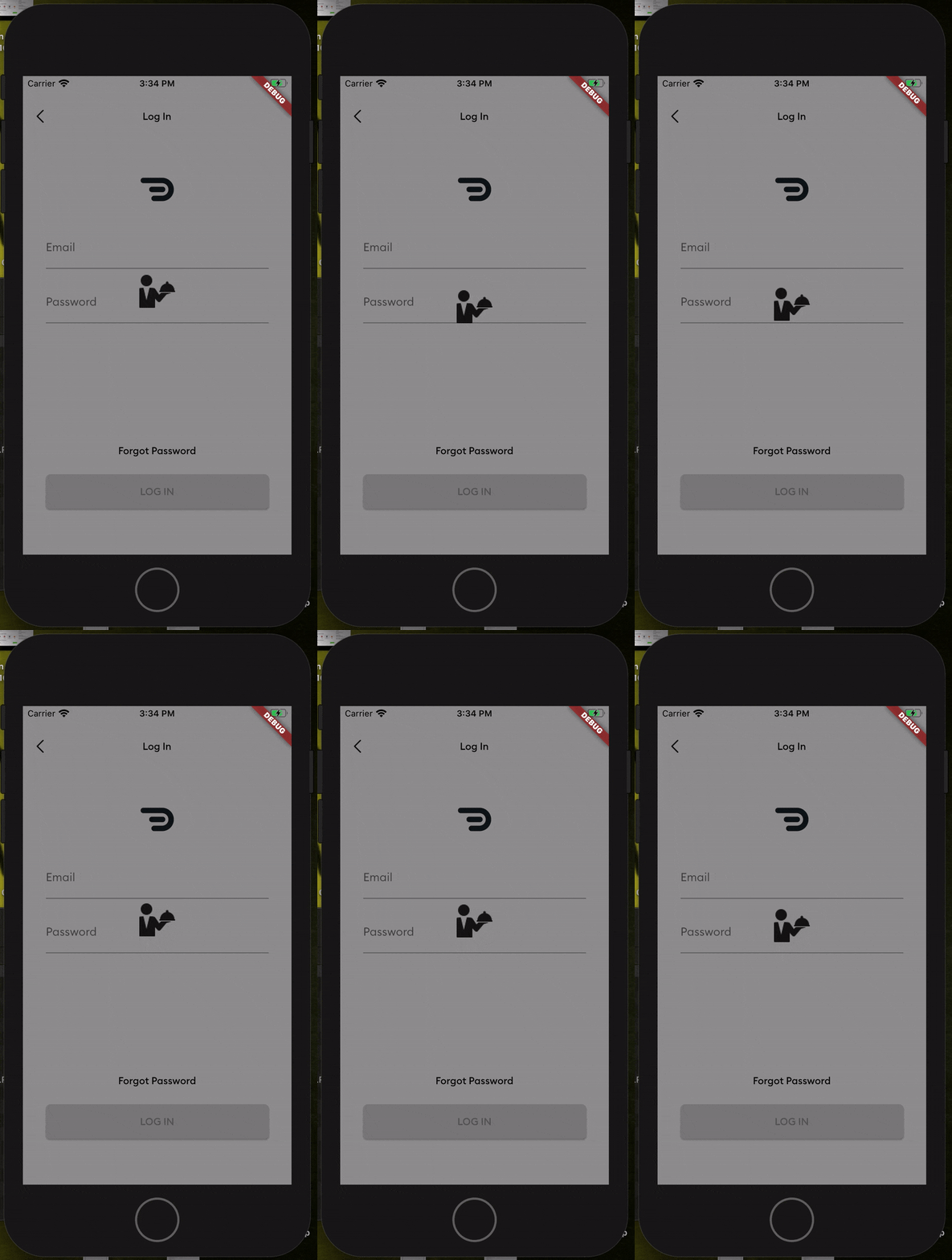
Screenshot
Add this to your package's pubspec.yaml file
dependencies:
  easy_loader: ^1.0.3
Next, you just have to import the package using:
import 'package:easy_loader/easy_loader.dart';
Then wrap your body within a Stack and place the EasyLoader() widget at the end of the Stack
  Widget build(BuildContext context) {
    return Scaffold(
      //// Wrap your body in a stack
      body: Stack(
        children: <Widget>[
          Center(
            child: Text("Lorem Ipsum"),
          ),
          //// Put the loader widget at the end of the stack. You can set it to appear based on a boolean. E.g. a loading flag.
          EasyLoader(image: AssetImage('assets/loading.png'),)
        ],
      ),
    );
  }
All done! You can customize other things like the icon size, background color, icon color and the animation by passing the values into the constructor.