搜尋套件、儲存庫與 APP 分類

easy_loader 封面
套件詳情v2.0.0

easy_loader

在 Flutter 中處理簡單全螢幕載入器的最簡單方式。以 Dart 編寫。完全可自訂。

AndroidiOSWebmacOSWindowsLinux
近 30 天下載
109
喜歡數
16
Pub 分數
160

安裝套件

flutter pub add easy_loader

套件介紹

根據套件公開資料產生的選型評估,僅供參考。

Easy Loader 是一個輕量級的 Flutter 套件,為您的應用程式提供簡單且完全可自訂的全螢幕載入器。以 Dart 編寫,讓開發者能以最少的程式碼快速實作載入指示器。此套件支援所有主要平台,包括 Android、iOS、Web、macOS、Windows 和 Linux,非常適合跨平台專案。透過直覺的 API 和廣泛的自訂選項,Easy Loader 可在非同步操作(如資料取得或處理)期間提升使用者體驗。

適用情境

  • 在 API 呼叫期間顯示載入狀態
  • 顯示應用程式初始化過程中的進度
  • 增強資料處理過程中的使用者體驗
  • 使用載入器實現啟動畫面
  • 在表單提交期間提供反饋

主要特色

  • 全螢幕載入覆蓋層
  • 高度可自訂的外觀
  • 簡單整合,設定最少
  • 跨平台相容性
  • 支援自訂組件和動畫
  • 輕量且高效

適合對象

  • 初學者 Flutter 開發者
  • 需要快速加載器實作的專案
  • 頻繁執行非同步操作的應用程式
  • 以使用者體驗為導向的應用程式
  • 跨平台移動與網頁應用

使用建議

  • 可能需要額外的樣式來支援複雜的使用者介面
  • 不適用於非全螢幕載入情境
  • 自定義可能需要基本的Dart知識
  • 受限於每螢幕僅支援單一載入器,無需額外邏輯

原始 README

以下為關聯原始碼儲存庫的 README 原文快照,最新內容請造訪原始碼儲存庫。

EasyLoader

The easiest way to handle a simple full screen loader in Flutter. Written in Dart. Fully customizable.

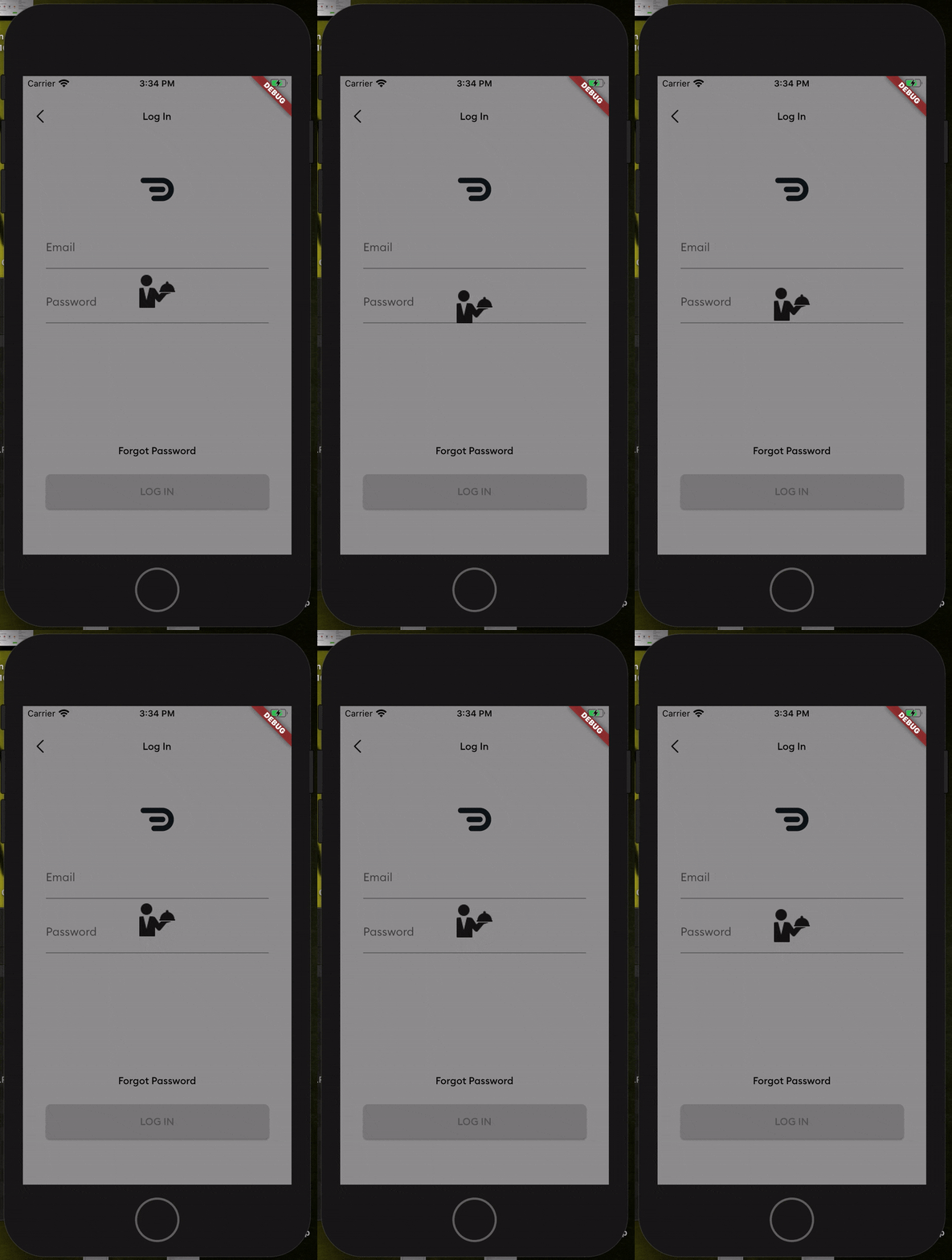
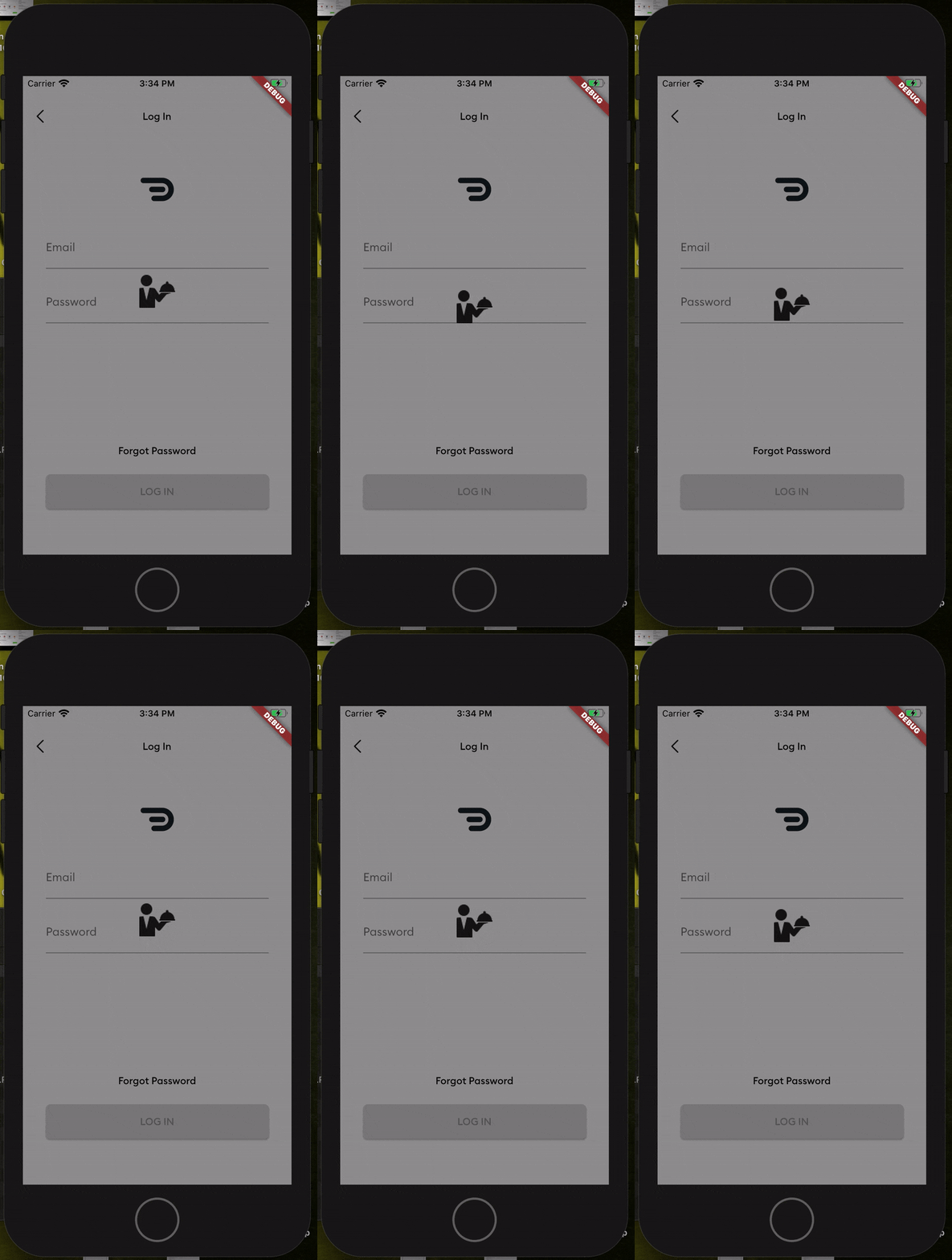
Screenshot

Getting Started

Add this to your package's pubspec.yaml file

dependencies:
  easy_loader: ^1.0.3

Usage

Next, you just have to import the package using:

import 'package:easy_loader/easy_loader.dart';

Then wrap your body within a Stack and place the EasyLoader() widget at the end of the Stack

  Widget build(BuildContext context) {
    return Scaffold(
      //// Wrap your body in a stack
      body: Stack(
        children: <Widget>[
          Center(
            child: Text("Lorem Ipsum"),
          ),
          //// Put the loader widget at the end of the stack. You can set it to appear based on a boolean. E.g. a loading flag.
          EasyLoader(image: AssetImage('assets/loading.png'),)
        ],
      ),
    );
  }

All done! You can customize other things like the icon size, background color, icon color and the animation by passing the values into the constructor.

所屬分類

原始碼儲存庫

使用此套件的專案

暫無相關資料。