


 v0.0.5
figma_frame_inspector
一個 Flutter 插件,用於驗證應用中實現的 Figma 框架的準確性。
25喜歡 45近 30 天下載150Pub 分數
AndroidiOSmacOSWindowsLinux
一個 Flutter 插件,用於驗證應用中實現的 Figma 框架的準確性。

以下為英文專案原文快照,最新內容請造訪 GitHub。
A Flutter plugin to verify how accurately the Figma frame was implemented in the app (whether paddings and elements sizes are correct).
With this tool any developer can verify all the paddings, font styles and elements sizes matches design specification in Figma.
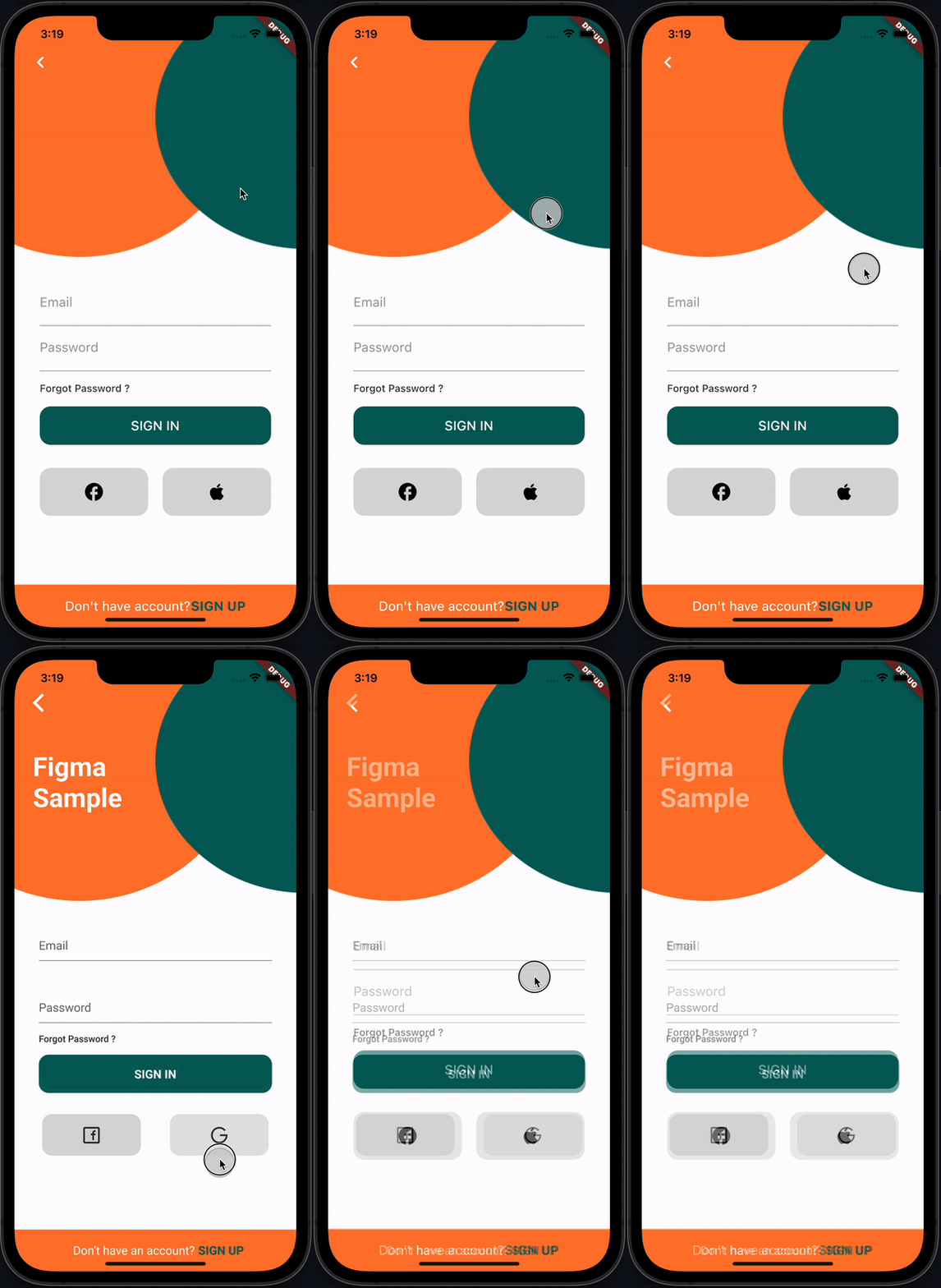
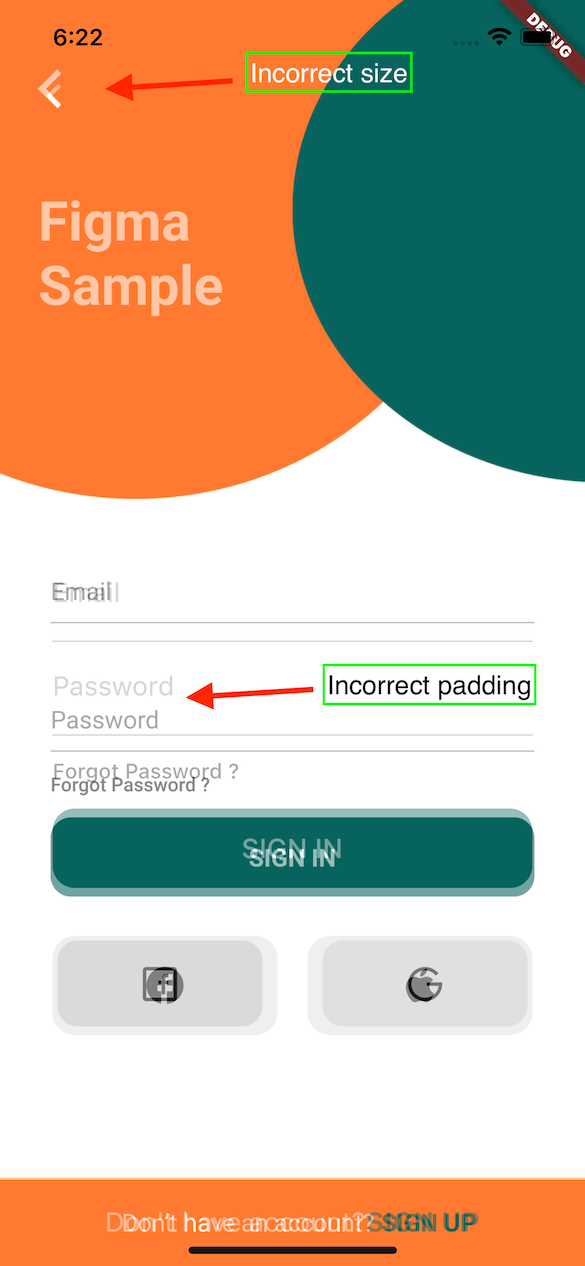
This plugin provides FigmaFrameInspector widget that renders provided Figma frame on top of child screen widget. This helps to check proper frame implementation.
PS: Example Figma frame was taken from here
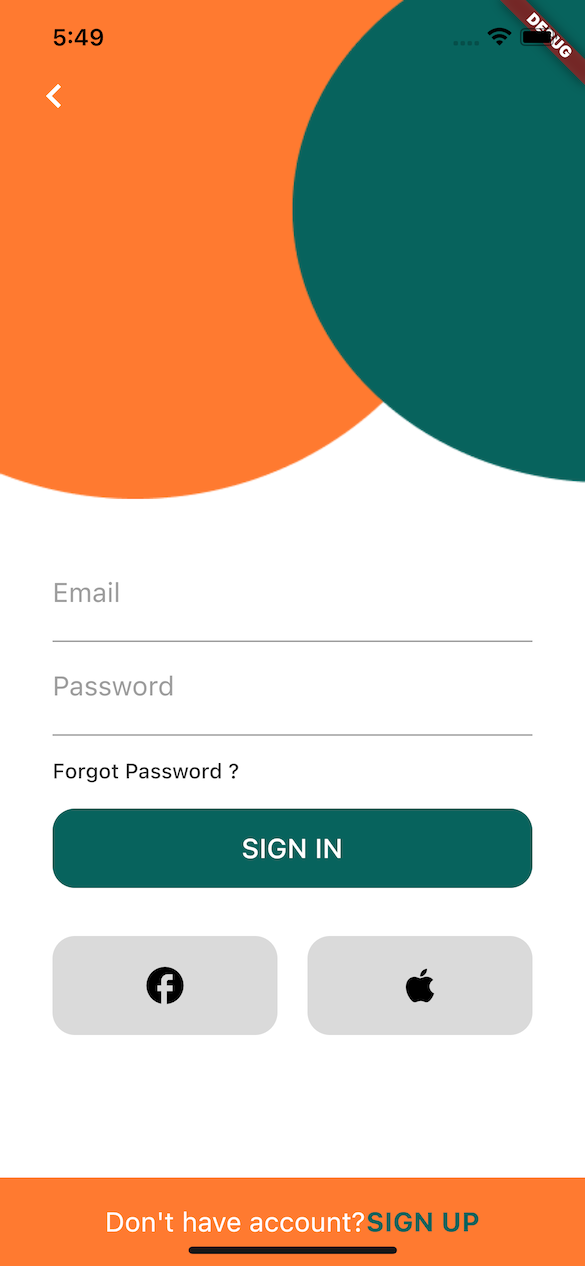
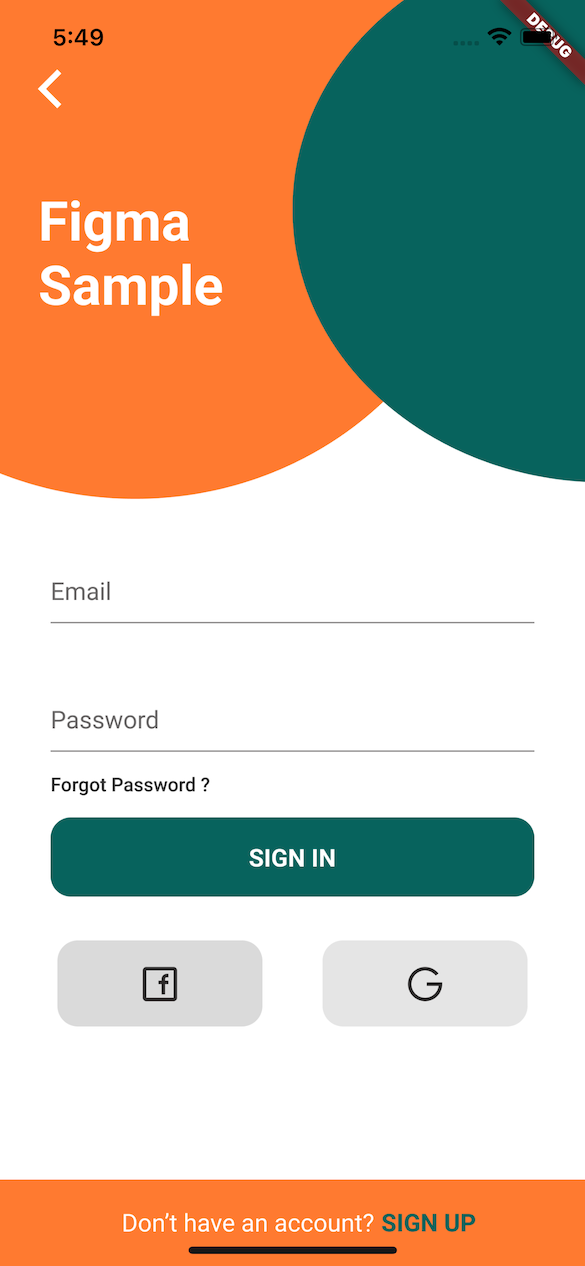
| Implementation | Figma | Diff |
|---|---|---|
 |
 |
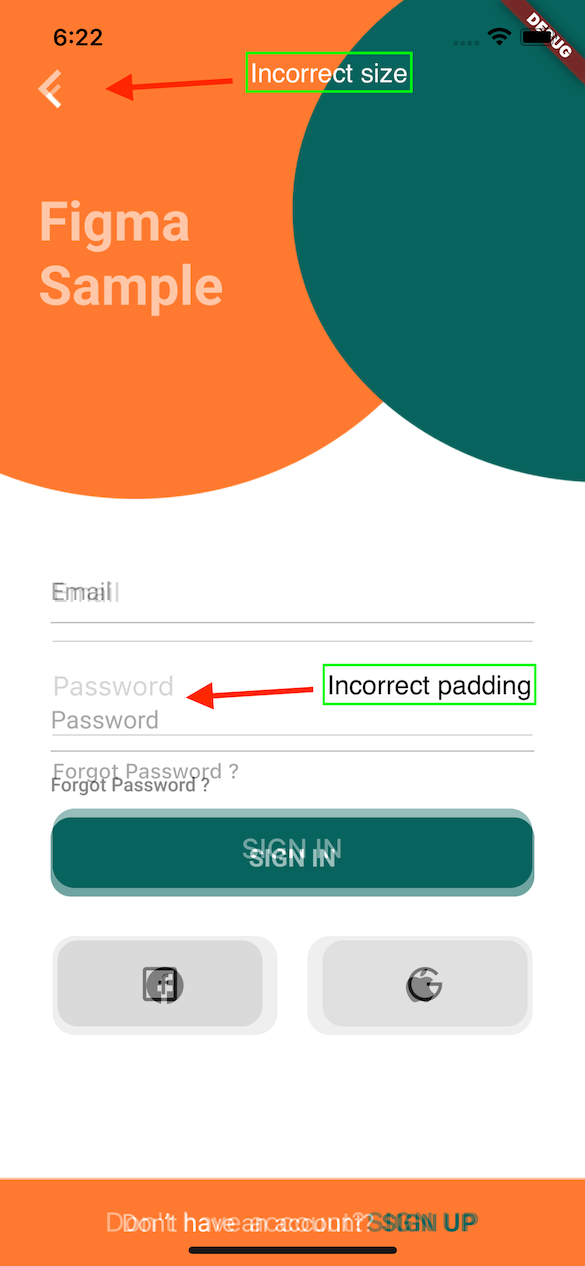 |
flutter pub add figma_frame_inspector
import 'package:figma_frame_inspector/figma_frame_inspector.dart';FigmaFrameInspector widget:class MyHomePage extends StatelessWidget {
const MyHomePage({Key? key, required this.title}) : super(key: key);
final String title;
@override
Widget build(BuildContext context) {
return FigmaFrameInspector( // <-- Wrap your screen widget with this widget.
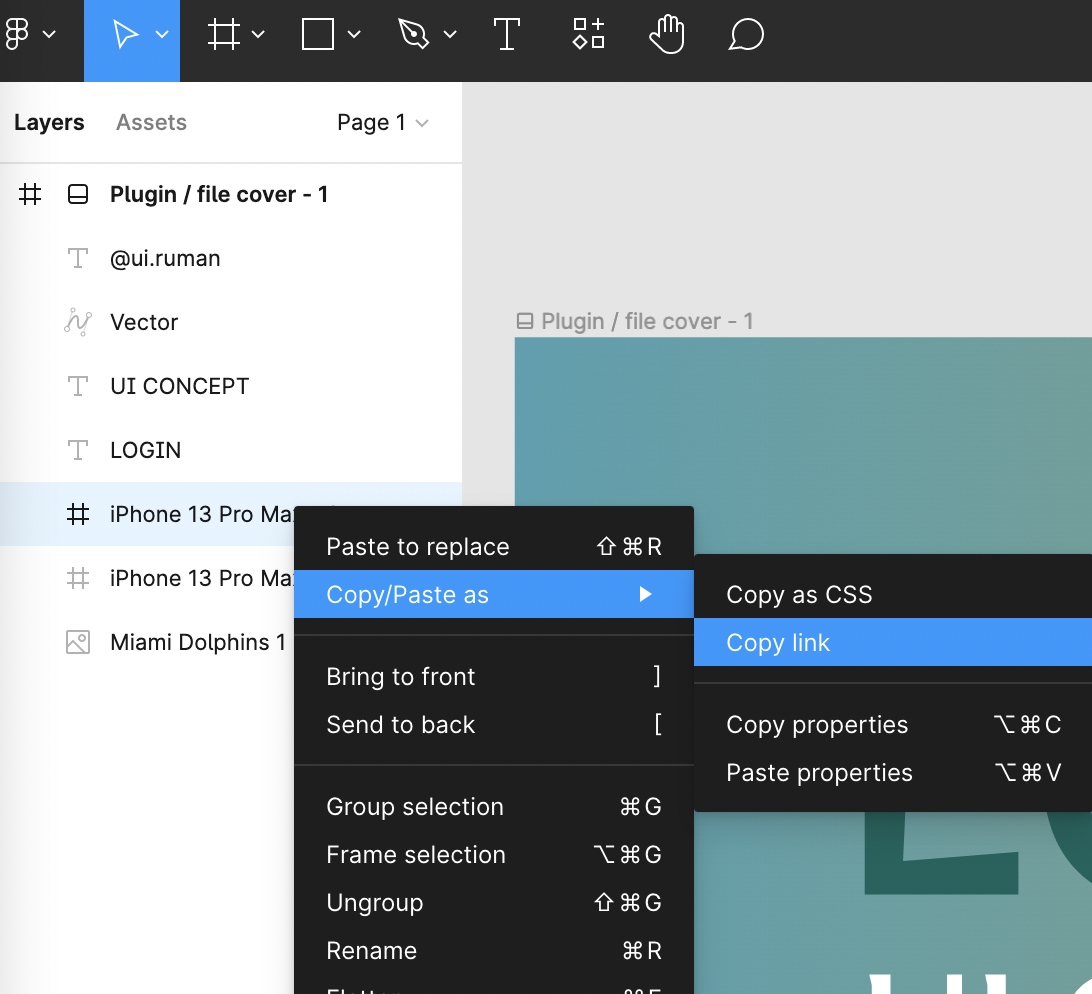
frameUrl:
"<figma-frame-url>", // <-- Specify the Figma frame url. Looks like this: https://www.figma.com/file/<file_key>/<file_name >?node-id=<node_id>
figmaToken: '<figma-token>', // <-- Specify the Figma `Personal access token` from Account Settings page.
// Optional parameters:
scale: 3, // A number between `0.01` and `4`, the image scaling factor.
initialOpacity: .3, // Opacity of the frame on the screen start (default `30%`).
enabled: true, // Enable or disable the frame overlay (default `true`).
isTouchToChangeOpacityEnabled: true, // Enable or disable vertical scroll to change the frame overlay opacity (default `true`).
child: Scaffold(
appBar: AppBar(
title: Text(title),
),
floatingActionButton: const FloatingActionButton(
onPressed: null,
tooltip: 'Increment',
child: Icon(Icons.add),
),
),
);
}
}
This plugin was heavily inspired by flutter_figma_preview
Figma sample design taken from here https://www.figma.com/community/file/1060856334579637757
Can be found here.
依賴清單 5 項
{"sdk":"flutter"}^5.2.1^3.2.3{"sdk":"flutter"}^2.0.0先依使用情境篩選,再比較專案活躍情況,最後到原始儲存庫確認使用要求。
“A repository is the most basic element of GitHub.”
GitHub Docs — About repositories ↗