
v3.6.1+1
giphy_get
從 Giphy 中以純 Dart 程式碼選擇 EMOJI、STICKER 或 GIF。支援 Android、iOS、Web 與桌面端。
134喜歡 3740近 30 天下載140Pub 分數
AndroidiOSWebmacOSWindowsLinux
Flutter 插件

以下為英文專案原文快照,最新內容請造訪 GitHub。
This release introduces a modern loading experience:
GiphyTabDetail(
  type: GiphyType.gifs,
  scrollController: myController,
  loadingWidget: MyCustomLoadingWidget(),
  failedWidget: MyCustomFailedWidget(),
)
See the documentation in GiphyTabDetail and GiphyGifWidget for more details.


This package allow to get gifs, sticker or emojis from GIPHY in pure dart code using Giphy SDK design guidelines.
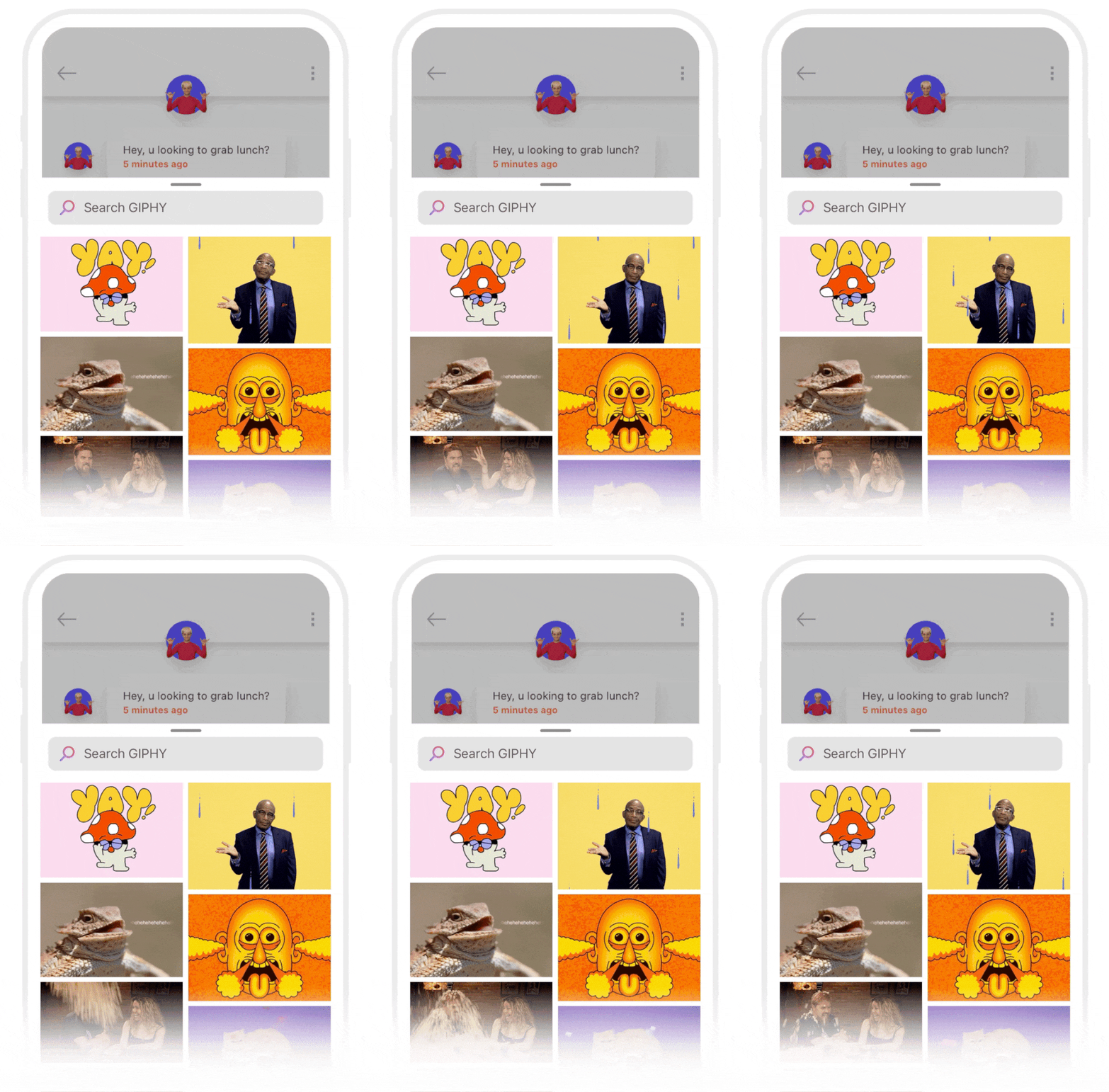
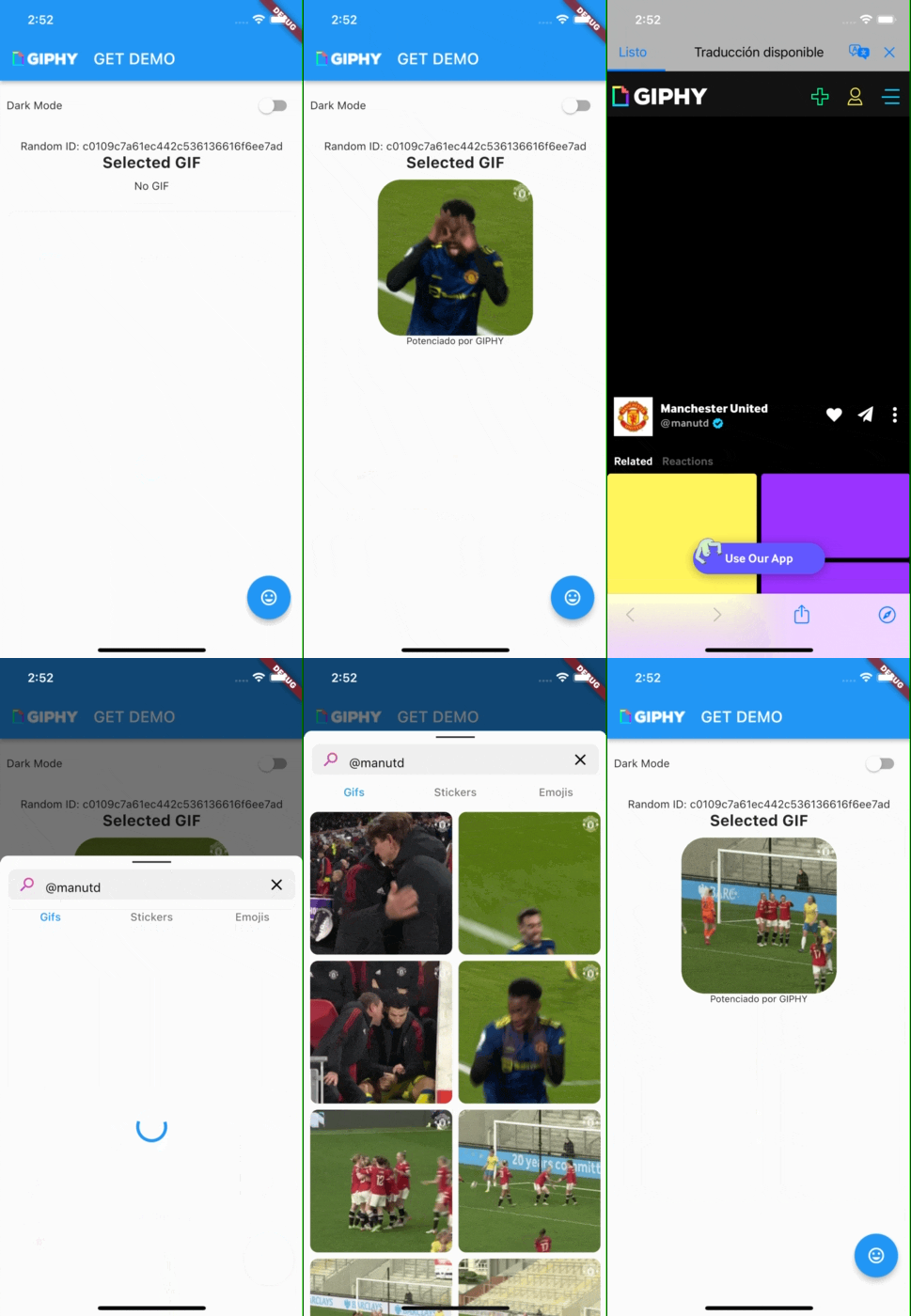
Important! you must register your app at Giphy Develepers and get your APIKEY
Currently english and spanish is supported.
return MaterialApp(
      title: 'Giphy Get Demo',
      localizationsDelegates: [
        // Default Delegates
        GlobalMaterialLocalizations.delegate,
        GlobalWidgetsLocalizations.delegate,

        // Add this line
        GiphyGetUILocalizations.delegate
      ],
      supportedLocales: [
        // Your supported languages
        Locale('en', ''),
        Locale('es', ''),
        Locale('da', ''),
      ],
      home: MyHomePage(title: 'Giphy Get Demo'),
      themeMode: Provider.of<ThemeProvider>(context).currentTheme,
    );
This is for get gif without wrapper and tap to more
import 'package:giphy_get/giphy_get.dart';

GiphyGif gif = await GiphyGet.getGif(
  context: context, //Required
  apiKey: "your api key HERE", //Required.
  lang: GiphyLanguage.english, //Optional - Language for query.
  randomID: "abcd", // Optional - An ID/proxy for a specific user.
  tabColor:Colors.teal, // Optional- default accent color.
  debounceTimeInMilliseconds: 350, // Optional- time to pause between search keystrokes
);
| Value | Type | Description | Default |
|---|---|---|---|
lang |
String | Use ISO 639-1 language code or use GiphyLanguage constants | GiphyLanguage.english |
randomID |
String | An ID/proxy for a specific user. | null |
searchText |
String | Input search hint, we recomend use flutter_18n package for translation | "Search GIPHY" |
tabColor |
Color | Color for tabs and loading progress, | Theme.of(context).accentColor |
debounceTimeInMilliseconds |
int | Time to pause between search keystrokes | 350 |
showGIFs |
bool | Whether to show the GIFs tab or not | true |
showStickers |
bool | Whether to show the stickers tab or not | true |
showEmojis |
bool | Whether to show the emojis tab or not | true |
tapTopBuilder |
Widget Function(BuildContext context) |
A custom builder for tab top. Must return a widget that will replace default Giphy-like tab top | null. Displays default Giphy-like tab top |
tabBottomBuilder |
Widget Function(BuildContext context) |
A custom builder for tab bottom. Must return a widget that will replace default Giphy credits logo. Note that credits are required to be shown by Giphy | null. Displays default Giphy credits logo |
searchAppBarBuilder |
Widget Function(BuildContext context,FocusNode focusNode,bool autofocus,TextEditingController textEditingController,void Function() onClearSearch) |
A custom builder for search app bar. Must return a widget that will replace default Giphy-like search bar input | null. Displays default Giphy-like search bar input |
GiphyClient giphyClient = GiphyClient(apiKey: "YOUR API KEY");
String randomId = await giphyClient.getRandomId();
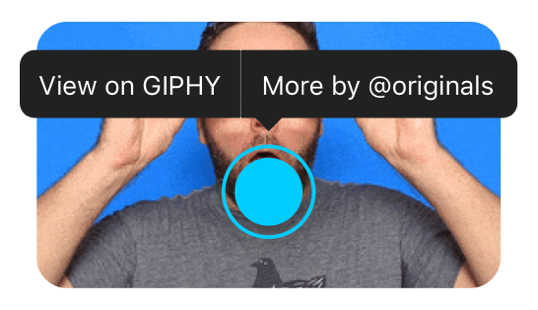
Optional but this widget is required if you get more gif's of user or view on Giphy following Giphy Design guidelines
Params
| Value | Type | Description | Default |
|---|---|---|---|
gif required |
GiphyGif | GiphyGif object from stream or JSON | null |
giphyGetWrapper required |
GiphyGetWrapper | instance required for tap to more | null |
| showGiphyLabel | boolean | show or hide Powered by GIPHYlabel at bottom |
true |
| borderRadius | BorderRadius ex: BorderRadius.circular(10) | add border radius to image | null |
| imageAlignment | Alignment | this widget is a STACK with Image and tap buttons this property adjust alignment | Alignment.center |
Params
| Value | Type | Description | Default |
|---|---|---|---|
giphy_api_key required |
String | Your Giphy API KEY | null |
builder |
function | return Stream<GiphyGif> and Instance of GiphyGetWrapper | null |
void getGif(String queryText,BuildContext context)
return GiphyGetWrapper(
    giphy_api_key: REPLACE_WITH YOUR_API_KEY,
    // Builder with Stream<GiphyGif> and Instance of GiphyGetWrapper
    builder: (stream, giphyGetWrapper) => StreamBuilder<GiphyGif>(
      stream: stream,
      builder: (context, snapshot) {
        return Scaffold(
          body: snapshot.hasData
              ? SizedBox(
                // GiphyGifWidget with tap to more
                child: GiphyGifWidget(
                  imageAlignment: Alignment.center,
                  gif: snapshot.data,
                  giphyGetWrapper: giphyGetWrapper,
                  borderRadius: BorderRadius.circular(30),
                  showGiphyLabel: true,
                ),
              )
              : Text("No GIF"),
          floatingActionButton: FloatingActionButton(
            onPressed: () async {
              //Open Giphy Sheet
              giphyGetWrapper.getGif('', context);
            },
            tooltip: 'Open Sticker',
            child: Icon(Icons
                .insert_emoticon)),
        );
    })

    });
First export your giphy api key
export GIPHY_API_KEY=YOUR_GIPHY_API_KEY
and ther run.
Feel free to make any PR's

依賴清單 13 項
{"sdk":"flutter"}{"sdk":"flutter"}^6.0.5^10.0.1^0.7.0^1.9.1^1.1.0^6.1.12{"sdk":"flutter"}{"sdk":"flutter"}^5.4.2^1.11.1^0.12.15先依使用情境篩選,再比較專案活躍情況,最後到原始儲存庫確認使用要求。
“A repository is the most basic element of GitHub.”
GitHub Docs — About repositories ↗