
 v2.12.0
flutter_chat_ui
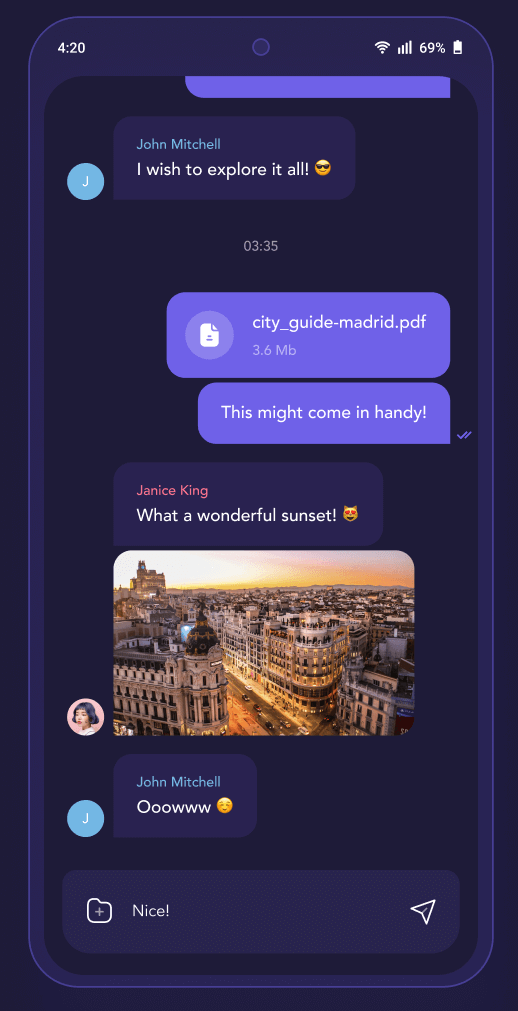
免費開源的聊天 SDK。使用高效率、可自訂的跨平台介面,快速建立即時應用與生成式 AI 代理。
1630喜歡 14.5萬近 30 天下載140Pub 分數
AndroidiOSWebmacOSWindowsLinux
MyOllama:基於Ollama的LLM行動客戶端
 v2.12.0
免費開源的聊天 SDK。使用高效率、可自訂的跨平台介面,快速建立即時應用與生成式 AI 代理。
用於啟動 Android Intents 的 Flutter 外掛程式。不支援 iOS。
輕鬆快速地為您的 Flutter 應用程式進行國際化和本地化,此套件簡化了國際化流程。
一個使用 Dart Streams 的簡單事件總線,用於解耦應用程式
一個用於從應用程式中開啟 iOS 和 Android 手機設定的 Flutter 插件。
 v1.5.0
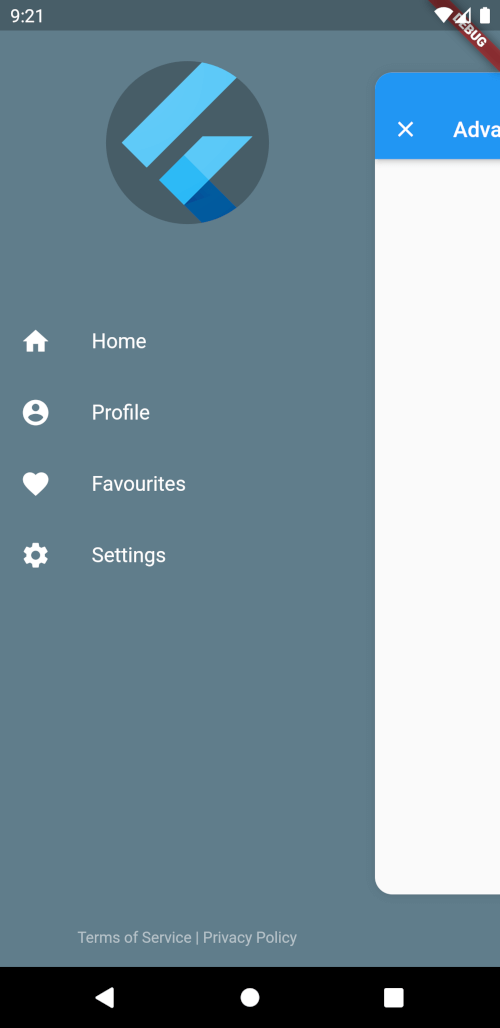
一個進階的抽屜小部件,可完全自訂大小、文字、顏色和角落圓角半徑。
 v2.3.0
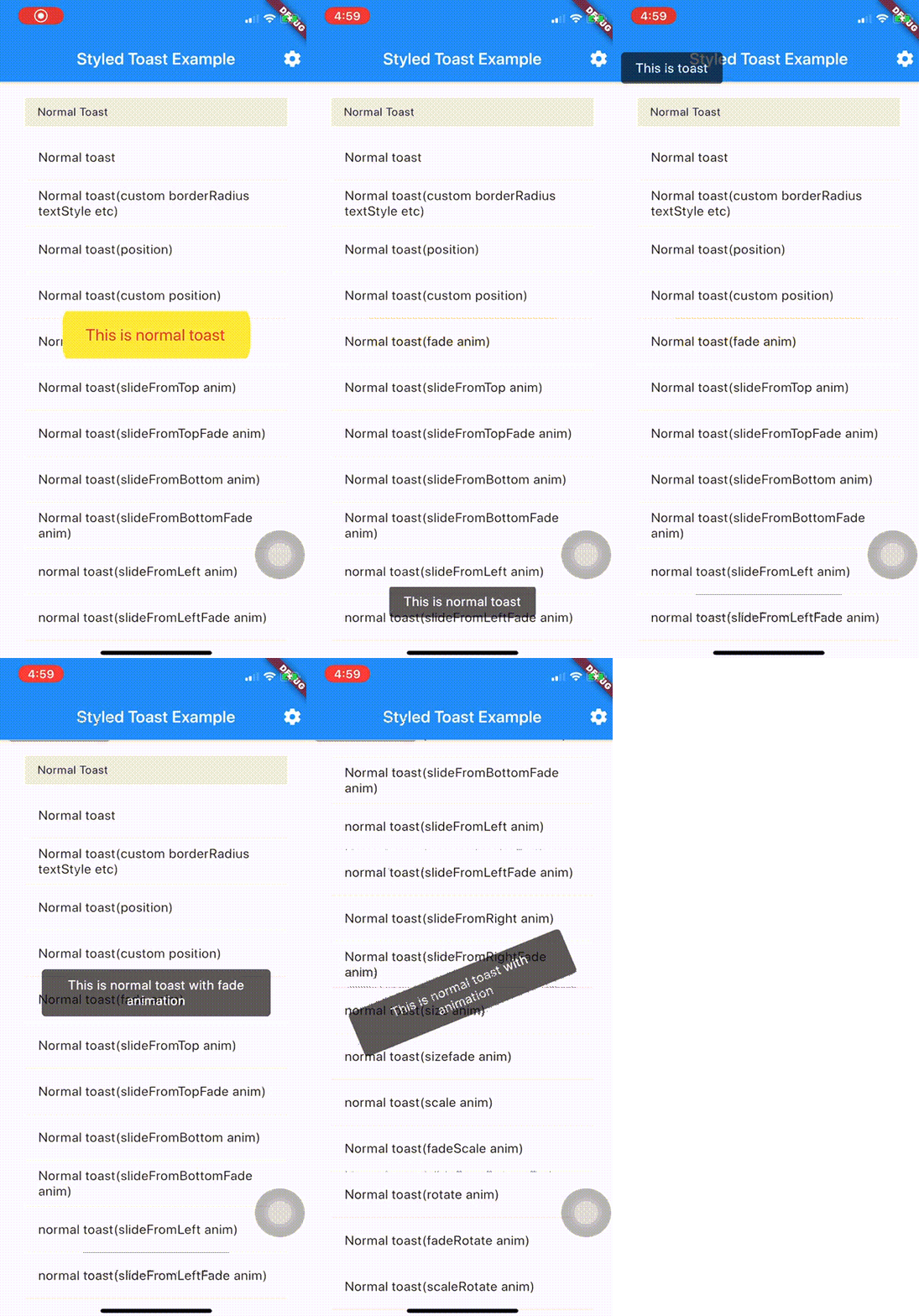
一個帶樣式的 Toast Flutter 套件。您可以高度自訂 Toast。透過一連串動畫美化 Toast,讓它更漂亮。
此小部件為 Flutter 提供水平或垂直拆分視圖。
適用於原生桌面和安卓應用的多平台網路 ping 工具。
Ollama API 的 Dart 客戶端,用於在本機執行大型語言模型(如 OpenAI gpt-oss、DeepSeek-R1、Gemma 3、Llama 4 等)。
依賴清單 27 項
{"sdk":"flutter"}^1.0.8^6.1.2^1.3.7^2.4.1^0.19.0^2.0.0^1.6.15^3.0.7^0.2.2^1.1.2^2.3.3^8.1.1^9.0.1^6.3.1^3.0.7^5.1.1^2.2.1^10.1.2^0.7.4+3^3.2.1^2.3.0^5.0.2^2.1.3^11.3.1{"sdk":"flutter"}^4.0.0以下為英文專案原文快照,最新內容請造訪 GitHub。
MyOllama is a mobile client app that allows you to connect to a computer with Ollama installed and interact with the Large Language Model (LLM). You can download and build the source code or download the MyOllama app from the Apple App Store.
Ollama is open source software that makes it easy to run Large Language Models (LLMs) on your local machine. You can use MyOllama to access Ollama and utilize various LLMs. MyOllama - Run LLMs on your own computer through the Ollama program, so you can talk to AI models without paying a fee.
poster
poster
MyOllama is licensed under the GNU license. For more information, please refer to the LICENSE file.
For questions or bug reports about MyOllama, please send an email to rtlink.park@gmail.com.