
 v1.0.0
opencv_4
一個包含 OpenCV 模組集合的 Flutter 套件專案。
102喜歡 80近 30 天下載130Pub 分數
AndroidiOS
fgsoruco/opencv_4 open-source repository details.
以下為英文專案原文快照,最新內容請造訪 GitHub。
This package contains the implementation of OpenCV modules, the version used is 4.3.0 for both Android and iOS platforms.



Cv2.ctvColorCv2.COLOR_BGR2GRAYAdd this to your package's pubspec.yaml file:
dependencies:
  opencv_4: ^1.0.0
You can install packages from the command line:
with Flutter:
$ flutter pub get
Now in your Dart code, you can use:
import 'package:opencv_4/opencv_4.dart';
android (folder) -> app (folder) -> build.gradledefaultConfig {
...
minSdkVersion 21
...
}
Nullsafety If you are going to test the example you need to configure pubspect.yamlenvironment:
sdk: ">=2.12.0 <3.0.0"
Cv2: Class that contains the implementation of OpenCV modules
CVPathFrom: Allows you to configure the path to process the images
URL (static constant) configure opencv for web imagesGALLERY_CAMERA (static constant) configure opencv for images obtained from the image_picker packageASSETS (static constant) configure opencv for flutter images in pubspect.yaml --> assets/test.jpg
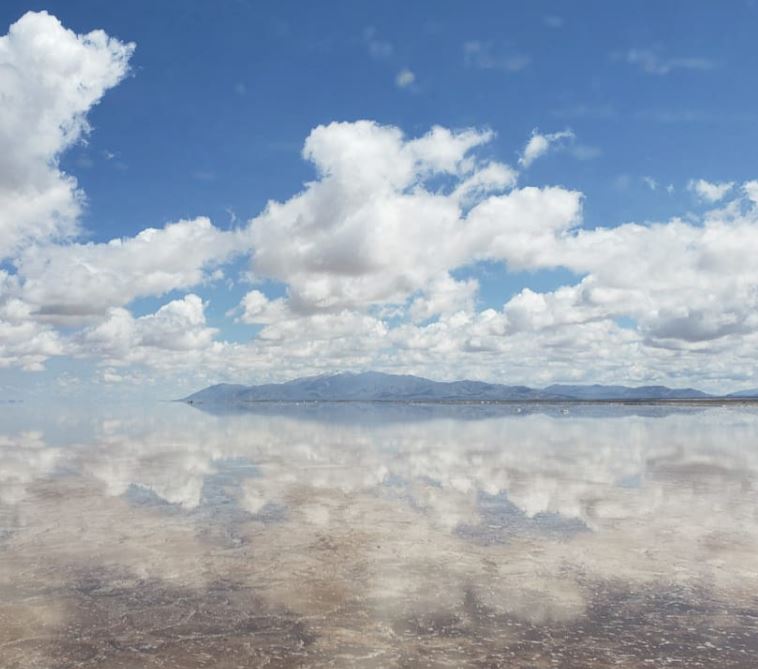
Some examples
Must be called within a async function
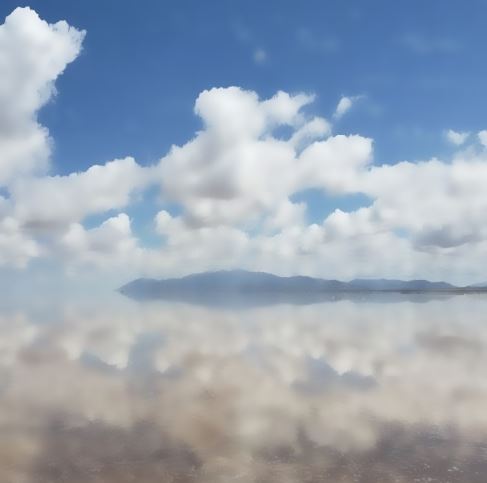
Uint8List _byte = await Cv2.bilateralFilter(
        pathFrom: CVPathFrom.ASSETS,
        pathString: 'assets/Test.JPG',
        diameter: 20,
        sigmaColor: 75,
        sigmaSpace: 75,
        borderType: Cv2.BORDER_DEFAULT,
      );

      setState(() {
        _byte;
      });
Show result in an image widget
Image.memory(
      _byte,
      width: 300,
      height: 300,
      fit: BoxFit.fill,
    )
Note: If you want to process an image from the web you must configure pathFrom: CVPathFrom.URL replace in pathString with a URL, for example. pathString: 'https://mir-s3-cdn-cf.behance.net/project_modules/fs/313f8e114930481.6044f05fcd866.jpeg'
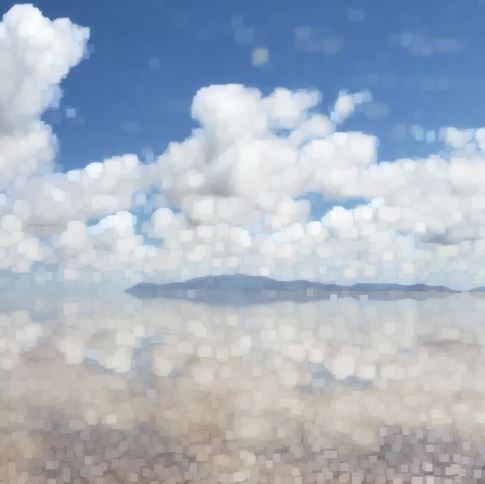
Uint8List _byte = await Cv2.dilate(
        pathFrom: CVPathFrom.ASSETS,
        pathString: 'assets/Test.JPG',
        kernelSize: [3, 3],
      );

      setState(() {
        _byte;
      });
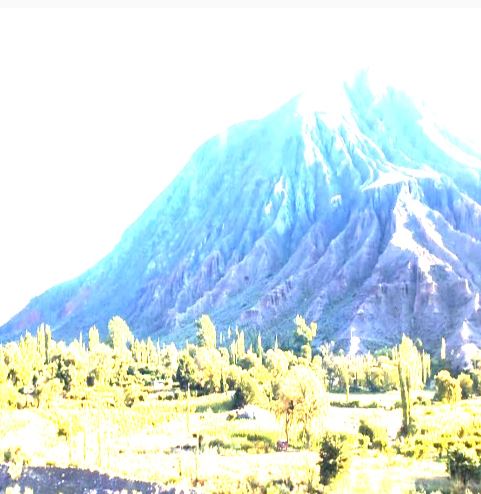
Uint8List _byte = await Cv2.filter2D(
        pathFrom: CVPathFrom.URL,
        pathString:
          'https://mir-s3-cdn-cf.behance.net/project_modules/max_1200/634dba114930481.6044f05fcb2dd.jpeg',
        outputDepth: -1,
        kernelSize: [2, 2],
      );

      setState(() {
        _byte;
      });
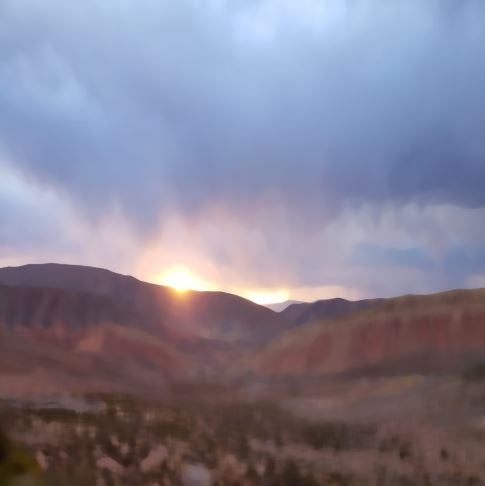
Uint8List _byte = await Cv2.medianBlur(
        pathFrom: CVPathFrom.URL,
        pathString:
          'https://mir-s3-cdn-cf.behance.net/project_modules/max_1200/16fe9f114930481.6044f05fca574.jpeg',
        kernelSize: 19,
      );

      setState(() {
        _byte;
      });
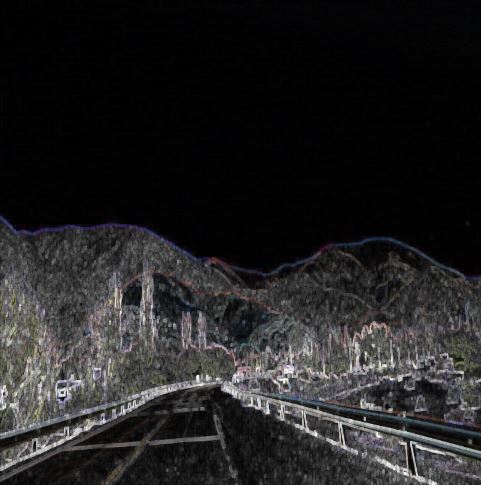
Uint8List _byte = await Cv2.morphologyEx(
        pathFrom: CVPathFrom.URL,
        pathString:
          'https://mir-s3-cdn-cf.behance.net/project_modules/fs/c7da51114930481.6044f05fcc76a.jpeg',
        operation: Cv2.MORPH_TOPHAT,
        kernelSize: [5, 5],
      );

      setState(() {
        _byte;
      });
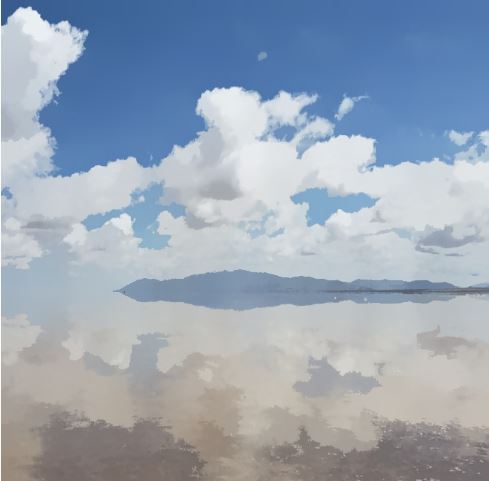
Uint8List _byte = await Cv2.pyrMeanShiftFiltering(
        pathFrom: CVPathFrom.ASSETS,
        pathString: 'assets/Test.JPG',
        spatialWindowRadius: 20,
        colorWindowRadius: 20,
      );

      setState(() {
        _byte;
      });
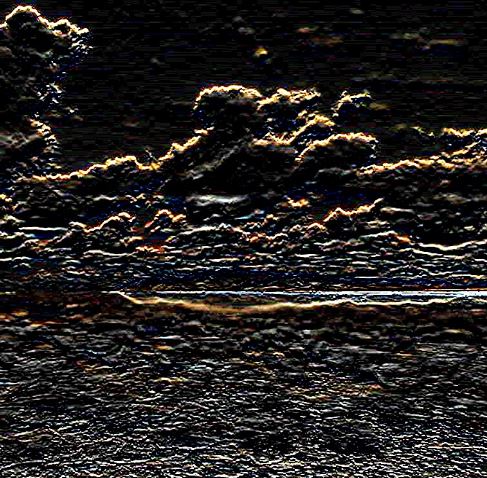
Uint8List _byte = await Cv2.scharr(
        pathFrom: CVPathFrom.ASSETS,
        pathString: 'assets/Test.JPG',
        depth: Cv2.CV_SCHARR,
        dx: 0,
        dy: 1,
      );

      setState(() {
        _byte;
      });
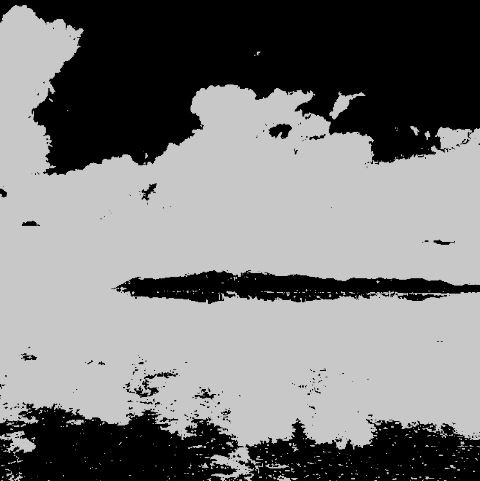
Uint8List _byte = await Cv2.threshold(
        pathFrom: CVPathFrom.ASSETS,
        pathString: 'assets/Test.JPG',
        thresholdValue: 150,
        maxThresholdValue: 200,
        thresholdType: Cv2.THRESH_BINARY,
      );

      setState(() {
        _byte;
      });
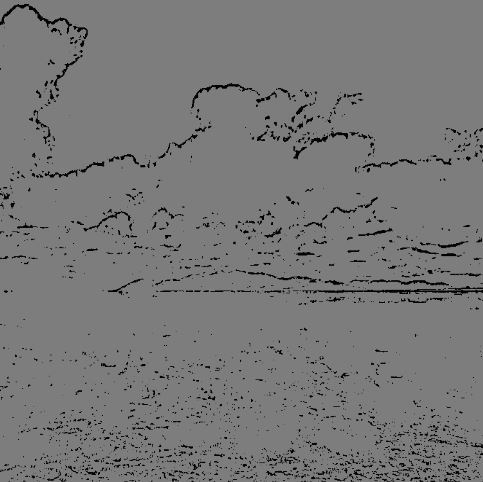
Uint8List _byte = await Cv2.adaptiveThreshold(
        pathFrom: CVPathFrom.ASSETS,
        pathString: 'assets/Test.JPG',
        maxValue: 125,
        adaptiveMethod: Cv2.ADAPTIVE_THRESH_MEAN_C,
        thresholdType: Cv2.THRESH_BINARY,
        blockSize: 11,
        constantValue: 12,
      );

      setState(() {
        _byte;
      });
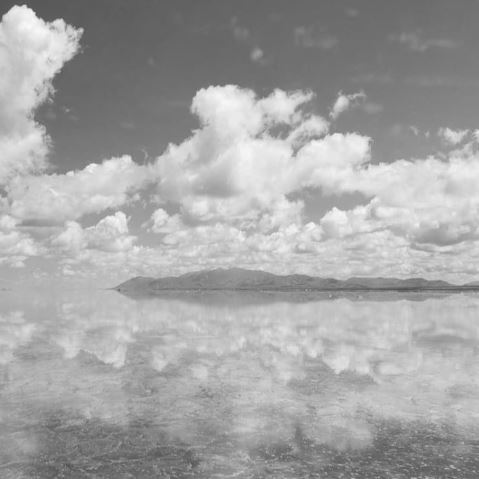
Uint8List _byte = await Cv2.cvtColor(
        pathFrom: CVPathFrom.ASSETS,
        pathString: 'assets/Test.JPG',
        outputType: Cv2.COLOR_BGR2GRAY,
      );

      setState(() {
        _byte;
      });
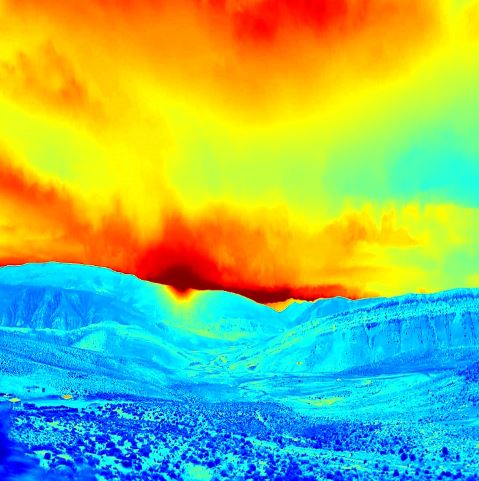
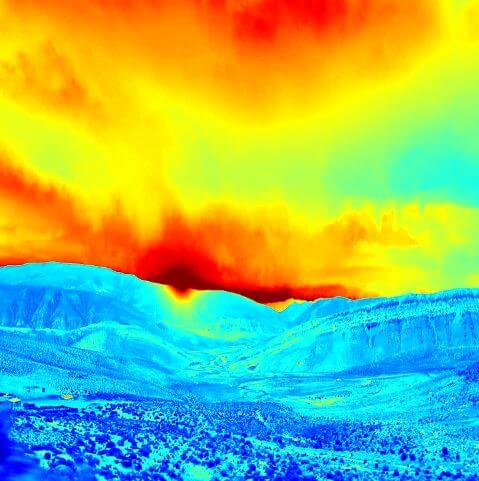
Uint8List _byte = await Cv2.applyColorMap(
        pathFrom: CVPathFrom.URL,
        pathString:
          'https://mir-s3-cdn-cf.behance.net/project_modules/max_1200/16fe9f114930481.6044f05fca574.jpeg?raw=true',
        colorMap: Cv2.COLORMAP_JET,
      );

      setState(() {
        _byte;
      });
Please file feature requests and bugs at the issue tracker.
BTC: bc1qhy5uer94d4xvp2wgtfg5l6s6jk8gwj6d0ufqvhBNB: bnb17z7dqeeyrkhq2l9mx6p3hg6ewvshrpkqqzcpr9ETH: 0xb76D1F1f97eBf5B2096D5449cB3DDD2096CCB4b3
依賴清單 3 項
{"sdk":"flutter"}^3.0.1{"sdk":"flutter"}先依使用情境篩選,再比較專案活躍情況,最後到原始儲存庫確認使用要求。
“A repository is the most basic element of GitHub.”
GitHub Docs — About repositories ↗