
 v2.0.0
flutter_time_picker_spinner
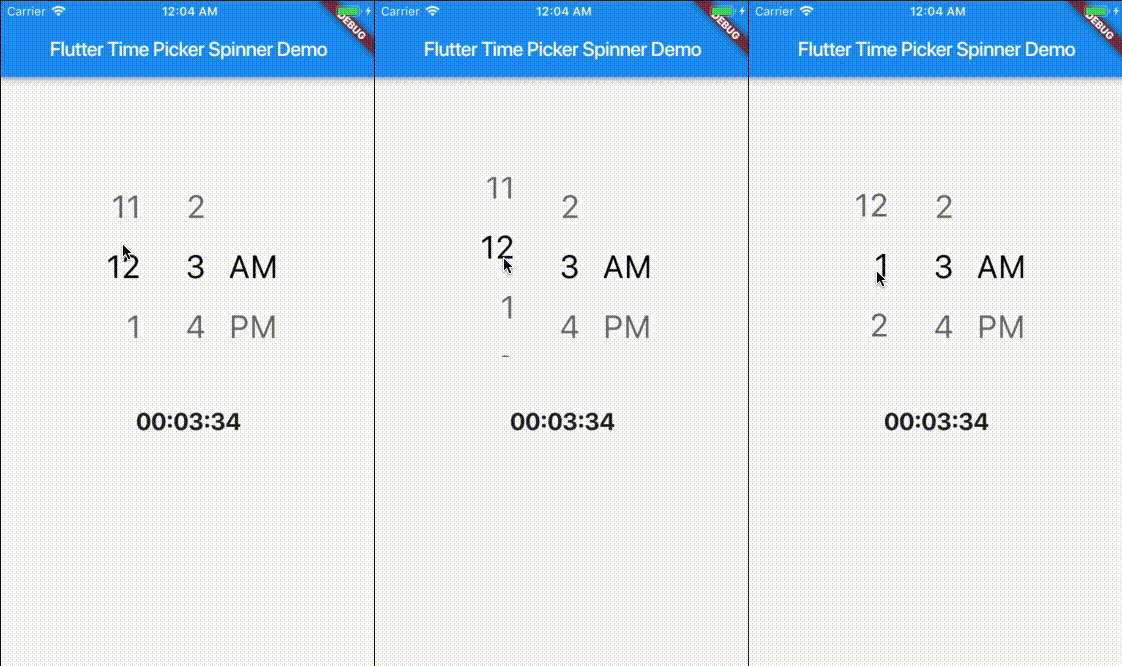
使用旋轉式元件取代預設的 Material 時間選擇器。此組件支援 12 或 24 小時格式,以及自訂間隔模式。
166喜歡 2.3萬近 30 天下載130Pub 分數
AndroidiOSWebmacOSWindowsLinux
一個 Flutter 小部件,使用旋轉器取代 Material 時鐘選擇器來設定時間
以下為英文專案原文快照,最新內容請造訪 GitHub。
Time Picker widget with spinner instead of a material time picker.
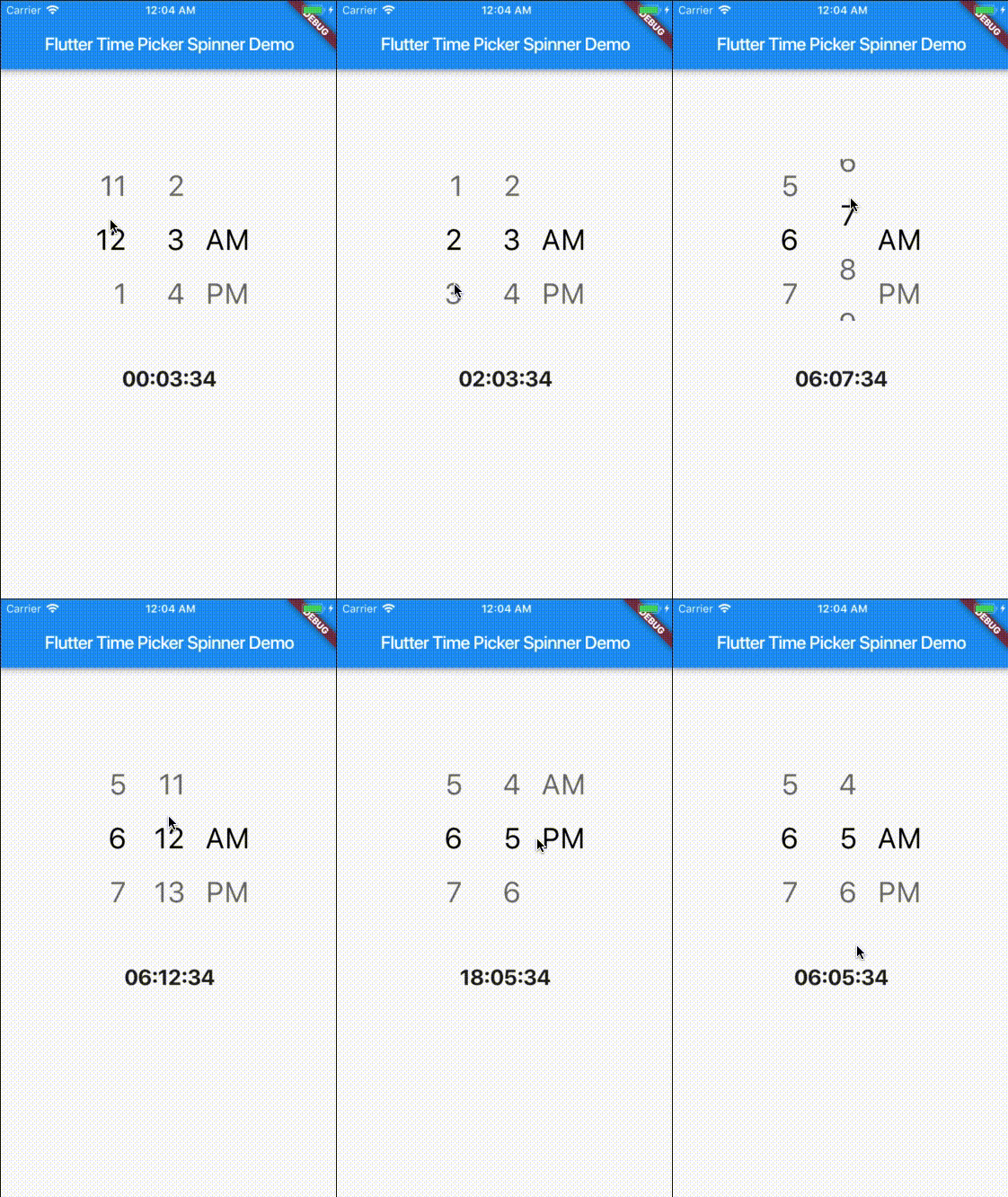
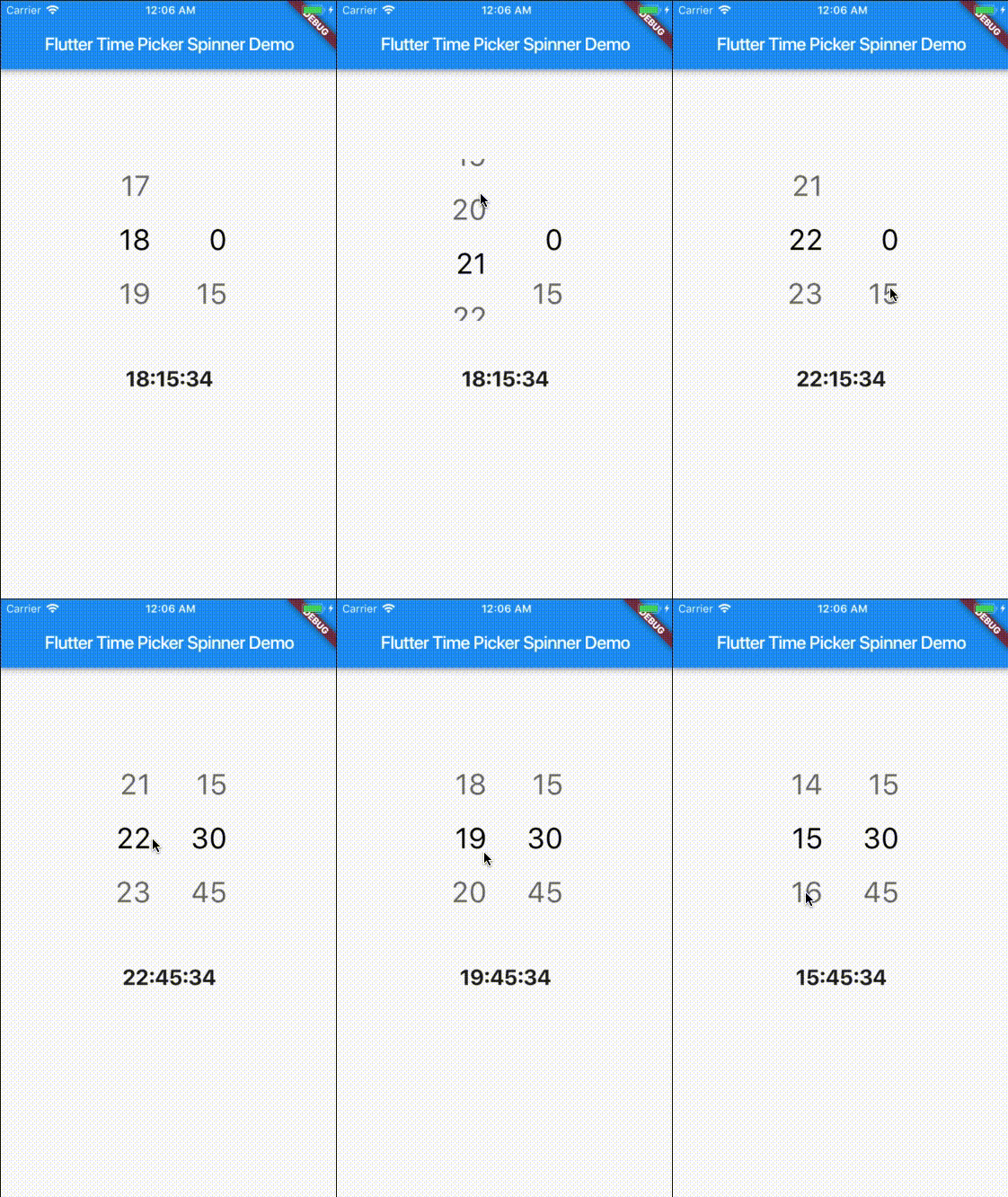
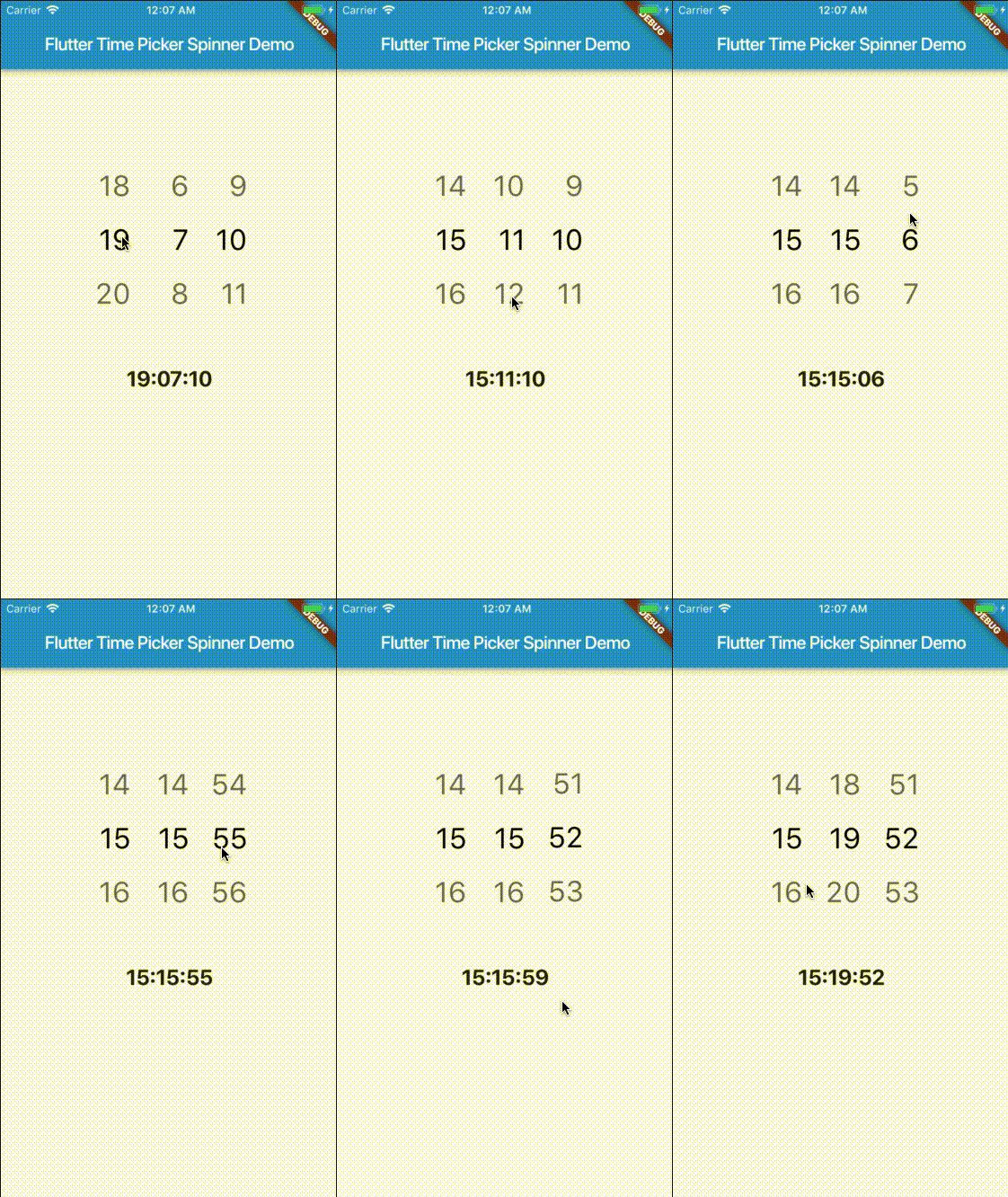
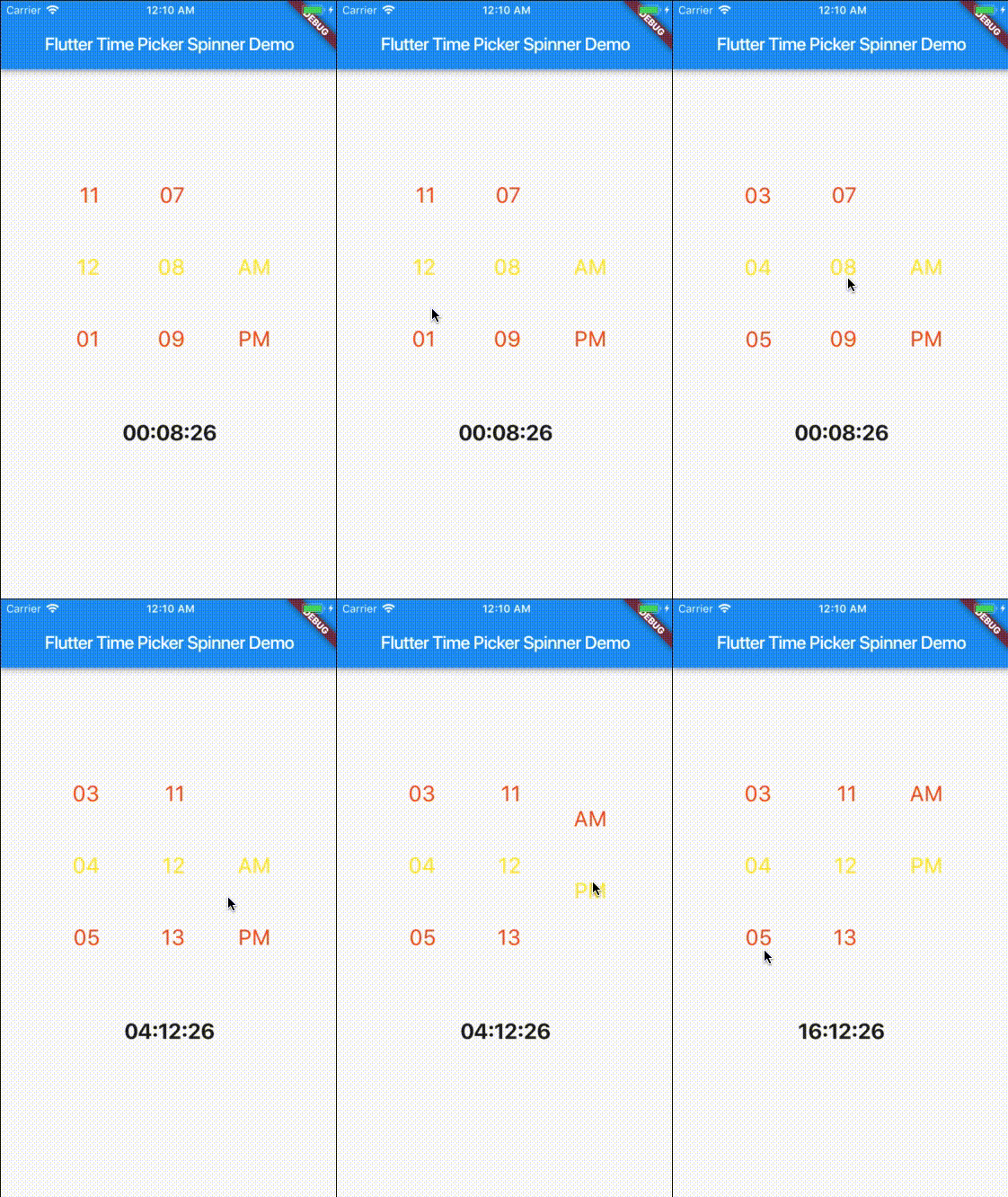
This project is a starting point for a Dart package, a library module containing code that can be shared easily across multiple Flutter or Dart projects.
For help getting started with Flutter, view our online documentation, which offers tutorials, samples, guidance on mobile development, and a full API reference.
| props | types | defaultValues |
|---|---|---|
| time | DateTime | Current Time [ DateTime.now() ] |
| minutesInterval | int | 1 |
| secondsInterval | int | 1 |
| is24HourMode | bool | true |
| isShowSeconds | bool | false |
| isShowSeconds | bool | false |
| highlightedTextStyle | TextStyle | false |
| normalTextStyle | TextStyle | false |
| itemHeight | double | 60.0 |
| itemWidth | double | 45.0 |
| spacing | double | 20.0 |
| alignment | AlignmentGeometry | Alignment.centerRight |
| isForce2Digits | bool | false |
| onTimeChange | TimePickerCallback |
import 'package:flutter_time_picker_spinner/flutter_time_picker_spinner.dart';

Widget widget() {
  return new TimePickerSpinner(
    is24HourMode: false,
    normalTextStyle: TextStyle(
      fontSize: 24,
      color: Colors.deepOrange
    ),
    highlightedTextStyle: TextStyle(
      fontSize: 24,
      color: Colors.yellow
    ),
    spacing: 50,
    itemHeight: 80,
    isForce2Digits: true,
    onTimeChange: (time) {
      setState(() {
        _dateTime = time;
      });
    },
  );
}

依賴清單 2 項
{"sdk":"flutter"}{"sdk":"flutter"}先依使用情境篩選,再比較專案活躍情況,最後到原始儲存庫確認使用要求。
“A repository is the most basic element of GitHub.”
GitHub Docs — About repositories ↗