flutter_time_picker_spinner
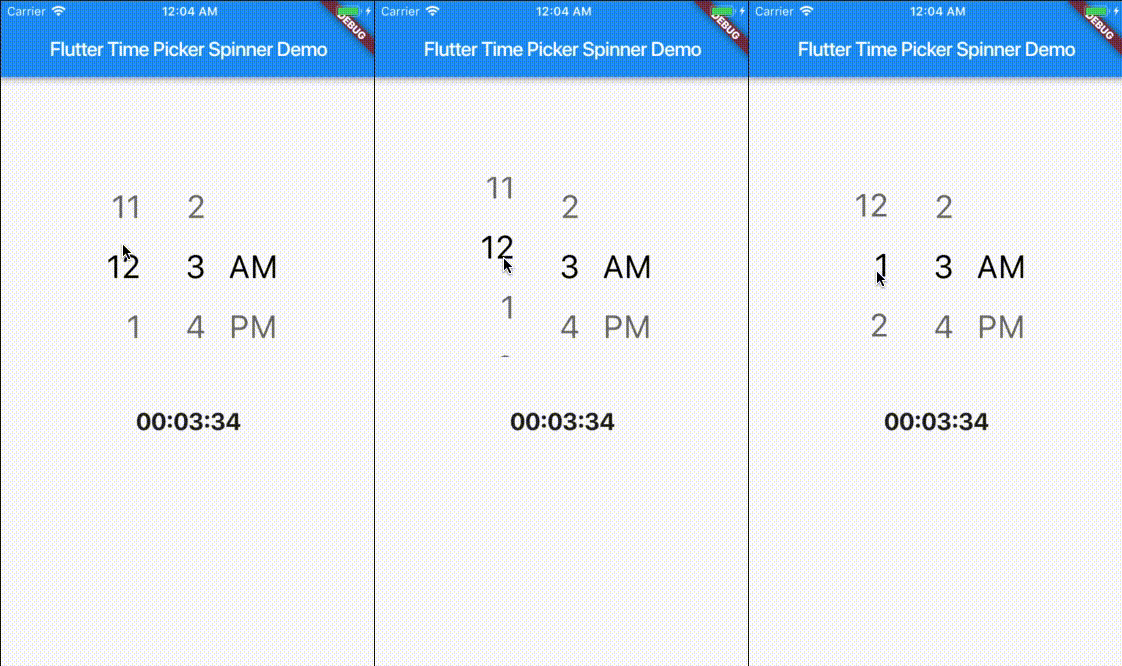
Time Picker widget with spinner instead of a material time picker.
12H format
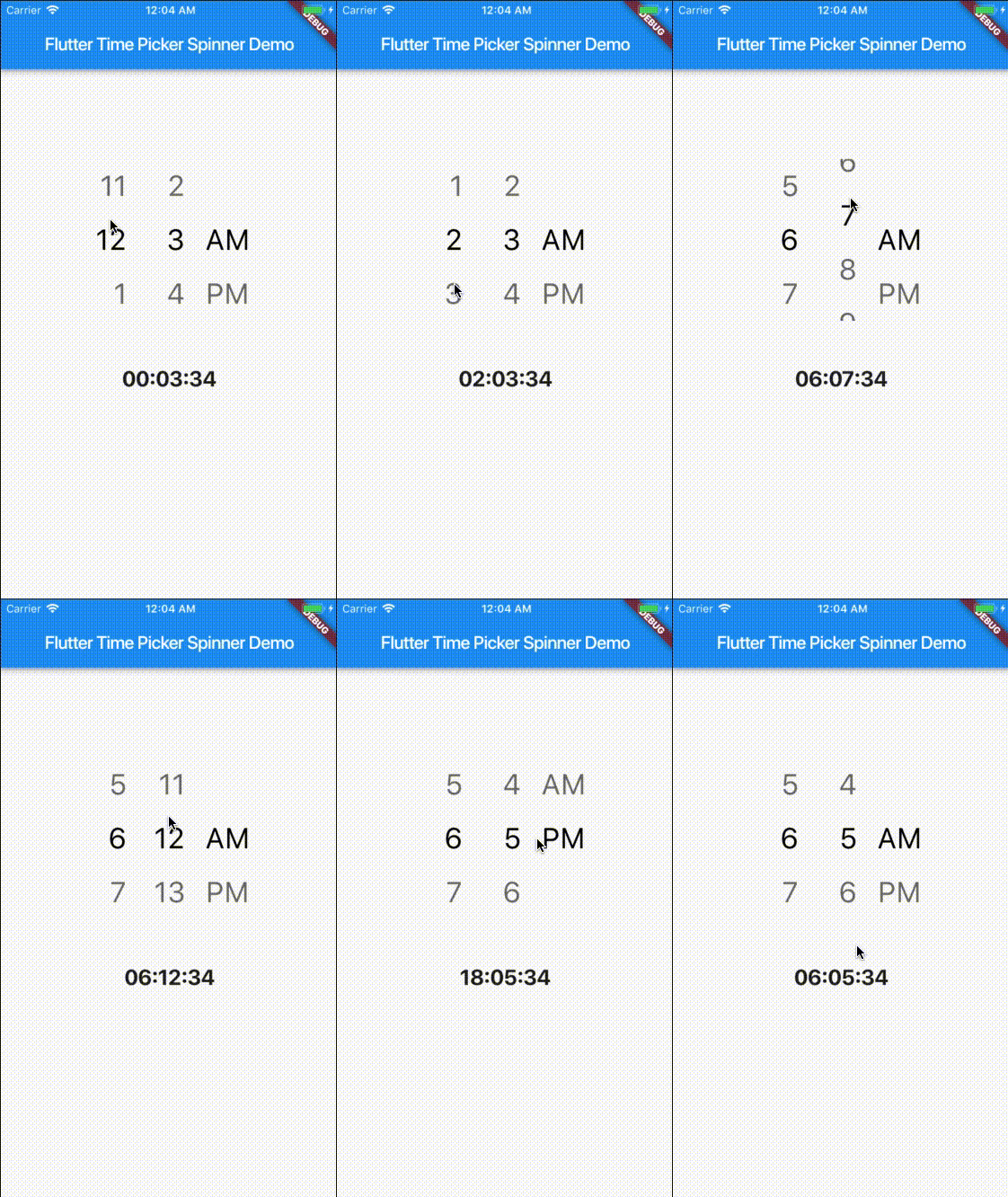
24H format
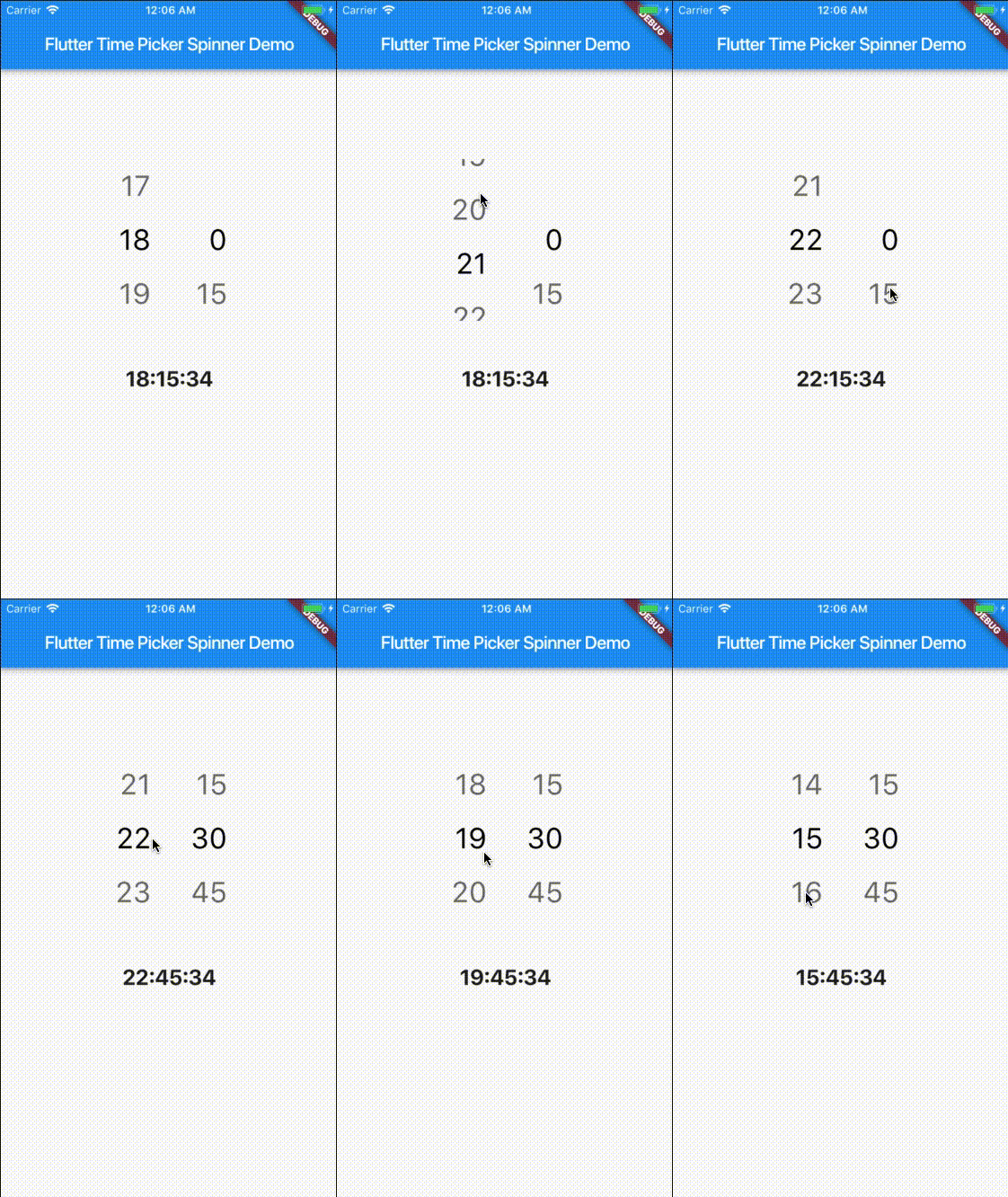
24H format with second
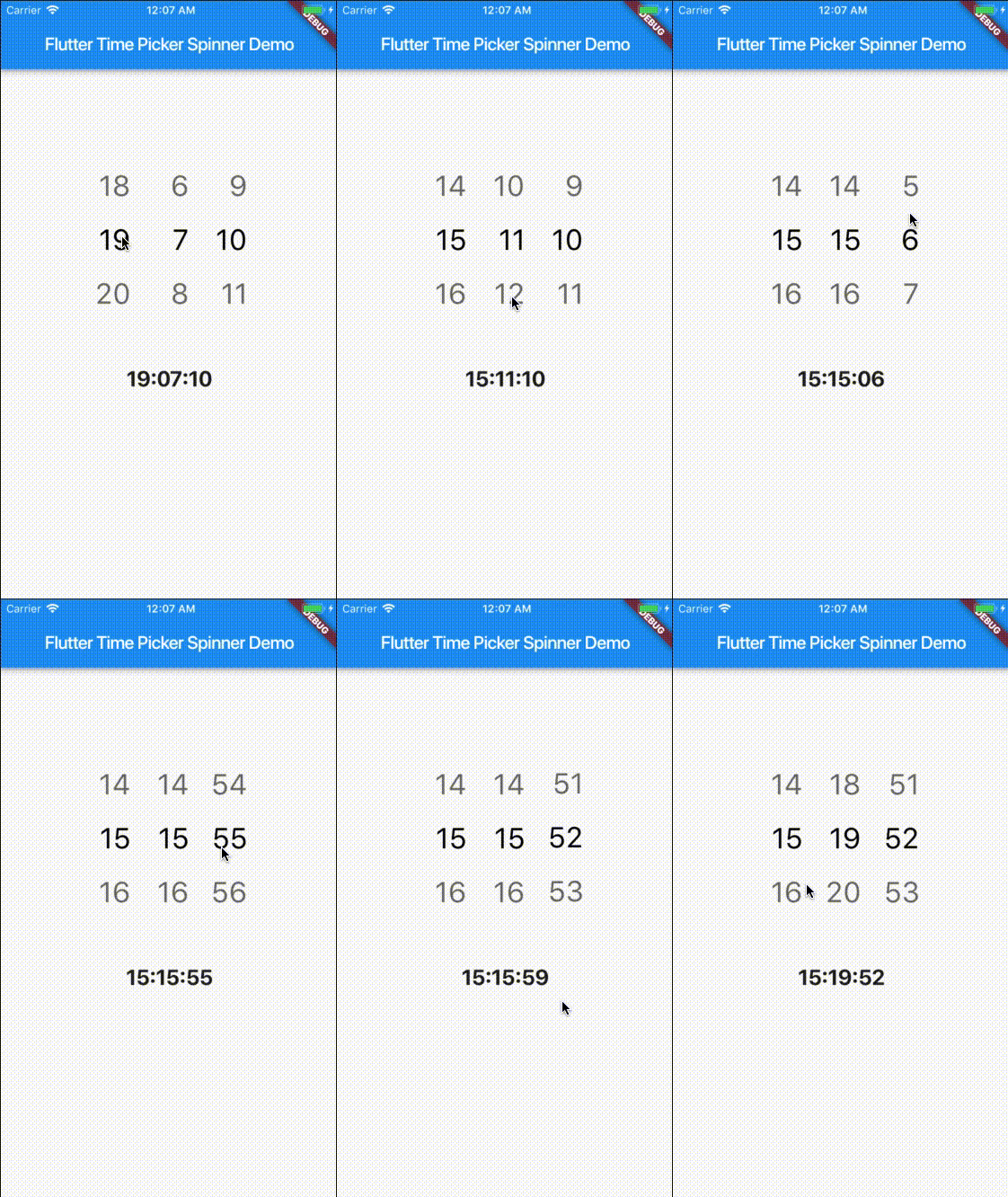
Custom style
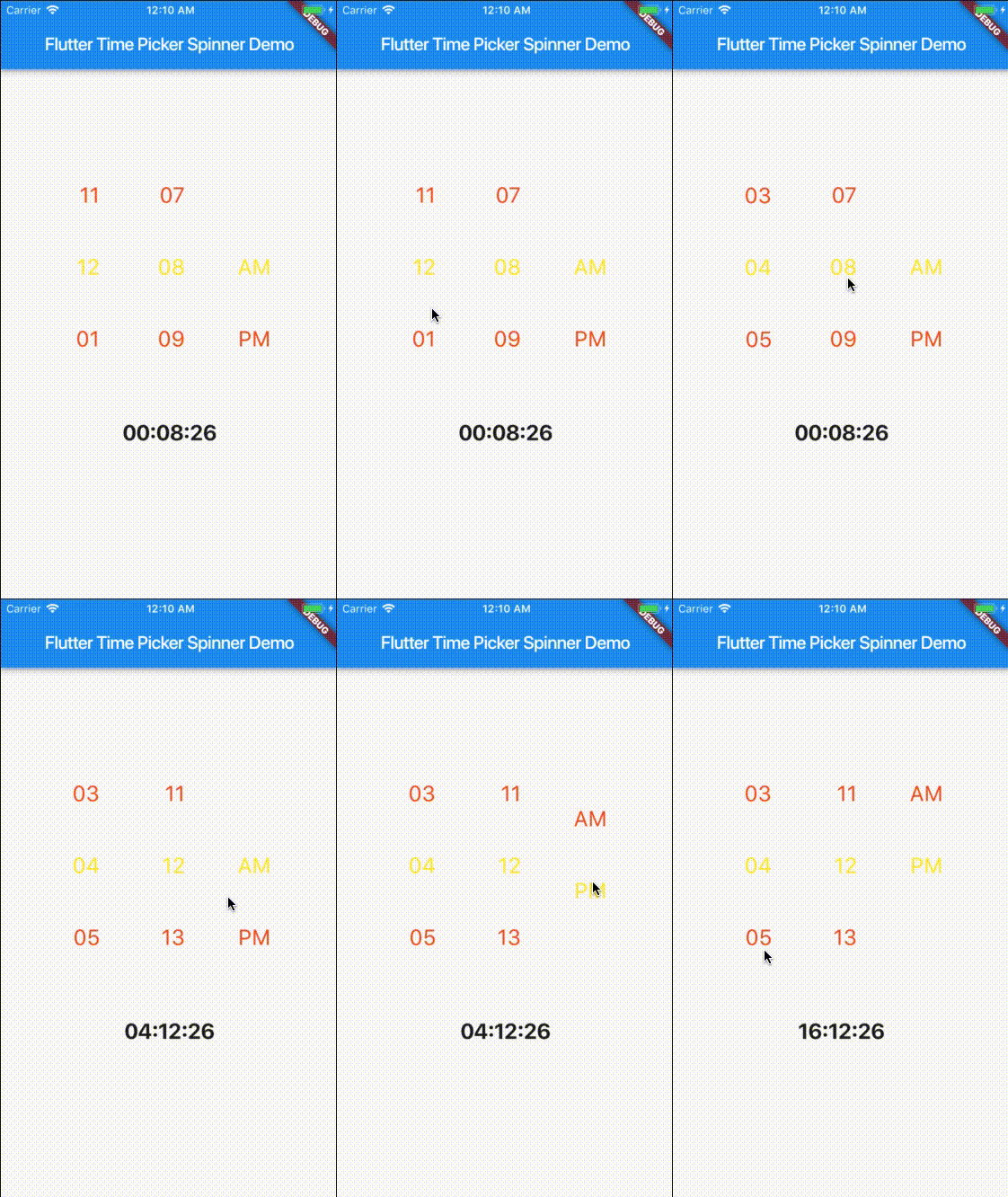
Getting Started
This project is a starting point for a Dart
package,
a library module containing code that can be shared easily across
multiple Flutter or Dart projects.
For help getting started with Flutter, view our
online documentation, which offers tutorials,
samples, guidance on mobile development, and a full API reference.
Props
| props |
types |
defaultValues |
| time |
DateTime |
Current Time [ DateTime.now() ] |
| minutesInterval |
int |
1 |
| secondsInterval |
int |
1 |
| is24HourMode |
bool |
true |
| isShowSeconds |
bool |
false |
| isShowSeconds |
bool |
false |
| highlightedTextStyle |
TextStyle |
false |
| normalTextStyle |
TextStyle |
false |
| itemHeight |
double |
60.0 |
| itemWidth |
double |
45.0 |
| spacing |
double |
20.0 |
| alignment |
AlignmentGeometry |
Alignment.centerRight |
| isForce2Digits |
bool |
false |
| onTimeChange |
TimePickerCallback |
|
Usage
import 'package:flutter_time_picker_spinner/flutter_time_picker_spinner.dart';

Widget widget() {
  return new TimePickerSpinner(
    is24HourMode: false,
    normalTextStyle: TextStyle(
      fontSize: 24,
      color: Colors.deepOrange
    ),
    highlightedTextStyle: TextStyle(
      fontSize: 24,
      color: Colors.yellow
    ),
    spacing: 50,
    itemHeight: 80,
    isForce2Digits: true,
    onTimeChange: (time) {
      setState(() {
        _dateTime = time;
      });
    },
  );
}