

 v0.4.0
webview_windows
一個基於 WebView2 的 Windows 平台網頁檢視器實作。
236喜歡 7.8萬近 30 天下載140Pub 分數
Windows
一個基於 WebView2 的 Flutter WebView 實現,適用於 Windows 平台。

以下為英文專案原文快照,最新內容請造訪 GitHub。


A Flutter WebView plugin for Windows built on Microsoft Edge WebView2.
getWebViewVersion() to check whether the required WebView2 Runtime is installed or not on the current system. If getWebViewVersion() returns null, guide your user to install WebView2 Runtime from this page.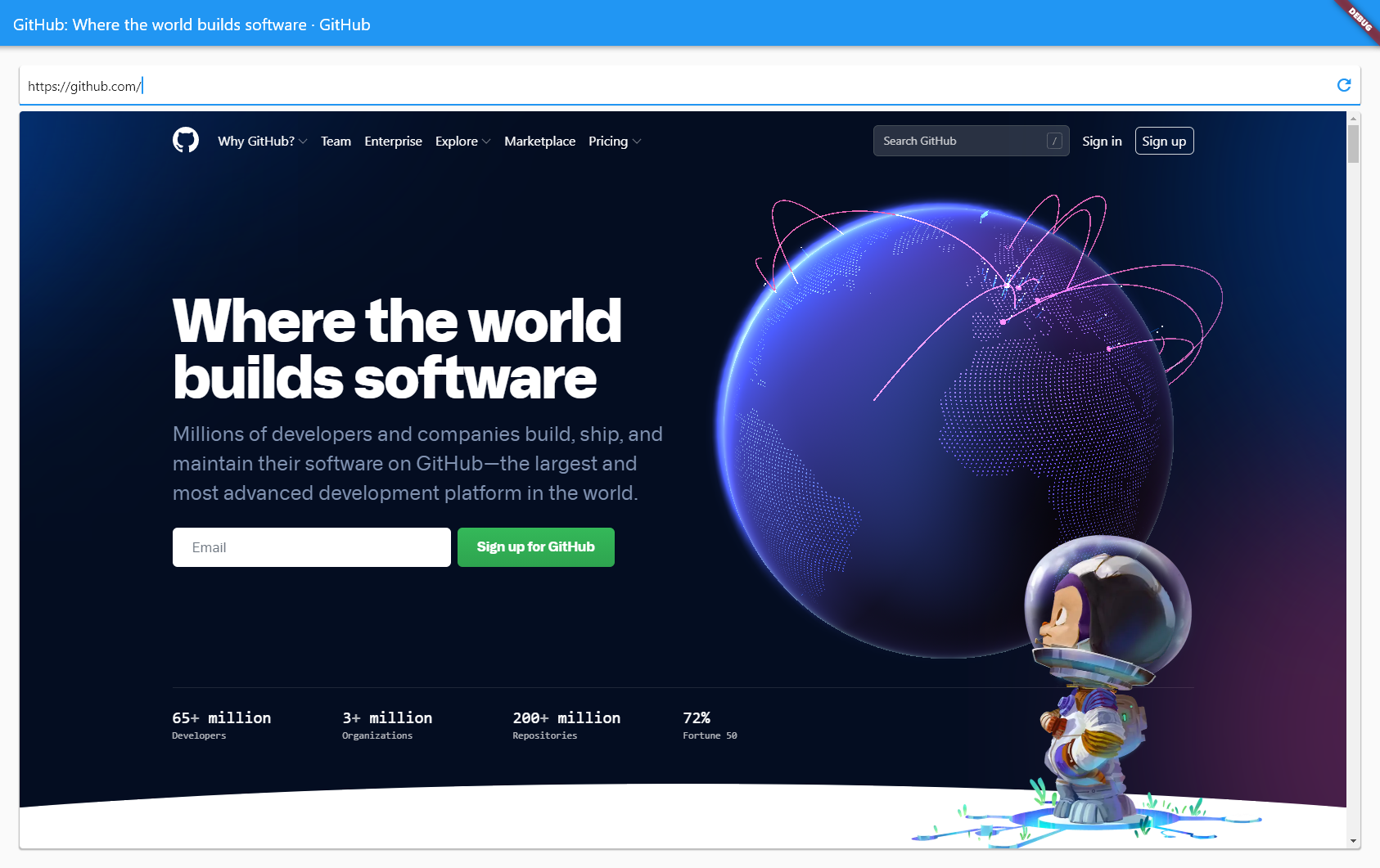
https://user-images.githubusercontent.com/720469/116716747-66f08180-a9d8-11eb-86ca-63ad5c24f07b.mp4
This plugin provides seamless composition of web-based contents with other Flutter widgets by rendering off-screen.
Unfortunately, Microsoft Edge WebView2 doesn't currently have an explicit API for offscreen rendering.
In order to still be able to obtain a pixel buffer upon rendering a new frame, this plugin currently relies on the Windows.Graphics.Capture API provided by Windows 10.
The downside is that older Windows versions aren't currently supported.
Older Windows versions might still be targeted by using BitBlt for the time being.
See:
依賴清單 2 項
{"sdk":"flutter"}{"sdk":"flutter"}先依使用情境篩選,再比較專案活躍情況,最後到原始儲存庫確認使用要求。
“A repository is the most basic element of GitHub.”
GitHub Docs — About repositories ↗