webview_windows


A Flutter WebView plugin for Windows built on Microsoft Edge WebView2.
Target platform requirements
- WebView2 Runtime
Before initializing the webview, call getWebViewVersion() to check whether the required WebView2 Runtime is installed or not on the current system. If getWebViewVersion() returns null, guide your user to install WebView2 Runtime from this page.
- Windows 10 1809+
Development platform requirements
- Visual Studio 2019 or higher
- Windows 11 SDK (10.0.22000.194 or higher)
- (recommended) nuget.exe in your $PATH (The makefile attempts to download nuget if it's not installed, however, this fallback might not work in China)
Demo
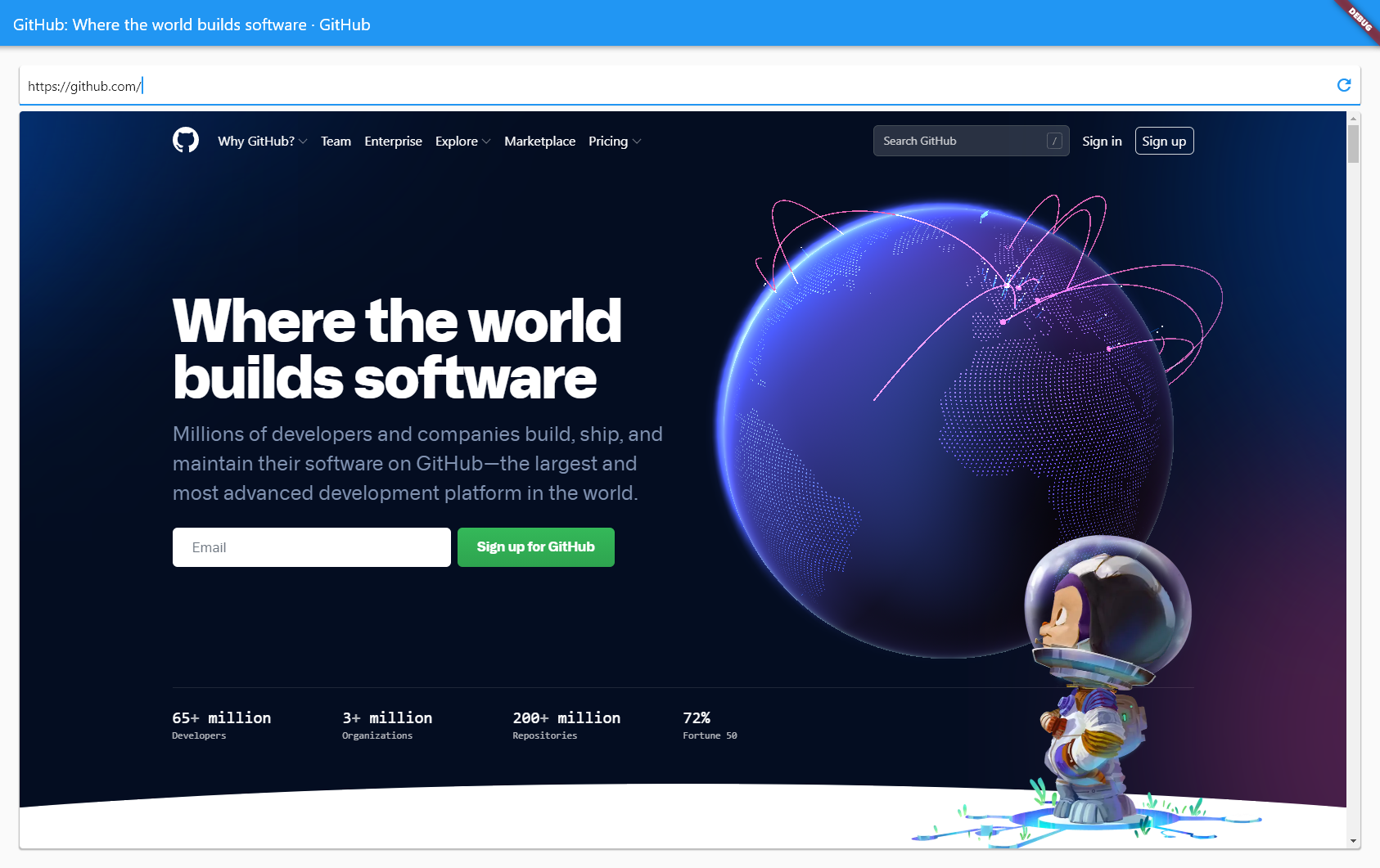
https://user-images.githubusercontent.com/720469/116716747-66f08180-a9d8-11eb-86ca-63ad5c24f07b.mp4
Limitations
This plugin provides seamless composition of web-based contents with other Flutter widgets by rendering off-screen.
Unfortunately, Microsoft Edge WebView2 doesn't currently have an explicit API for offscreen rendering.
In order to still be able to obtain a pixel buffer upon rendering a new frame, this plugin currently relies on the Windows.Graphics.Capture API provided by Windows 10.
The downside is that older Windows versions aren't currently supported.
Older Windows versions might still be targeted by using BitBlt for the time being.
See:
- https://github.com/MicrosoftEdge/WebView2Feedback/issues/20
- https://github.com/MicrosoftEdge/WebView2Feedback/issues/526
- https://github.com/MicrosoftEdge/WebView2Feedback/issues/547

