


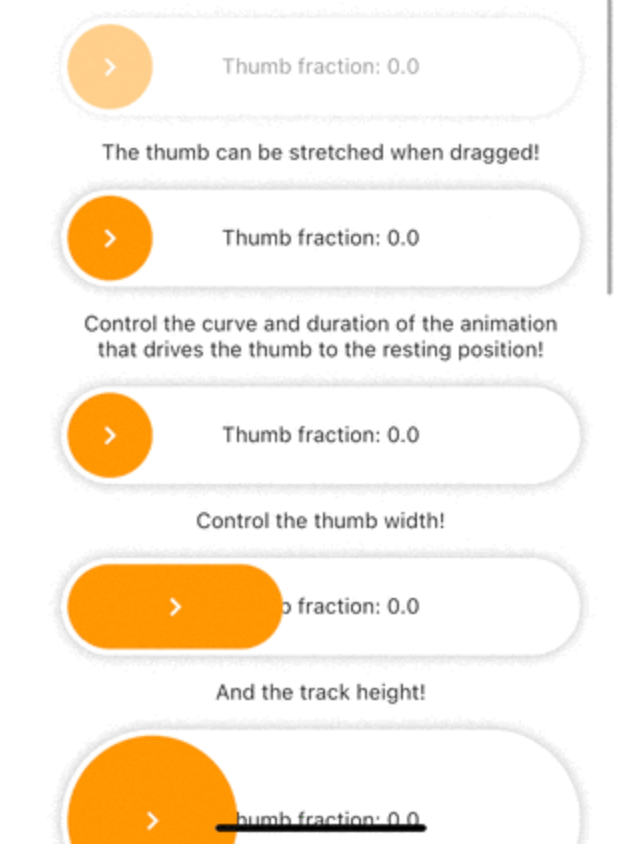
 v0.0.2
slide_action
一個高度可自訂的滑動執行動作組件。此套件提供了一個易於使用的組件,支援多個平台。
93喜歡 3610近 30 天下載160Pub 分數
AndroidiOSWebmacOSWindowsLinux
kay-af/slide-action open-source repository details.

以下為英文專案原文快照,最新內容請造訪 GitHub。

Slide action is a simple to use widget where the user has to slide to perform an action.
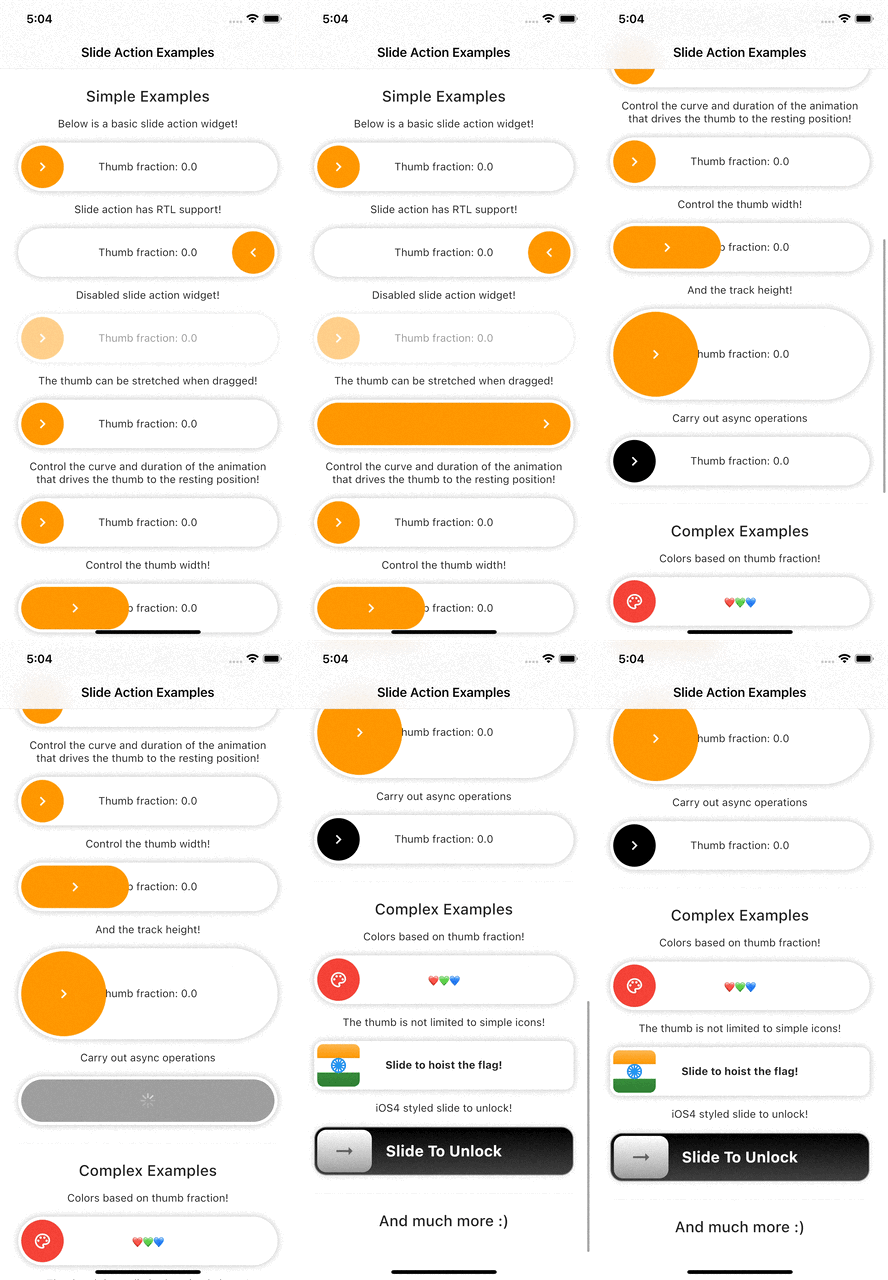
Add this line to your pubspec.yaml under the dependencies:
dependencies:
  slide_action: ^0.0.1+3
alternatively, you can use this command:
flutter pub add slide_action
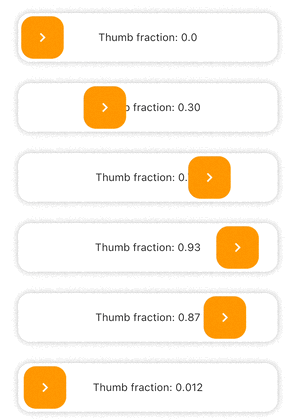
Simple Example
SlideAction(
    trackBuilder: (context, state) {
        return Container(
            decoration: BoxDecoration(
                borderRadius: BorderRadius.circular(16),
                color: Colors.white,
                boxShadow: const [
                    BoxShadow(
                        color: Colors.black26,
                        blurRadius: 8,
                    ),
                ],
            ),
            child: Center(
                child: Text(
                    "Thumb fraction: ${state.thumbFractionalPosition.toStringAsPrecision(2)}",
                ),
            ),
        );
    },
    thumbBuilder: (context, state) {
        return Container(
            margin: const EdgeInsets.all(4),
            decoration: BoxDecoration(
                color: Colors.orange,
                borderRadius: BorderRadius.circular(16),
            ),
            child: const Center(
                child: Icon(
                    Icons.chevron_right,
                    color: Colors.white,
                ),
            ),
        );
    },
    action: () {
        debugPrint("Hello World");
    },
);
SlideAction(
    trackBuilder: (context, state) {
        return Container(
            decoration: BoxDecoration(
                borderRadius: BorderRadius.circular(16),
                color: Colors.white,
                boxShadow: const [
                    BoxShadow(
                        color: Colors.black26,
                        blurRadius: 8,
                    ),
                ],
            ),
            child: Center(
                child: Text(
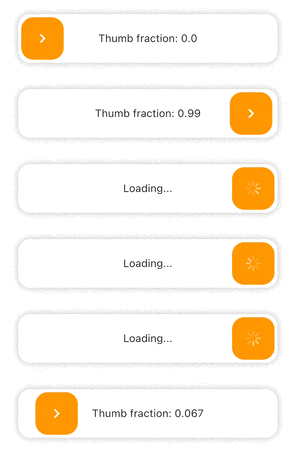
                    // Show loading if async operation is being performed
                    state.isPerformingAction
                        ? "Loading..."
                        : "Thumb fraction: ${state.thumbFractionalPosition.toStringAsPrecision(2)}",
                ),
            ),
        );
    },
    thumbBuilder: (context, state) {
        return Container(
            margin: const EdgeInsets.all(4),
            decoration: BoxDecoration(
                color: Colors.orange,
                borderRadius: BorderRadius.circular(16),
            ),
            child: Center(
                // Show loading indicator if async operation is being performed
                child: state.isPerformingAction
                    ? const CupertinoActivityIndicator(
                        color: Colors.white,
                    )
                    : const Icon(
                        Icons.chevron_right,
                        color: Colors.white,
                    ),
            ),
        );
    },
    action: () async {
        // Async operation
        await Future.delayed(
            const Duration(seconds: 2),
            () => debugPrint("Hello World"),
        );
    },
);
Check the documentation or example project on github for advanced usage.
Facing issues? Feel free to report an issue on the Github Page
依賴清單 3 項
{"sdk":"flutter"}{"sdk":"flutter"}^1.0.0先依使用情境篩選,再比較專案活躍情況,最後到原始儲存庫確認使用要求。
“A repository is the most basic element of GitHub.”
GitHub Docs — About repositories ↗