➡️ Slide Action
Slide action is a simple to use widget where the user has to slide to perform an action .
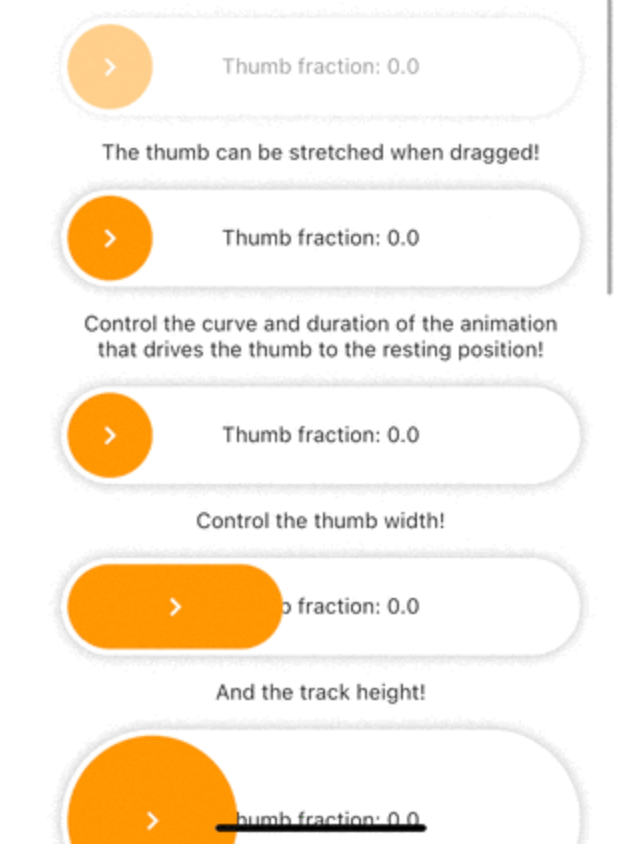
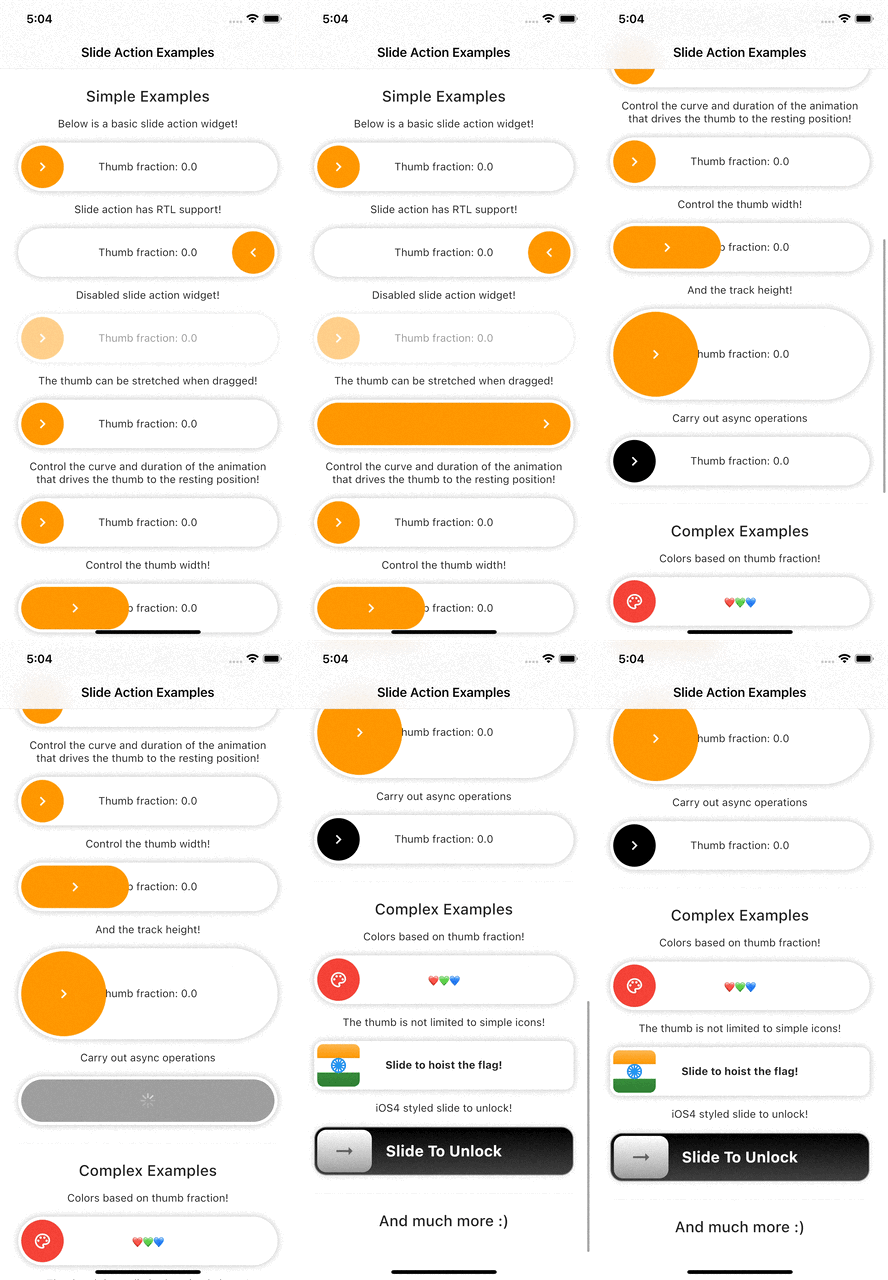
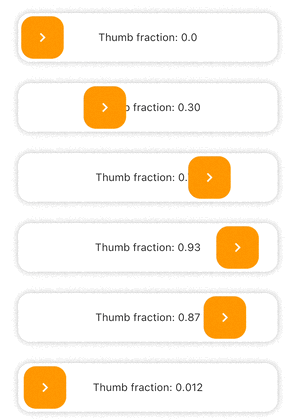
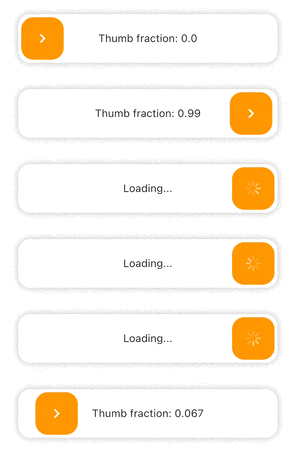
Example Preview 📱
Features
Highly customizable.
Smooth thumb movement.
RTL support.
Async operations support.
Multi-platform support.
Multiple examples (included in example project)
Installing
Add this line to your pubspec.yaml under the dependencies:
dependencies:
  slide_action: ^0.0.1+3
alternatively, you can use this command:
flutter pub add slide_action
Usage
Simple Example
SlideAction (
trackBuilder: (context, state) {
return Container (
decoration: BoxDecoration (
borderRadius: BorderRadius .circular (16 ),
color: Colors .white,
boxShadow: const [
BoxShadow (
color: Colors .black26,
blurRadius: 8 ,
),
],
),
child: Center (
child: Text (
"Thumb fraction: ${state.thumbFractionalPosition.toStringAsPrecision(2 )} " ,
),
),
);
},
thumbBuilder: (context, state) {
return Container (
margin: const EdgeInsets .all (4 ),
decoration: BoxDecoration (
color: Colors .orange,
borderRadius: BorderRadius .circular (16 ),
),
child: const Center (
child: Icon (
Icons .chevron_right,
color: Colors .white,
),
),
);
},
action: () {
debugPrint ("Hello World" );
},
);
Async Example
SlideAction (
trackBuilder: (context, state) {
return Container (
decoration: BoxDecoration (
borderRadius: BorderRadius .circular (16 ),
color: Colors .white,
boxShadow: const [
BoxShadow (
color: Colors .black26,
blurRadius: 8 ,
),
],
),
child: Center (
child: Text (
state.isPerformingAction
? "Loading..."
: "Thumb fraction: ${state.thumbFractionalPosition.toStringAsPrecision(2 )} " ,
),
),
);
},
thumbBuilder: (context, state) {
return Container (
margin: const EdgeInsets .all (4 ),
decoration: BoxDecoration (
color: Colors .orange,
borderRadius: BorderRadius .circular (16 ),
),
child: Center (
child: state.isPerformingAction
? const CupertinoActivityIndicator (
color: Colors .white,
)
: const Icon (
Icons .chevron_right,
color: Colors .white,
),
),
);
},
action: () async {
await Future .delayed (
const Duration (seconds: 2 ),
() => debugPrint ("Hello World" ),
);
},
);
Notes
As of version 0.0.2, disabledColorTint property does not work on web as the color blend modes support is currently buggy for web. The opacity of the widget is reduced instead in case of web when disabled.
Additional information
Check the documentation or example project on github for advanced usage.
Facing issues? Feel free to report an issue on the Github Page