

 v1.0.5
random_color
從色相、飽和度和亮度生成隨機顏色,使其視覺上悅目。您可以選擇精確的顏色規格。
152喜歡 6080近 30 天下載30Pub 分數
平台暫無資料
適用於 Flutter 的隨機顏色產生器

以下為英文專案原文快照,最新內容請造訪 GitHub。

Pub link: https://pub.dartlang.org/packages/random_color
This library will generate random colors that are visually pleasing and can be customized by passing custom hue, saturation and brightness range. This allows it to generate just specific color with slight differences.


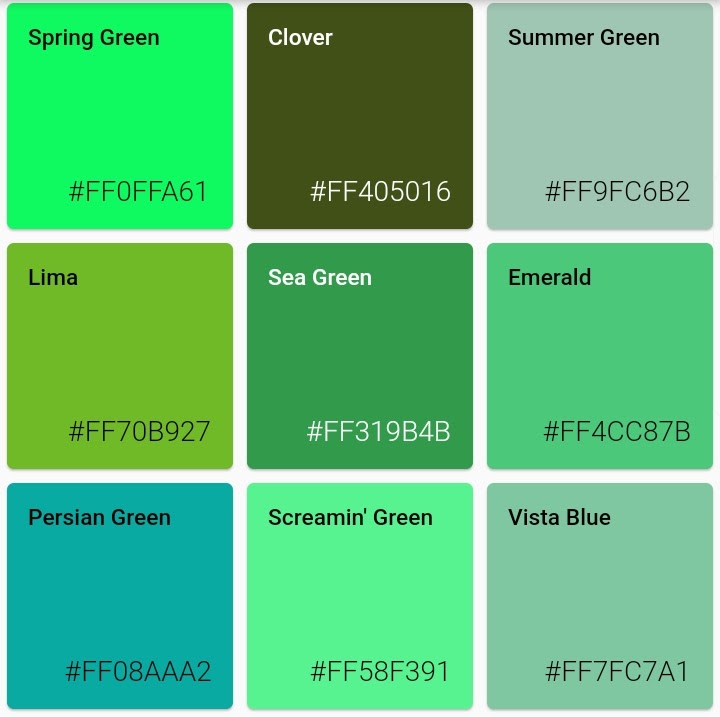

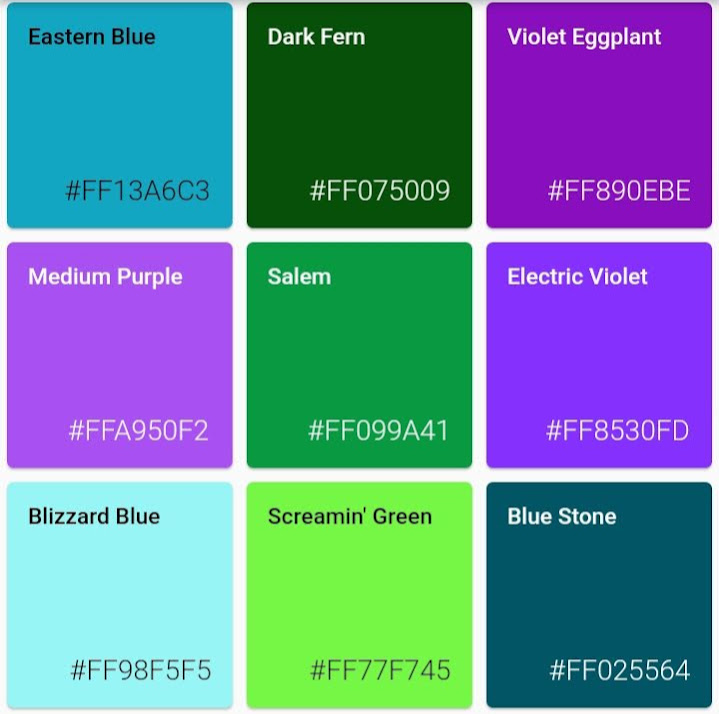


random color function can be called with parameters colorHue, colorSaturation and colorBrightness allowing for customization of colors the generator will pass.
import 'package:random_color/random_color.dart';

RandomColor _randomColor = RandomColor();

Color _color = _randomColor.randomColor();
You can get color name from hex string (without # and alpha hex values) or from Color object
  Color _color = Color('FF0000'.toStringRadix(16));
  MyColor _myColor = getColorNameFromColor(_color);

  // Prints: 'Red'
  print(_myColor.getName);
Random color can generate just specific color type, as long hue, saturation and brightness are not too limiting this will still give rich result
import 'package:random_color/random_color.dart';

RandomColor _randomColor = RandomColor();

Color _color = _randomColor.randomColor(colorHue: ColorHue.red);
You can combine multiple hue ranges to choose from
import 'package:random_color/random_color.dart';

RandomColor _randomColor = RandomColor();

Color _color = _randomColor.randomColor(
  colorHue: ColorHue.multiple([ColorHue.red, ColorHue.blue])
);
import 'package:random_color/random_color.dart';

RandomColor _randomColor = RandomColor();

Color _color = _randomColor.randomColor(
  colorSaturation: ColorSaturation.highSaturation
);
import 'package:random_color/random_color.dart';

RandomColor _randomColor = RandomColor();

Color _color = _randomColor.randomColor(
  colorBrightness: ColorBrightness.light
);
If you want to run the tests for this project under Flutter Dart
flutter pub pub run test
依賴清單 3 項
{"sdk":"flutter"}{"sdk":"flutter"}^1.10.0-nullsafety先依使用情境篩選,再比較專案活躍情況,最後到原始儲存庫確認使用要求。
“A repository is the most basic element of GitHub.”
GitHub Docs — About repositories ↗