搜尋套件、儲存庫與 APP 分類

random_color 封面
套件詳情v1.0.5

random_color

從色相、飽和度和亮度生成隨機顏色,使其視覺上悅目。您可以選擇精確的顏色規格。

近 30 天下載
6080
喜歡數
152
Pub 分數
30

安裝套件

flutter pub add random_color

套件介紹

根據套件公開資料產生的選型評估,僅供參考。

random_color 套件透過調整色相、飽和度和亮度來產生視覺上令人愉悅的隨機顏色。它允許使用者定義特定的色彩參數,以獲得一致且美學平衡的結果。非常適合動態 UI、主題產生或視覺設計工具,確保顏色在螢幕上呈現和諧感。此套件輕巧且易於整合,支援自訂同時維持視覺品質。當需要多種獨特但吸引人的顏色而無需手動選擇時特別實用。

適用情境

  • 動態UI主題生成
  • 視覺設計工具
  • 遊戲元素著色
  • 數據可視化
  • 使用者介面原型設計

主要特色

  • 色調、飽和度和亮度控制
  • 視覺上吸引人的顏色輸出
  • 可自訂的顏色規格
  • 與 Flutter 的簡單整合
  • 輕便且快速

適合對象

  • 需要隨機顏色的Flutter開發者
  • 設計動態介面的設計師
  • 需要不同配色方案的應用程式
  • 帶有視覺元素的教育類應用程式
  • 原型設計工具

使用建議

  • 未提及平台特定限制
  • 不支援色彩調色板
  • 僅限基於RGB的顏色生成
  • 除了基本設定外,沒有內建的色彩和諧規則
  • 需要手動處理顏色對比

原始 README

以下為關聯原始碼儲存庫的 README 原文快照,最新內容請造訪原始碼儲存庫。

Random color generator

pub package CodeFactor

Pub link: https://pub.dartlang.org/packages/random_color

This library will generate random colors that are visually pleasing and can be customized by passing custom hue, saturation and brightness range. This allows it to generate just specific color with slight differences.

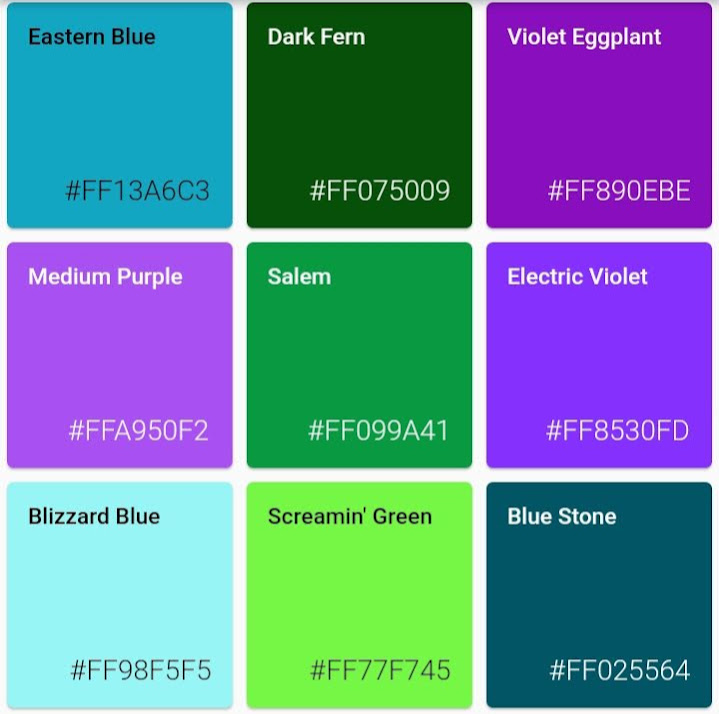
Blue colors:
Red colors:
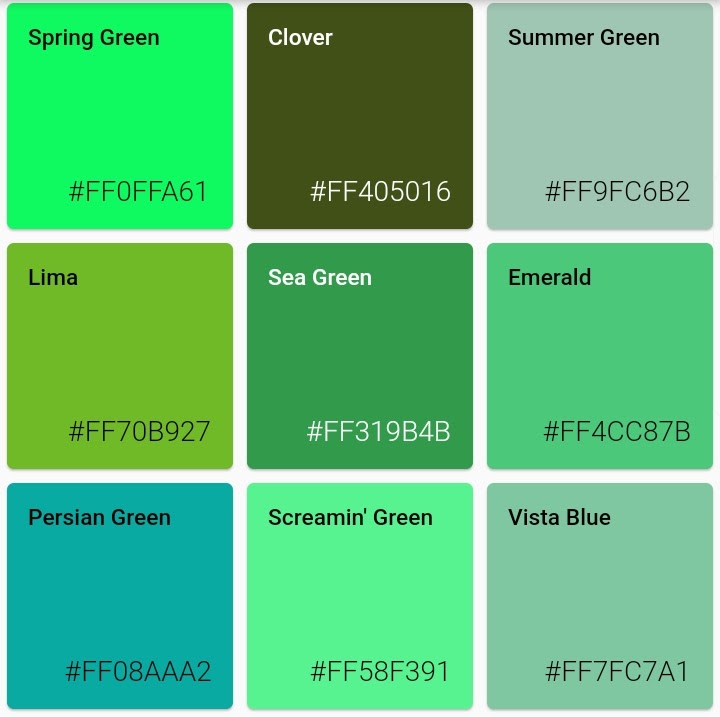
Green:
Low saturation:
High saturation:
Light colors:
Dark colors:
Usage
Getting random color:

random color function can be called with parameters colorHue, colorSaturation and colorBrightness allowing for customization of colors the generator will pass.

import 'package:random_color/random_color.dart';

RandomColor _randomColor = RandomColor();

Color _color = _randomColor.randomColor();
Getting color name:

You can get color name from hex string (without # and alpha hex values) or from Color object

  Color _color = Color('FF0000'.toStringRadix(16));
  MyColor _myColor = getColorNameFromColor(_color);

  // Prints: 'Red'
  print(_myColor.getName);
Get just red colors:

Random color can generate just specific color type, as long hue, saturation and brightness are not too limiting this will still give rich result

import 'package:random_color/random_color.dart';

RandomColor _randomColor = RandomColor();

Color _color = _randomColor.randomColor(colorHue: ColorHue.red);
Get just red and blue colors:

You can combine multiple hue ranges to choose from

import 'package:random_color/random_color.dart';

RandomColor _randomColor = RandomColor();

Color _color = _randomColor.randomColor(
  colorHue: ColorHue.multiple([ColorHue.red, ColorHue.blue])
);
Get highly saturated colors:
import 'package:random_color/random_color.dart';

RandomColor _randomColor = RandomColor();

Color _color = _randomColor.randomColor(
  colorSaturation: ColorSaturation.highSaturation
);
Get light colors:
import 'package:random_color/random_color.dart';

RandomColor _randomColor = RandomColor();

Color _color = _randomColor.randomColor(
  colorBrightness: ColorBrightness.light
);
Tests

If you want to run the tests for this project under Flutter Dart

flutter pub pub run test

所屬分類

原始碼儲存庫

使用此套件的專案