v2.4.0
flutter_mobx
MobX 的 Flutter 結合。它提供了一組 Observer 小部件,當追蹤的可觀察物件變更時會自動重新建構。
719喜歡 11萬近 30 天下載160Pub 分數
AndroidiOSWebmacOSWindowsLinux
Philips Hue 應用程式,用於控制燈光與感應器

以下為英文專案原文快照,最新內容請造訪 GitHub。
 lumi
Philips Hue desktop app to control lights and sensors.
⚠️ This app won't work in your web browser because it needs a local environment to communicate with Hue API. A working desktop app will be released when Flutter will be more mature for desktop. In the meantime, you can run this app locally in your web browser with the command
flutter run -d chrome.

The features are pretty basic for now.
lumi does not have all features of the mobile app like sensors' rules edit or Hue Labs. Instead, it focuses on lights and sensors' control.
Also, it is not possible to delete users in third party apps.
git clone https://github.com/rootasjey/lumi.gitcd lumiflutter pub getflutter run -d chromeMIT
MobX 的 Flutter 結合。它提供了一組 Observer 小部件,當追蹤的可觀察物件變更時會自動重新建構。
MobX 是一個用於反應式管理應用程式狀態的程式庫。利用可觀察物件、動作和反應的力量,為您的 Dart 和 Flutter 應用程式加速。
用於 MobX 的程式碼產生器,可支援以 @observable、@computed、@action 註解您的程式碼,並建立 Store 類別。
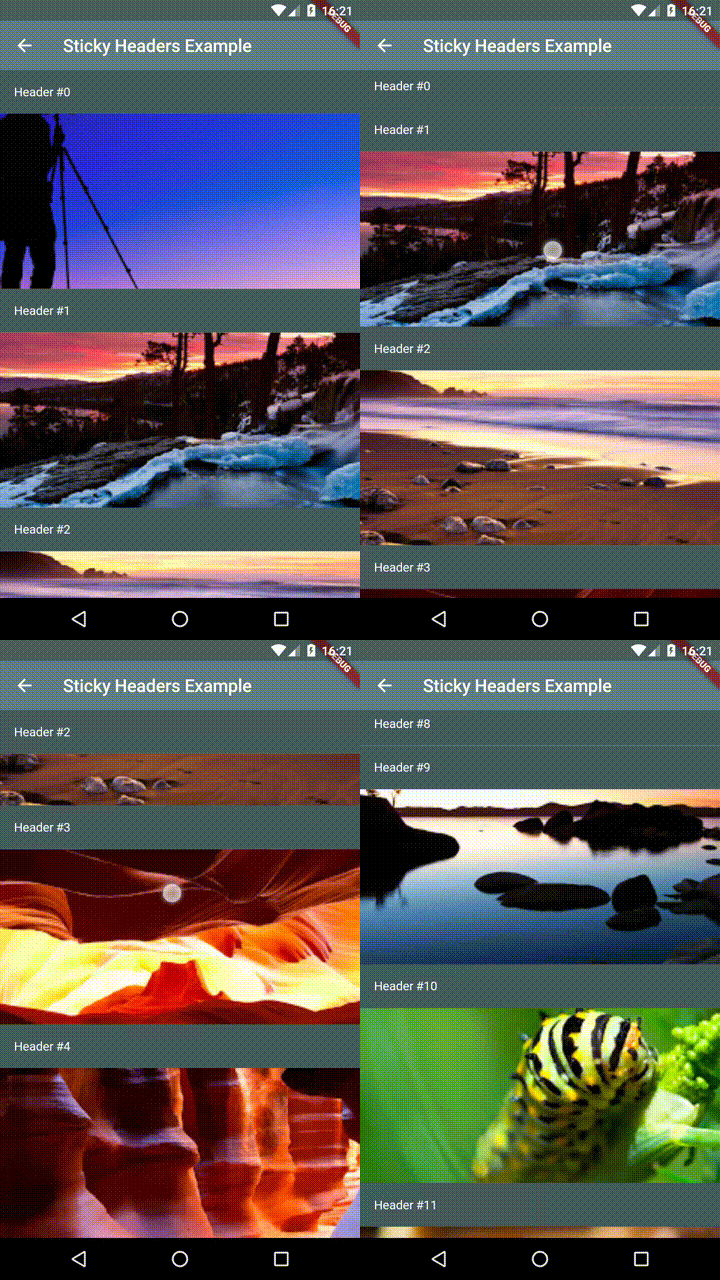
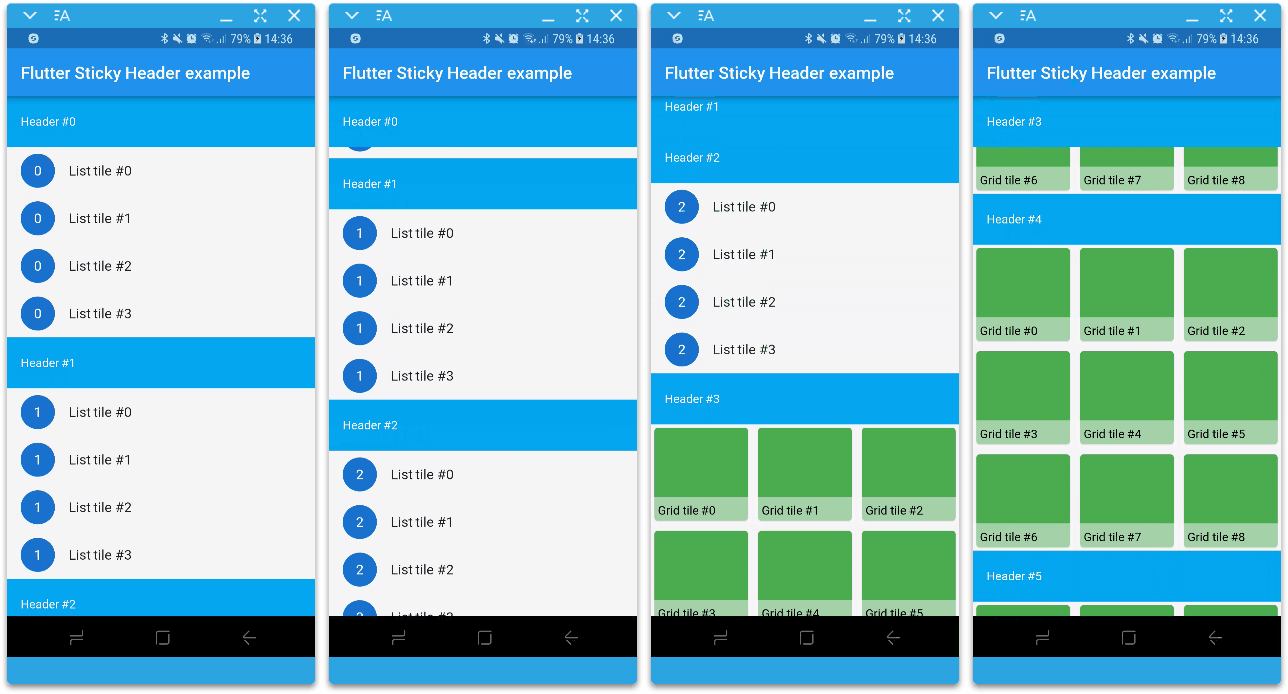
Flutter 粘性標題 - 讓您在可滾動內容上放置標題,當內容滾動時,標題將黏附在容器頂部。
功能強大的套件,可快速建立美觀的自訂動畫。
Flutter 中的黏性標題實現為一個滑動條。在 CustomScrollView 中使用它。
允許動態切換亮色和暗色主題,並新增系統適應主題支援。
Jiffy 是一個用於解析、操作、查詢和格式化日期時間的 Flutter(Android、IOS 和 Web)日期時間套件
一個基於 Router 和 Navigator 的 pages API 建構的路由套件,支援任意巢狀導航、守衛等。
Supercharged 將 Kotlin 等語言的所有舒適功能帶給所有 Flutter 開發者。
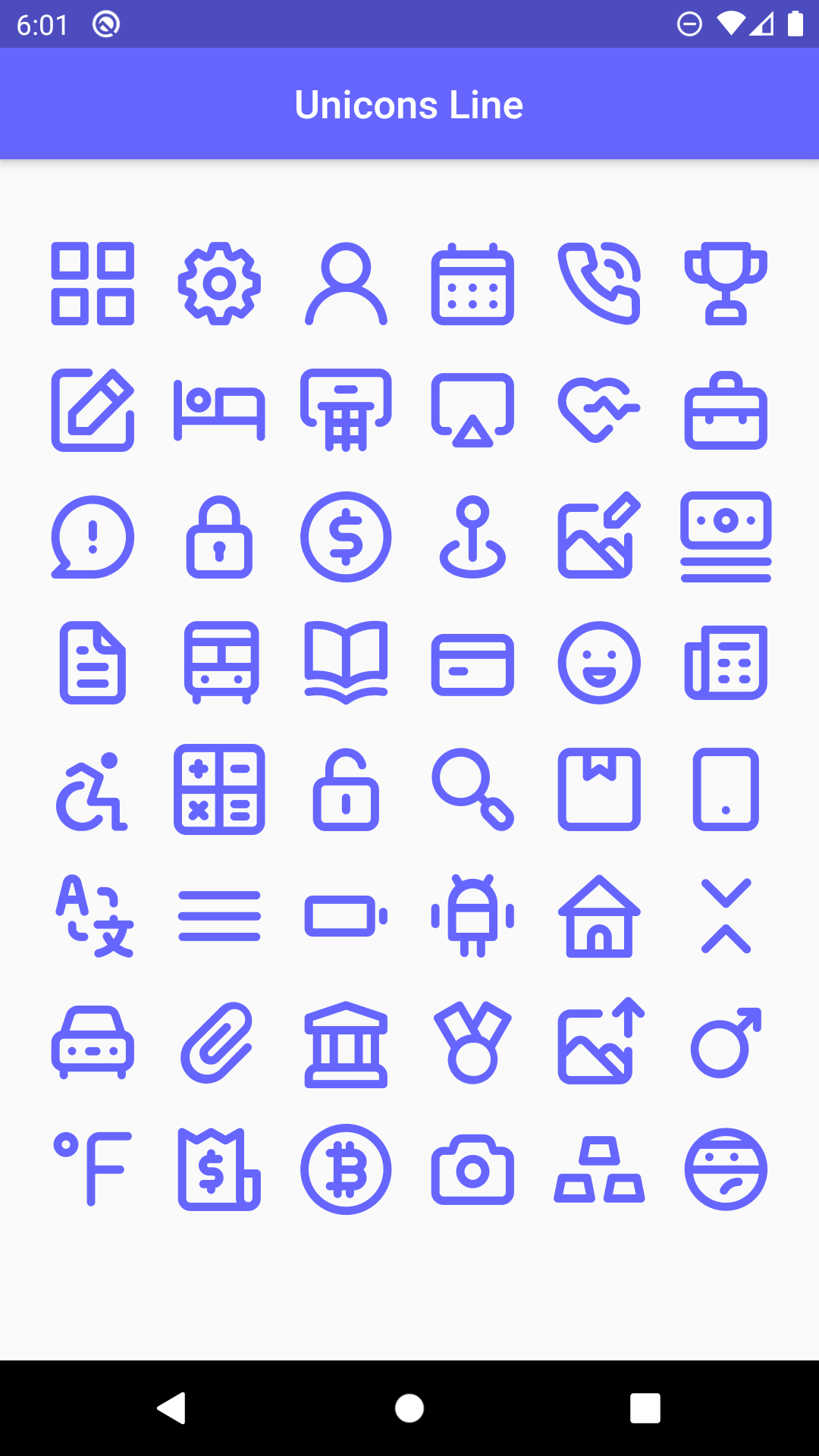
1000+ 個美麗的圖標,可用於您的夢想專案,並享有 Flutter 提供的所有自訂功能
適用於 flutter 的 Line Awesome 圖示套件。為您的應用程式提供 1542 個額外圖示。
依賴清單 27 項
2.2.02.0.10.14.11.0.33.0.0{"sdk":"flutter"}2.0.20.6.02.0.02.1.0{"git":{"url":"git://github.com/rootasjey/hue_api.git"}}4.1.02.0.01.0.02.0.41.0.6-nullsafety4.0.10.2.02.1.12.0.16.0.120.2.00.0.4—0.9.2{"sdk":"flutter"}2.0.3先依使用情境篩選,再比較專案活躍情況,最後到原始儲存庫確認使用要求。
“A repository is the most basic element of GitHub.”
GitHub Docs — About repositories ↗