
v9.2.1
bloc
一個可預測的狀態管理庫,有助於實現 BLoC(業務邏輯元件)設計模式。
3210喜歡 206萬近 30 天下載160Pub 分數
AndroidiOSWebmacOSWindowsLinux
一款尊重您隱私的時間追蹤應用,功能實用且不花俏。

一個可預測的狀態管理庫,有助於實現 BLoC(業務邏輯元件)設計模式。
Flutter 小部件,可輕鬆實作 BLoC(業務邏輯元件)設計模式。專為與 bloc 狀態管理套件搭配使用而打造。
 v1.2.0
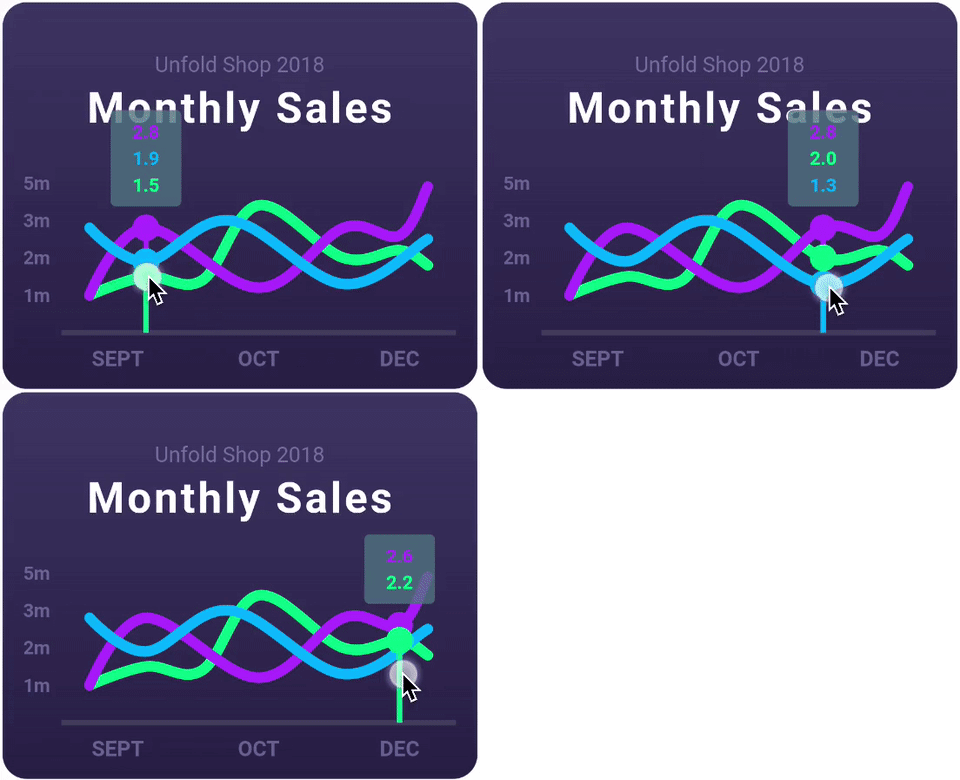
一個高度可自訂的 Flutter 圖表庫,支援折線圖、長條圖、餅圖、散點圖和雷達圖。
一個抽象,用於跨多個平台處理檔案。
一個用於在 Linux 上讀取 XDG 目錄設定資訊的 Dart 套件。
基於 ffi 的 sqflite 實現,適用於桌面和單元測試。
 v4.0.3
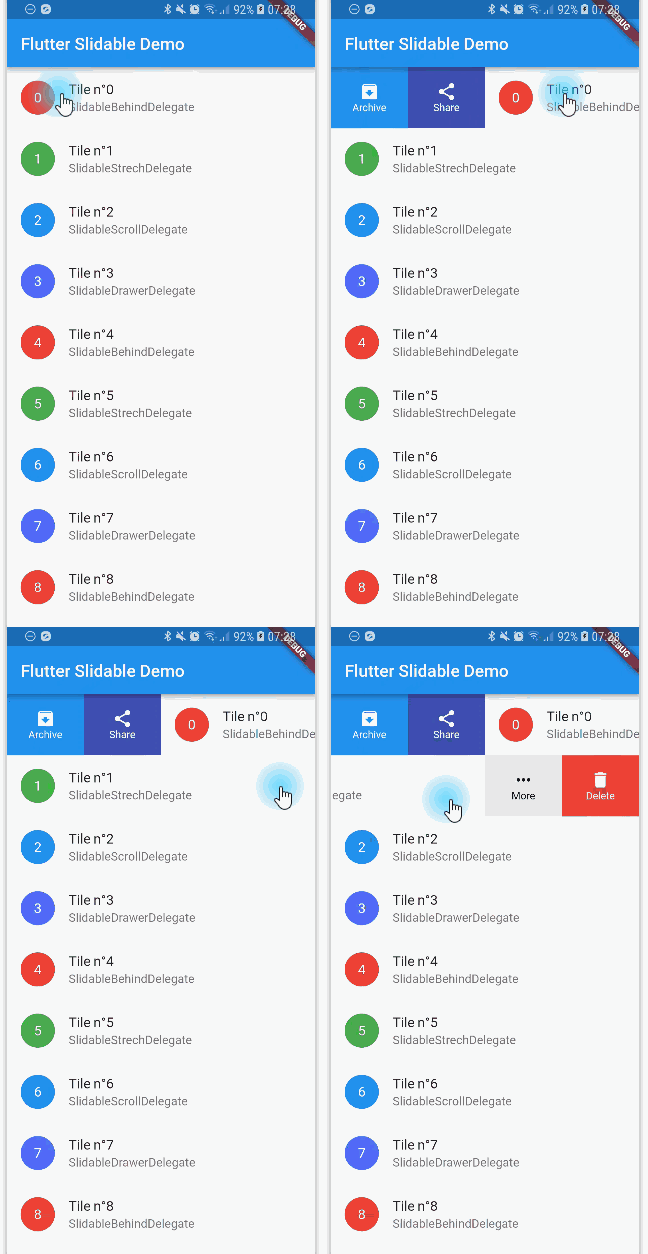
一個帶有方向性滑動操作且可被關閉的可滑動清單項目之 Flutter 實作。
 v3.13.1
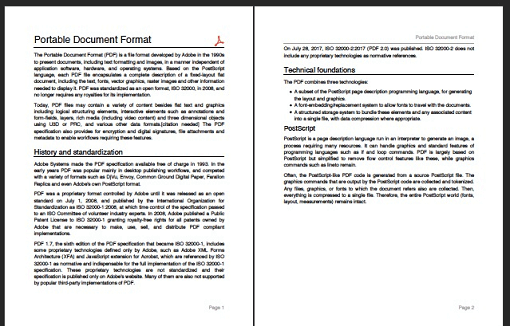
一個用於 Dart 的 PDF 產生器。它可以在 Web 或 Flutter 中建立 PDF 檔案。
 v6.0.0
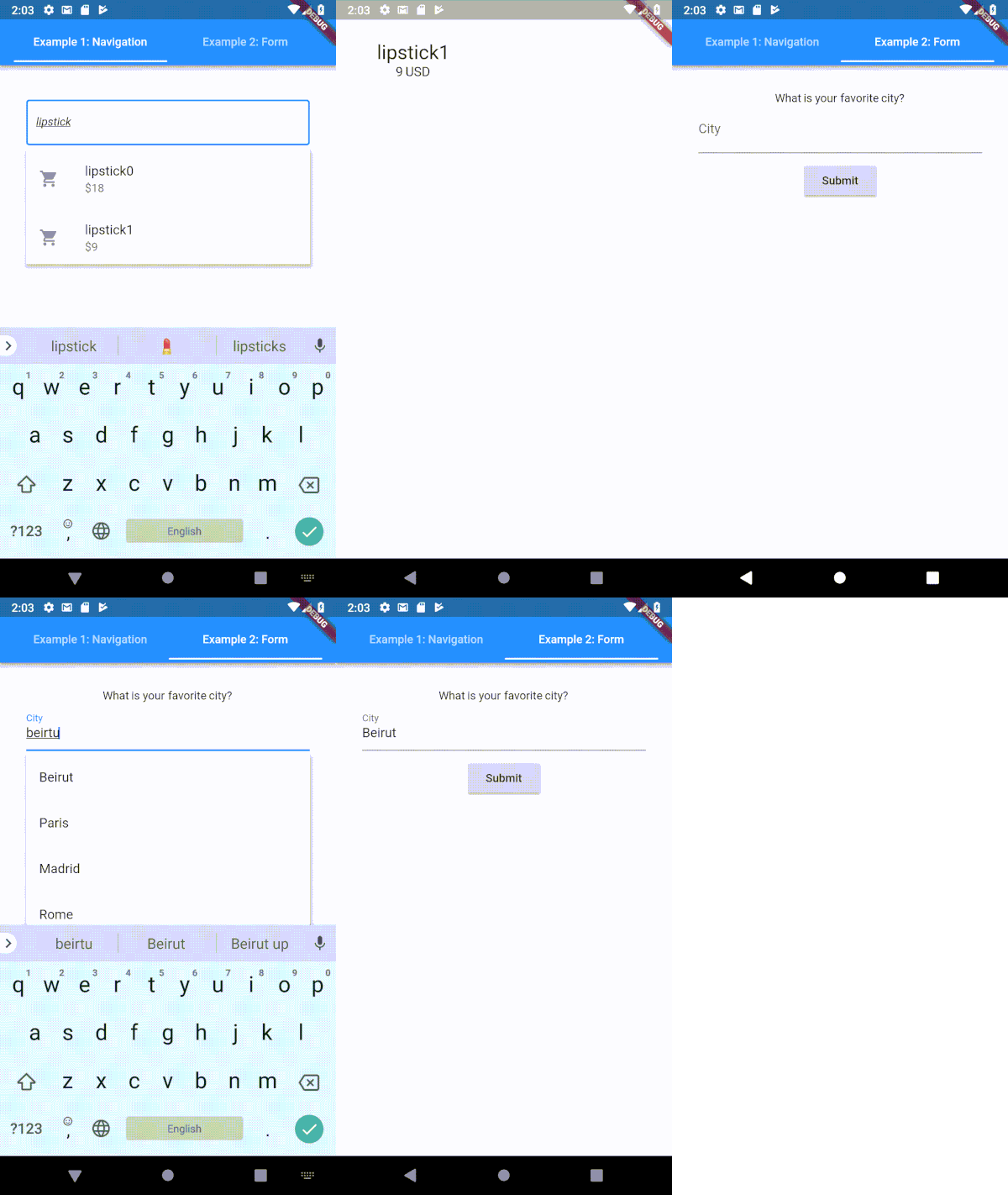
一個高度可自訂的 Flutter 類型提示(自動完成)文字輸入欄位
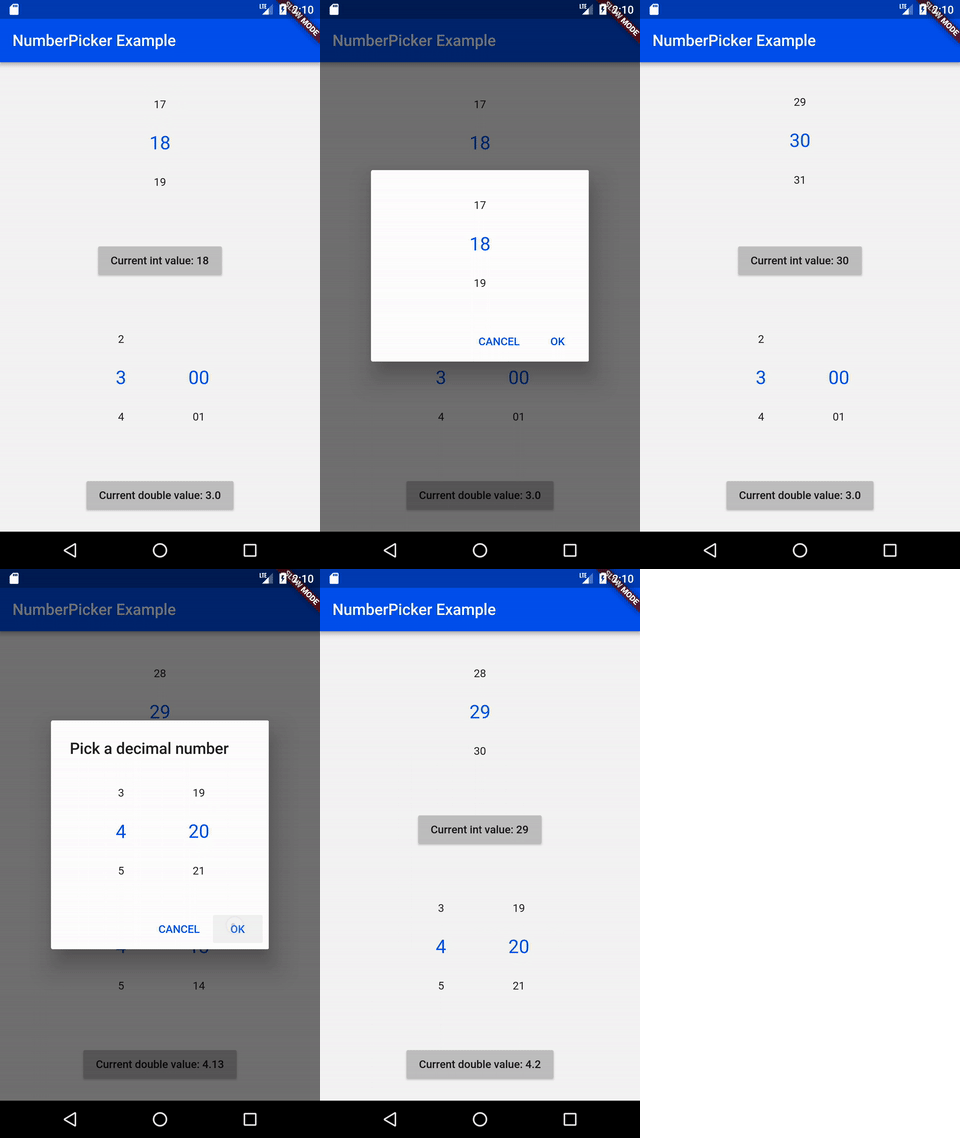 v2.1.2
NumberPicker 是一個允許使用者透過滾動旋鈕來選擇數字的組件。
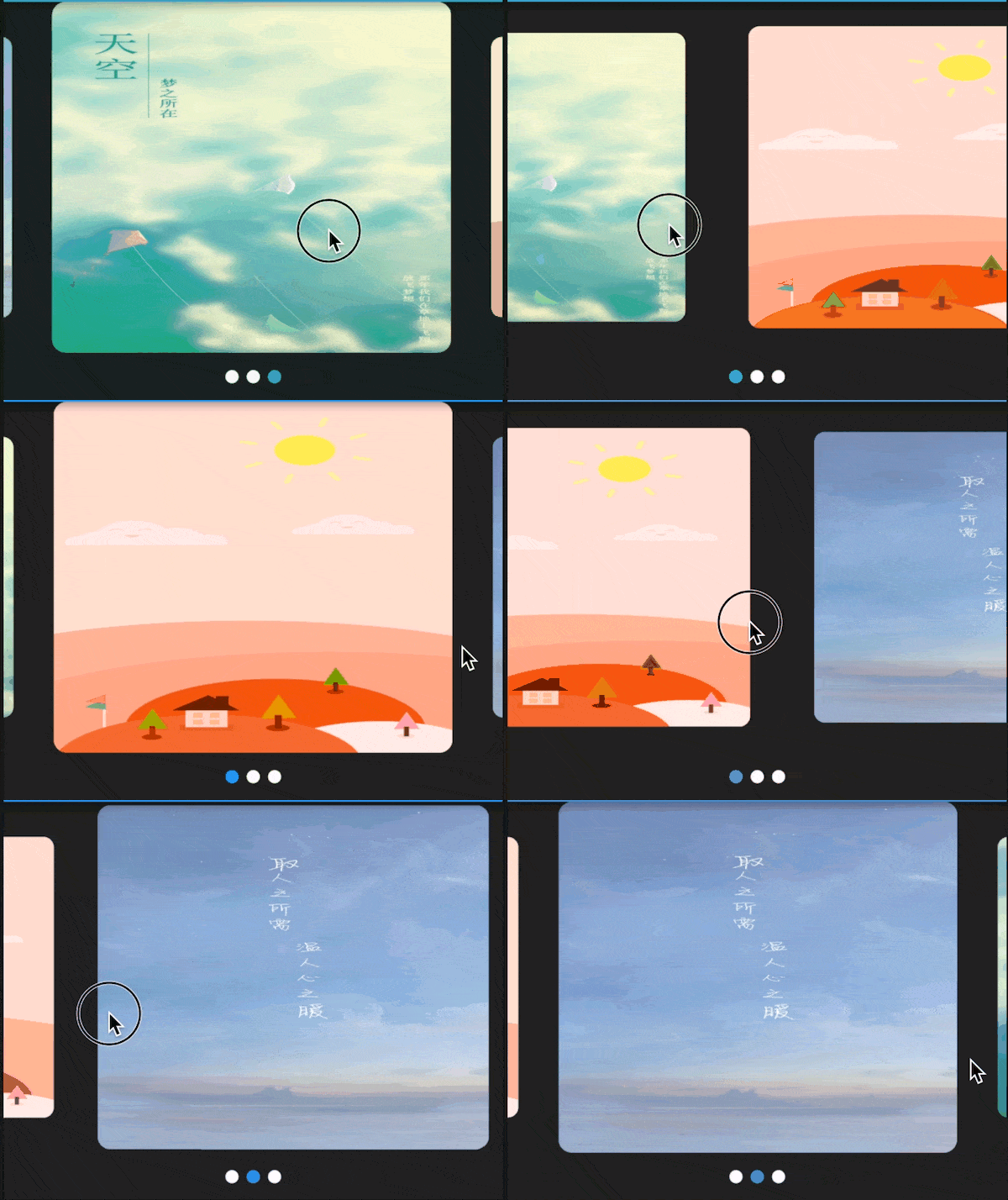 v3.0.1
適用於 Flutter 的輪播圖/幻燈片組件,支援多種佈局和無限循環。相容 Android 與 iOS。
一個高品質的CSV程式庫。編碼和解碼CSV字串,支援串流處理(每列一個事件)、自動偵測以及與Excel相容。字串必須是以逗號(可設定)分隔的值。
{"sdk":"flutter"}{"sdk":"flutter"}—^8.1.1^8.1.0^2.0.5^1.8.2^1.17.2^2.0.2^0.18.0^10.6.0^1.0.6-nullsafety^3.0.1^2.1.3^6.2.1^2.0.9^1.1.0+2^2.1.0^5.1.1^2.1.1^7.2.1^0.3.3^2.2.2^0.65.0^3.0.1^4.8.0^1.3.0^2.1.1^6.1.1^15.1.0^0.6.18^5.0.1^1.0.3^2.0.1^11.0.0^1.6.8^3.10.6^2.0.3^0.13.1{"sdk":"flutter"}^1.24.1{"sdk":"flutter"}{"sdk":"flutter"}以下為英文專案原文快照,最新內容請造訪 GitHub。
I'd rather not do time-tracking at all, but since its a necessity for my work, it's either use an app or keep track of things manually (which I'm terrible at). There are many time tracking apps on the app stores (and I have tried several of them), but each of them has at least one pain point that eventually drives me off—some cost more money than I think they should, others have (what I consider) poorly designed interfaces, some are way too complicated, some don't export data easily, most require an internet connection, I have privacy concerns with a large number of them, etc, etc.
Time tracking in and of itself is rather straightforward (hence all the apps on the app stores), so I figured “why not use this as an opportunity to practice mobile development and learn some new things?”. This app is the result of that question—its a tool that I use every day for work, but also a sample project to work off of and share with others.
.csv file, filtered by timespans and projectsMore screenshots (including dark-mode and localization demonstrations) are available in the screenshots/ folder.
I'm happy to take bug reports and pull requests if you want to help improve Time Cop, but I fundamentally want to keep this app relatively small and simple. If that's not for you, there's plenty of other options out there.
The app is created pretty much entirely in Dart using Flutter, and I tried to make heavy use of the Bloc pattern.
Here are a few resources to get you started if this is your first Flutter project:
For help getting started with Flutter, view its online documentation, which offers tutorials, samples, guidance on mobile development, and a full API reference.
After installing and setting up Flutter (ideally its latest stable version) and downloading the Time Cop code, you should be able to simply build and run this Flutter project, at least for mobile platforms. For more information, see the CONTRIBUTING.md file.
You can help translate Time Cop on Weblate. If you notice any incorrect strings, feel free to correct them. Similarly, if you want to add a language, please do!
Translations are handled using Project Fluent. Currently all translations except English, Italian, Czech, Norwegian, and Indonesian were auto-translated by Google Translate using my Translate Tool.
A list of “user stories” (and I use that term very loosely) guiding the development of this app is available in design/user-stories.md; any unchecked boxes are outstanding items on the todo list!