


 v2.0.0
drishya_picker
一個受 Messenger 相機和相冊啟發的資源選擇器。
92喜歡 93近 30 天下載60Pub 分數
平台暫無資料
koiralapankaj7/drishya_picker open-source repository details.

以下為英文專案原文快照,最新內容請造訪 GitHub。



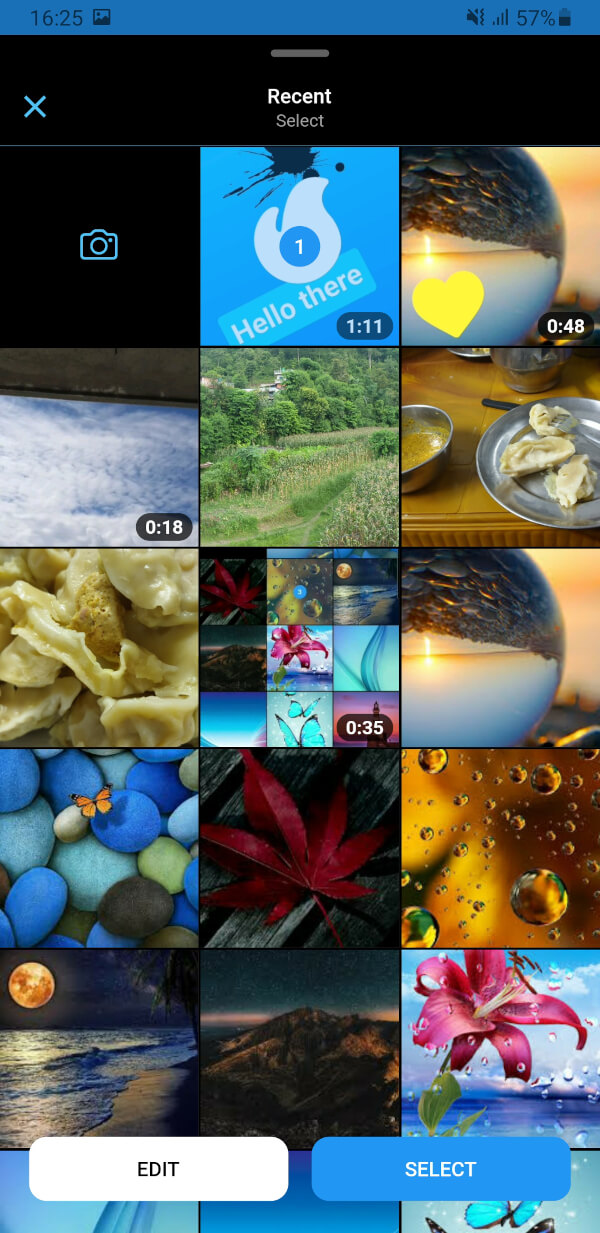
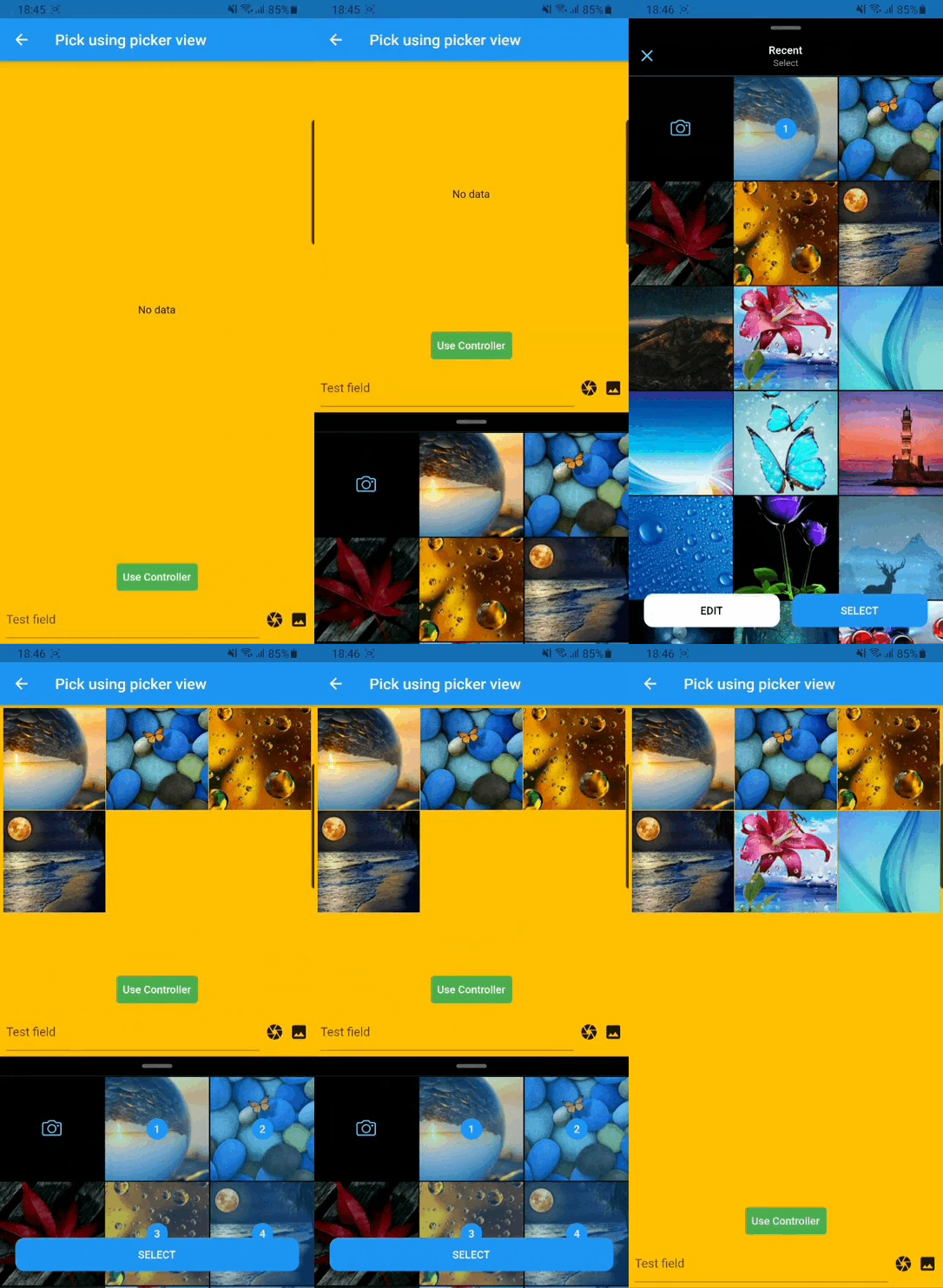
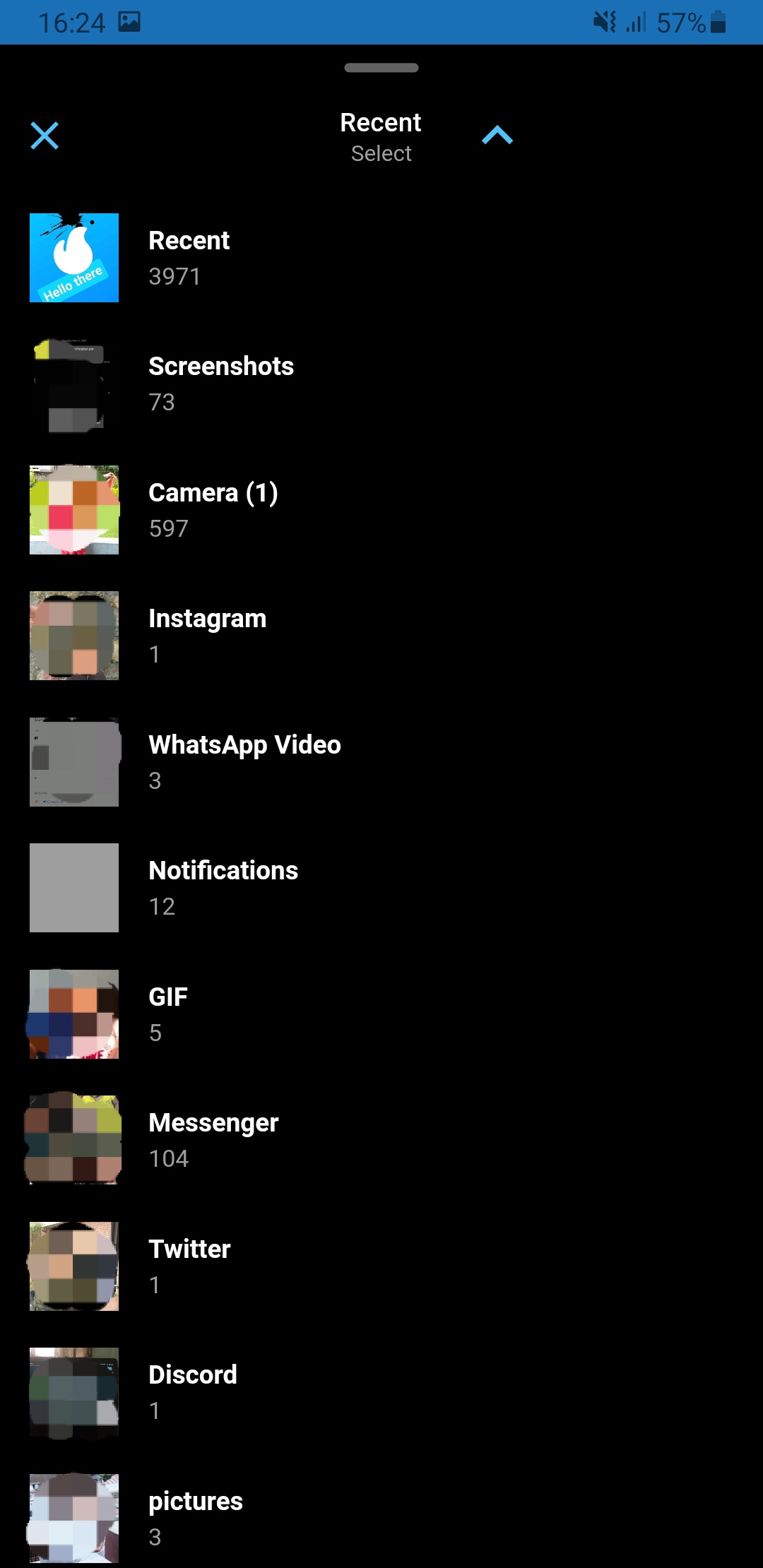
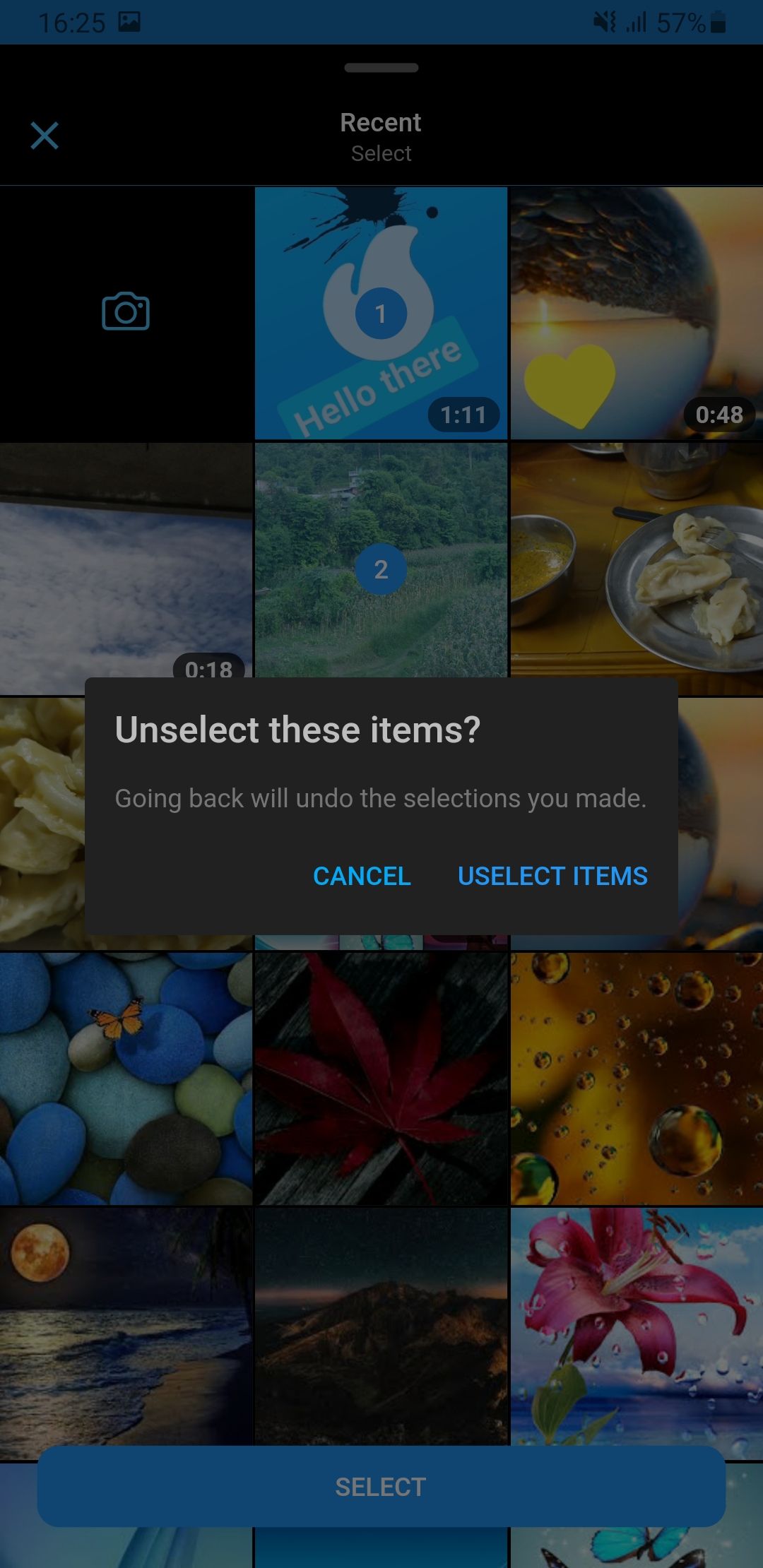
A flutter package which is clone of facebook messenger gallery picker and camera, combined as single component. Gallery view and Camera view can also be use as Flutter widget. Under the hood drishya picker used Photo Manager and Camera.
Add this to your package's pubspec.yaml file:
dependencies:
  drishya_picker: ^latest_version
You can install packages from the command line:
with pub:
$ pub get
with Flutter:
$ flutter pub get
Now in your Dart code, you can use:
import 'package:drishya_picker/drishya_picker.dart';
For more details (if needed) you can go through Photo Manager and Camera readme section as well.
Change the minimum Android sdk version to 21 (or higher) in your android/app/build.gradle file.
minSdkVersion 21
Required permissions: INTERNET, READ_EXTERNAL_STORAGE, WRITE_EXTERNAL_STORAGE, ACCESS_MEDIA_LOCATION.
If you don't need the ACCESS_MEDIA_LOCATION permission,
see Disable ACCESS_MEDIA_LOCATION permission.
Android native use glide to create image thumb bytes, version is 4.11.0.
If your other android library use the library, and version is not same, then you need edit your android project's build.gradle.
rootProject.allprojects {

    subprojects {
        project.configurations.all {
            resolutionStrategy.eachDependency { details ->
                if (details.requested.group == 'com.github.bumptech.glide'
                        && details.requested.name.contains('glide')) {
                    details.useVersion '4.11.0'
                }
            }
        }
    }
}
And, if you want to use ProGuard, you can see the ProGuard of Glide.
Android contains ACCESS_MEDIA_LOCATION permission by default.
This permission is introduced in Android Q. If your app doesn't need this permission, you need to add the following node to the Android manifest in your app.
<uses-permission
  android:name="android.permission.ACCESS_MEDIA_LOCATION"
  tools:node="remove"
  />
If you found some warning logs with Glide appearing,
then the main project needs an implementation of AppGlideModule.
See Generated API.
Add following content to info.plist.
<key>NSPhotoLibraryUsageDescription</key>
<string>Replace with your permission description..</string>
<key>NSCameraUsageDescription</key>
<string>Replace with your permission description..</string>
<key>NSMicrophoneUsageDescription</key>
<string>Replace with your permission description..</string>
|
|
|

|
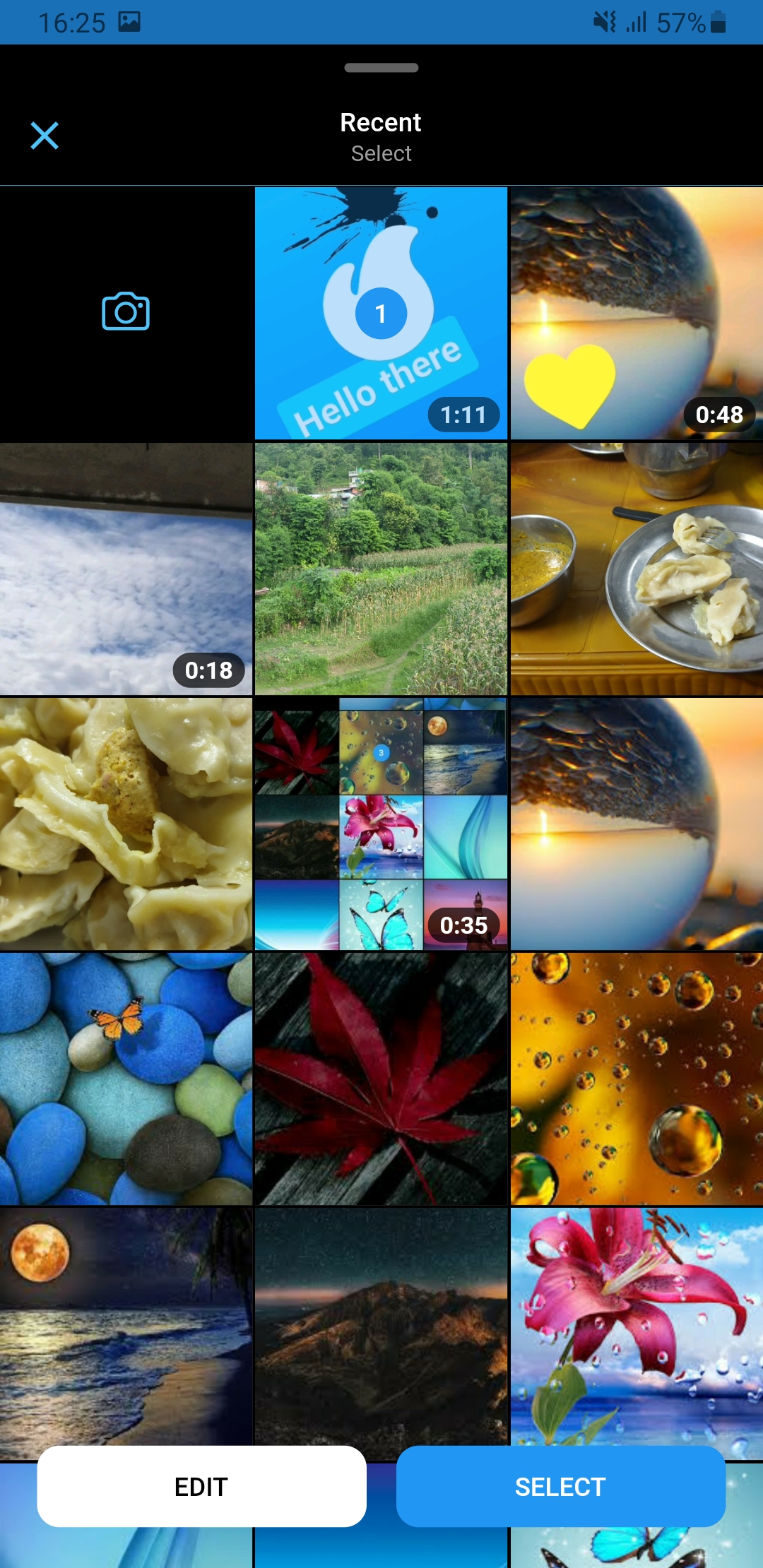
|
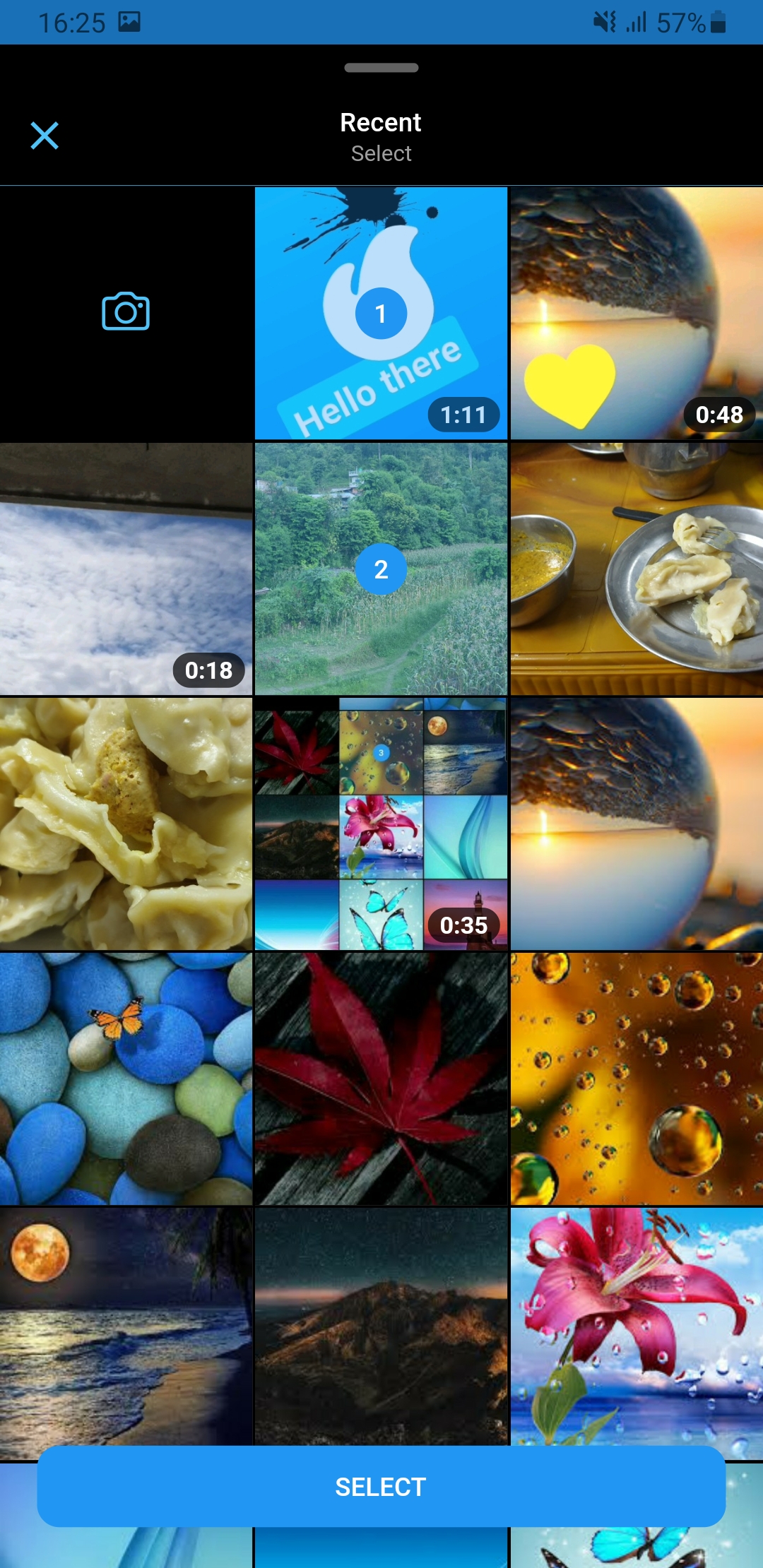
|
SlidableGallery to make gallery view slidable otherwise ignore it.class PickerDemo extends StatelessWidget {
late final GalleryController controller;
...
@override
Widget build(BuildContext context) {
return SlidableGallery(
controller: controller,
child: Scaffold(
body: ...
),
);
}
}
GallerySetting can be used for extra setting while
picking media.pick() function on controller to pick media.class PickerDemo extends StatelessWidget {
late final GalleryController controller;
@override
void initState() {
super.initState();
controller = GalleryController();
}
final _gallerySetting = GallerySetting(
enableCamera: true,
maximumCount: 10,
requestType: RequestType.all,
editorSetting: EditorSetting(colors: _colors, stickers: _stickers1),
cameraSetting: const CameraSetting(videoDuration: Duration(seconds: 15)),
cameraTextEditorSetting: EditorSetting(
backgrounds: _defaultBackgrounds,
colors: _colors.take(4).toList(),
stickers: _stickers2,
),
cameraPhotoEditorSetting: EditorSetting(
colors: _colors.skip(4).toList(),
stickers: _stickers3,
),
);
...
onPressed : () async {
final entities = await controller.pick(context,setting:setting);
}
...
}
GalleryViewField similarly to flutter TextField to pick media. (Recommended approach, as creating and disposing of the controller has been already cared-of )onChanged – triggered whenever a user select/unselect media
onSubmitted – triggered when a user is done with the selection
GalleryViewField(
  selectedEntities: [],
  onChanged: (entity, removed) {
     ...
  },
  onSubmitted: (list) {
     ...
  }
  child: const Icon(Icons.camera),
),
You can also use GalleryView as a Widget.
Browse the example app for more in-depth implementation and customization.
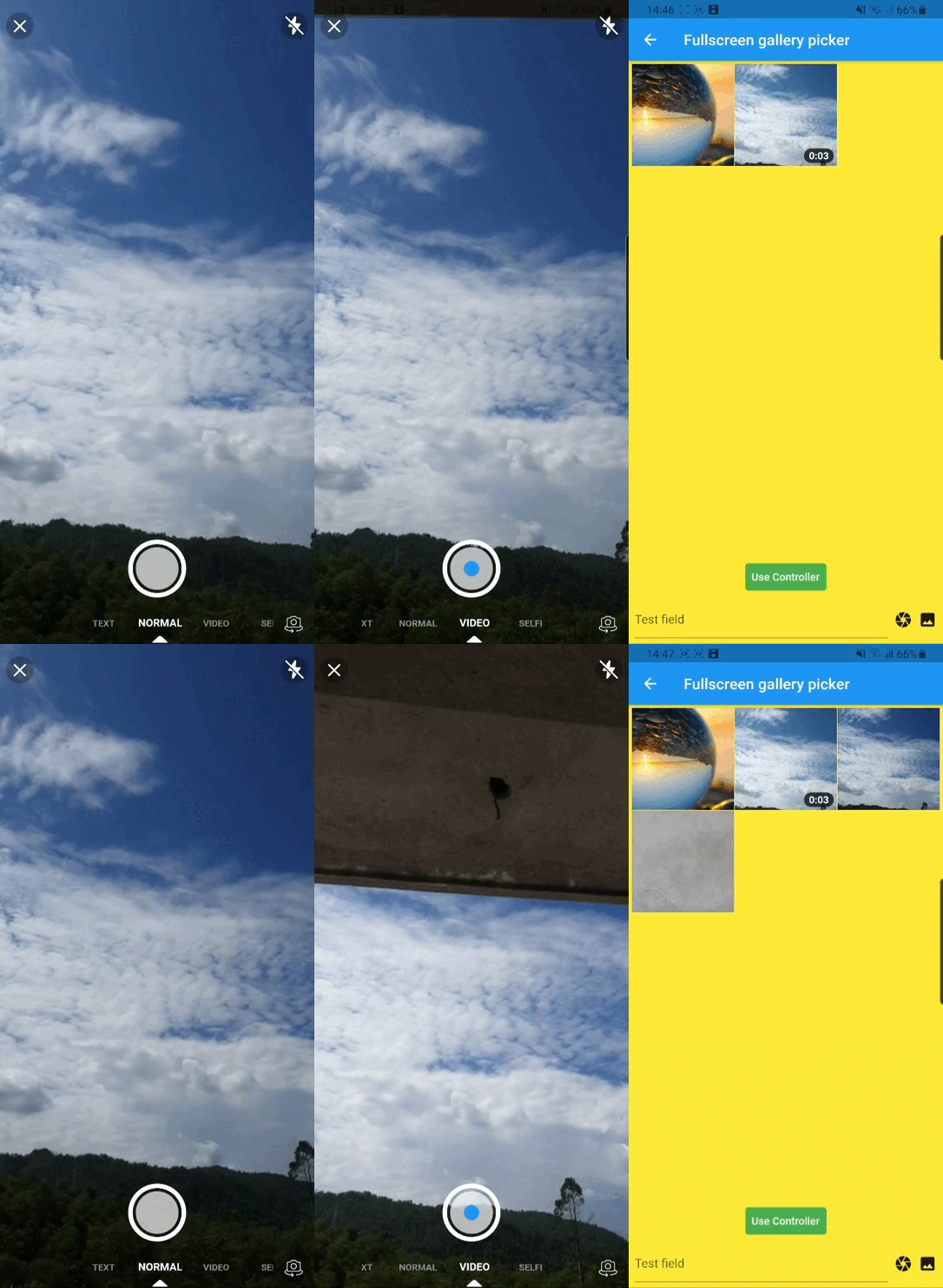
|
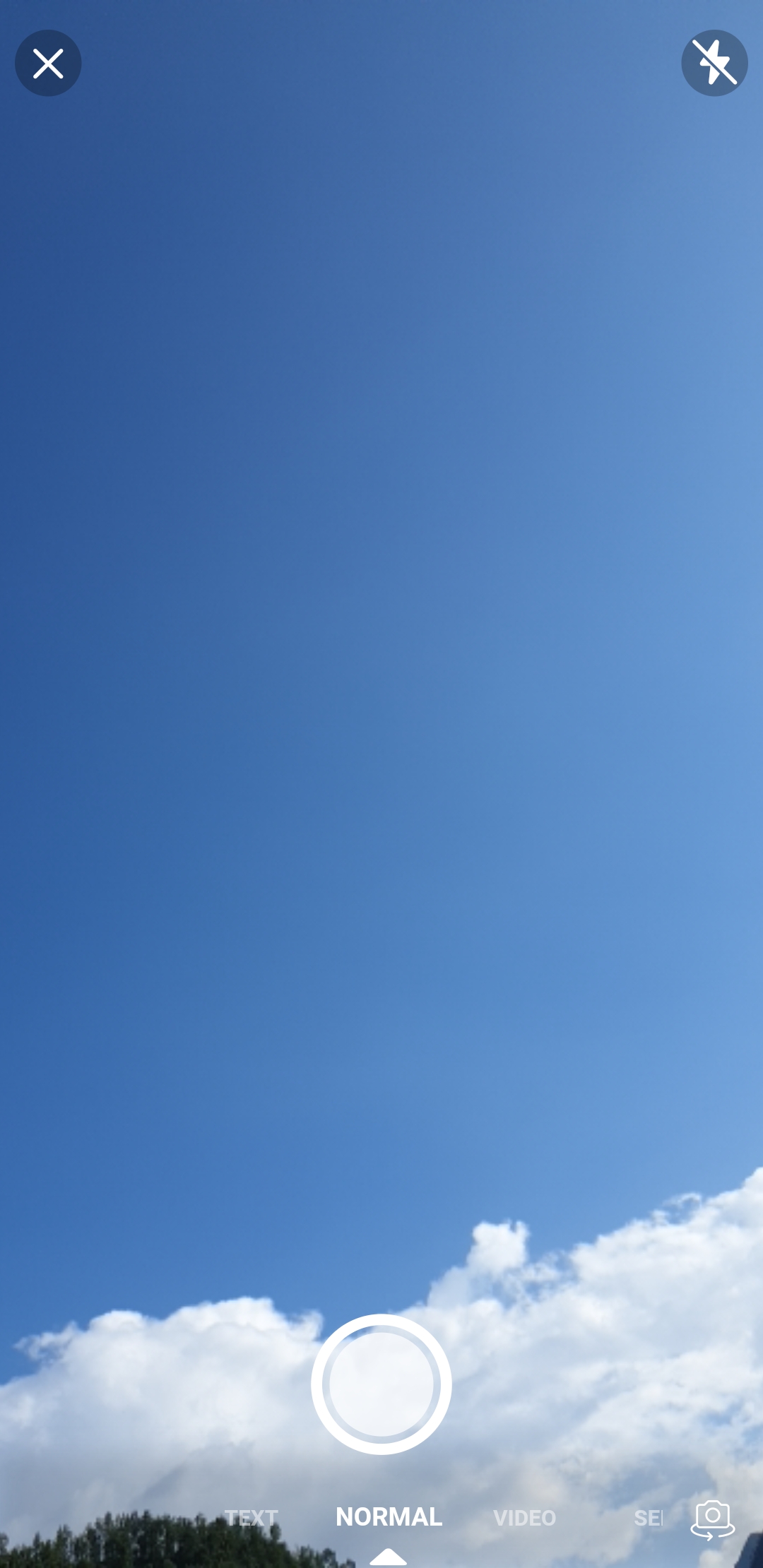
|
|

|
|
|
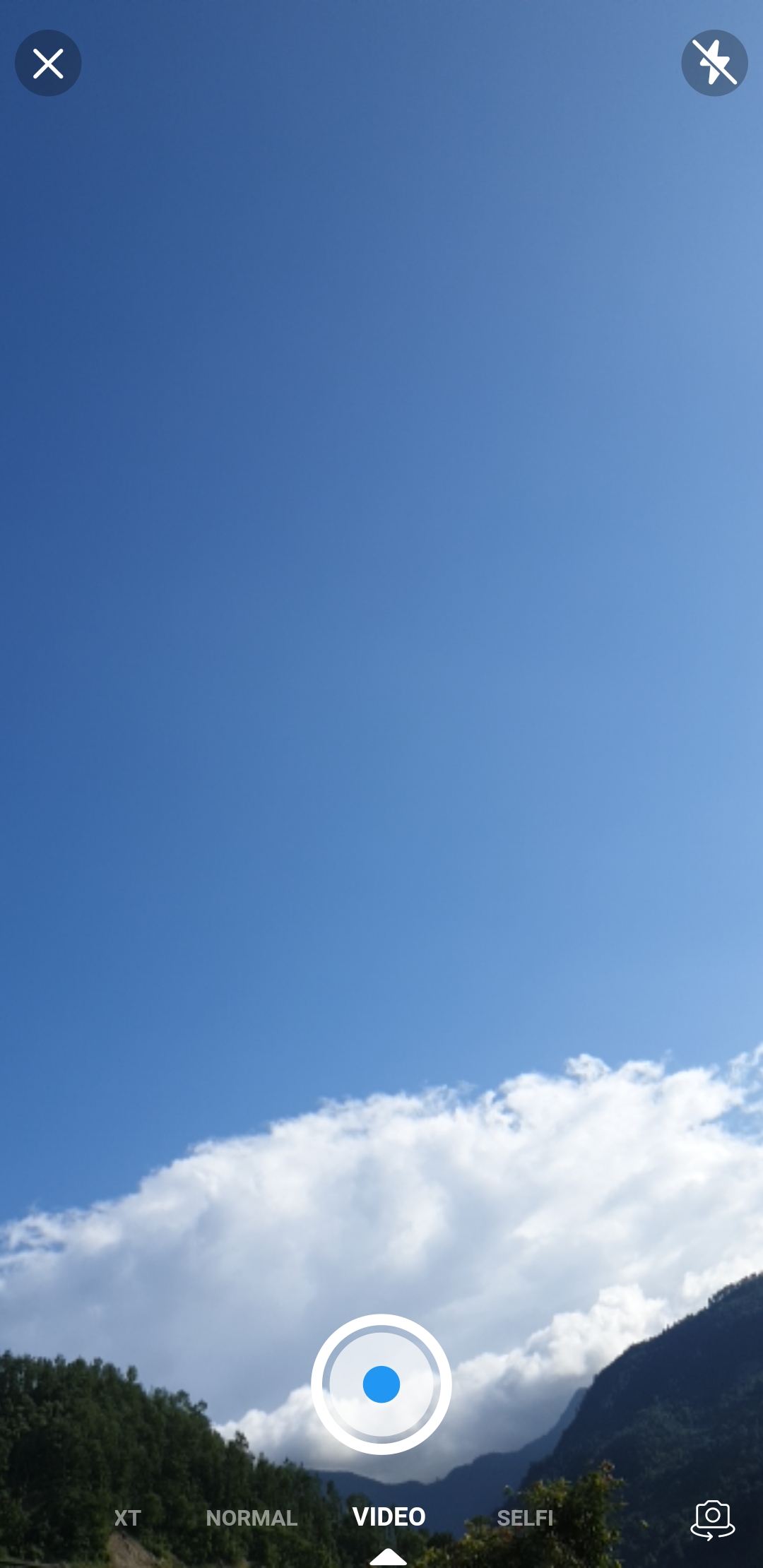
pick() function on CameraView to pick media. ...
onPressed : () async {
final entity = await CameraView.pick();
}
...
CameraViewField similarly as flutter TextField to pick media.onCapture – triggered when photo/video capture completedGalleryViewField(
onCapture: (entity) {
...
},
child: const Icon(Icons.camera),
),
CameraView as a Widget.If you encounter any problems feel free to open an issue. If you feel the library is missing a feature, please raise a ticket on GitHub and I'll look into it. Pull request are also welcome.
依賴清單 9 項
^0.10.5+9^1.18.0{"sdk":"flutter"}^1.10.0^1.8.33.0.0^4.3.3{"sdk":"flutter"}^5.1.0先依使用情境篩選,再比較專案活躍情況,最後到原始儲存庫確認使用要求。
“A repository is the most basic element of GitHub.”
GitHub Docs — About repositories ↗