

 v2.1.1
rive_animated_icon
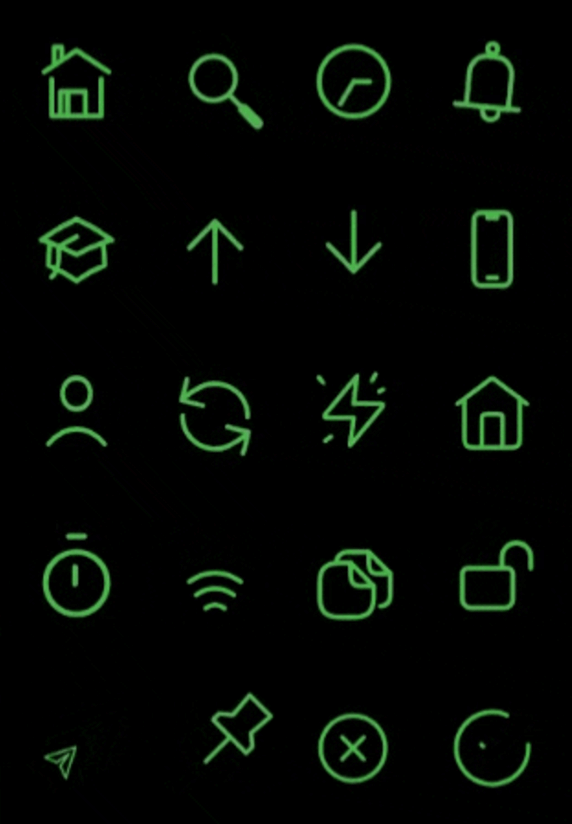
此套件提供可依您的偏好進行自訂的 Rive 動畫圖示。
252喜歡 3170近 30 天下載160Pub 分數
AndroidiOSWebmacOSWindowsLinux
這個 Flutter 套件提供可自訂的 rive 動畫圖示,以符合您的喜好。

以下為英文專案原文快照,最新內容請造訪 GitHub。



This package provides rive animated icons that can be customized to suit your preference. It includes the riveIcon type, onTap, color and other parameters to give you a level of control.
RiveAnimatedIcon(
    riveIcon: RiveIcon.home,
    width: 50,
    height: 50,
    color: Colors.green,
    strokeWidth: 3,
    loopAnimation: false,
    onTap: (){},
    onHover: (value){}
),
This parameter is used to define the icon type from the RiveIcon enum
This parameter is used to set the icon width
This parameter is used to set the icon height
This parameter is used to set icon color
When this parameter is set to true the icon's animation will be on loop
This callback is set by the user to perform actions onTap
This callback is set by the user to perform actions onHover
This parameter is used to set icon splash color
This parameter is used to set icon stroke width
This parameter is used to set icon splashFactory
This parameter is used to set icon mouseCursor when hovered
When this parameter is set to true it disables all interactive features of the icon
Rive Animated Icons is MIT-licensed
All the icons available were animated in Rive and sourced from the Rive community files. Special thanks to all the animators!
依賴清單 4 項
{"sdk":"flutter"}^0.14.6{"sdk":"flutter"}^5.0.0+1先依使用情境篩選,再比較專案活躍情況,最後到原始儲存庫確認使用要求。
“A repository is the most basic element of GitHub.”
GitHub Docs — About repositories ↗