
 v11.6.0
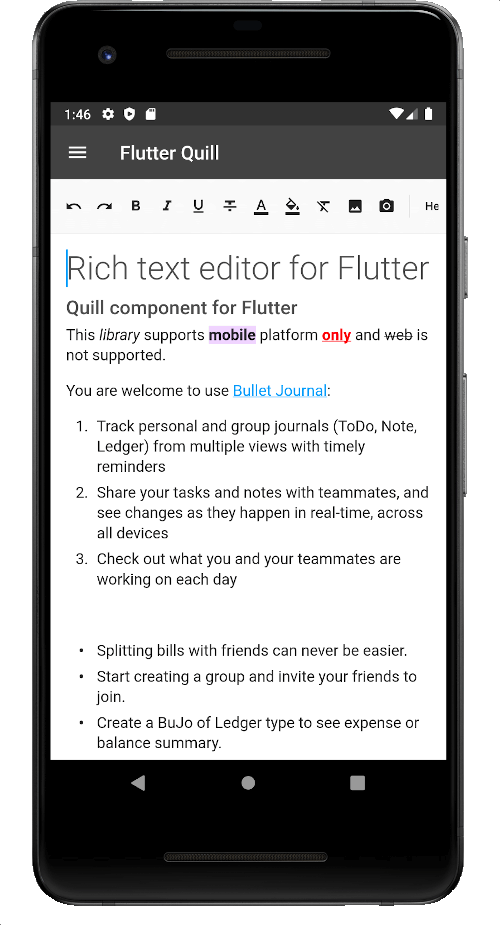
flutter_quill
一個為 Android、iOS、Web 和桌面平台打造的富文字編輯器。它是 Flutter 的 WYSIWYG 編輯器與 Quill 元件。
2160喜歡 32萬近 30 天下載150Pub 分數
AndroidiOSmacOSWindowsLinux
克萊德·伯納德大學的應用程式
 v11.6.0
一個為 Android、iOS、Web 和桌面平台打造的富文字編輯器。它是 Flutter 的 WYSIWYG 編輯器與 Quill 元件。
 v3.0.0
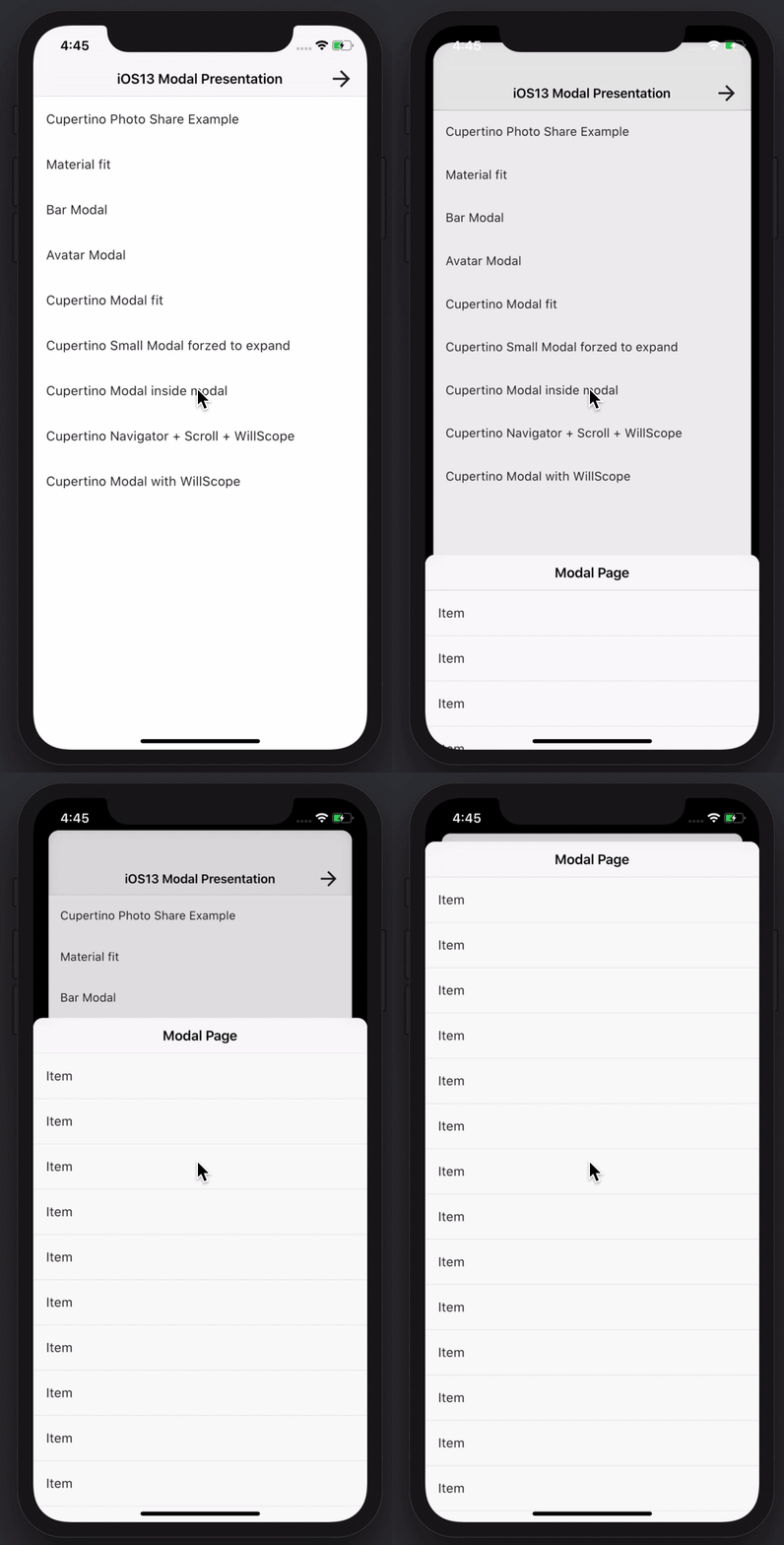
建立令人驚艷且強大的模態底部彈出式視窗。支援 Material、Cupertino iOS 13 或自訂風格
適用於 Dart VM 和 Flutter 的 NoSQL 持久化嵌入式檔案系統文件型資料庫,支援加密。
 v0.4.2
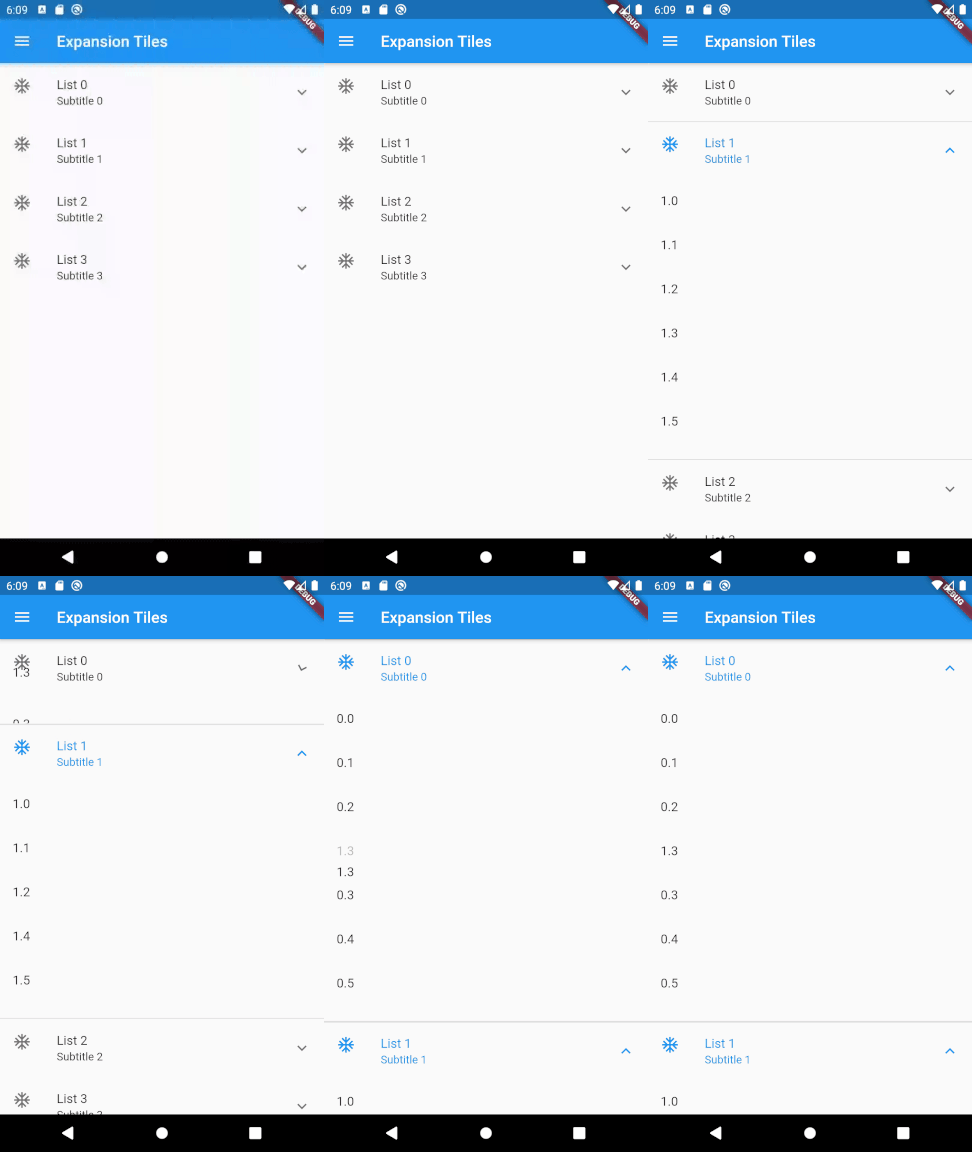
一個 Flutter 套件,用於允許兩級清單的拖曳重排。
Flutter 截圖套件(執行時)。將任何 Widget 當作影像擷取。
透過完整支援泛型、繼承、自訂等功能,改善了 JSON 序列化與資料類別。
安全儲存:加密資料儲存,可選擇透過生物辨識鎖定,支援 iOS、Android 和 MacOS。對 Linux、Windows 和 web(localStorage)提供部分支援。
一個與資料庫快取儲存無關的 HTTP 客戶端實作,使用 hive_ce。
 v3.3.1
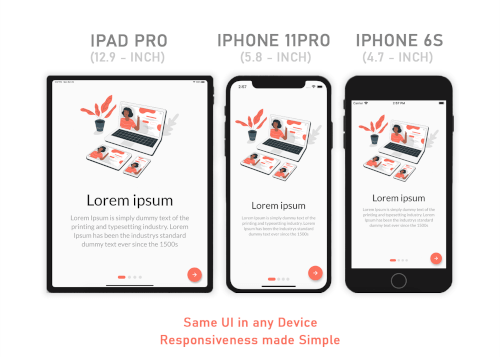
Responsive Sizer 透過提供輔助組件和擴展來幫助實現響應式佈局。
IMAP、POP3 和 SMTP 用於電子郵件開發人員。可在低階和高階 API 之間選擇以發送郵件。解析和產生 MIME 訊息。發現電子郵件設定。
 v10.3.0
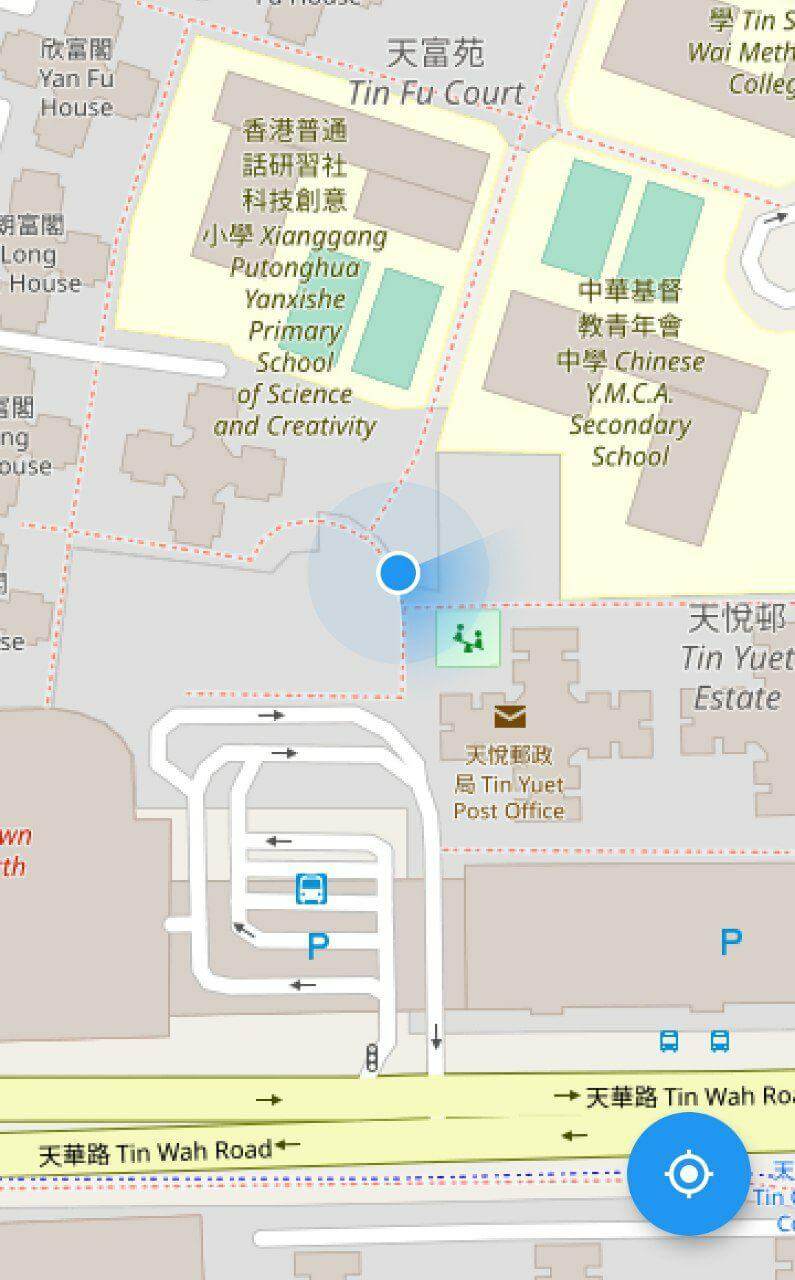
一個用於顯示設備當前位置的Flutter地圖外掛程式。
 v8.1.2
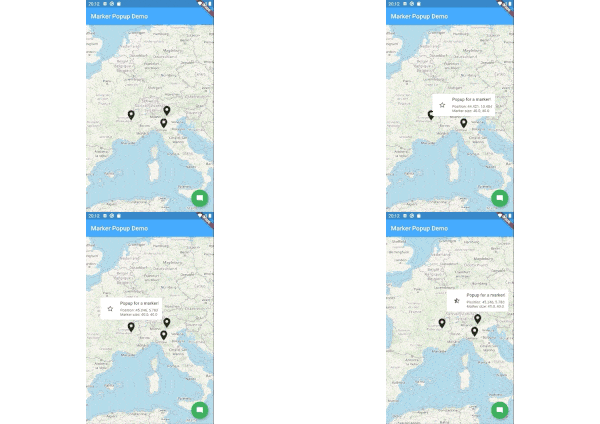
flutter_map 的標記彈出視窗。
依賴清單 1 項
^6.3.2以下為英文專案原文快照,最新內容請造訪 GitHub。
Releases Playstore License Discord
Features | Download | Contribute | Build | License
Banner
Onyx is an unofficial, open-source application that lets you access all Université Claude Bernard Lyon 1 services from your phone.
Calendar Screenshot Email Screenshot Grades Screenshot Map Screenshot Izly Screenshot
An application for students, by students. Feel free to contribute to this project by opening issues or pull requests. We really appreciate any help. You can also chat with us on Discord.
https://contrib.rocks/image?repo=onyx-lyon1/onyx
Thanks to weblate for the translation platform !
To build the app, follow these steps:
Install Flutter from flutter.dev.
You will need those libraries:
On Debian/Ubuntu like distros, they can be installed with this single command :
sudo apt install pkg-config libgtk-3-dev libglib2.0-dev libsecret-1-dev zenity
You will need a recent version of Android Sdk.
You can then run flutter doctor to check if it's detected by flutter.
Please make sure you are on the main branch before proceeding with the build process.
Navigate to the apps/onyx directory and execute the following command based on your
target platform:
flutter build apk --profile --no-tree-shake-icons (the --profile flag build the app without the signing key but with
full optimizations)
apps/onyx/build/app/outputs/flutter-apk/app-release.apk.flutter build linux --no-tree-shake-icons
apps/onyx/build/linux/x64/release/bundle/Onyx.flutter build appbundle --profile --no-tree-shake-icons (the --profile flag build the app without the signing
key but with full optimizations)
apps/onyx/build/app/outputs/bundle/release/app-release.aab.To set up your development environment:
packages/ directory.dart pub global activate melos.melos bs or melos bootstrap to link the local libraries in the app and retrieve all dependencies.apps/onyx directory and run flutter clean to ensure a clean environment.flutter run to start the app.melos generate to generate automatically generated files (usually not needed unless you
modify them).melos test to run unit tests for all the libraries.melos analyze to perform static analysis on the libraries and the Onyx app.melos clean.git update-index --assume-unchanged apps/onyx/assets/key.txt
and git update-index --assume-unchanged apps/onyx/assets/iv.txt to ignore
changes to this file.if you are using the flake, to create an virtual device, run : avdmanager create avd --force --name phone --package 'system-images;android-33;google_apis_playstore;x86_64'
then to run it simply run : emulator -avd phone -skin 720x1280
To run end-to-end tests:
curl -Ls "https://get.maestro.mobile.dev" | bash (Applicable for Mac
OS, Linux, or Windows with WSL)apps/onyx/integration_test directory.
4. After installing the app on an Android device (physical or virtual), run the following command to execute the
tests: maestro test general_test.yaml Maestro will automatically run the tests.Now, you're all set to build and test your Flutter app. 🎉
This work is licensed under the GPL-3.0 License. To view a copy of this license, visit https://www.gnu.org/licenses/
powered by the cat