搜尋套件、儲存庫與 APP 分類

drag_and_drop_lists 封面
套件詳情v0.4.2

drag_and_drop_lists

一個 Flutter 套件,用於允許兩級清單的拖曳重排。

AndroidiOSWebmacOSWindowsLinux
近 30 天下載
2.1萬
喜歡數
457
Pub 分數
150

安裝套件

flutter pub add drag_and_drop_lists

套件介紹

根據套件公開資料產生的選型評估,僅供參考。

一個 Flutter 套件,支援在兩層嵌套清單中進行拖放重新排序。它支援直覺的使用者互動,用於在多個層級之間重新排列項目,非常適合組織階層資料。此套件相容所有主要平台,包括 Android、iOS、Web、macOS、Windows 和 Linux。設計簡潔且效能優異,可無縫整合至現有的 Flutter 應用程式中,無需複雜設定。開發者可輕鬆以最少程式碼實作互動式清單結構。原始碼公開於 GitHub,確保透明度並支援貢獻。

適用情境

  • 重新排序嵌套任務列表
  • 建構可自訂的儀表板
  • 建立可排序的類別-子類別結構
  • 設計互動式待辦事項應用程式
  • 實現拖放檔案或項目組織

主要特色

  • 支援兩級清單
  • 跨層級拖放
  • 平台無關的實作
  • 所需的樣板程式碼最少
  • 內建動畫處理
  • 公開 GitHub 倉儲

適合對象

  • 開發階層式UI的開發者
  • 需要動態列表重新排序的應用程式
  • 具有嵌套數據結構的項目
  • UI密集型生產力工具
  • 希望獲得開源且可維護解決方案的團隊

使用建議

  • 限制為兩級嵌套
  • 可能需要自訂樣式以適應複雜版面
  • 效能可能在極大的清單中下降
  • 未針對超出基本拖曳之外的觸控手勢進行優化
  • 無內建的拖放目標驗證

原始 README

以下為關聯原始碼儲存庫的 README 原文快照,最新內容請造訪原始碼儲存庫。

drag_and_drop_lists

Two-level drag and drop reorderable lists.

"Buy Me A Coffee"

Features

  • Reorder elements between multiple lists
  • Reorder lists
  • Drag and drop new elements from outside of the lists
  • Vertical or horizontal layout
  • Use with drag handles, long presses, or short presses
  • Expandable lists
  • Can be used in slivers
  • Prevent individual lists/elements from being able to be dragged
  • Easy to extend with custom layouts

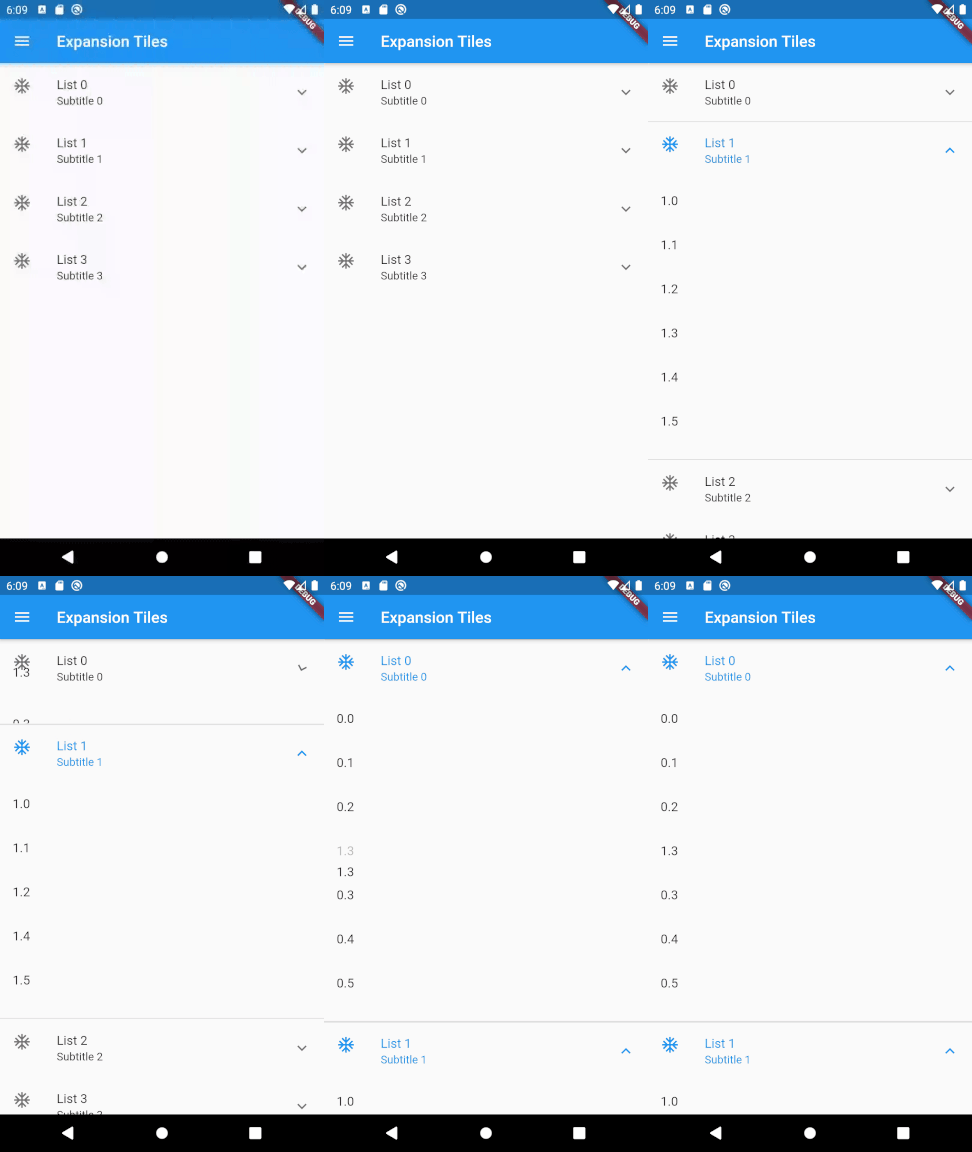
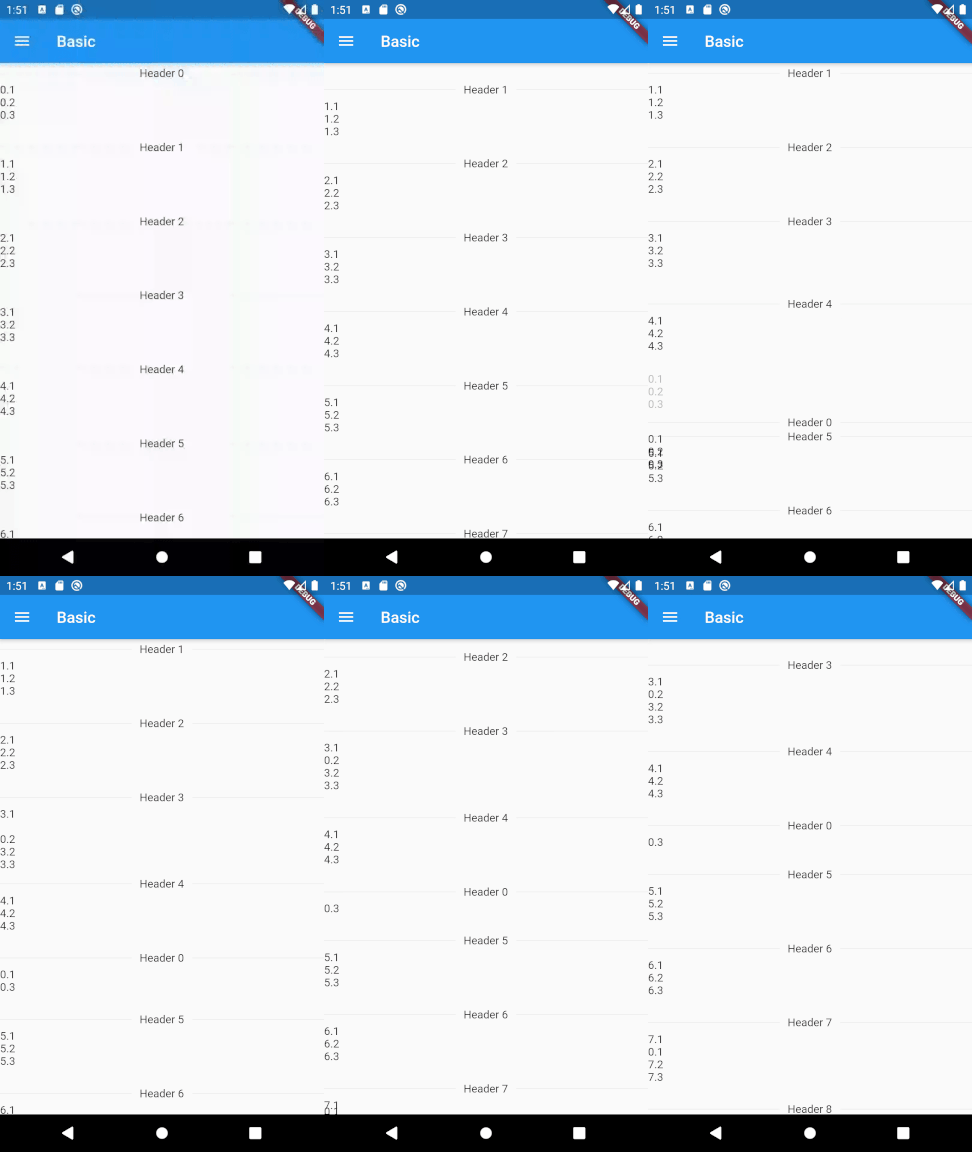
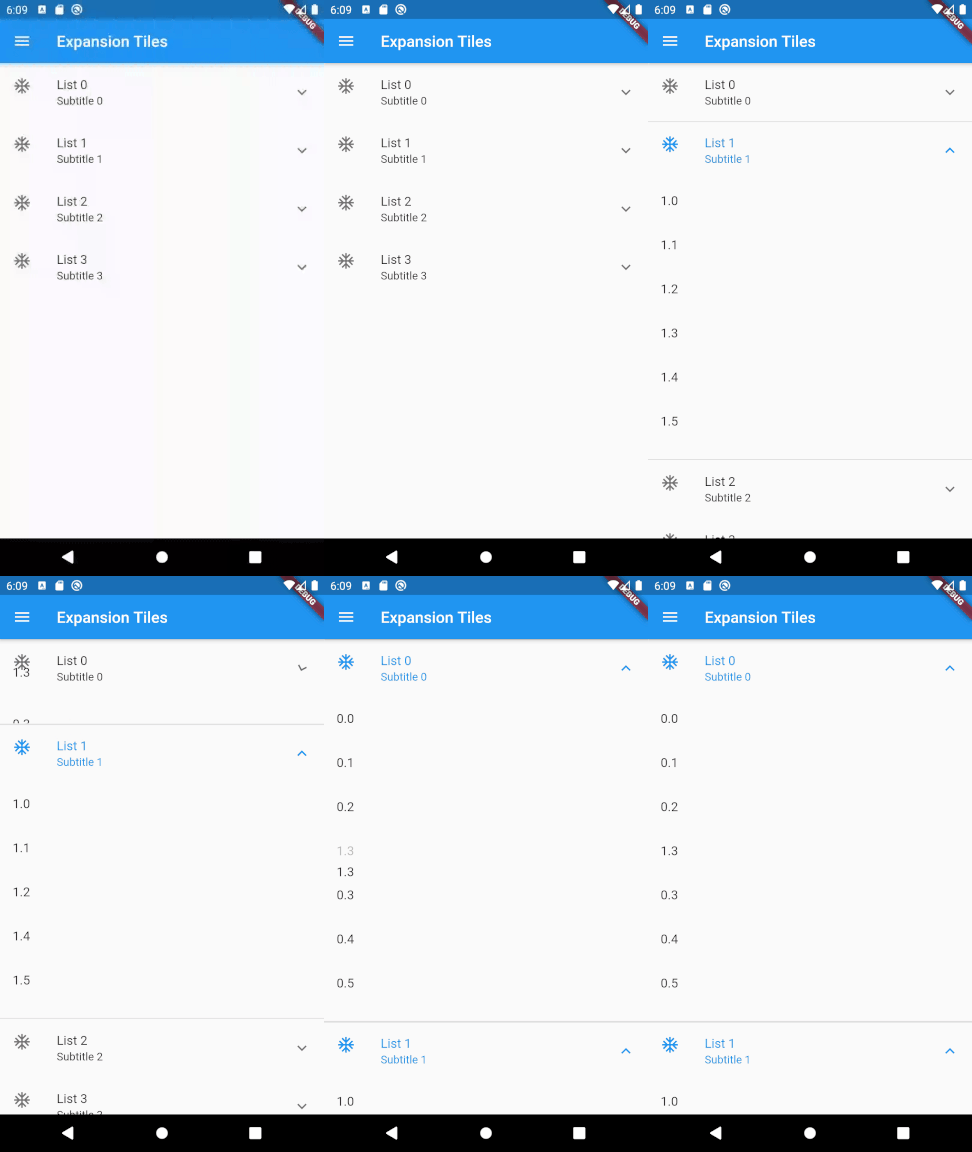
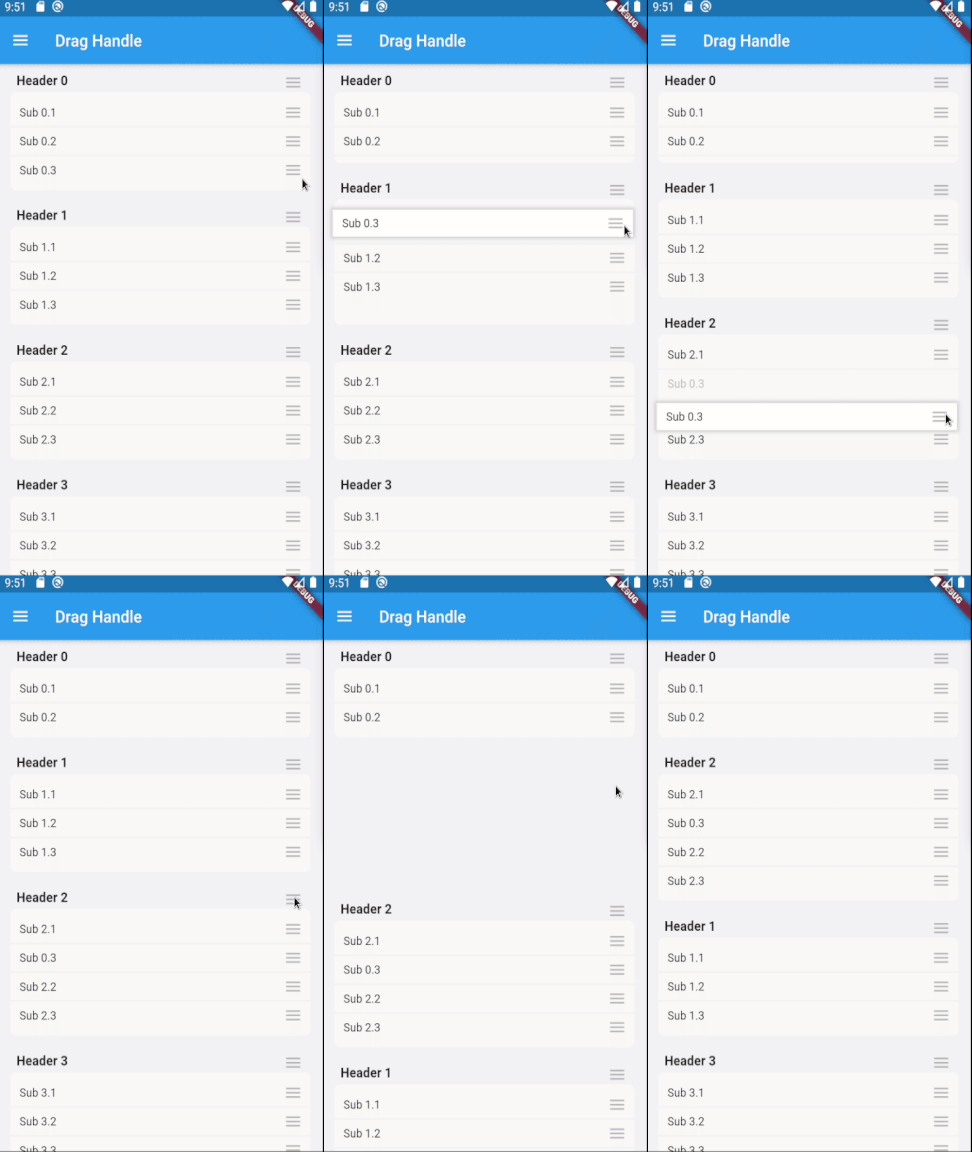
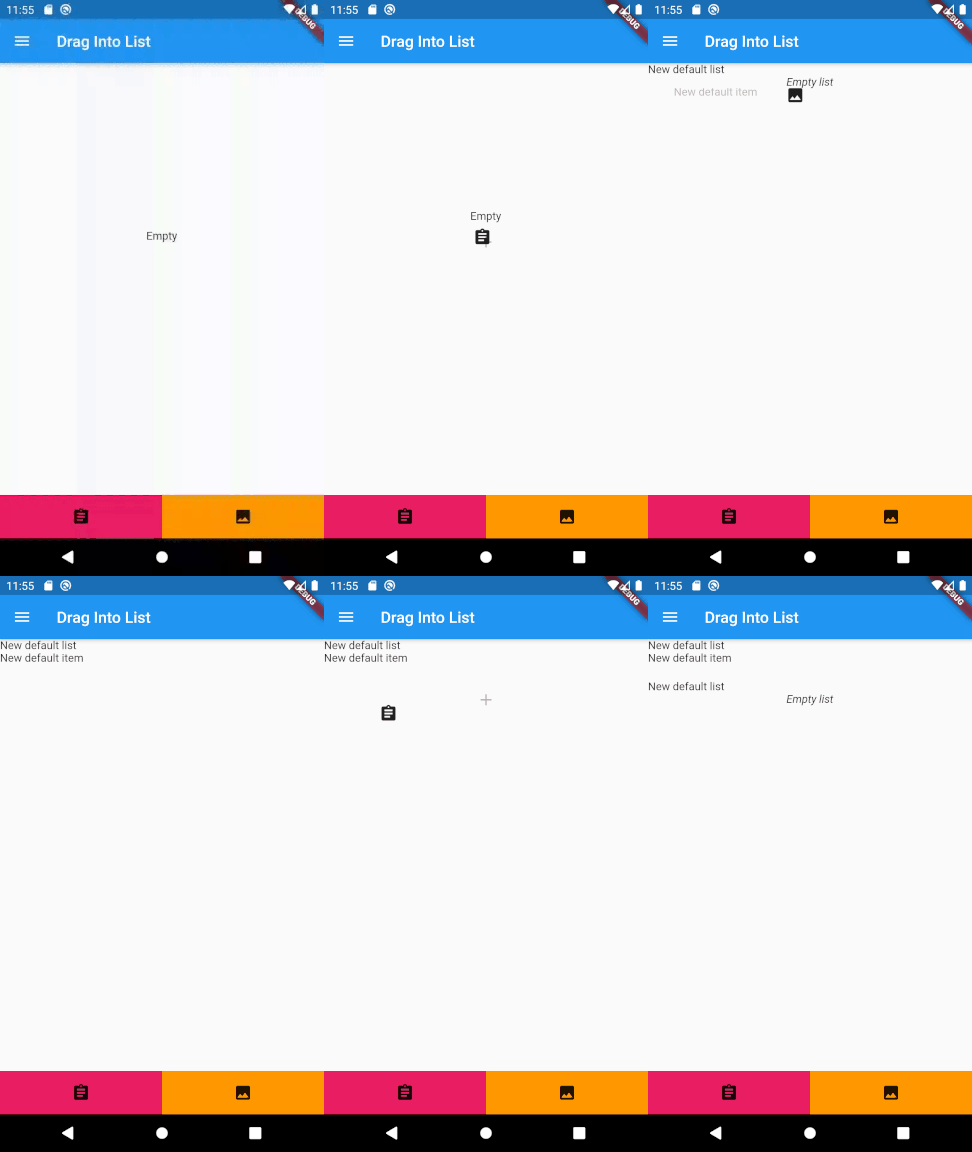
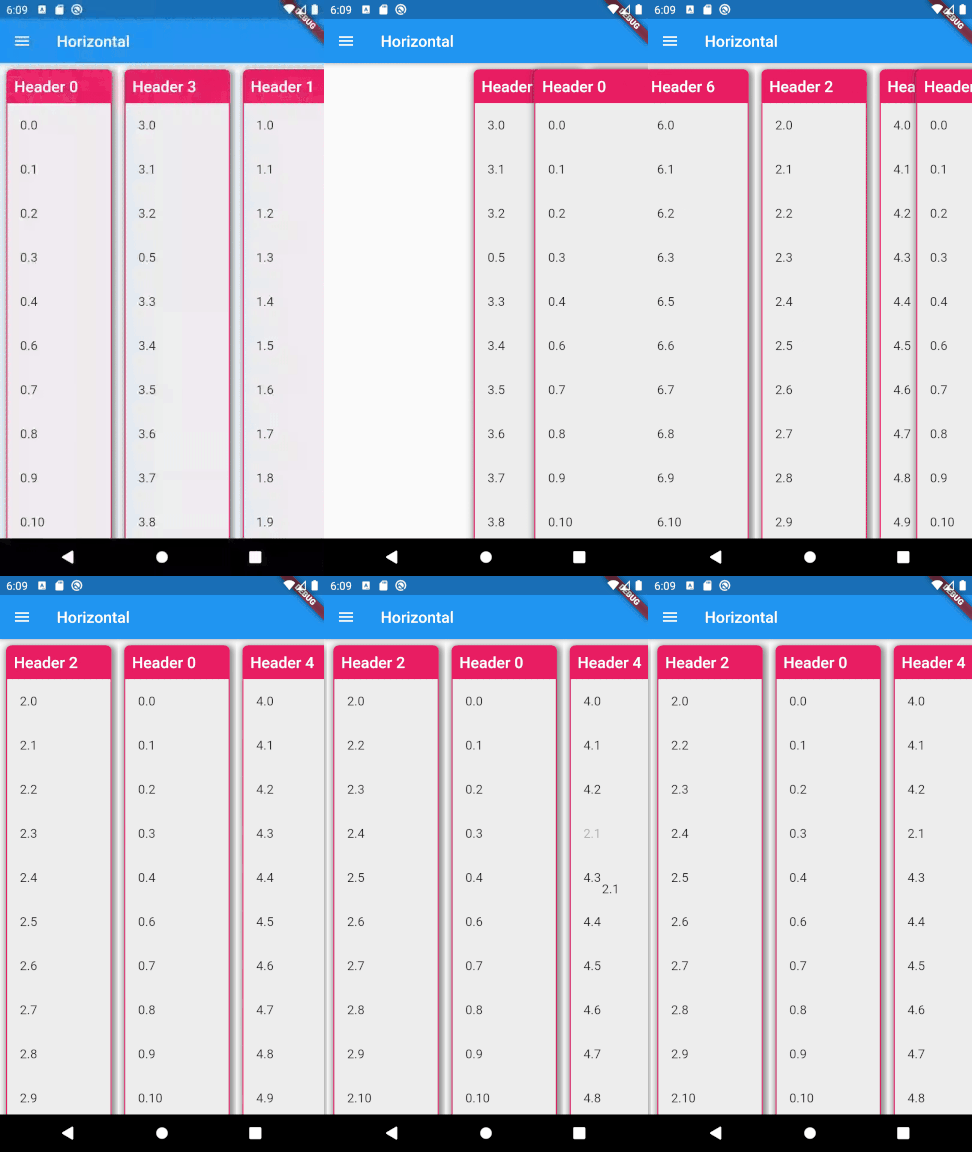
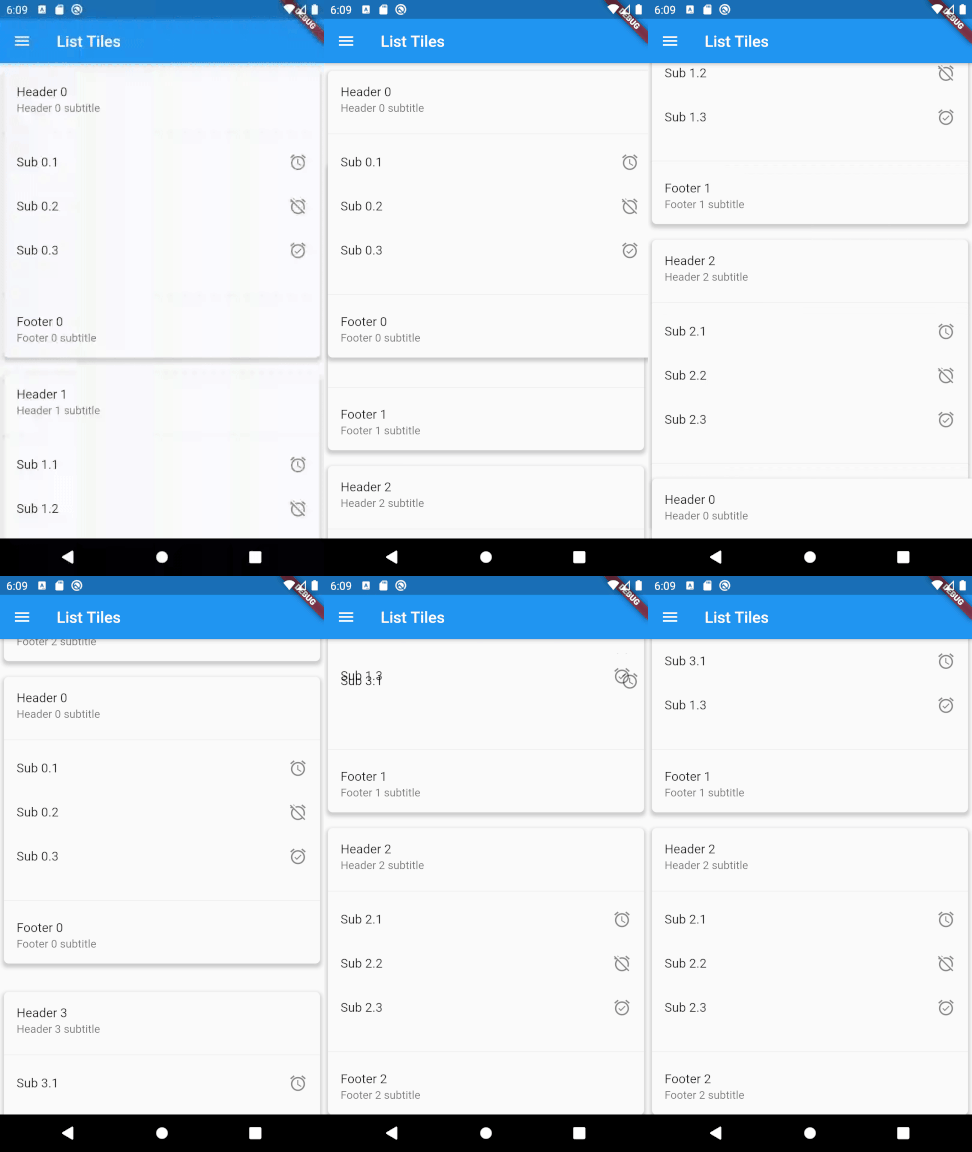
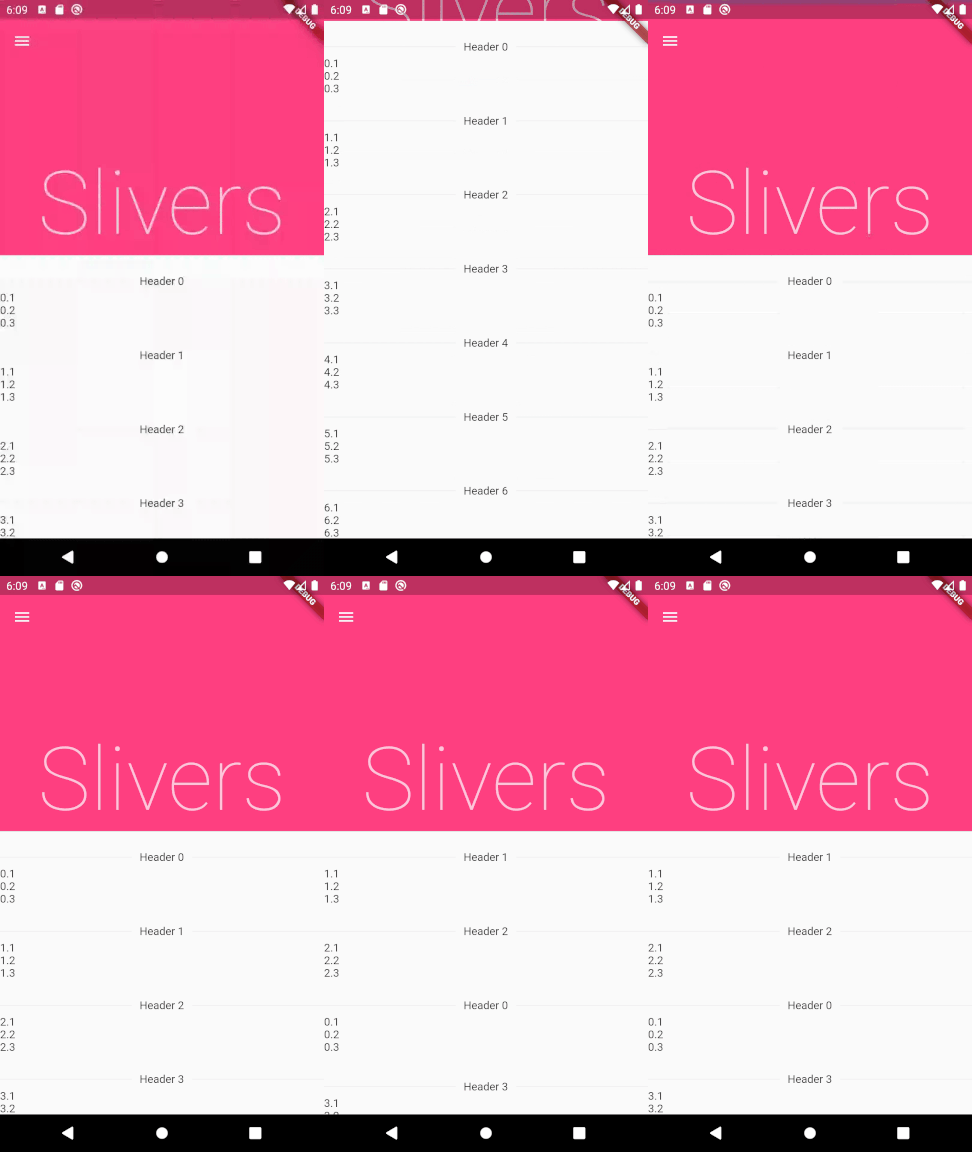
Basic list Drag and drop expansion tiles Drag and drop using drag handles Drag and drop new lists and new items Drag and drop horizontal lists Drag and drop list tiles Drag and drop lists using slivers

Usage

To use this plugin, add drag_and_drop_lists as a dependency in your pubspec.yaml file. For example:

dependencies:
  drag_and_drop_lists: ^0.4.0

Now in your Dart code, you can use: import 'package:drag_and_drop_lists/drag_and_drop_lists.dart';

To add the lists, add a DragAndDropLists widget. Set its children to a list of DragAndDropList. Likewise, set the children of DragAndDropList to a list of DragAndDropItem. For example:

  // Outer list
  List<DragAndDropList> _contents;

  @override
  void initState() {
    super.initState();

    // Generate a list
    _contents = List.generate(10, (index) {
      return DragAndDropList(
        header: Text('Header $index'),
        children: <DragAndDropItem>[
          DragAndDropItem(
            child: Text('$index.1'),
          ),
          DragAndDropItem(
            child: Text('$index.2'),
          ),
          DragAndDropItem(
            child: Text('$index.3'),
          ),
        ],
      );
    });
  }

  @override
  Widget build(BuildContext context) {
    // Add a DragAndDropLists. The only required parameters are children,
    // onItemReorder, and onListReorder. All other parameters are used for
    // styling the lists and changing its behaviour. See the samples in the
    // example app for many more ways to configure this.
    return DragAndDropLists(
      children: _contents,
      onItemReorder: _onItemReorder,
      onListReorder: _onListReorder,
    );
  }

  _onItemReorder(int oldItemIndex, int oldListIndex, int newItemIndex, int newListIndex) {
    setState(() {
      var movedItem = _contents[oldListIndex].children.removeAt(oldItemIndex);
      _contents[newListIndex].children.insert(newItemIndex, movedItem);
    });
  }

  _onListReorder(int oldListIndex, int newListIndex) {
    setState(() {
      var movedList = _contents.removeAt(oldListIndex);
      _contents.insert(newListIndex, movedList);
    });
  }

For further examples, see the example app or view the example code directly.

所屬分類

原始碼儲存庫

使用此套件的專案