

v1.0.9
flutter_super_grid
帶有網格檢視的 Flutter 套件:SimpleGridView 用於基本網格,FlatGridView 用於進階選項,SectionGridView 用於區段式網格與額外樣式。
27喜歡 73近 30 天下載150Pub 分數
AndroidiOSWebmacOSWindowsLinux
一個可自訂的 Flutter 套件,用於顯示具有額外功能的區段網格檢視。

以下為英文專案原文快照,最新內容請造訪 GitHub。

A customizable Flutter package for displaying grid views of sections.
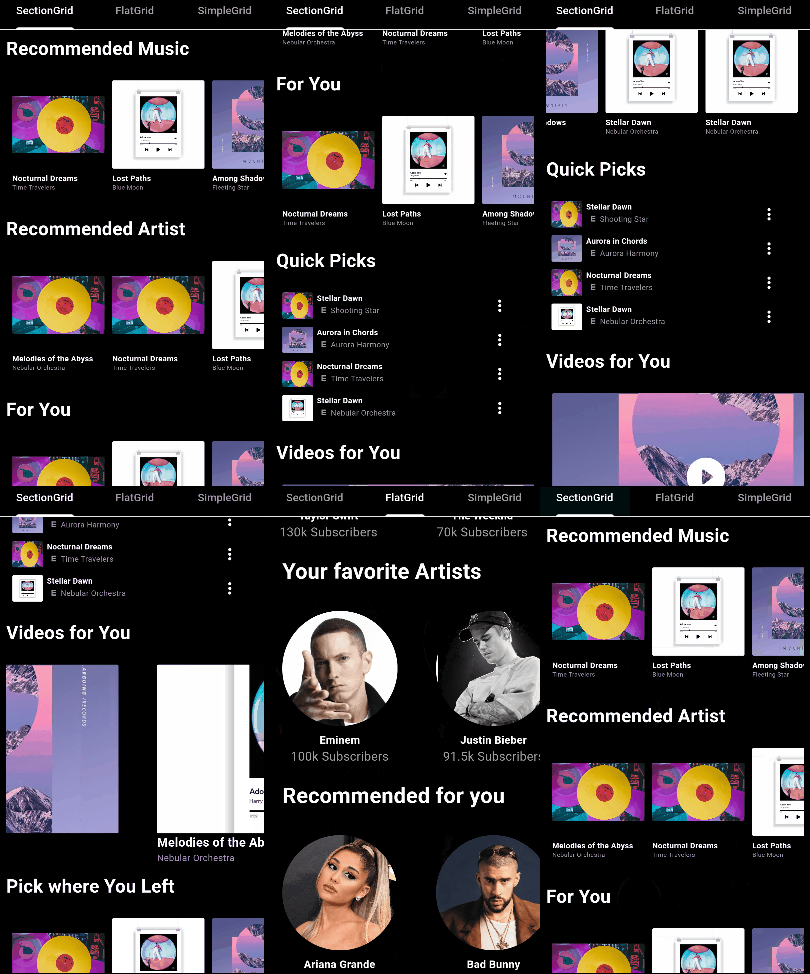
Add the following to your pubspec.yaml file:
dependencies:
  flutter_super_grid: ^1.0.9
Then, run:
$ flutter pub get
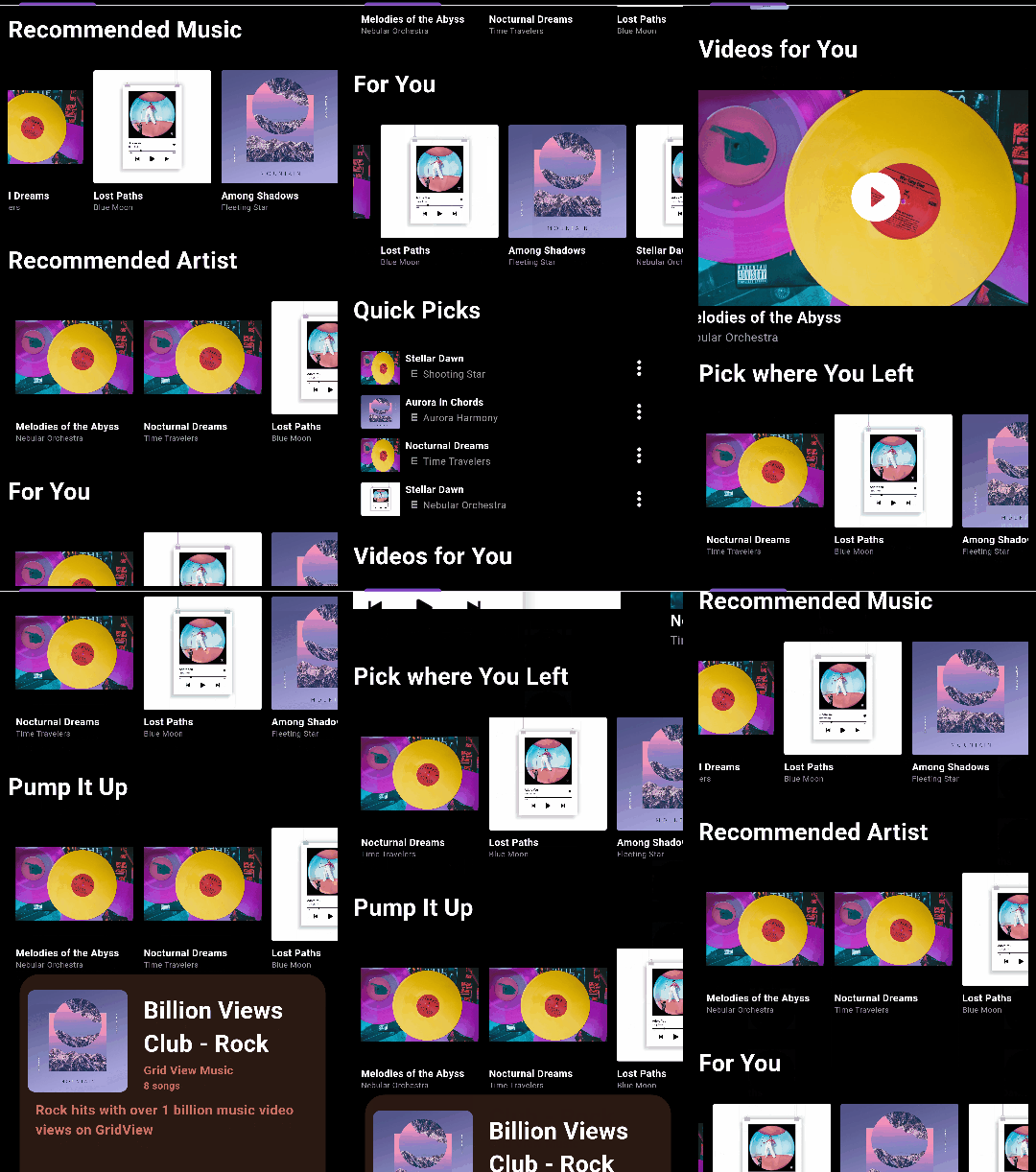
import 'package:flutter_super_grid/flutter_super_grid.dart';

SectionGridView(
  sections: yourSectionsList,
  renderItem: (itemData) {
    // Customize how each item is rendered
    return YourCustomItemWidget(itemData);
  },
  itemsPerRow: 3,
  // ... (See Configuration Table below)
)

import 'package:flutter_super_grid/flutter_super_grid.dart';

FlatGridView(
  data: yourDataList,
  renderItem: (itemData) {
    // Customize how each item is rendered
    return YourCustomItemWidget(itemData);
  },
  itemsPerRow: 3,
  // ... (See Configuration Table below)
)

import 'package:flutter_super_grid/flutter_super_grid.dart';

SimpleGridView(
  data: yourDataList,
  renderItem: (itemData) {
    // Customize how each item is rendered
    return YourCustomItemWidget(itemData);
  },
  // ... (See Configuration Table below)
)
| Configuration | Type | Default Value | Description |
|---|---|---|---|
data |
List | - | The data to display in the grid (SimpleGridView and FlatGridView). |
sections |
List | - | The sections to display in the grid (SectionGridView only). |
renderItem |
Function | - | Function that renders each item in the grid. |
onNewItemAdded |
Function or null | null | Callback when a new item is added (SectionGridView and FlatGridView). |
onPressed |
Function or null | null | Callback when an item is pressed (SectionGridView and FlatGridView). |
itemsPerRow |
int | 0 | Number of items per row or column (applies when isFixed is false). |
itemSize |
double | 120.0 | The size of items in the main axis. |
minItemDimension |
double | 120.0 | Minimum dimension (width or height) of each grid item (applies when isFixed is false). |
verticalSpacing |
double | 10 | Vertical spacing between items. |
horizontalSpacing |
double | 10 | Horizontal spacing between items. |
isFixed |
bool | false | Whether the grid item size is fixed. |
horizontal |
bool | false | Whether the grid view is horizontal. |
invertedRow |
bool | false | Whether to invert the row. |
adjustGridToStyles |
bool | false | Whether to adjust the grid to styles. |
style |
SectionGridViewStyle | - | Style configuration for the grid view. |
itemContainerStyle |
ContainerStyle | ContainerStyle() | Style for the container of each item (FlatGridView only) (applies when isFixed is false). |
footerWidget |
Widget | SizedBox | Widget to be displayed as a footer (SectionGridView and FlatGridView). |
gridViewHeight |
double | 300 | Height of the gridview. |
gridViewWidth |
double | double.infinity | Width of the gridview. |
containerWidth |
double | double.infinity | Width of the main container (applies when it's greater than gridViewWidth). |
containerHeight |
double | 300 | Height of the main container (applies when it's greater than gridViewHeight). |
physics |
ScrollPhysics or null | null | The physics of the scroll view. |
For detailed documentation, see API Documentation.
This project is licensed under the MIT License - see the LICENSE.md file for details.
Feel free to contribute to this project.
If you find a bug or want a feature, but don't know how to fix/implement it, please fill an issue.
If you fixed a bug or implemented a feature, please send a pull request.
依賴清單 4 項
{"sdk":"flutter"}{"sdk":"flutter"}^2.0.0^2.1.1先依使用情境篩選,再比較專案活躍情況,最後到原始儲存庫確認使用要求。
“A repository is the most basic element of GitHub.”
GitHub Docs — About repositories ↗